Rhagymadrodd
This manual provides essential information for the safe and efficient operation of your Blaupunkt 32HCE4000S LED TV. Please read these instructions thoroughly before use and retain them for future reference.
Gwybodaeth Diogelwch
Cyfarwyddiadau Diogelwch Pwysig:
- Peidiwch â gwneud y teledu yn agored i law neu leithder.
- Peidiwch â rhwystro agoriadau awyru.
- Sicrhau sylfaen gywir.
- Tynnwch y plwg yn ystod stormydd mellt neu pan na chaiff ei ddefnyddio am gyfnodau hir.
- Cyfeirio pob gwasanaeth i bersonél gwasanaeth cymwys.
Gosod
1. Dadbacio'r teledu
Carefully remove the TV from its packaging. Ensure all components are present: TV unit, remote control, power cable, and stand components.
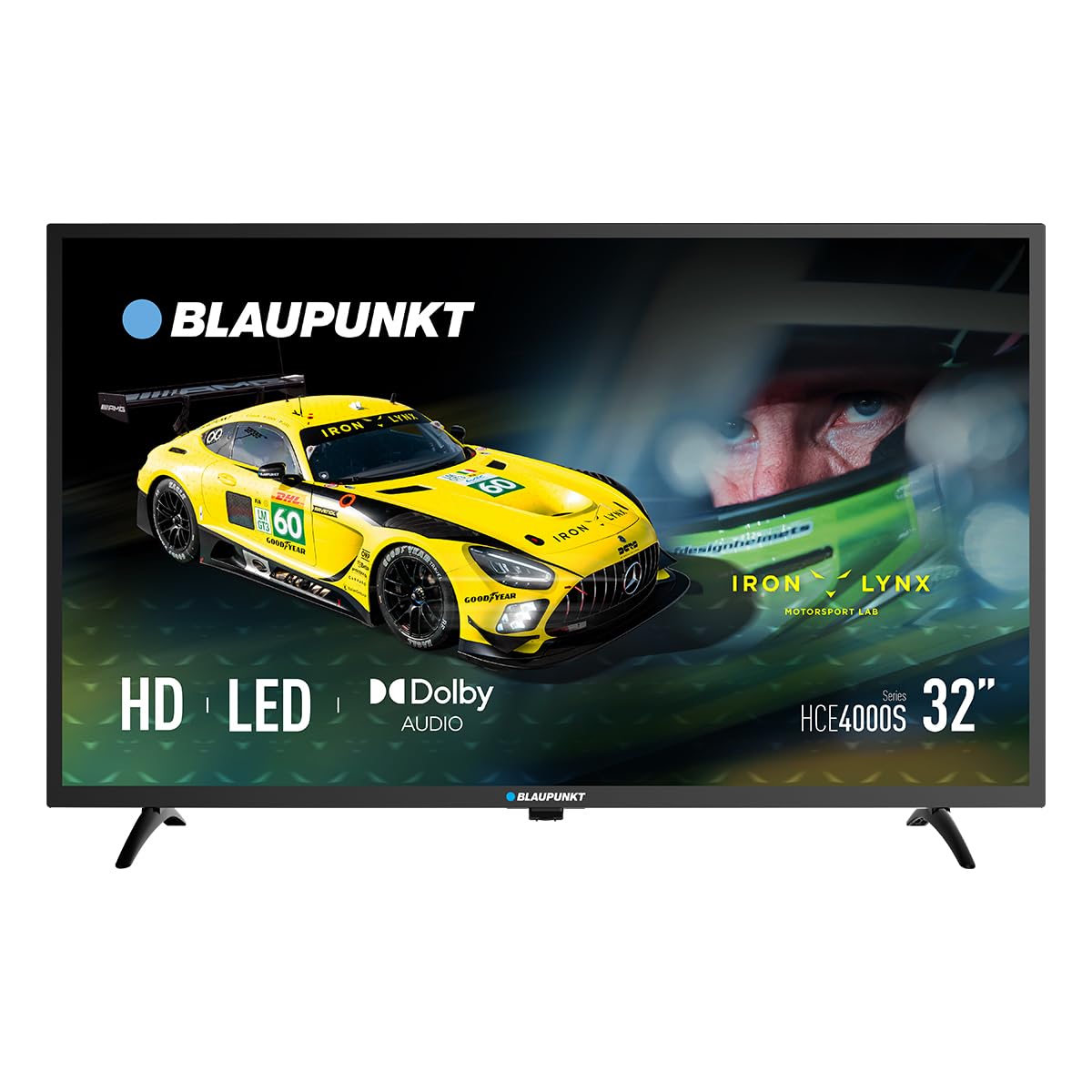
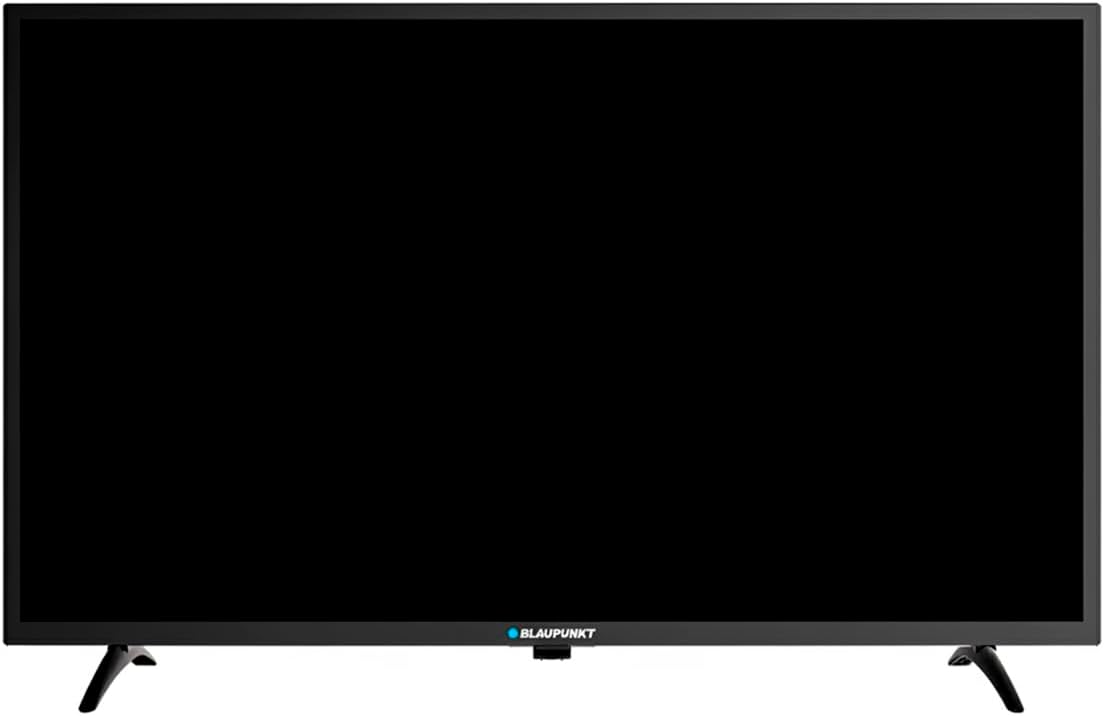
Delwedd: Blaen view of the Blaupunkt 32HCE4000S LED TV with its stand.
2. Cysylltu'r Stand
Place the TV screen-down on a soft, flat surface. Align the stand components with the mounting holes on the bottom of the TV. Secure with the provided screws. Ensure the stand is firmly attached before placing the TV upright.
Delwedd: Cefn view of the Blaupunkt 32HCE4000S LED TV, highlighting the VESA mounting points and various input/output ports.
Alternatively, for wall mounting, use a VESA-compatible wall mount (not included) and follow the mount's instructions. The TV supports VESA mounting.
3. Cysylltu Dyfeisiau Allanol
The TV features multiple connectivity options:
- Porthladdoedd HDMI: Cysylltwch chwaraewyr Blu-ray, consolau gemau, neu ddyfeisiau eraill sy'n galluogi HDMI.
- Porth USB: Ar gyfer chwarae cyfryngau o ddyfeisiau storio USB.
- DVB-T2 / DVB-S2 Tuners: For terrestrial and satellite digital television reception.
- YPbPr Input: For older analog video devices.
- SPDIF Optical Output: Ar gyfer allbwn sain digidol i fariau sain neu systemau theatr gartref.
- Slot CI: Ar gyfer modiwlau mynediad amodol (CAM) ar gyfer sianeli wedi'u hamgryptio.

Delwedd: Ochr view of the Blaupunkt 32HCE4000S LED TV, illustrating the accessible side ports.

Delwedd: Ochr arall view of the Blaupunkt 32HCE4000S LED TV, showing additional side ports for connectivity.
4. Cysylltiad Pwer
Connect the power cable to the TV and then to a suitable power outlet (220 Volts). The TV consumes 33 watts during operation.
Cyfarwyddiadau Gweithredu
1. Rheolaeth Anghysbell Drosview
The remote control allows full functionality of your TV. Insert two AAA batteries (not included) into the remote control, observing polarity.

Image: Blaupunkt TV remote control, displaying buttons for power, navigation, volume, channel selection, and media playback functions.
Key functions include power on/off, channel selection, volume control, source input selection, and menu navigation.
2. Gosod Cychwynnol a Sgan Sianel
Upon first power-on, the TV will guide you through an initial setup process. This includes language selection, country, and channel scanning for DVB-T2 (terrestrial) and DVB-S2 (satellite) signals. Follow the on-screen prompts.
3. Media Playback via USB
Insert a USB storage device into the USB port. The TV's media player will typically launch automatically or can be accessed via the 'Source' menu. Navigate to your desired media files (photos, music, videos) and select to play.
4. Electronic Program Guide (EPG)
Press the 'EPG' button on your remote control to access the Electronic Program Guide. This displays program schedules for digital channels, allowing you to view upcoming shows and set reminders.
5. Nodweddion Sain
The TV supports Dolby Audio, providing clear and sufficient sound for various content. Adjust volume using the 'VOL +/-' buttons on the remote.

Image: The TV screen shows the Dolby Audio logo, indicating enhanced sound quality, while a family enjoys watching content.
Cynnal a chadw
Glanhau'r teledu:
- Datgysylltwch y teledu bob amser cyn glanhau.
- Defnyddiwch frethyn meddal, sych i sychu'r sgrin a'r cabinet.
- Do not use liquid cleaners or aerosol sprays directly on the TV.
Storio:
- If storing the TV for an extended period, ensure it is in a cool, dry place, protected from dust and extreme temperatures.
Datrys problemau
| Problem | Achos Posibl | Ateb |
|---|---|---|
| Dim pŵer | Power cable disconnected; power outlet faulty | Gwiriwch gysylltiad y cebl pŵer; rhowch gynnig ar soced gwahanol. |
| Dim llun, ond mae sain yn bresennol | Ffynhonnell fewnbwn anghywir wedi'i dewis; problem gyda dyfais allanol | Press 'Source' button on remote to select correct input; check external device connections. |
| Dim sain, ond mae llun yn bresennol | Sain wedi'i mudo neu'n rhy isel; problem gyda'r system sain allanol | Dadfud neu gynyddu'r gyfrol; gwiriwch y cysylltiadau sain allanol os yw'n berthnasol. |
| Rheolaeth bell ddim yn gweithio | Batteries depleted or incorrectly inserted; obstruction between remote and TV | Amnewidiwch y batris; gwnewch yn siŵr bod llinell olwg glir i synhwyrydd IR y teledu. |
Manylebau
- Brand: Blaupunkt
- Model: 32HCE4000S
- Maint y sgrin: 32 modfedd
- Technoleg Arddangos: LED
- Penderfyniad: HD/Full HD (1366x768 / 1920x1080 pixels) - Note: Product data contains conflicting resolution information (1080p, 800x480, and 1366x768 on energy label). We refer to the product title's 'HD/Full HD' claim.
- Cymhareb Agwedd: 16:9
- Cyfradd Adnewyddu: 60 Hz
- Sain: Sain Dolby, Sain Amgylchynol Sianel 2.0
- Cysylltedd: HDMI, USB, YPbPr, SPDIF Optical, CI Slot
- Tuners: DVB-T2 / DVB-S2
- Defnydd pŵer: 33 Watts (Operating) / 26 kWh/1000h (Energy Label)
- Cyftage: 220 folt
- Cydnawsedd Mowntio: Wall mount, Table stand (VESA compatible)
- Dimensiynau Cynnyrch: 1 x 1 x 1 cm (bras, yn ôl data'r cynnyrch)
- Pwysau Cynnyrch: 88.2kg (Note: This weight appears unusually high for a 32-inch TV and may be an error in the source data.)
- Blwyddyn Model: 2024

Image: Energy efficiency label for the Blaupunkt 32HCE4000S TV, indicating an energy class F rating and 26 kWh/1000h energy consumption. A QR code is also visible for more information.
For more detailed energy information, scan the QR code or visit: https://eprel.ec.europa.eu/qr/238597900
Gwarant a Chefnogaeth
Your Blaupunkt 32HCE4000S TV comes with a standard manufacturer's warranty. Please refer to the warranty card included in your packaging for specific terms and conditions.
For technical support, service, or inquiries, please contact Blaupunkt customer service. Contact details can typically be found on the manufacturer's official websafle neu yn y ddogfennaeth warant.
The product includes a user manual. Software updates are guaranteed until an unknown date, as per product information.