Rhagymadrodd
This manual provides essential information for setting up, operating, maintaining, and troubleshooting your Truely M16 Pro Mini 3G Smartphone. Please read this guide thoroughly to ensure proper use and to maximize the performance of your device.
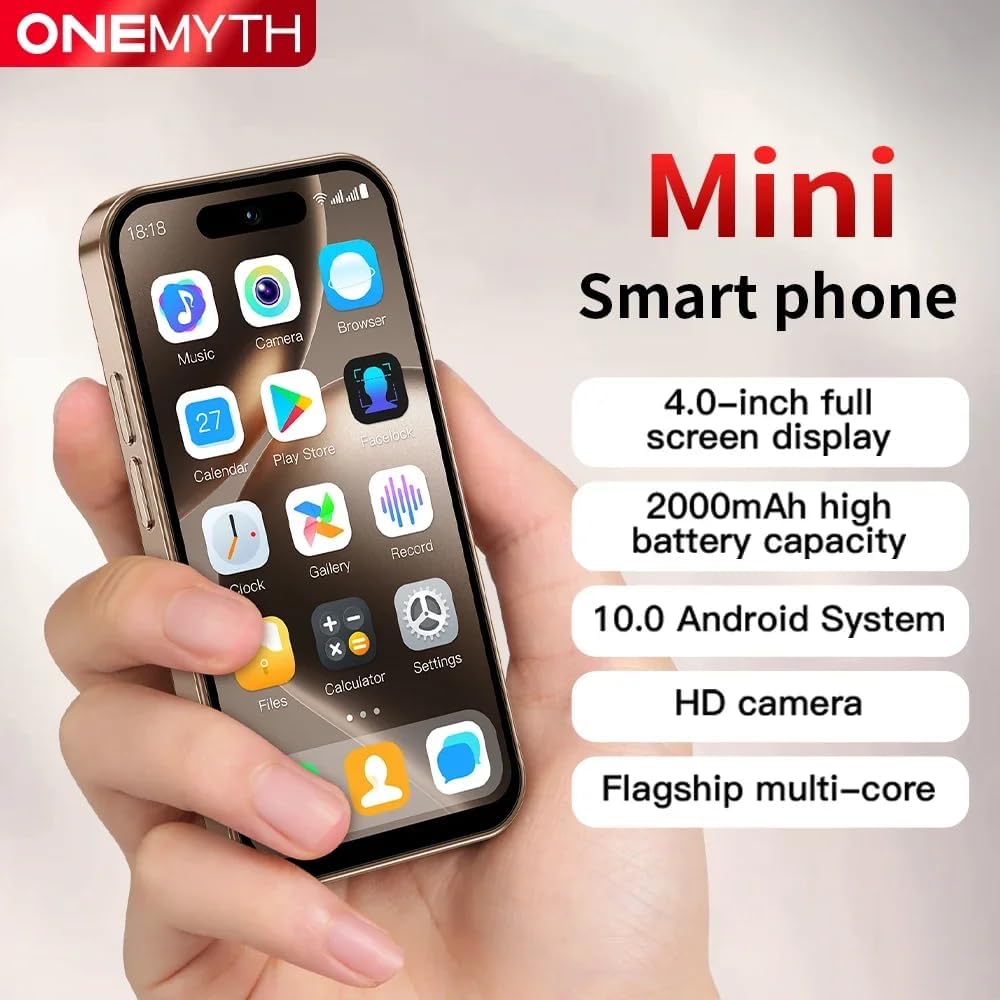
The Truely M16 Pro Mini Smartphone, designed for portability and essential functions.
Gosod
1. Dadbocsio a Chynnwys y Pecyn
Cyn dechrau, gwnewch yn siŵr bod yr holl eitemau yn bresennol yn y pecyn:
- Truely M16 Pro Mini Smartphone
- Cebl Codi Tâl USB Math-C
- Llawlyfr Defnyddiwr (y ddogfen hon)
- Achos Ffôn
- Amddiffynnydd Sgrin Ffôn
- Ejector Hambwrdd SIM
2. SIM Card and External Memory Card Installation
The Truely M16 Pro supports dual SIM cards and an external memory card for expanded storage.
- Lleolwch y hambwrdd cerdyn SIM ar ochr y ffôn.
- Mewnosodwch yr offeryn alldaflu hambwrdd SIM i'r twll bach wrth ymyl yr hambwrdd a gwasgwch yn ysgafn nes bod yr hambwrdd yn popio allan.
- Carefully place your Nano SIM card(s) and/or Micro SD card into the designated slots on the tray. Refer to the diagram below for correct orientation.
- Gwthiwch yr hambwrdd yn ôl i'r ffôn yn ysgafn nes iddo clicio i'w le.

Illustration of the dual SIM and Micro SD card tray for the M16 Pro.
3. Troi ymlaen yn gychwynnol a gosod sylfaenol
- Press and hold the power button (usually on the right side) until the Truely logo appears.
- Dilynwch yr awgrymiadau ar y sgrin i ddewis eich iaith, cysylltu â rhwydwaith Wi-Fi, a sefydlu eich cyfrif Google.
- You will be guided through setting up security features like pattern, PIN, or password unlock.
Gweithredu Eich Ffôn Clyfar
1. Mordwyo ac Arddangos
The M16 Pro features a 4.0-inch HD display. Navigate by tapping, swiping, and pinching. The Android 10.0 operating system provides an intuitive user interface.

The 4.0-inch HD display offers clear visuals for daily use.
2. Gwneud Galwadau ac Anfon Negeseuon
- Galwadau: Tap the Phone icon, enter the number, and tap the call button. For dual SIM, you may be prompted to choose which SIM to use.
- Negeseuon: Tap the Messages icon, start a new conversation, enter the recipient's number or select from contacts, and type your message.
3. Swyddogaethau'r Camera
The phone is equipped with a 5MP rear camera and a 2MP front camera. Open the Camera app to take photos or record videos.
- Tap to focus on a subject.
- Use the flash in low-light conditions (rear camera only).
- Newidiwch rhwng camerâu blaen a chefn gan ddefnyddio'r eicon ar y sgrin.
This video demonstrates the compact size, camera functionality, and media playback capabilities of the Truely M16 Pro Mini Smartphone.
4. Cysylltedd
- Rhwydwaith 3G: The phone supports WCDMA (B1/B2/B4/B5/B8) and GSM (850/900/1800/1900) bands for cellular data and calls.
- Bluetooth: Connect to Bluetooth devices like headphones or speakers via the Settings menu.
- Wi-Fi: Cysylltu â rhwydweithiau diwifr i gael mynediad i'r rhyngrwyd.
5. Nodweddion Diogelwch
Protect your device and data using various unlock methods:
- Datgloi Patrwm: Draw a specific pattern on the screen.
- Datgloi wynebau: Use facial recognition for quick and secure access.
- Password/PIN Unlock: Enter a numerical PIN or alphanumeric password.

The M16 Pro offers facial recognition for enhanced security.
6. Rheoli Batri
The M16 Pro is equipped with a 2000mAh battery and supports Type-C fast charging.
- To charge, connect the USB Type-C cable to the phone's charging port and a compatible power adapter.
- To optimize battery life, adjust screen brightness, close unused apps, and enable power-saving modes in Settings.
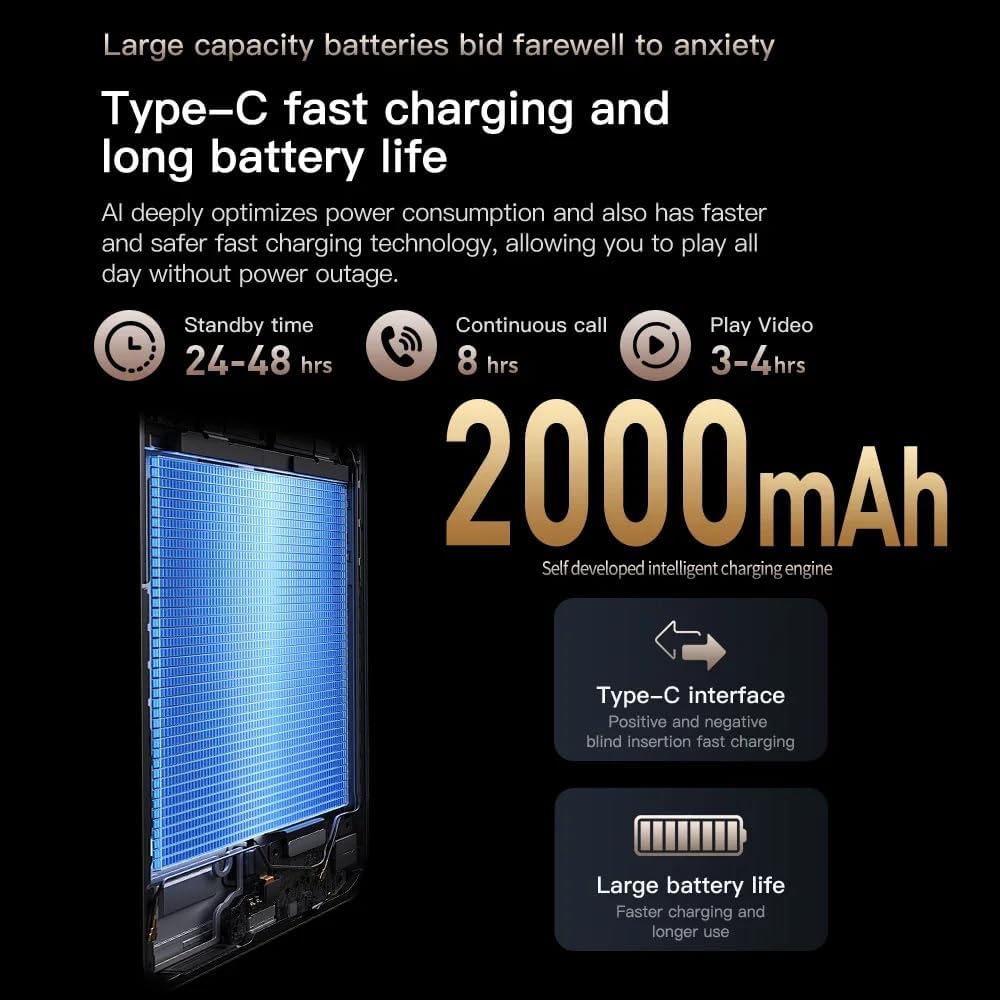
Details on the 2000mAh battery and Type-C fast charging capabilities.
7. Storio
The phone comes with 16GB of internal storage, expandable via a Micro SD card. Manage your storage through the Settings app to view defnydd a rhyddhau lle.
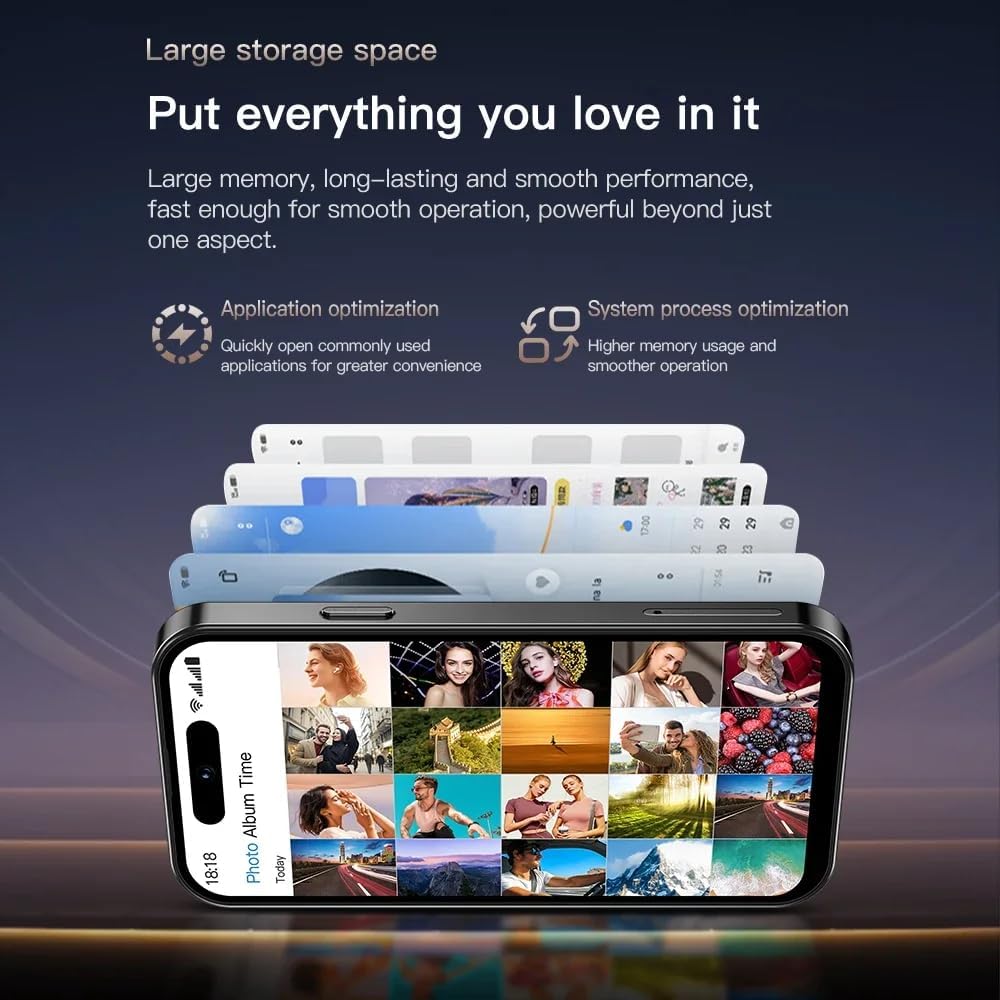
The M16 Pro offers ample storage for applications and media, expandable with a Micro SD card.
Cynnal a chadw
- Glanhau: Defnyddiwch frethyn meddal, di-flwff i lanhau'r sgrin a'r corff. Osgowch gemegau llym.
- Diweddariadau Meddalwedd: Chwiliwch am ddiweddariadau system a'u gosod yn rheolaidd i sicrhau'r perfformiad a'r diogelwch gorau posibl. Ewch i Gosodiadau > System > Diweddariad system.
- Gofal Batri: Osgowch dymheredd eithafol. Peidiwch â gadael i'r batri ddraenio'n llwyr yn aml.
- Diogelu: Use the provided phone case and screen protector to prevent physical damage.
Datrys problemau
| Problem | Ateb |
|---|---|
| Nid yw'r ffôn yn troi ymlaen | Gwnewch yn siŵr bod y batri wedi'i wefru. Cysylltwch â gwefrydd am o leiaf 30 munud, yna ceisiwch droi ymlaen eto. |
| Methu cysylltu â Wi-Fi | Check if Wi-Fi is enabled in Settings. Restart your router and phone. Forget the network and reconnect. |
| Ansawdd galwad gwael | Check your network signal strength. Move to an area with better reception. Ensure SIM card is properly inserted. |
| Mae apiau'n chwalu neu'n rhewi | Caewch ac ailagorwch yr ap. Cliriwch storfa'r ap (Gosodiadau > Apiau > [Enw'r Ap] > Storio > Clirio'r storfa). Ailgychwyn y ffôn. |
| Mae'r batri yn draenio'n gyflym | Reduce screen brightness, disable unused features (Bluetooth, GPS), close background apps, and check battery usage in Settings. |
Manylebau
| Nodwedd | Manylyn |
|---|---|
| Enw Model | M16 Pro |
| System Weithredu | Android 10.0 |
| Maint Sgrin | 4.0 modfedd |
| HWRDD | 2 GB |
| Storio Mewnol | 16 GB |
| Storfa Ehangadwy | Yes (Micro SD) |
| Technoleg Cellog | 3G (WCDMA B1/B2/B4/B5/B8, GSM 850/900/1800/1900) |
| SIM deuol | Oes |
| Camera Cefn | 5 AS |
| Camera blaen | 2 AS |
| Gallu Batri | 2000 mAh |
| Porthladd Codi Tâl | USB Math-C |
| Cysylltedd | Bluetooth, WiFi |
| Nodweddion Arbennig | Dual SIM, External Memory Card Support, Face Unlock |
Gwarant a Chefnogaeth
Your Truely M16 Pro Mini 3G Smartphone comes with a standard manufacturer's warranty. Please refer to the warranty card included in your package for specific terms and conditions. For technical support or service inquiries, please contact Truely customer service through the contact information provided on the product packaging or official websafle.


