1. Rhagymadrodd
This user manual provides essential information for the safe and efficient operation of your TCL 50T6C 50-inch QLED 4K HDR Fire TV. Please read this manual thoroughly before using your television and retain it for future reference.
2. Gwybodaeth Diogelwch
Always follow basic safety precautions when using this product to reduce the risk of fire, electric shock, and injury. Keep the television away from moisture, direct sunlight, and heat sources. Ensure proper ventilation and do not block ventilation openings. Use only attachments/accessories specified by the manufacturer. Disconnect the power cord during lightning storms or when unused for long periods.
3. Beth sydd yn y Bocs
Gwiriwch fod yr holl gydrannau yn bresennol:
- Cebl Pŵer
- Rheolaeth Anghysbell
- Sefwch
- Llawlyfr Defnyddiwr (y ddogfen hon)
4. Cynnyrch Drosview a Dimensiynau
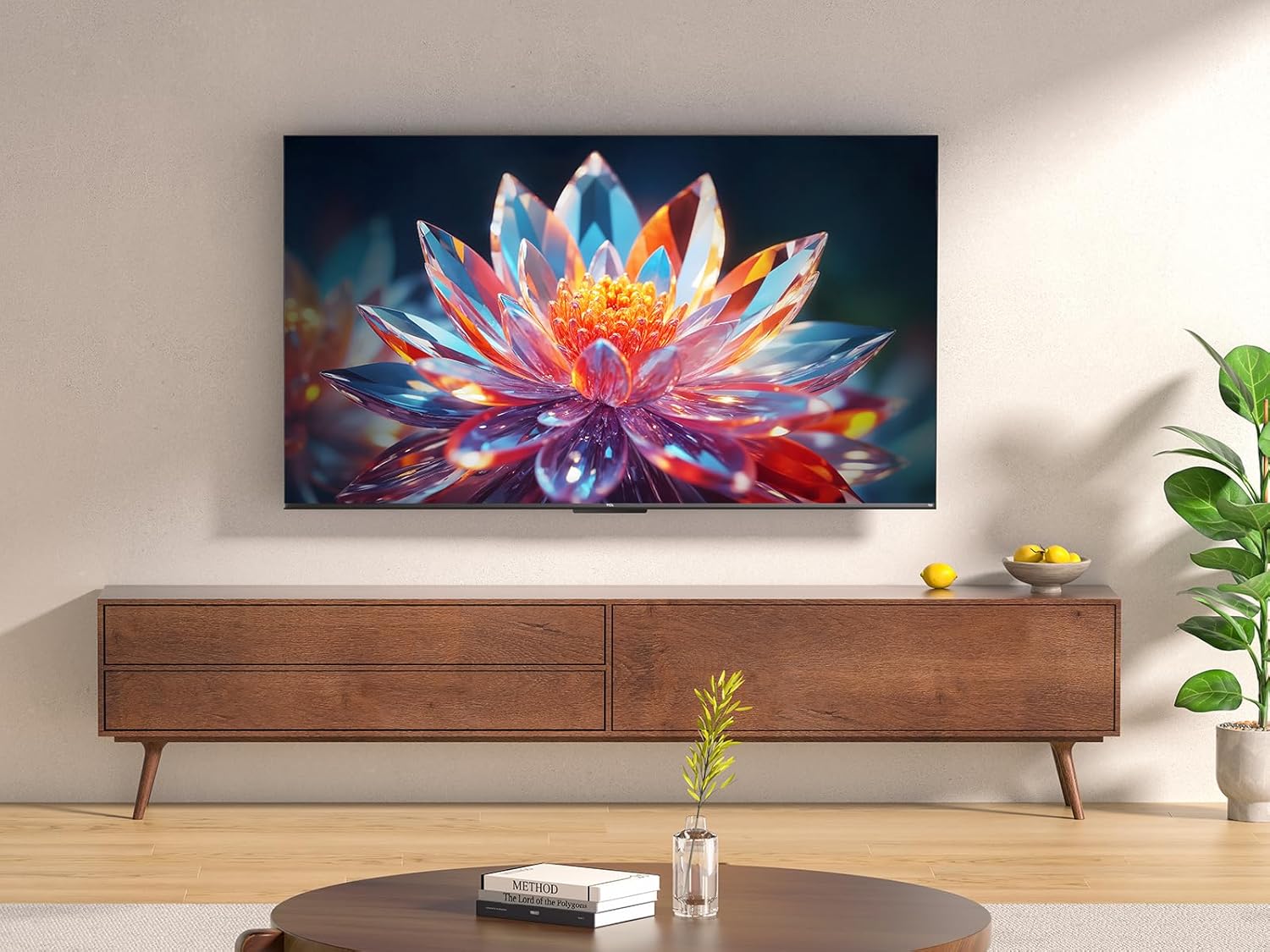
The TCL 50T6C is a 50-inch QLED 4K HDR Fire TV designed for an immersive viewing experience. Below are the key dimensions of the television.

5. Gosod
5.1 Gosod Stondin
I osod y stondin deledu:
- Rhowch y teledu wyneb i lawr yn ofalus ar arwyneb meddal, gwastad i atal y sgrin rhag cael ei difrodi.
- Aliniwch goesau'r stondin â'r slotiau cyfatebol ar waelod y teledu.
- Sicrhewch goesau'r stondin gan ddefnyddio'r sgriwiau a ddarperir. Gwnewch yn siŵr eu bod wedi'u tynhau'n gadarn.
5.2 Mowntio Wal
For wall mounting, use a VESA-compatible mount (200x200mm for this model). Consult a professional for wall mounting to ensure safety and proper installation. Refer to the wall mount's instructions for specific details.
5.3 Cysylltu Dyfeisiau
Your TCL 50T6C TV offers various connectivity options:
- HDMI: Connect up to three HDMI devices (e.g., Blu-ray player, game console, soundbar) for high-definition audio and video.
- USB: Connect a USB drive for media playback.
- Cebl/Lloeren: Connect your antenna or satellite cable for broadcast TV.
- Ethernet: Cysylltwch gebl Ethernet ar gyfer cysylltiad rhyngrwyd â gwifrau.
- Wi-Fi: Connect wirelessly to your home network.
- Bluetooth: Connect compatible Bluetooth devices such as headphones or speakers.
5.4 Troi Ymlaen a Gosod Cychwynnol
- Cysylltwch y cebl pŵer â'r teledu ac allfa bŵer.
- Press the power button on the TV or remote control to turn it on.
- Follow the on-screen instructions to complete the initial Fire TV setup, including network connection, language selection, and Amazon account login.
6. Gweithredu Eich Teledu
6.1 Rheoli o Bell
The included remote control provides full functionality for navigating your Fire TV and controlling your television.

6.2 Rhyngwyneb Teledu Tân
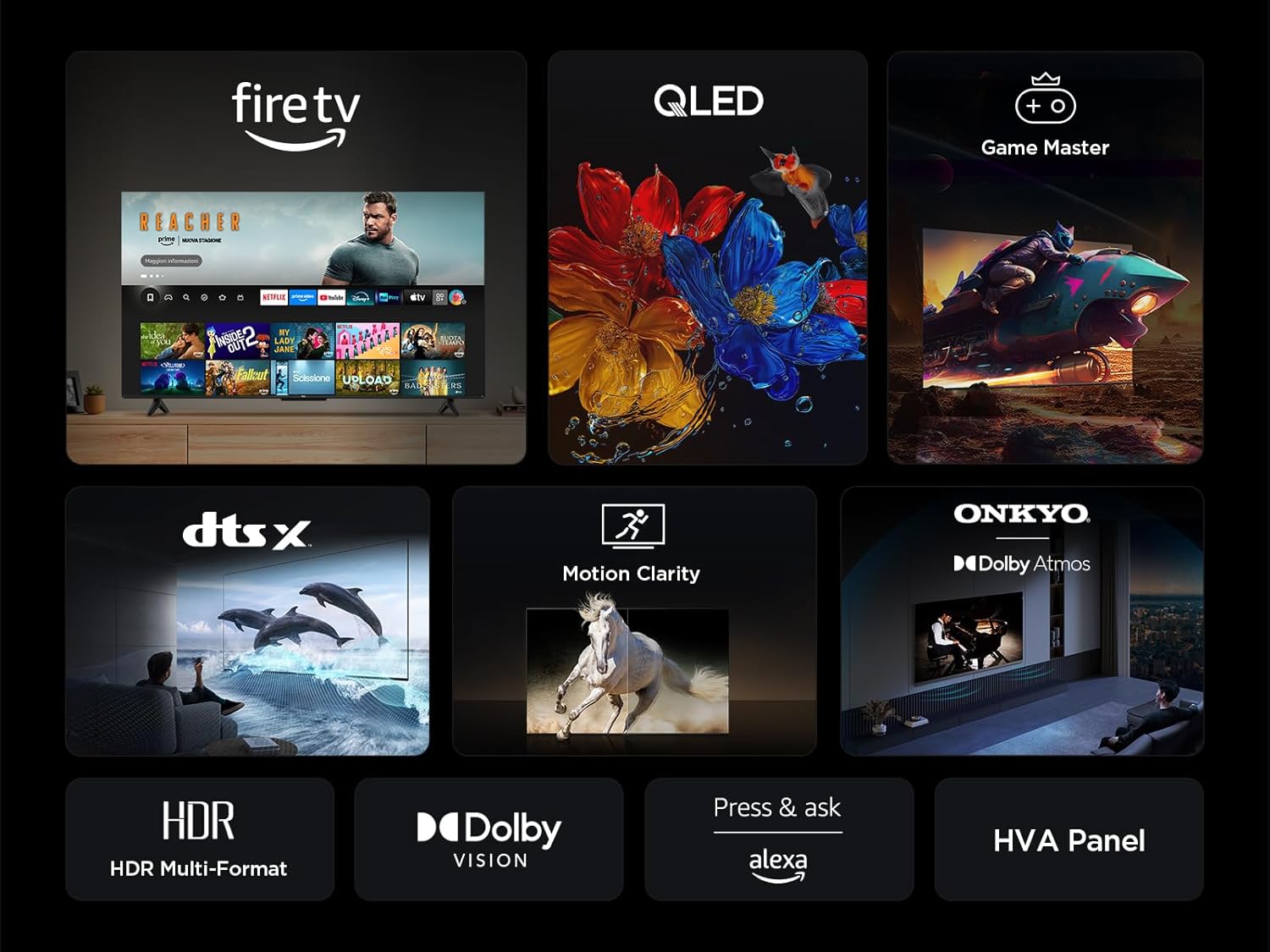
Your TV features an integrated Fire TV experience, providing access to a wide range of streaming content, live TV, and apps from a single home screen.

6.3 QLED Display Technology
Experience vibrant and accurate colors with QLED technology. This TV utilizes Quantum Dot technology to produce over a billion shades of color, offering a realistic and wide color gamut with striking contrast.

6.4 HDR Multi-Format Support
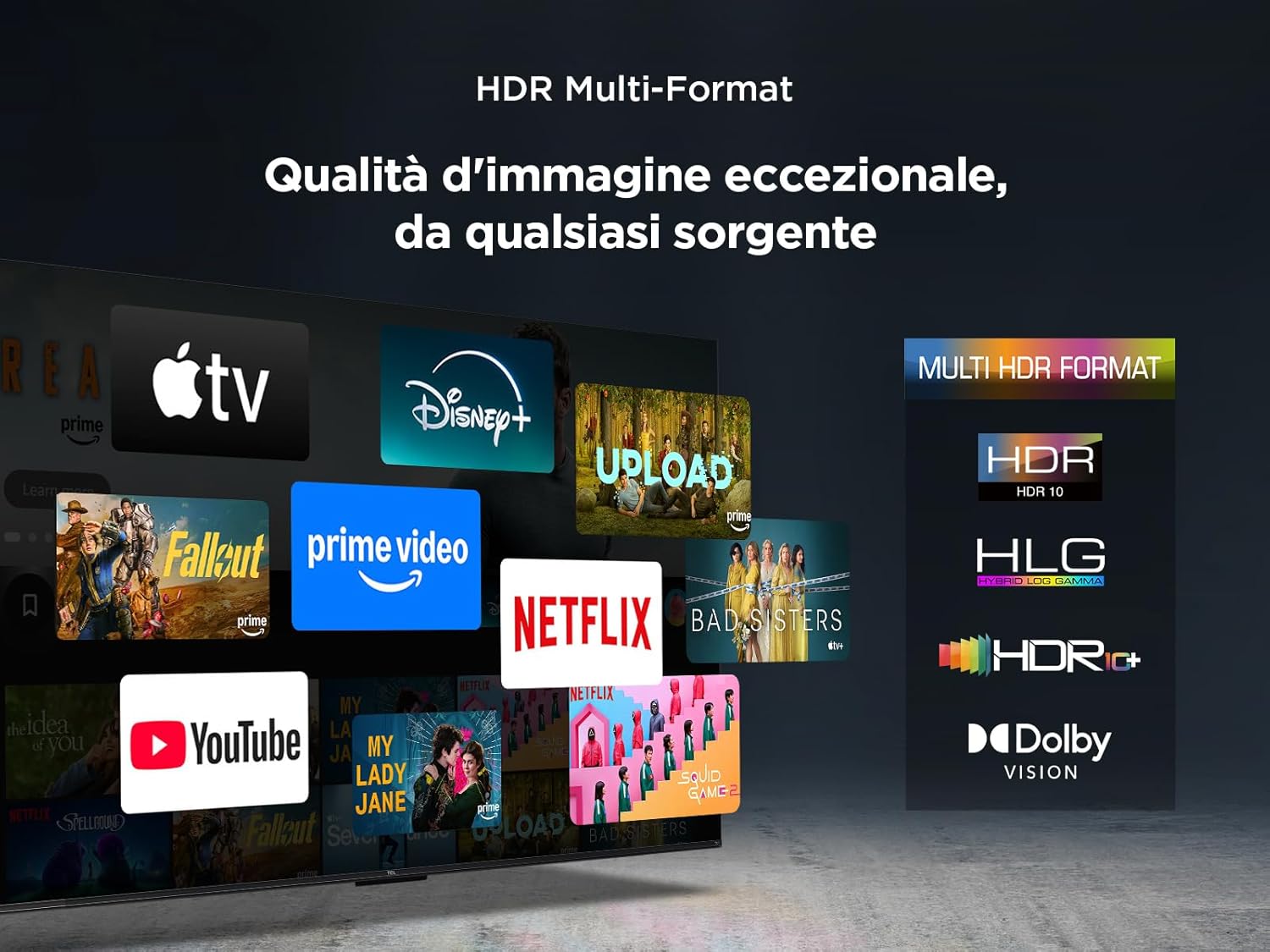
The TV supports multiple HDR formats, including HDR10, HLG, HDR10+, and Dolby Vision, ensuring exceptional image quality from various sources. This allows you to view content in the best possible format.
6.5 Audio Features (Dolby Atmos & DTS:X)
Immerse yourself in a captivating audio experience with Dolby Atmos and DTS:X technologies. These features provide rich, clear, and powerful sound, enhancing your viewing pleser.

6.6 Motion Clarity
Motion Clarity (MEMC) technology ensures smooth and harmonious images, reducing blur and judder in fast-moving scenes, ideal for sports and action films.

6.7 Nodweddion Hapchwarae
For gamers, the TCL 50T6C offers an optimized gaming experience with features like HDMI 2.1, ALLM (Auto Low Latency Mode), and VRR (Variable Refresh Rate) for smoother gameplay and reduced input lag.

6.8 Rheolaeth Llais Alexa
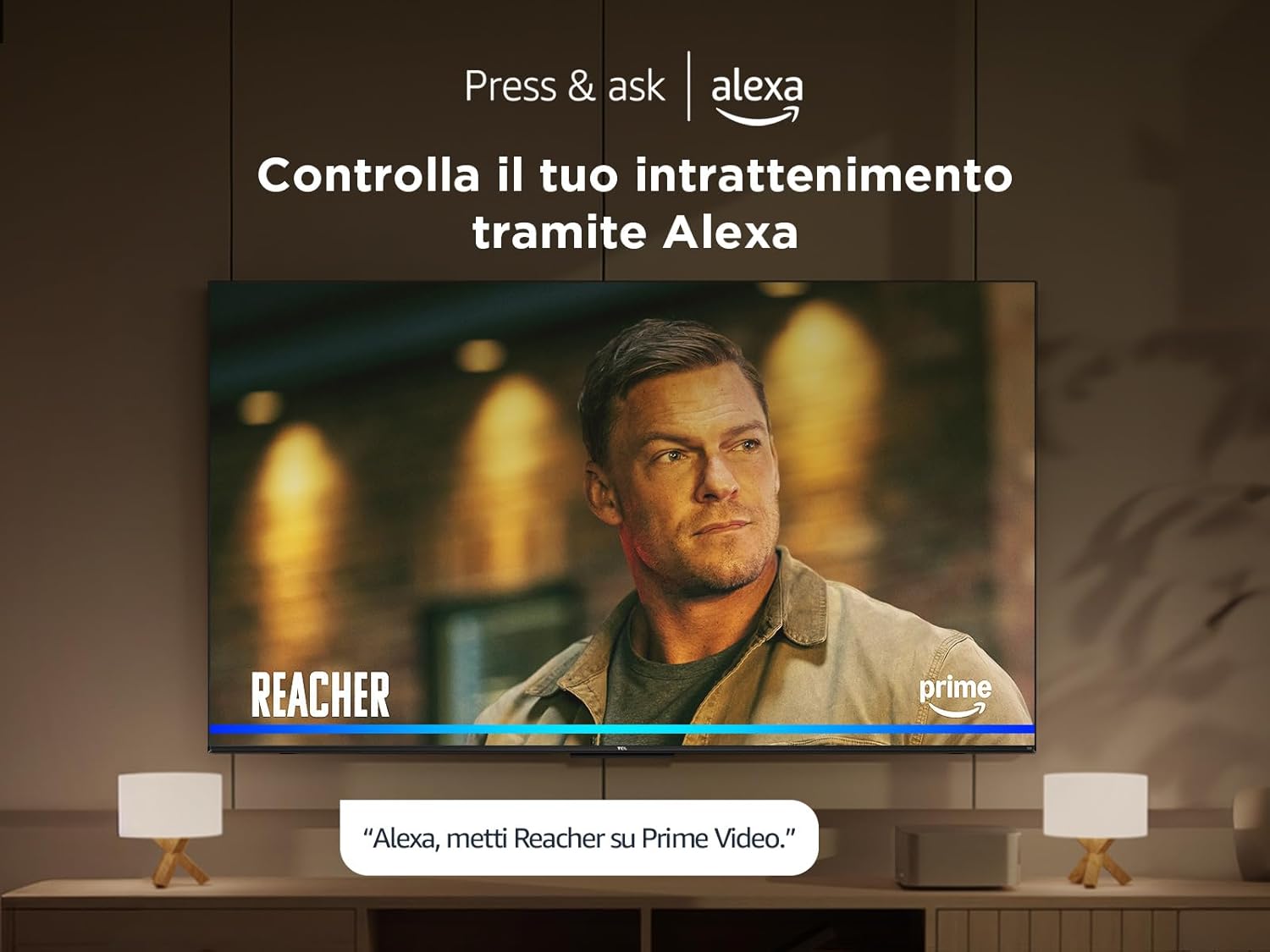
Control your TV and smart home devices using your voice with integrated Alexa. Simply press the microphone button on your remote and speak your command.
7. cynnal
To ensure the longevity and performance of your TV:
- Glanhau'r sgrin: Sychwch y sgrin yn ysgafn gyda lliain meddal, di-flwff. Ar gyfer marciau ystyfnig, defnyddiwch lanhawr sgrin sydd wedi'i gynllunio'n benodol ar gyfer setiau teledu, wedi'i roi ar y lliain, nid yn uniongyrchol ar y sgrin.
- Glanhau'r Ffrâm: Defnyddiwch frethyn meddal, sych i sychu ffrâm a stondin y teledu.
- Osgoi Cemegau llym: Do not use alcohol, benzene, thinners, or other volatile substances, as they may damage the TV.
- Awyru: Gwnewch yn siŵr nad yw'r agoriadau awyru ar gefn y teledu wedi'u blocio i atal gorboethi.
8. Datrys Problemau
If you encounter issues with your TV, try the following solutions:
- Dim pŵer: Check if the power cable is securely connected and the power outlet is working. Try a different outlet.
- Dim Llun/Sain: Gwnewch yn siŵr bod y ffynhonnell fewnbwn gywir wedi'i dewis. Gwiriwch yr holl gysylltiadau cebl (HDMI, antena).
- Ddim yn Gweithio o Bell: Amnewidiwch y batris. Gwnewch yn siŵr nad oes unrhyw rwystrau rhwng y teclyn rheoli o bell a'r teledu.
- Ansawdd Llun Gwael: Check antenna/cable connections. Adjust picture settings in the TV menu. For streaming content, check your internet connection speed.
- Problemau Cysylltiad Rhyngrwyd: Restart your router and modem. Reconnect to the Wi-Fi network or try a wired Ethernet connection.
If problems persist, consult the online support resources or contact customer service.
9. Manylebau Technegol
| Nodwedd | Manyleb |
|---|---|
| Gwneuthurwr | TCL |
| Rhif Model | 50T6C |
| Maint Sgrin | 50 modfedd |
| Technoleg Sgrin | QLED |
| Datrysiad | 4K |
| Cyfradd Adnewyddu | 60 Hz |
| Nodweddion Arbennig | 60 Hz VRR & MEMC, Dolby Audio, Fire OS Alexa, Quantum Dot |
| Technoleg Cysylltedd | Bluetooth, Ethernet, HDMI, USB, Wi-Fi |
| Cymhareb Agwedd | 16:9 |
| Dimensiynau Cynnyrch (WxDxH) | 111.1 x 25.7 x 68.4 cm |
| Pwysau | 10.6 kg |
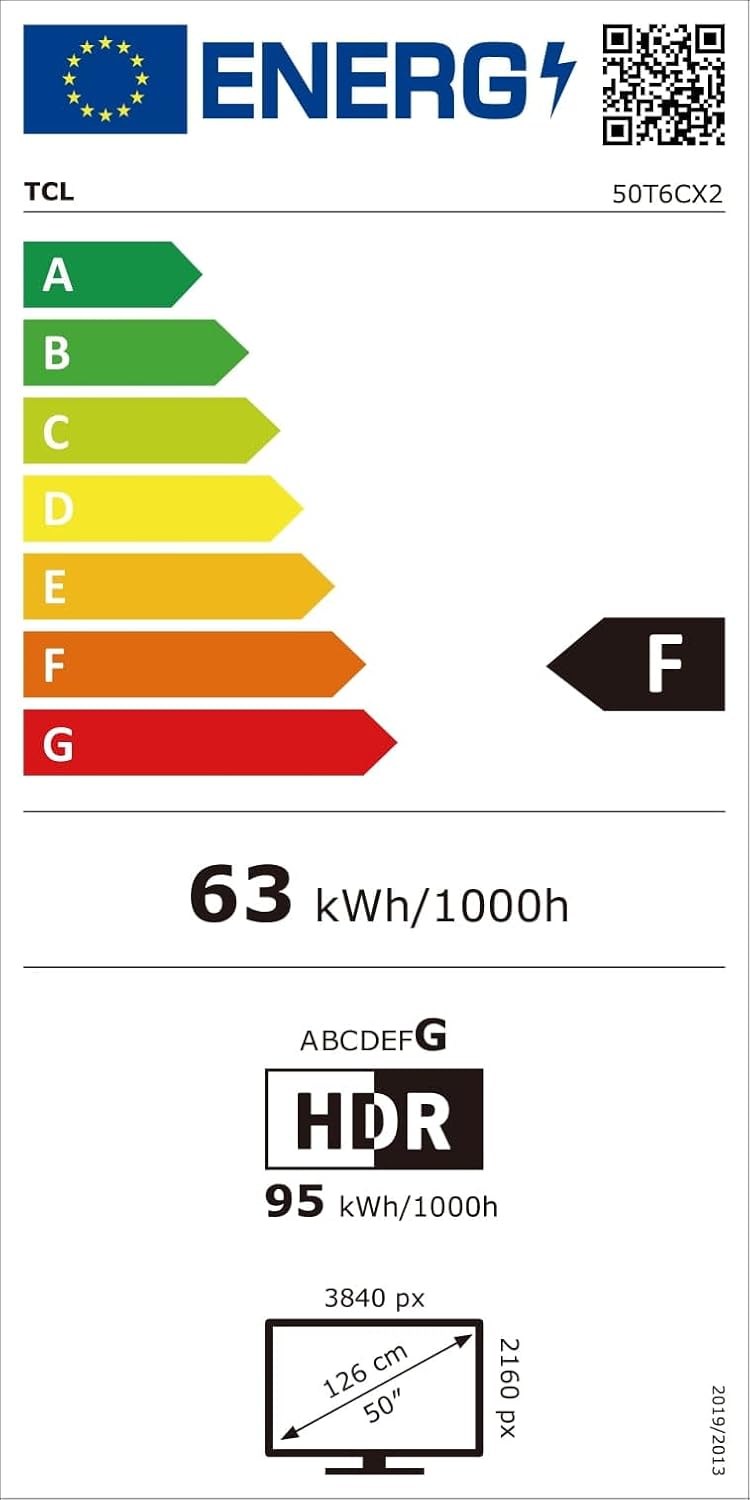
9.1 Effeithlonrwydd Ynni
10. Gwarant a Chefnogaeth
Am wybodaeth am warant a chymorth i gwsmeriaid, cyfeiriwch at y cerdyn gwarant sydd wedi'i gynnwys gyda'ch cynnyrch neu ewch i wefan gymorth swyddogol TCL websafle. Cadwch eich derbynneb prynu fel prawf o brynu.