1. Rhagymadrodd a Throsoddview
This manual provides essential information for setting up, operating, and maintaining your TCL 65C755 65-inch 4K Ultra HD Smart QD-Mini LED Google TV. Please read these instructions carefully before using your television.

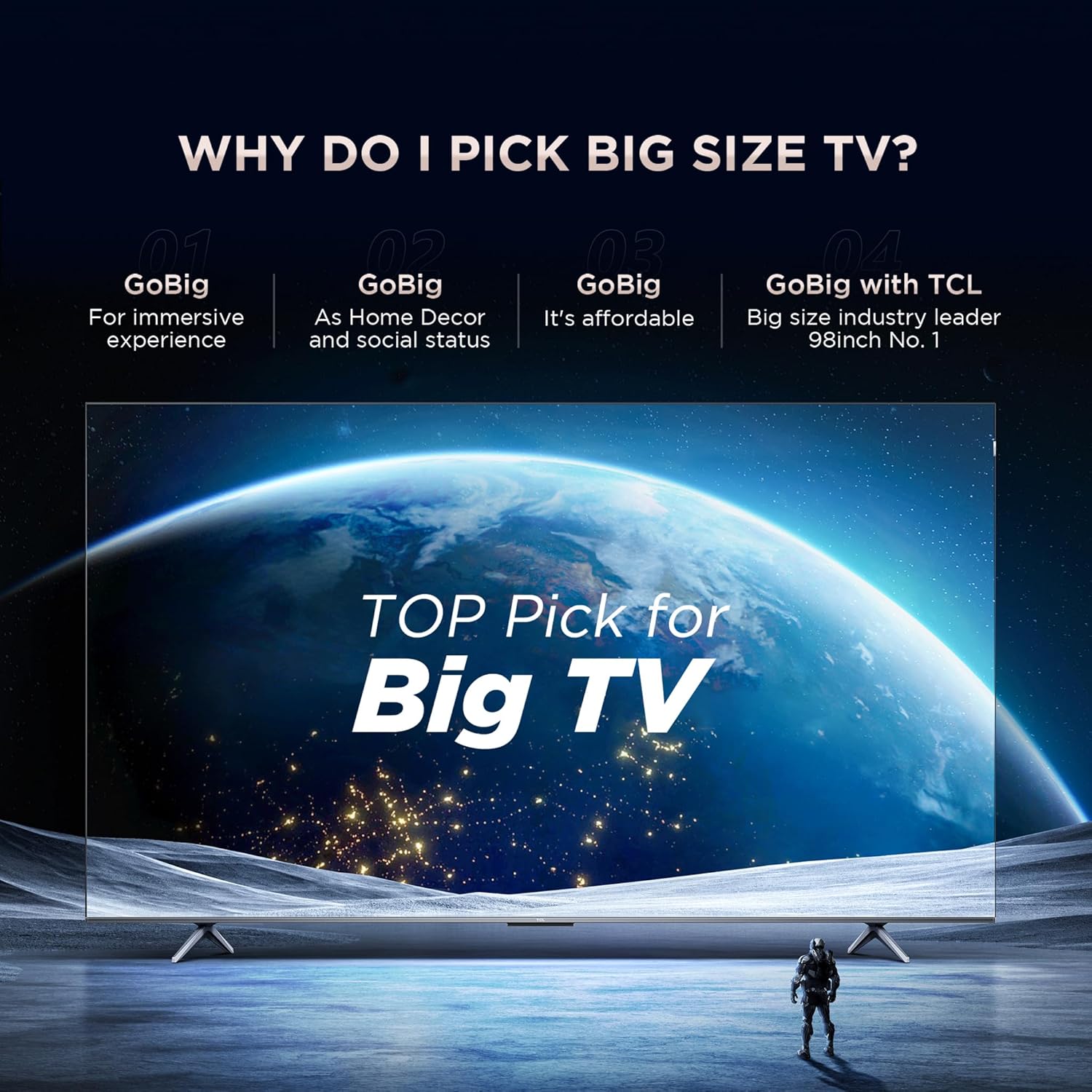
Image: The TCL 65C755 television showcasing its advanced display and gaming features.
2. Beth sydd yn y Bocs
Gwiriwch fod yr holl gydrannau yn bresennol yn y pecyn:
- Teledu LED 1N
- Cebl Sain 1N
- Stondin 1N
- Cord pŵer 1N
- 1N Rheolaeth Anghysbell
- Batris 2N AAA
3. Gosod
3.1 Gosod y Stand neu'r Mowntiad Wal
Carefully place the TV face down on a soft, flat surface. Attach the provided stand according to the diagrams in the separate quick start guide, ensuring all screws are securely fastened. Alternatively, if wall-mounting, follow the instructions provided with your wall-mount kit. Ensure proper ventilation around the TV.

Image: Rear panel of the television, indicating mounting options.
3.2 Cysylltiad Pwer
Connect the power cord to the TV's power input and then to a suitable electrical outlet. Do not power on the TV until all other connections are made.
4. Cysylltedd
The TCL 65C755 offers various ports for connecting external devices:
- Porthladdoedd HDMI (4): Connect set-top boxes, Blu-Ray players, and gaming consoles. HDMI 4 supports eARC/ARC for enhanced audio return channel functionality.
- Porthladdoedd USB (2): Connect hard drives or other USB devices for media playback. One port is USB 3.0, the other is USB 2.0.
- Ethernet (LAN): Ar gyfer cysylltiad rhyngrwyd gwifrau.
- Wi-Fi: Ar gyfer cysylltiad rhyngrwyd diwifr.
- Bluetooth: Ar gyfer cysylltu ategolion diwifr.
- Allbwn Clustffonau (1): Ar gyfer cysylltu clustffonau.
- Mewnbwn Antena/Cebl: Ar gyfer cysylltu antena neu signal teledu cebl.
- Addasydd Mewnbwn AV: Ar gyfer cysylltu dyfeisiau analog hŷn.
- Allbwn Sain Digidol (Optegol): Ar gyfer cysylltu â systemau sain allanol.
Delwedd: Manwl view o borthladdoedd cysylltedd y teledu.
5. Gweithredu Eich Teledu
5.1 Rheoli o Bell
The smart remote control features dedicated hotkeys for quick access to popular streaming services and functions. Insert the two AAA batteries into the remote control, ensuring correct polarity.

Image: The smart remote control with quick access buttons.
5.2 Nodweddion Teledu Clyfar (Google TV)
Your TCL 65C755 runs on Google TV, offering a personalized and intuitive user experience. It includes 3GB RAM and 32GB ROM for smooth performance and app storage.
- Rheolaeth Llais Di-Ddwylo: Defnyddiwch orchmynion llais i reoli'ch teledu a chwilio am gynnwys.
- Sgwrs Fideo: Connect a compatible camera for video calls.
- Miracast (Wireless Display): Share content from compatible devices wirelessly.
- IMAX Gwell: Experience premium audio and visual quality for IMAX Enhanced content.
- Aiplay 2 & Multi View 2.0: Enhance content playback and view ffynonellau lluosog ar yr un pryd.

Image: The Google TV interface on the TCL 65C755.
5.3 Nodweddion Arddangos
The TV features a QD-Mini LED display with 500+ local dimming zones, powered by the AiPQ PROCESSOR 3.0 for optimized picture quality.
- 4K Ultra HD Resolution (3840 x 2160): Delivers sharp and detailed images.
- HDR 10+ & Dolby Vision IQ: Provides enhanced contrast, brightness, and color accuracy.
- 178 Gradd Eang Viewing Angle: Yn sicrhau ansawdd llun cyson o wahanol safleoedd.
- 120Hz MEMC: Motion Estimation, Motion Compensation for smoother fast-moving scenes.
- TÜV Low Blue Light & Flicker Free: Certified for reduced eye strain during prolonged viewing.

Image: Explanation of QD-Mini LED display technology.

Image: HDR 1300 nits for bright and brilliant picture quality.
5.4 Nodweddion Sain
The TV is equipped with a 50 Watts output sound system, featuring ONKYO speakers and a built-in 20W subwoofer.
- Dolby Atmos a Virtual-X: Provides immersive, multi-dimensional audio experience.
- 2x 15W ONKYO Speakers: Yn darparu sain glir a phwerus.
- Built-in 20W Subwoofer: Enhances bass for a richer audio experience.
5.5 Nodweddion Hapchwarae
Designed for gamers, the TV includes features for a responsive and smooth gaming experience.
- DLG 240Hz / VRR 144Hz: High refresh rates for ultra-smooth gameplay.
- AMD FreeSync Premiwm Pro: Eliminates screen tearing and stuttering.
- Meistr Gêm 2.0: Optimizes settings for various gaming scenarios.
- ALLM (Modd Cudd Isel Awtomatig): Automatically switches to low-latency mode for responsive gaming.

Image: Comparison of 60Hz vs 144Hz VRR for gaming.
6. manylebau
Key technical specifications for the TCL 65C755 TV:
| Nodwedd | Manyleb |
|---|---|
| Brand | TCL |
| Model | 65C755 |
| Maint Sgrin | 65 modfedd (164 cm) |
| Datrysiad | 4K Ultra HD (3840 x 2160) |
| Technoleg Arddangos | QD-Mini LED |
| Cyfradd Adnewyddu | DLG 240Hz | VRR 144Hz |
| System Weithredu | Teledu Google |
| Cof RAM | 3 GB |
| Cynhwysedd Storio Cof | 32 GB |
| Allbwn Sain | 50 Wat (2 Siaradwr ONKYO 15W + Is-woofer 20W) |
| Nodweddion Sain | Dolby Atmos, Virtual-X |
| Cysylltedd | 4 HDMI, 2 USB, Ethernet, Wi-Fi, Bluetooth |
| Prosesydd | 64-bit Quad Core Processor, AiPQ PROCESSOR 3.0 |
| Viewongl ing | 178 Gradd |
| Dimensiynau'r Cynnyrch (gyda stondin) | 144.4W x 88.8U x 32D cm |
| Dimensiynau'r Cynnyrch (heb stondin) | 144.4W x 83.5U x 7D cm |
| Pwysau (gyda stand) | 20.4 kg |
| Pwysau (heb stand) | 20.2 kg |
| Ffynhonnell Pwer | AC (240 Volts, 260 Watts) |

Image: TV dimensions and weight details.
7. Datrys Problemau
Os byddwch chi'n dod ar draws problemau gyda'ch teledu, cyfeiriwch at yr atebion cyffredin canlynol:
- Dim pŵer: Ensure the power cord is securely connected to both the TV and the electrical outlet. Check if the outlet is functioning by plugging in another device.
- Dim Llun/Sain: Verify that the correct input source is selected. Check all cable connections (HDMI, AV, etc.) for secure fit. Try restarting the TV and any connected devices.
- Rheolaeth Anghysbell Ddim yn Gweithio: Gwnewch yn siŵr bod y batris wedi'u mewnosod yn gywir a heb fod wedi gwagio. Pwyntiwch y teclyn rheoli o bell yn uniongyrchol at synhwyrydd IR y teledu.
- Ansawdd Llun Gwael: Check the resolution settings of your input source. Ensure your antenna or cable connection is strong. Adjust picture settings (brightness, contrast, sharpness) in the TV menu.
- Problemau Cysylltedd Rhyngrwyd: For Wi-Fi, ensure the TV is within range of your router and the password is correct. For Ethernet, check the cable connection to your router. Try restarting your router.
For more detailed troubleshooting, please consult the full user manual available on the TCL websafle neu cysylltwch â chymorth cwsmeriaid.
8. cynnal
Proper care and maintenance will extend the life of your television:
- Glanhau'r sgrin: Sychwch y sgrin yn ysgafn gyda lliain meddal, di-flwff. Ar gyfer marciau ystyfnig, sychwch yn ysgafnampgolchwch y lliain gyda dŵr neu lanhawr sgrin arbenigol. Peidiwch â chwistrellu hylif yn uniongyrchol ar y sgrin.
- Glanhau'r Cabinet: Defnyddiwch frethyn meddal, sych i sychu cabinet y teledu. Osgowch ddefnyddio glanhawyr neu doddyddion sgraffiniol.
- Awyru: Gwnewch yn siŵr nad yw'r agoriadau awyru ar gefn y teledu wedi'u blocio i atal gorboethi.
- Pŵer i ffwrdd pan nad yw'n cael ei ddefnyddio: Turn off the TV when not in use to save energy and prolong its lifespan.
9. Gwarant a Chefnogaeth
Your TCL 65C755 television comes with a manufacturer's warranty:
- TV Warranty: Gwarant 2 flynedd o'r dyddiad prynu.
- Remote Control Warranty: Gwarant 6 mis.
Warranty claims can be processed using your Amazon e-invoice. For additional support, visit the official TCL websafle neu cysylltwch â'u gwasanaeth cwsmeriaid.