1. Rhagymadrodd a Throsoddview
The EXFO FTB-1V2 is a compact, powerful, and modular test platform designed for efficient field testing in various network environments. Equipped with the FTB-720C module, it offers advanced capabilities for optical network installation and maintenance.
Mae nodweddion allweddol yn cynnwys:
- Rhyngwyneb sgrin gyffwrdd: A 7-inch (178 mm) color TFT touchscreen with 800 x 480 resolution for intuitive operation.
- Cysylltedd: Two USB 2.0 ports for data transfer and peripheral connections.
- Dyluniad garw: Engineered for durability, providing reliable service in challenging field conditions.
- Cludadwyedd: Compact and lightweight (less than 800g / 2 lbs.), easily held with one hand.
- Modular Platform: Supports various modules, ensuring adaptability and maximizing return on investment.
- Specialized Applications: Includes Optical Fault Locator for short fibers, Optical Channel Analyzer for CWDM networks, Automated Ethernet Tester for 10/100/1000MB Ethernet, and Micro OTDR for optical network installation and maintenance.

Ffigur 1.1: Blaen view of the EXFO FTB-1V2 unit, showing the touchscreen display with an important message regarding battery charging upon receipt to ensure optimal performance and shelf life. It also highlights the iOLM (Intelligent Optical Link Mapper) application.
2. Gosod a Defnydd Cychwynnol
2.1 Dadbacio ac Archwilio
Carefully unpack the EXFO FTB-1V2 unit and its accessories. Inspect all components for any signs of damage during transit. If any damage is found, contact your supplier immediately.
2.2 Codi Tâl Batri
Upon receipt of the unit, it is crucial to charge the Li-ion battery (batteries) to ensure optimum performance and shelf life. Connect the provided power adapter to the unit and a power outlet. Allow the unit to charge fully before first use. In general, Li-ion batteries should not be left depleted for extended periods of time.

Figure 2.1: A collection of EXFO FTB-1V2 units, emphasizing the consistent design and the prominent battery charging reminder on their screens, which is vital for initial setup.
2.3 Pweru Ymlaen/Diffodd
To power on the unit, press and hold the power button located on the device. The touchscreen will illuminate, and the operating system will load. To power off, press and hold the power button again and follow the on-screen prompts to shut down the system safely.
2.4 Module Installation (if applicable)
The FTB-1V2 is a modular platform. If your unit requires module installation (e.g., FTB-720C), refer to the specific module's guide for detailed instructions. Ensure the unit is powered off before installing or removing any modules.
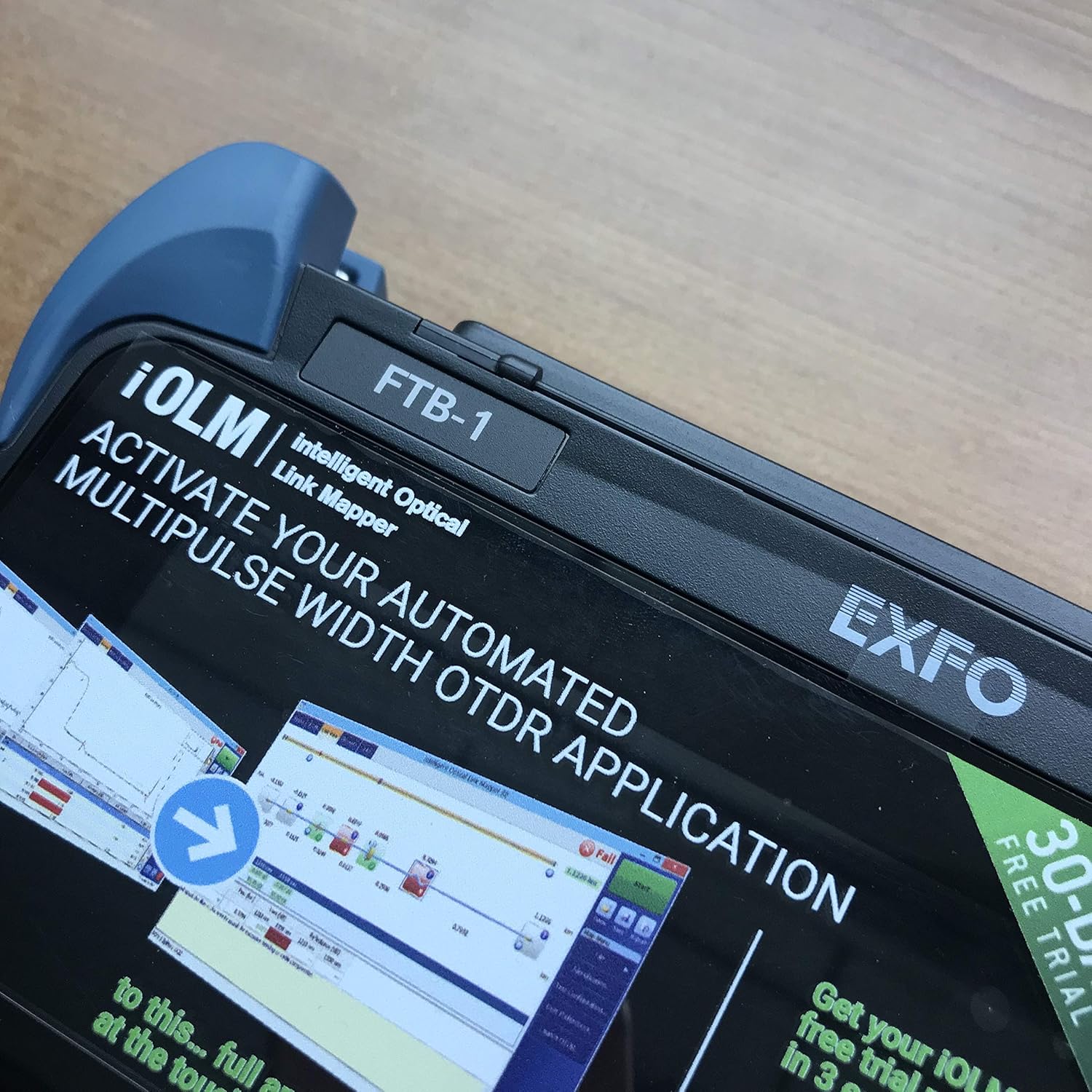
Ffigur 2.2: Agos view of the EXFO FTB-1V2, highlighting the model designation "FTB-1" and the EXFO brand logo, indicating the device's identity.
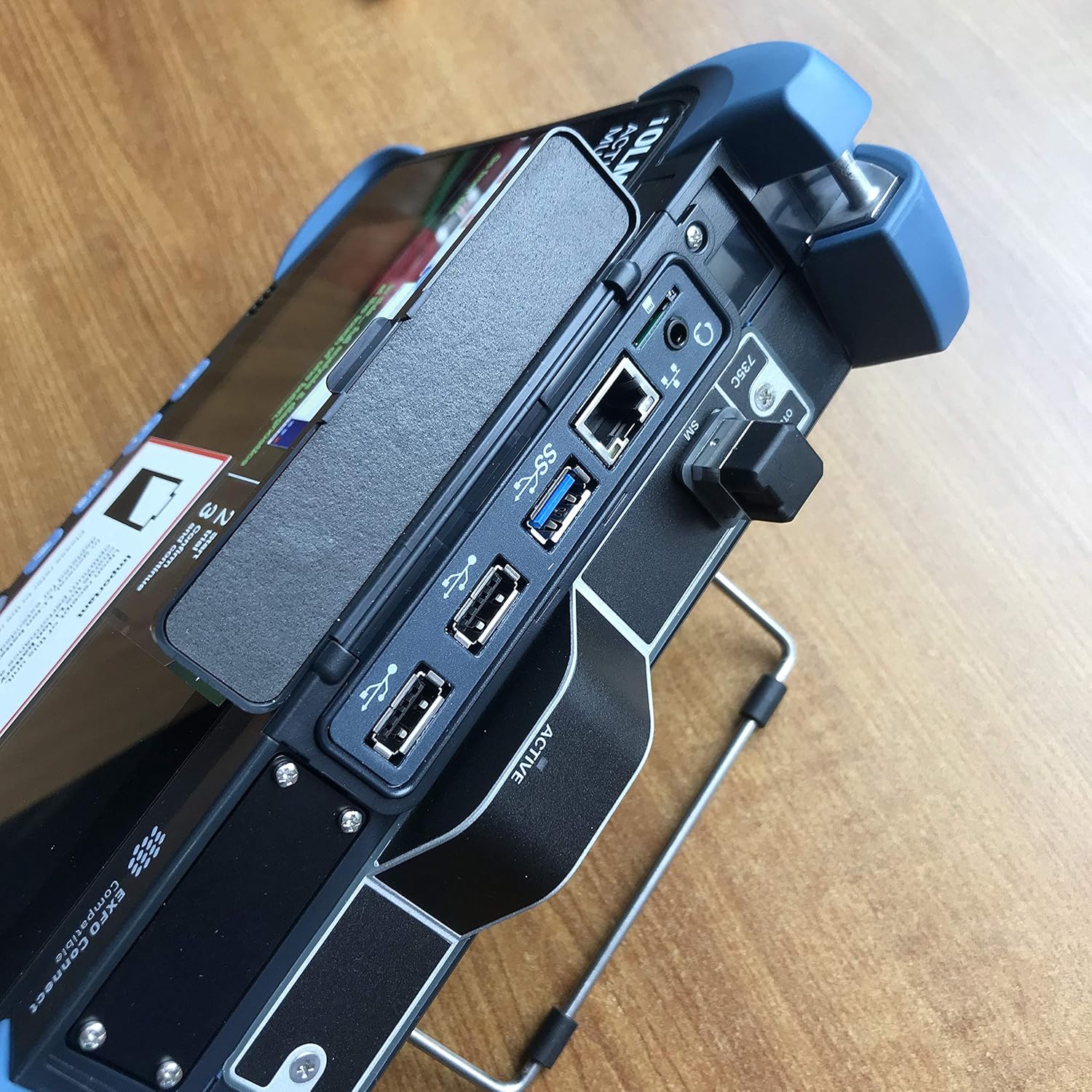
Ffigur 2.3: Ochr view of the EXFO FTB-1V2, illustrating the various connectivity ports such as USB (including USB 3.0), Ethernet, and other module-specific interfaces, essential for connecting peripherals and network cables.
3. Operating the FTB-1V2
3.1 Llywio'r Rhyngwyneb Sgrin Gyffwrdd
The FTB-1V2 features an intuitive touchscreen interface. Use your finger or a stylus to tap icons, select options, and input data. The main screen typically displays available applications and system settings.
3.2 Using Measurement Applications
The unit supports various measurement applications depending on the installed module. Common applications include:
- Optical Fault Locator (OFL): Ideal for short fibers, FTTx drop cables, MDUs, COs, and wireless premises.
- Optical Channel Analyzer (OCA): Specialized for installation and maintenance of CWDM networks.
- Automated Ethernet Tester: For installation and optimization of 10/100/1000MB Ethernet networks.
- Micro OTDR (µOTDR): A full-featured OTDR for optical network installation and maintenance in a compact package.
Select the desired application from the main menu. Follow the on-screen prompts to configure test parameters, initiate measurements, and view results. Detailed instructions for each application are typically found within the application's help section or a dedicated module manual.
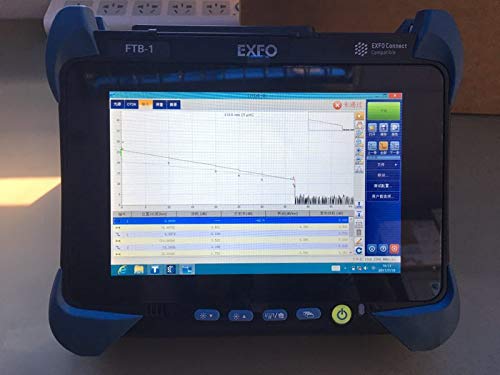
Figure 3.1: The EXFO FTB-1V2 screen showing an Optical Time-Domain Reflectometer (OTDR) trace graph, which is used to characterize optical fibers. The graph displays signal loss over distance, indicating splices, connectors, and fiber breaks.
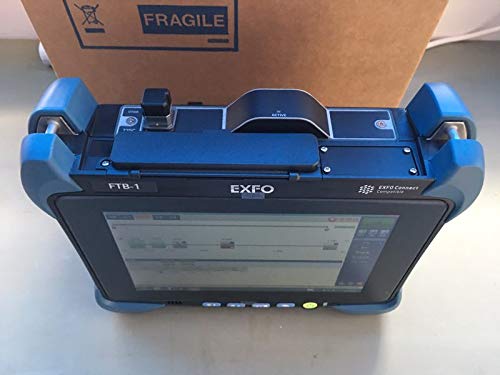
Ffigur 3.2: O'r brig i lawr view of the EXFO FTB-1V2, providing a clear perspective of the main display and the top panel where modular components are inserted, emphasizing its adaptable design.
4. cynnal
4.1 Glanhau'r Uned
I lanhau tu allan yr uned, defnyddiwch feddal, damp cloth. Do not use abrasive cleaners or solvents, as these can damage the casing or screen. For the touchscreen, use a screen-specific cleaning solution and a microfiber cloth.
4.2 Gofal Batri
To prolong battery life, avoid fully discharging the Li-ion battery frequently. If the unit will be stored for an extended period, ensure the battery is charged to approximately 50-70% before storage. Store the unit in a cool, dry place.
4.3 Optical Port Cleaning
For modules with optical ports, proper cleaning is critical for accurate measurements. Always use approved fiber optic cleaning tools and procedures. Refer to the module's specific documentation for detailed cleaning instructions for optical connectors.

Ffigur 4.1: Cefn view of the EXFO FTB-1V2, displaying important product labels including the serial number, model information (FTB-1V2), manufacturing date, and regulatory compliance marks (CE, CMIIT ID), which are crucial for identification and service.
5. Datrys Problemau
This section provides general troubleshooting tips. For specific issues or complex problems, refer to the detailed troubleshooting guide in the full product manual or contact EXFO technical support.
- Uned ddim yn troi ymlaen: Ensure the battery is charged. Connect the power adapter and try again. If the issue persists, the battery or power circuit may require service.
- Sgrin gyffwrdd yn anymatebol: Try restarting the unit. If the screen remains unresponsive, a hard reset might be necessary (refer to the full manual for instructions).
- Mesuriadau anghywir: Check that optical ports and connectors are clean. Verify that the correct module is installed and properly calibrated. Ensure test parameters are set correctly for the fiber type and application.
- Problemau meddalwedd: Try restarting the application or the unit. Ensure the unit's software and module firmware are up to date.
6. manylebau
| Nodwedd | Manylyn |
|---|---|
| Arddangos | Touchscreen, color, 800 x 480 TFT, 178 mm (7 in) |
| Porthladdoedd USB | Dau borthladd USB 2.0 |
| Pwysau | Less than 800g (2 lbs.) |
| Dimensiynau Cynnyrch | 19.29 x 11.42 x 15.35 modfedd |
| Rhif Model yr Eitem | FTB-1V2 with FTB-735C (Note: Product title mentions FTB-720C, but specifications list FTB-735C. Please verify module compatibility.) |
| Gwneuthurwr | EXFO |
| Gwlad Tarddiad | Canada |
| Dyddiad Cyntaf Ar Gael | Tachwedd 3, 2017 |
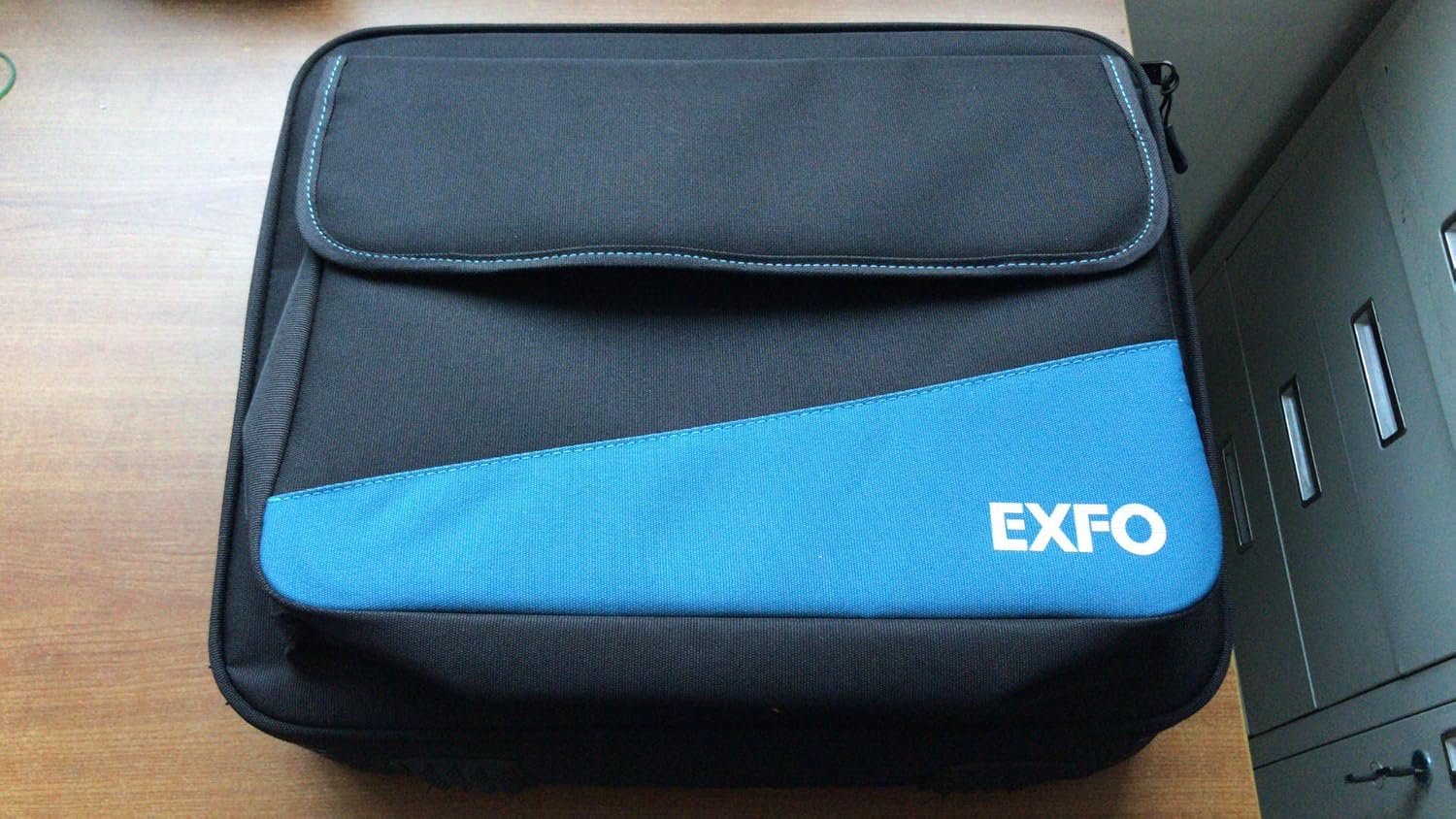
Figure 6.1: The EXFO branded carrying case, designed to protect and transport the FTB-1V2 unit and its accessories, highlighting the product's portability and the manufacturer's attention to field use.
7. Gwarant a Chefnogaeth
For detailed information regarding product warranty, technical support, service, and repairs, please refer to the official EXFO website or contact EXFO customer service directly. Keep your purchase receipt and serial number (found on the back of the unit, see Figure 4.1) readily available when contacting support.
EXFO Official Websafle: www.exfo.com


