1. Rhagymadrodd a Throsoddview
The Sony NEX-5N is a compact interchangeable lens camera designed to deliver DSLR-quality imaging in a smaller, lighter form factor. It features a 16.1 MP Exmor APS HD CMOS image sensor, capable of capturing high-resolution still images and Full HD 1080/60p or 24p movies. The camera supports continuous shooting up to 10 frames per second and includes a 3.0-inch tiltable Live View touchscreen LCD for flexible viewing a rheolaeth.
Mae nodweddion allweddol yn cynnwys:
- DSLR quality in a compact body.
- Up to 10 fps continuous shooting for capturing fast action.
- 16.1 MP Exmor APS HD CMOS image sensor for detailed images.
- Full HD movie shooting at 60p/24p for cinematic video.
- Photo Creativity Touch for intuitive image adjustments.

Figure 1: Sony NEX-5N camera with the included 18-55mm lens attached.
2. Gosod
2.1 Dadbacio'r Camera
Carefully remove all components from the packaging. Ensure all items listed in the product's packing list are present. Retain the packaging for future storage or transport.

Ffigur 2: Blaen view of the Sony NEX-5N retail packaging.

Ffigur 3: Uchaf view of the Sony NEX-5N retail packaging, showing lens and camera illustrations.
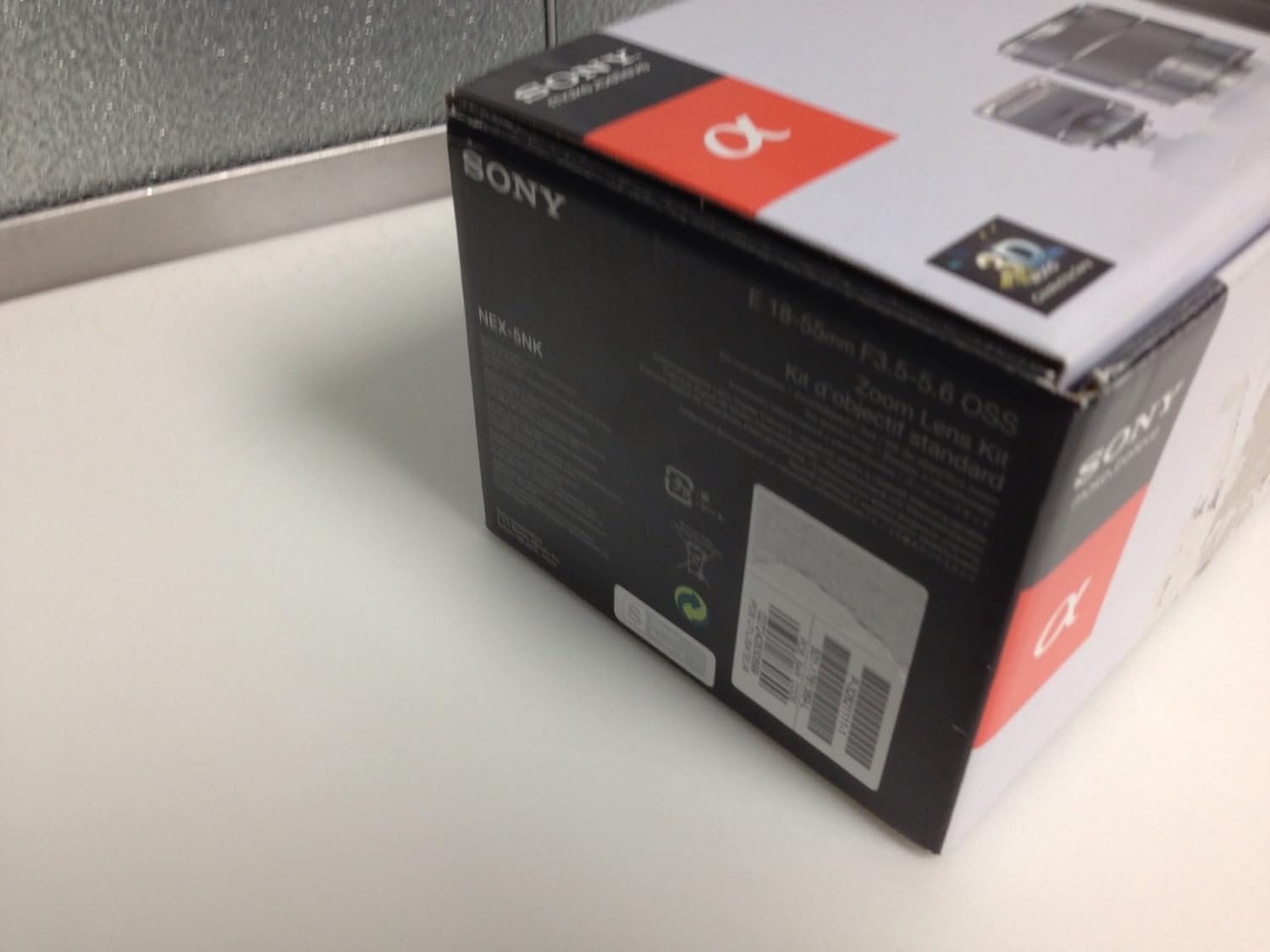
Ffigur 4: Ochr view of the Sony NEX-5N retail packaging, including product information and barcode.

Figure 5: Contents of the Sony NEX-5N box, showing the camera and accessories securely packed.
2.2 Codi Tâl ar y Batri
Before initial use, fully charge the supplied battery. Insert the battery into the charger and connect the charger to a power outlet. The charging indicator will illuminate during charging and turn off when complete.
2.3 Cysylltu'r Lens
- Tynnwch gap y corff oddi ar y camera a chap y lens cefn oddi ar y lens.
- Aliniwch y marc mynegai gwyn ar y lens gyda'r marc mynegai gwyn ar gorff y camera.
- Mount the lens by turning it clockwise until it clicks into place.
Video 1: This video demonstrates the process of attaching and detaching an interchangeable lens on the Sony NEX-5N camera, highlighting the alignment marks and secure locking mechanism.
3. Gweithredu'r Camera
3.1 Ffotograffiaeth Sylfaenol
- Pŵer Ymlaen: Slide the ON/OFF switch to ON.
- Dewiswch Modd Saethu: Use the control dial or touchscreen to select your desired shooting mode (e.g., Intelligent Auto, Program Auto, Aperture Priority, Shutter Priority, Manual).
- Ffocws: Point the camera at your subject. The camera will automatically focus. For manual focus, rotate the focusing ring on the lens.
- Cipio Delwedd: Press the shutter button halfway to focus, then press fully to take a picture.
3.2 Recording Movies
To record a movie, press the dedicated MOVIE button. Press it again to stop recording. The camera records in Full HD (1920x1080) resolution.
Fideo 2: Mae'r fideo hwn yn rhoi trosolwgview of the Sony NEX-5N's features and capabilities, including its compact design, interchangeable lenses, and high-quality image and video capture.
3.3 Defnyddio'r Sgrin Gyffwrdd
The 3.0-inch tiltable LCD is a touchscreen. You can tap to select menu options, adjust settings, and even touch to focus on a specific area of your composition.
4. cynnal
4.1 Cleaning the Camera and Lens
- Defnyddiwch frethyn meddal, sych i lanhau corff y camera.
- For the lens, use a lens brush to remove dust, then a lens cleaning solution and a microfiber cloth for smudges. Avoid touching the lens surface directly.
- Do not use organic solvents such as alcohol or thinner to clean the camera.
4.2 Storio
When not in use for extended periods, remove the battery and store the camera in a cool, dry place away from direct sunlight and moisture. Use lens caps and a body cap to protect the sensor and lens elements.
5. Datrys Problemau
If you encounter issues with your Sony NEX-5N, please refer to the following common troubleshooting tips:
- Nid yw'r camera'n troi ymlaen: Gwnewch yn siŵr bod y batri wedi'i wefru'n llawn ac wedi'i fewnosod yn gywir.
- Mae'r delweddau'n aneglur: Check that the lens is clean and properly attached. Verify the focus mode and ensure sufficient lighting.
- Gwall cerdyn cof: Ensure the memory card is inserted correctly and is not damaged. Try formatting the card (this will erase all data).
- Dim recordiad fideo: Check available memory card space. Ensure the MOVIE button is pressed firmly.
For more detailed troubleshooting, consult the comprehensive user manual available on the Sony support websafle.
6. manylebau
| Nodwedd | Manylyn |
|---|---|
| Enw Model | Sony NEX-5N |
| Datrysiad Synhwyrydd Ffotograffau | 16.1 AS |
| Maint Synhwyrydd Llun | APS-C |
| Math Lens | E-mount 18-55mm zoom lens |
| Datrysiad Fideo | FHD 1080p |
| Maint Sgrin | 3 modfedd |
| Math Arddangos | LCD (Tilting, Touchscreen) |
| Saethu Parhaus | 10 fps |
| Sefydlogi Delwedd | Optegol |
| Cefnogir File Fformat | JPEG, RAW (Stills), MP4 (Video) |
| Mowntiau Cydnaws | Sony E |
| Pwysau Eitem | 16 owns |
7. Gwarant a Chefnogaeth
This product is covered by a manufacturer's warranty. For detailed warranty information, including terms, conditions, and registration, please refer to the warranty card included in your product packaging or visit the official Sony support website. For technical assistance, product registration, or service inquiries, please contact Sony customer support.
Cymorth Ar-lein: www.sony.com/electronics/support


