
1. Gosod
1.1 Cynnwys Pecyn
Cyn cydosod, gwiriwch fod yr holl gydrannau yn bresennol yn y pecyn:
- KTC H24F7 24 Inch 240Hz Monitor
- Sylfaen Monitro
- Monitro Stondin
- Addasydd Pŵer
- Cebl HDMI
- Canllaw Cychwyn Cyflym (QSG)
1.2 Cyfarwyddiadau'r Cynulliad
Dilynwch y camau hyn i gydosod eich monitor:
- Carefully remove the monitor and all components from the packaging.
- Attach the monitor stand to the monitor base. Ensure it clicks securely into place.
- Connect the assembled stand and base to the back of the monitor. The stand is designed for easy snap-in installation.
- Rhowch y monitor ar arwyneb sefydlog, gwastad.

1.3 Gosod Mowntiad VESA
The KTC H24F7 monitor supports VESA 100mm x 100mm mounting for alternative stand or wall mount solutions. Ensure you use M4-0.7 x 10mm screws (not included) for secure installation.

1.4 Cysylltu â Dyfeisiau
Connect your computer or other devices to the monitor using the appropriate cables.
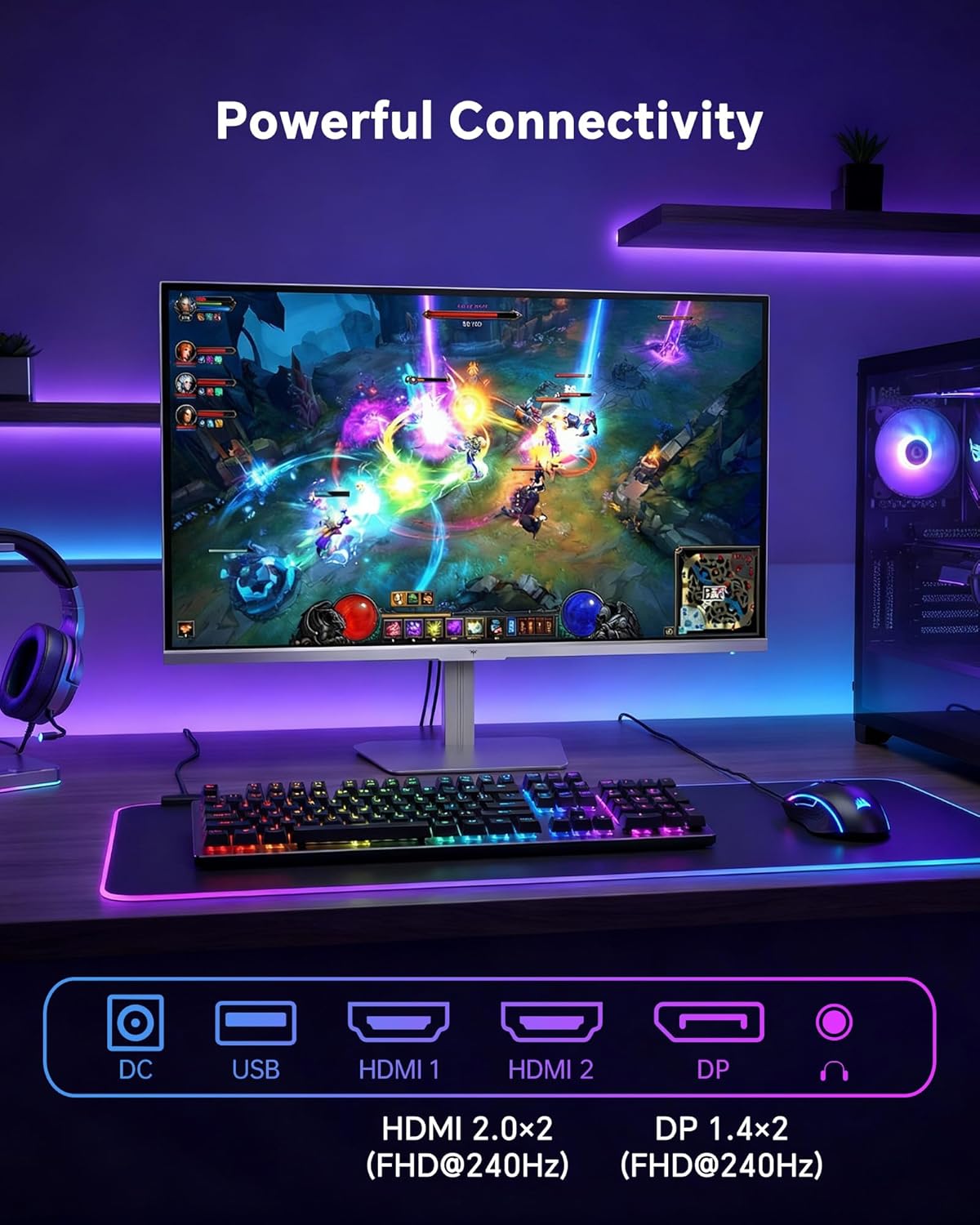
- HDMI: Use an HDMI cable to connect to devices with HDMI output. The monitor has two HDMI 2.0 ports, supporting FHD at 240Hz.
- DisplayPort: Use a DisplayPort cable for devices with DisplayPort output. The monitor has one DisplayPort 1.4, supporting FHD at 240Hz.
- Pwer: Connect the power adaptor to the DC input on the monitor and then to a power outlet.
- USB: A USB 2.0 port is available for connecting peripherals.
- Sain Allan: A 3.5mm audio jack is available for connecting headphones or external speakers.
2. Cyfarwyddiadau Gweithredu
2.1 Pŵer Ymlaen/Diffodd
Pwyswch y botwm pŵer sydd wedi'i leoli ar y monitor i'w droi ymlaen neu i ffwrdd. Bydd y golau dangosydd pŵer yn goleuo pan fydd y monitor yn weithredol.
2.2 Dewislen Arddangos Ar y Sgrin (OSD)
The OSD menu allows you to adjust various monitor settings. Use the control buttons (typically located on the back or bottom of the monitor) to navigate the menu and select options. Refer to the Quick Start Guide for specific button functions.
2.3 Gosodiadau Arddangos
Optimeiddio eich viewing experience by adjusting the following settings:
- Cyfradd Adnewyddu: The monitor supports a 240Hz refresh rate for smooth motion. Ensure your graphics card settings are configured to utilize this rate.

- Cysoni Addasol: This technology synchronizes the monitor's refresh rate with your graphics card's frame rate to eliminate screen tearing and stuttering. Enable Adaptive Sync in the OSD menu and ensure it is also enabled in your graphics card control panel (FreeSync/G-Sync compatible).

- HDR 400: High Dynamic Range 400 provides enhanced contrast and color accuracy, delivering brighter highlights and deeper shadows. Activate HDR in the OSD menu and your operating system display settings for compatible content.

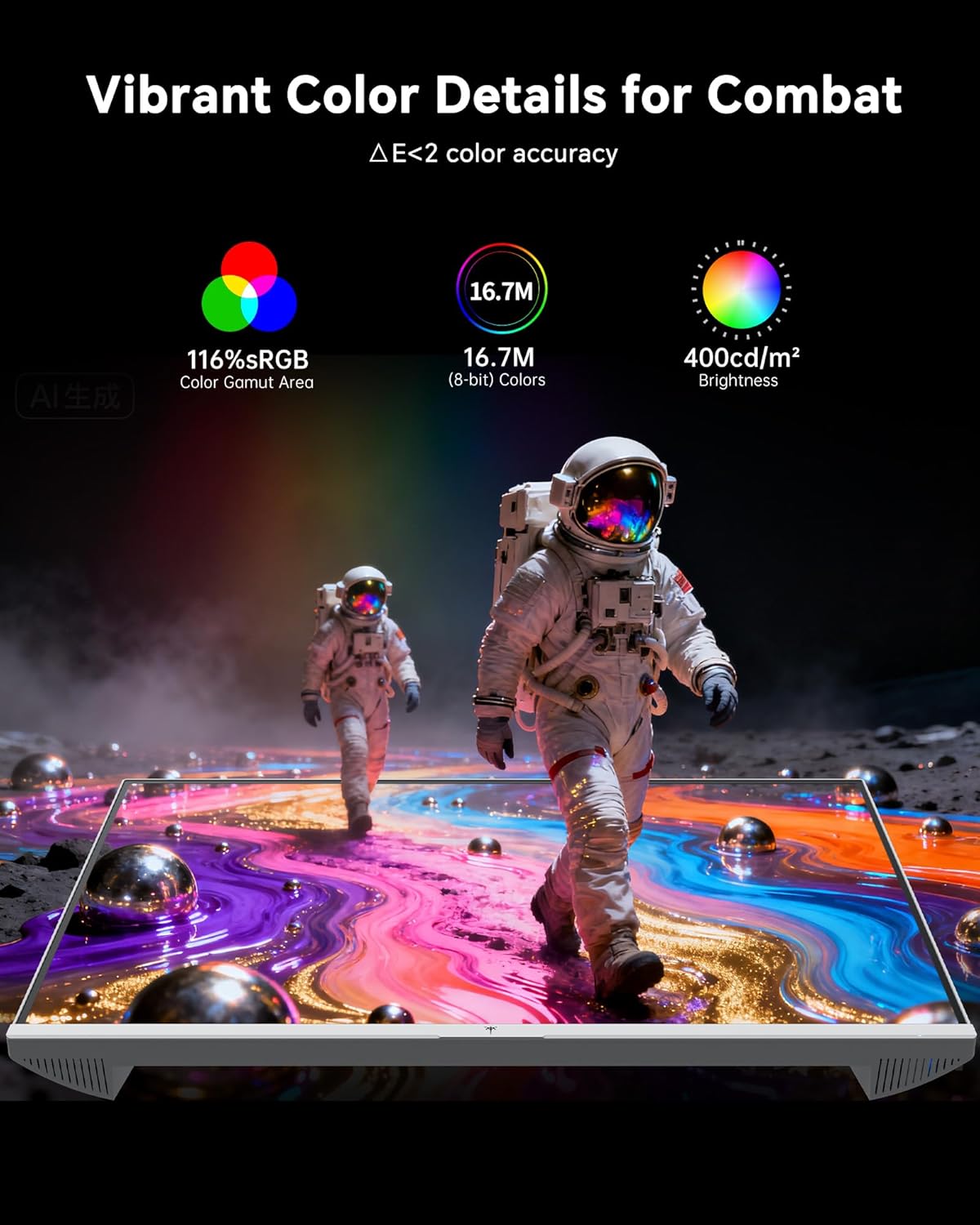
- Gosodiadau lliw: The monitor offers 116% sRGB color gamut and 16.7 million colors. Adjust brightness (up to 400 cd/m²) and color temperature through the OSD menu to suit your preference.
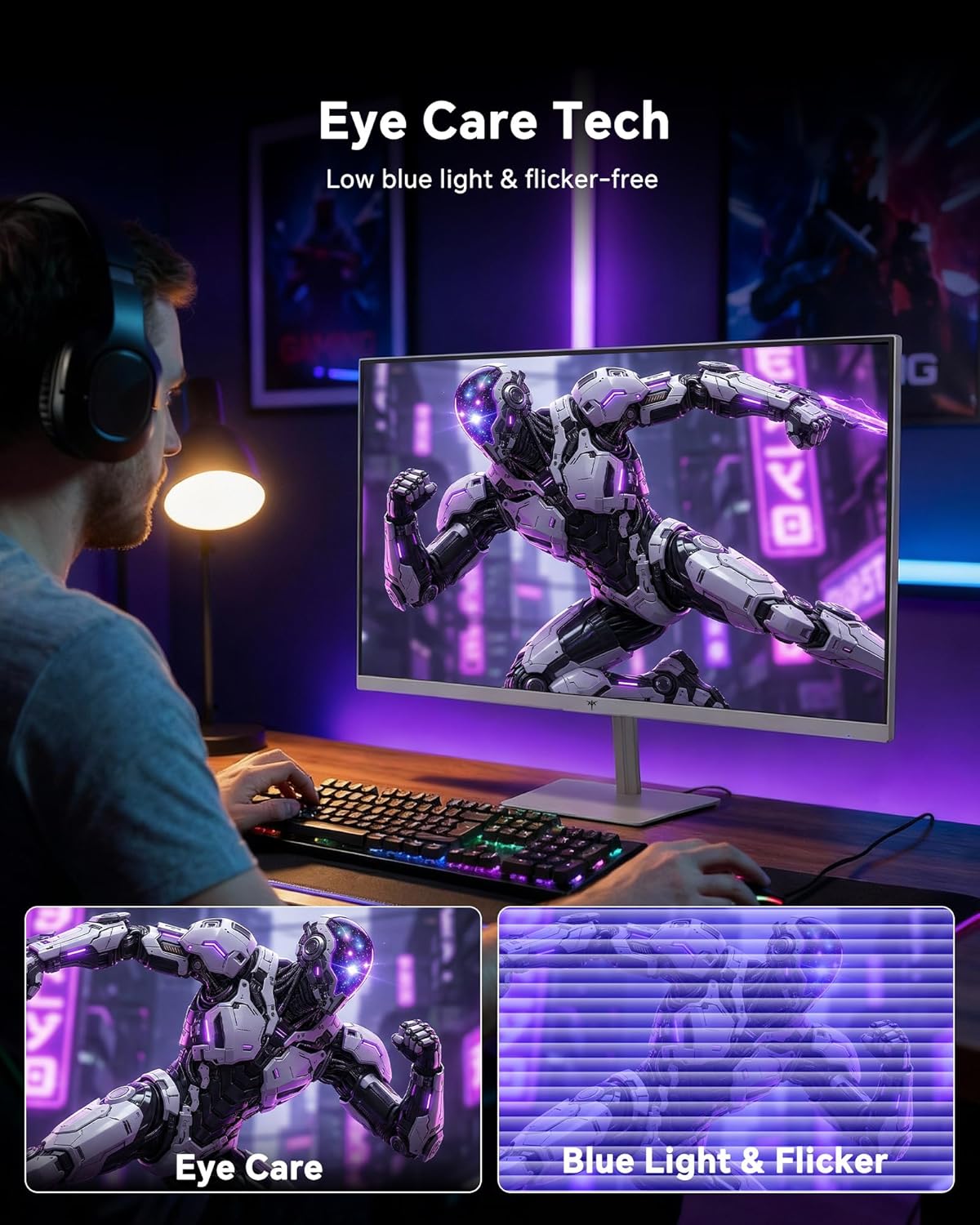
- Technoleg Gofal Llygaid: The monitor features low blue light and flicker-free technology to reduce eye strain during prolonged use. These settings can typically be adjusted or enabled within the OSD menu.
2.4 Monitor Tilt Adjustment
The monitor supports tilt adjustment from -5° to 15° (±3°). Gently adjust the monitor panel to your desired viewongl ing.
3. cynnal
3.1 Glanhau'r Monitor
I lanhau sgrin y monitor a casing:
- Diffoddwch y monitor bob amser a datgysylltwch y llinyn pŵer cyn glanhau.
- Defnyddiwch frethyn meddal, di-lint ychydig dampwedi'i lanhau â dŵr neu lanhawr sgrin ysgafn, nad yw'n sgraffiniol.
- Wipe the screen gently to remove dust and smudges. Avoid applying excessive pressure.
- Am y casing, use a dry, soft cloth. Do not use alcohol, ammonia, or abrasive cleaners, as these can damage the surface.
3.2 Gofal Cyffredinol
- Osgowch osod gwrthrychau trwm ar y monitor neu ei geblau.
- Peidiwch ag amlygu'r monitor i olau haul uniongyrchol, gwres gormodol, nac oerfel eithafol.
- Keep the monitor away from liquids and high humidity.
- Sicrhewch awyru priodol o amgylch y monitor i atal gorboethi.
4. Datrys Problemau
If you encounter issues with your KTC H24F7 monitor, refer to the following common problems and solutions:
| Problem | Achos Posibl | Ateb |
|---|---|---|
| Dim delwedd ar y sgrin | Power cable disconnected; Video cable disconnected or loose; Incorrect input source selected; Monitor is off. | Ensure power cable is securely connected and monitor is on. Check video cable connections (HDMI/DisplayPort) at both the monitor and computer. Press the input source button on the monitor to cycle through inputs. |
| Image flickering or tearing | Adaptive Sync not enabled; Graphics card driver issues; Faulty video cable. | Enable Adaptive Sync in the OSD menu and your graphics card control panel. Update graphics card drivers. Try a different video cable. If using DisplayPort 1, try DisplayPort 2 or HDMI if available, as some units may experience issues with specific ports. |
| Mae lliwiau'n ymddangos yn anghywir neu wedi'u golchi allan | Color settings incorrect; HDR not properly configured; Faulty video cable. | Adjust color settings (brightness, contrast, color temperature) in the OSD menu. Ensure HDR is enabled in both the OSD and your operating system for HDR content. Try a different video cable. |
| Monitor not reaching 240Hz | Graphics card limitations; Incorrect display settings in OS; Cable bandwidth limitations. | Ensure your graphics card supports 240Hz at 1080p. Verify display settings in your operating system (e.g., Windows Display Settings or NVIDIA/AMD control panel) are set to 240Hz. Use the provided HDMI cable or a certified DisplayPort 1.4 cable. |
| Stuck or dead pixels | Nam gweithgynhyrchu. | A small number of stuck or dead pixels (typically 1-3) may be considered normal for LCD panels. If the issue is severe or persistent, contact customer support. |
5. manylebau
| Nodwedd | Manylyn |
|---|---|
| Brand | KTC |
| Rhif Model | H24F7 |
| Maint Sgrin | 24 modfedd |
| Datrysiad | FHD 1080p (1920 x 1080 Picsel) |
| Math o Banel | IPS cyflym |
| Cyfradd Adnewyddu | 240 Hz |
| Amser Ymateb | 1 Millisecond (MPRT) |
| Cymhareb Agwedd | 16:9 |
| Disgleirdeb | 400 Candela fesul Metr Sgwâr |
| Cymhareb Cyferbyniad | 1000:1 |
| Lliw Gamut | 116% sRGB |
| Cefnogaeth HDR | HDR 400 |
| Cysoni Addasol | FreeSync, G-Sync Compatible |
| Cysylltedd | 2x HDMI 2.0, 1x DisplayPort 1.4, 1x USB 2.0, 1x Audio Out (3.5mm) |
| Nodweddion Gofal Llygaid | Low Blue Light, Flicker-Free, Anti-Glare Screen |
| Addasiadau | Tilt (-5° to 15°) |
| Mount VESA | 100mm x 100mm |
| Dimensiynau (D x W x H) | 5.39"D x 21.25"W x 15.74"H |
| Pwysau Eitem | 3.2 Cilogram |
| Lliw | Gwyn |
6. Gwarant a Chefnogaeth
6.1 Gwybodaeth Gwarant
The KTC H24F7 monitor comes with a gwarant gwneuthurwr tair blynedd. Mae'r warant hon yn cwmpasu diffygion mewn deunyddiau a chrefftwaith o dan ddefnydd arferol.
Cadwch eich prawf prynu ar gyfer hawliadau gwarant.
6.2 Cefnogaeth i Gwsmeriaid
For technical assistance, warranty claims, or any questions regarding your KTC H24F7 monitor, please contact KTC customer support. KTC aims to provide responsive customer support and typically responds within 12 hours.
You can usually find contact information on the official KTC website or through the retailer where you purchased the product. When contacting support, please have your monitor model number (H24F7) and purchase details ready.