
Brother DCP-L2640DW
Brother Wireless DCP-L2640DW Compact Monochrome Laser Printer Instruction Manual
Model: DCP-L2640DW
1. Rhagymadrodd
The Brother DCP-L2640DW is a compact, high-performance monochrome laser all-in-one printer designed for home offices and small workgroups. This manual provides essential information for setting up, operating, maintaining, and troubleshooting your printer to ensure optimal performance.
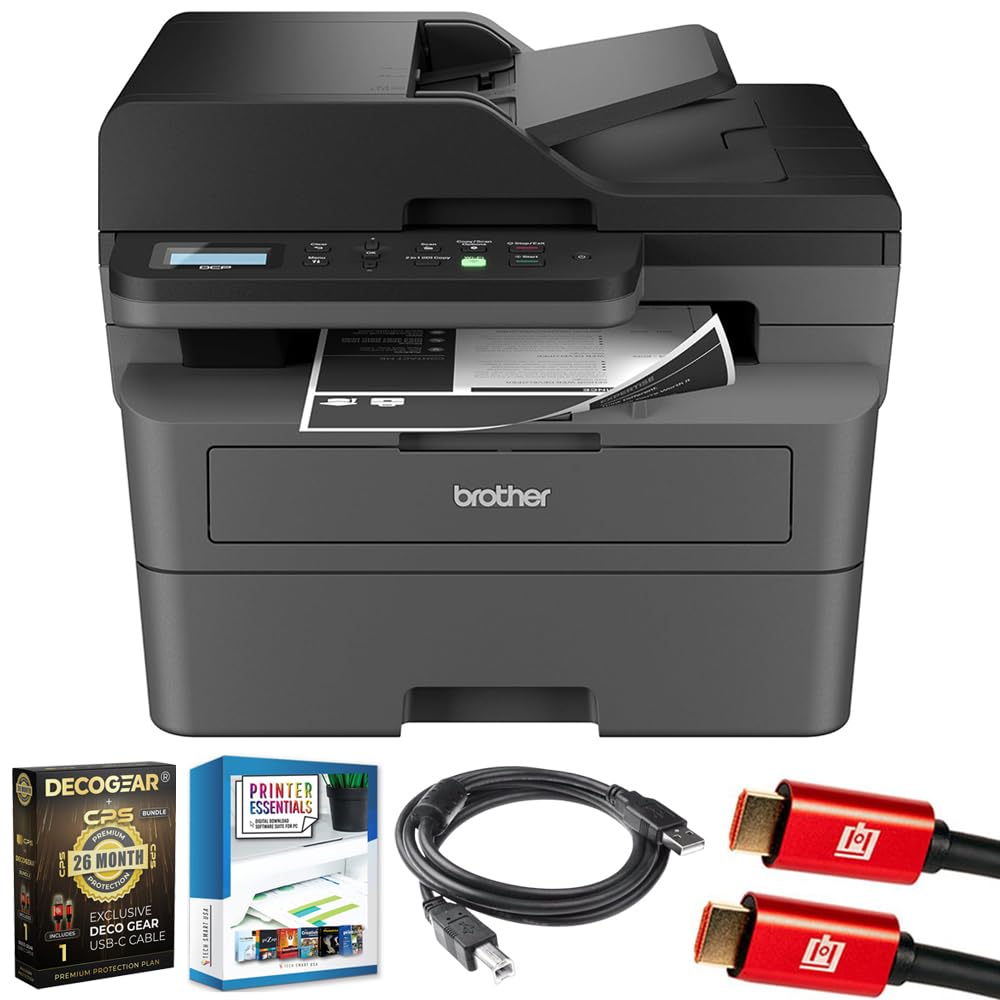
Image 1.1: Brother DCP-L2640DW Compact Monochrome Laser Printer
2. Nodweddion Allweddol
- Ymarferoldeb 3-mewn-1: Print, copy, and scan capabilities in a compact design.
- Cyflymder Argraffu Cyflym: Delivers up to 36 pages per minute for efficient task completion.
- Argraffu Duplex Awtomatig: Built-in two-sided printing to save time and paper.
- 50-Sheet Automatic Document Feeder (ADF): For efficient multi-page scanning and copying.
- High-Capacity Paper Handling: 250-sheet paper tray plus a manual feed slot for diverse media types.
- Opsiynau Cysylltedd Hyblyg: Dual-band Wi-Fi, Ethernet, USB, and mobile printing via Brother Mobile Connect, AirPrint, Mopria, and Wi-Fi Direct.
- Advanced Network Security: Features like TLS/SSL, SNMP v3, and IP filtering for secure operation.

Delwedd 2.1: Drosoddview of the Brother DCP-L2640DW's key features including print speed, connectivity, and compact design.
3. Beth sydd yn y Bocs
- Brother DCP-L2640DW Monochrome Laser Printer
- Starter Black Toner Cartridge (approx. 700 pages)
- Brother DR830 Drum Unit (approx. 15,000 pages)
- Cord pŵer AC
- Documentation (Quick Setup Guide, Product Safety and Protection Information)
4. Gosod
4.1. dadbacio
- Tynnwch yr argraffydd o'i becyn yn ofalus.
- Tynnwch yr holl dâpau amddiffynnol a deunyddiau pecynnu o du allan a thu mewn yr argraffydd.
4.2. Toner Cartridge and Drum Unit Installation
- Agorwch glawr blaen yr argraffydd.
- Tynnwch y cetris toner a'r uned drwm o'r argraffydd.
- Unpack the new toner cartridge and drum unit.
- Mewnosodwch y cetris toner yn gadarn yn yr uned drwm nes ei fod yn cloi yn ei le.
- Slide the green tab on the drum unit from left to right several times to clean the corona wire. Return the tab to the home position.
- Reinstall the toner cartridge and drum unit assembly into the printer.
- Caewch y clawr blaen.
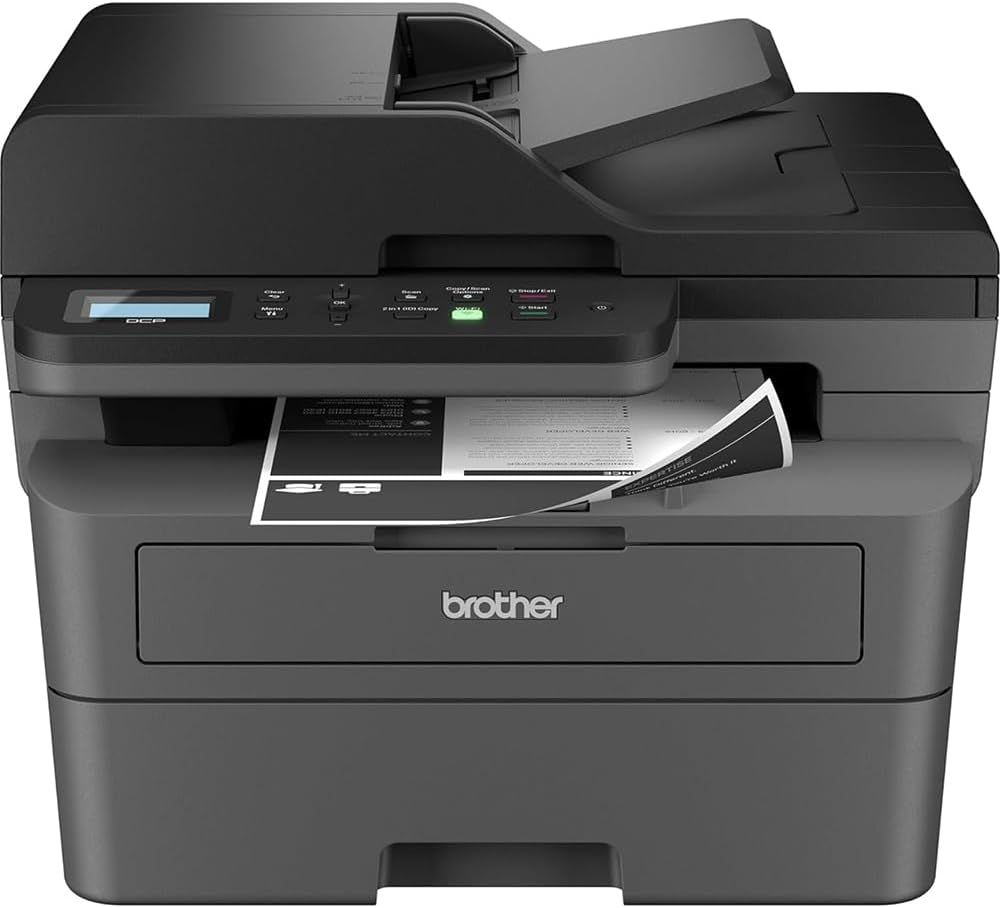
Image 4.1: The Brother DCP-L2640DW printer with the front cover open, showing the toner cartridge and drum unit assembly.
4.3. Cysylltiad Pwer
- Connect the AC power cord to the printer's power input.
- Plygiwch ben arall y llinyn pŵer i mewn i allfa drydanol wedi'i seilio.
- Pwyswch y botwm pŵer i droi'r argraffydd ymlaen.
4.4. Initial Setup & Connectivity
Follow the on-screen instructions on the printer's LCD display to complete the initial setup, including language selection and date/time settings.
- Gosodiad diwifr: Navigate to the network settings on the printer's control panel, select your Wi-Fi network, and enter the password.
- Cysylltiad Ethernet: Connect an Ethernet cable from your router or network hub to the printer's Ethernet port.
- Cysylltiad USB: Cysylltwch gebl USB o'ch cyfrifiadur i borthladd USB yr argraffydd.
- Gosod Gyrrwr: Gosodwch yrrwyr argraffydd o'r CD-ROM sydd wedi'i gynnwys neu lawrlwythwch nhw o wefan gymorth swyddogol Brother. websafle.
Fideo 4.1: Cynnyrch drosoddview video demonstrating the Brother DCP-L2640DW printer's features and ease of use.
5. Cyfarwyddiadau Gweithredu
5.1. Argraffu Dogfennau
- Load paper into the 250-sheet paper tray or the manual feed slot.
- From your computer or mobile device, open the document you wish to print.
- Dewiswch 'Argraffu' o ddewislen y rhaglen.
- Choose your Brother DCP-L2640DW printer.
- Adjust print settings (e.g., number of copies, duplex printing) as needed.
- Cliciwch 'Argraffu'.
5.2. Copïo Dogfennau
- Rhowch eich dogfen wyneb i lawr ar wydr y sganiwr neu wyneb i fyny yn y Porthwr Dogfennau Awtomatig (ADF).
- On the printer's control panel, press the 'Copy' button.
- Use the arrow keys to select the number of copies or adjust other settings.
- Press 'Start' to begin copying.

Image 5.1: The Brother DCP-L2640DW highlighting its Automatic Document Feeder for multi-page tasks.
5.3. Sganio Dogfennau
- Place your document face down on the scanner glass or face up in the ADF.
- On the printer's control panel, press the 'Scan' button.
- Select your desired scan destination (e.g., PC, email, cloud).
- Adjust scan settings (e.g., resolution, color mode) as needed.
- Press 'Start' to begin scanning.
5.4. Argraffu Symudol
The Brother DCP-L2640DW supports various mobile printing solutions:
- Ap Cysylltu Symudol Brother: Download the app to manage your printer, print, and scan from your smartphone or tablet.
- Apple AirPrint: Print directly from your Apple iOS device without installing drivers.
- Mopria Print Service: Print from Mopria-certified Android devices.
- Wi-Fi Uniongyrchol: Print directly from your mobile device to the printer without needing a router.

Image 5.2: The Brother Mobile Connect App interface, showing options for document print, photo print, scan, copy, and toner monitoring.
6. cynnal
6.1. Toner Replacement
When the toner is low or empty, the printer's display will indicate that the toner cartridge needs to be replaced. Always use genuine Brother toner cartridges for optimal performance and print quality.
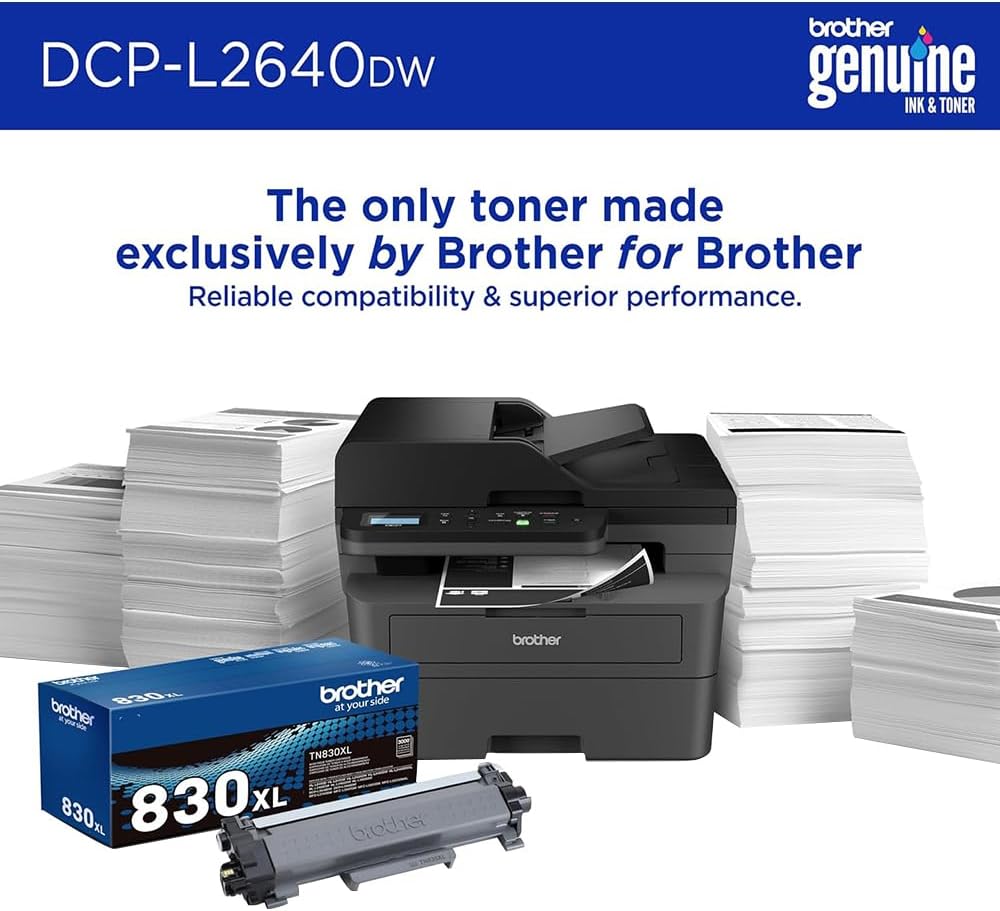
Image 6.1: Brother Genuine Ink & Toner packaging, emphasizing reliable compatibility and superior performance.
6.2. Drum Unit Replacement
The drum unit is a separate consumable that needs to be replaced periodically, typically after approximately 15,000 pages. The printer will notify you when it's time to replace the drum unit.
6.3. Glanhau
- Tu allan: Sychwch du allan yr argraffydd gyda lliain meddal, di-lint.
- Gwydr Sganiwr: Clean the scanner glass with a soft, lint-free cloth moistened with glass cleaner.
- Gwifren Corona: Regularly clean the corona wire inside the drum unit by sliding the green tab.
7. Datrys Problemau
- Jamiau Papur: Follow the on-screen instructions or refer to the printer's documentation to clear paper jams from various access points.
- Materion Cysylltedd: Ensure the printer is connected to the correct network (Wi-Fi or Ethernet) or directly to the computer via USB. Restarting the printer and router can often resolve temporary connection problems.
- Ansawdd Argraffu Gwael: Check toner levels, clean the corona wire, and ensure you are using appropriate paper for your print job.
- Negeseuon Gwall: Refer to the printer's LCD display for specific error codes and consult the online manual or Brother support for solutions.
8. manylebau
| Nodwedd | Manylyn |
|---|---|
| Rhif Model | DCP-L2640DW |
| Technoleg Argraffu | Laser |
| Allbwn Argraffydd | Unlliw |
| Cyflymder Argraffu Uchaf Unlliw | 36 ppm |
| Datrysiad Argraffu Du a Gwyn Uchaf | 1200 x 1200 Dotiau Fesul Modfedd |
| Argraffu Duplex Awtomatig | Oes |
| Math o Sganiwr | Gwely gwastad |
| Cynhwysedd Taflen Mewnbwn Uchaf | 250 o daflenni |
| Capasiti Porthiant Dogfennau Awtomatig (ADF) | 50 o daflenni |
| Technoleg Cysylltedd | USB, Ethernet, Dual-band Wi-Fi |
| Cetris Cydweddol | TN830, TN830XL |
| Dimensiynau Cynnyrch | 15.7"D x 16.1"W x 12.5"H |
| Pwysau | Not specified in provided data, typically around 20-30 lbs for similar models. |
9. Gwarant a Chefnogaeth
The Brother DCP-L2640DW Monochrome Laser Printer comes with a Limited Warranty. For specific warranty terms and conditions, please refer to the documentation included with your product or visit the official Brother support websafle.
For technical support, driver downloads, and additional resources, please visit the Cefnogaeth Brawd Websafle.
Ask a question about this manual
Ask about setup, troubleshooting, compatibility, parts, safety, or missing instructions. Manuals+ will review the question and use this page’s manual context to help answer it.