
1. Rhagymadrodd
This manual provides instructions for the setup, operation, maintenance, and troubleshooting of your LETSUNG Golite11 Mini PC. The Golite11 is a compact desktop computer designed for various tasks, from web browsing and office applications to light gaming and multimedia playback. It features an Intel Celeron N4000 processor, 6GB LPDDR4 RAM, and a 128GB M.2 SSD, offering efficient performance in a small form factor.
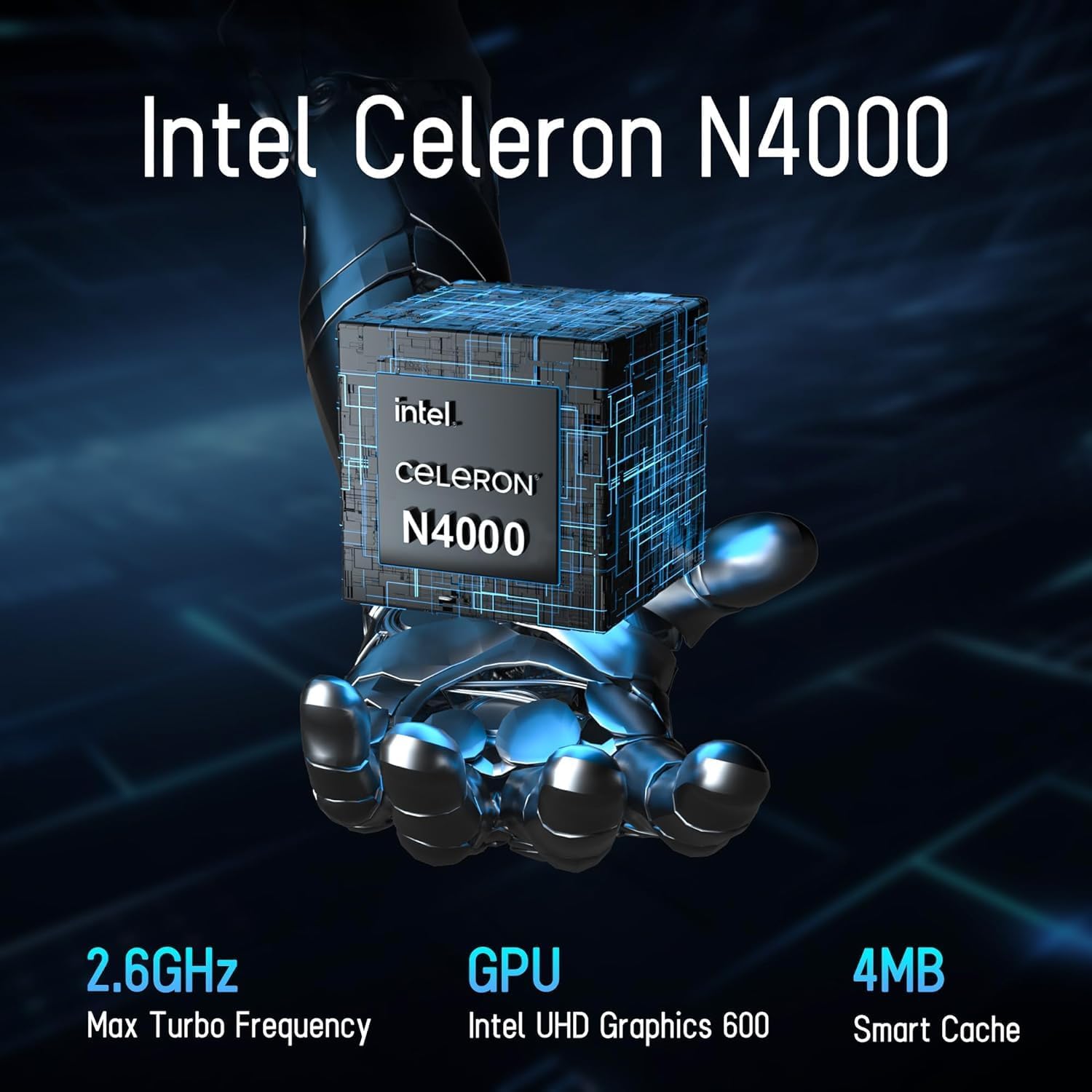
Image 1.1: LETSUNG Golite11 Mini PC, front view.
2. Beth sydd yn y Bocs
Gwiriwch fod yr holl eitemau yn bresennol yn y pecyn:
- 1 x Golite 11 Mini PC
- 1 x cebl HDMI
- 1 x Mowntiad VESA
- 1 x Addasydd Pŵer
- 1 x Canllaw Defnyddiwr
3. Cynnyrch Drosview
3.1. Processor and Memory
The Golite11 Mini PC is equipped with an Intel Celeron N4000 processor, providing efficient performance for daily computing tasks. It includes 6GB of LPDDR4 RAM for smooth multitasking.

Image 3.1: Intel Celeron N4000 Processor.

Image 3.2: DDR4 Memory Module.
3.2. Storio
The device comes with a 128GB M.2 SATA SSD, offering fast boot times and data access. Storage can be expanded up to 512GB.
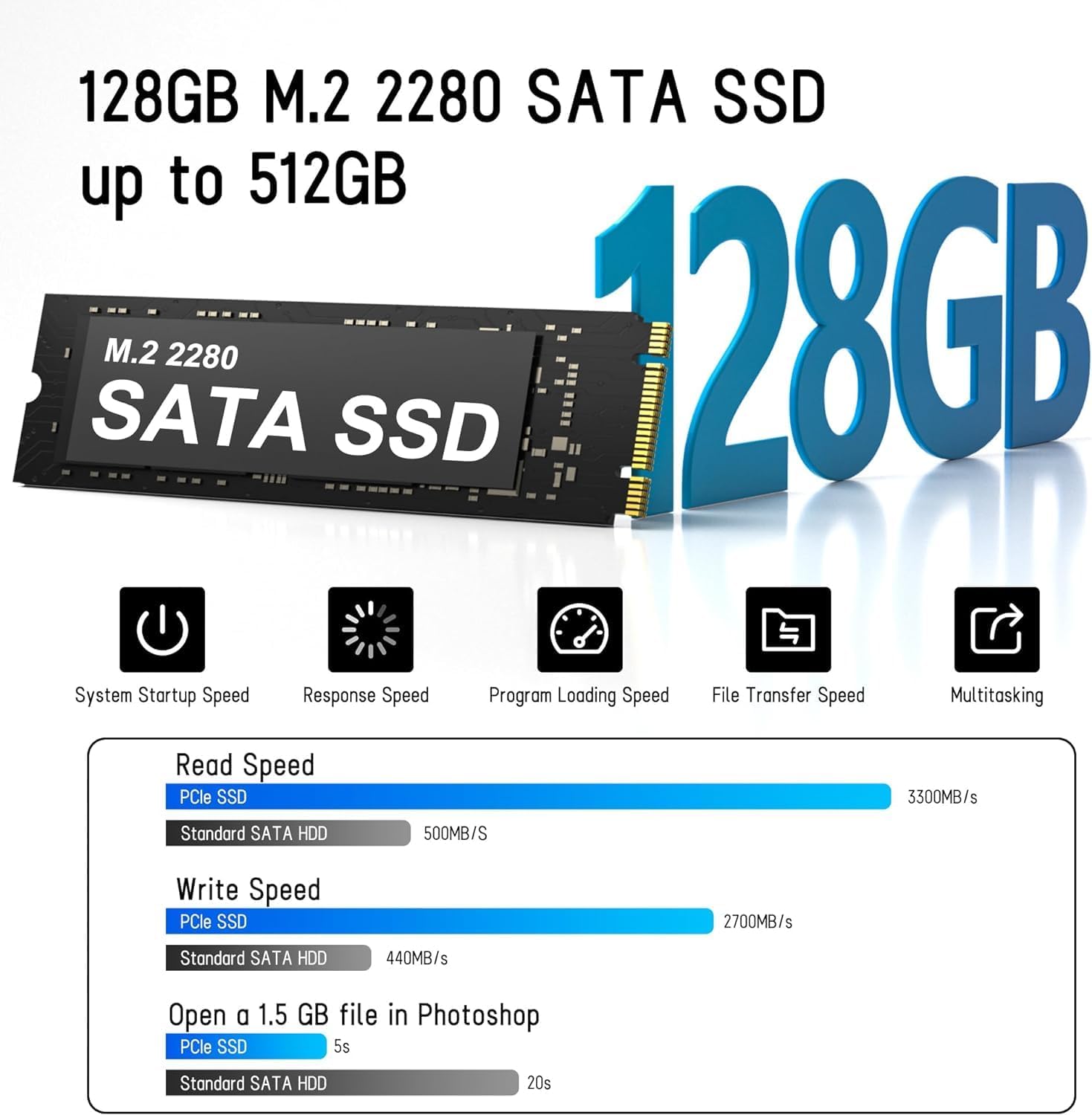
Image 3.3: M.2 SATA SSD.
3.3. Porthladdoedd a Chysylltwyr
The Golite11 Mini PC features a variety of ports for connectivity:
- Botwm Pŵer: I droi'r ddyfais ymlaen neu i ffwrdd.
- Jack clustffon 3.5mm: Ar gyfer allbwn sain.
- Porthladdoedd USB 3.2 Gen 1: Multiple ports for connecting peripherals.
- Porthladd LAN RJ45: Ar gyfer cysylltiad rhwydwaith gwifrau.
- Porthladdoedd HDMI 1.4: Two ports for connecting displays.
- DC Jack: Ar gyfer mewnbwn pŵer.

Delwedd 3.4: Manwl view of ports and connectors.
4. Gosod
Follow these steps to set up your LETSUNG Golite11 Mini PC:
- Cysylltu ag Arddangosfa: Use the provided HDMI cable to connect the Mini PC to a monitor or TV. The device supports dual displays.
- Cysylltu Perifferolion: Plug in your USB keyboard and mouse into the available USB ports.
- Pwer Cysylltu: Connect the power adapter to the DC jack on the Mini PC, then plug the adapter into a power outlet.
- Pŵer Ymlaen: Press the power button located on the device. The system will boot up.
- Gosodiad Cychwynnol Windows: Follow the on-screen instructions to complete the initial Windows operating system setup, including language, region, and network configuration.
5. Cyfarwyddiadau Gweithredu
5.1. Gweithrediad Sylfaenol
Once the initial setup is complete, your Mini PC is ready for use. Navigate the operating system using your connected keyboard and mouse. You can install applications, browse the internet, and perform other computing tasks.
5.2. Dual Display Setup
The Golite11 supports connecting two displays simultaneously for an extended desktop experience. Connect a second monitor using the additional HDMI port. The operating system should automatically detect the second display. You can configure display settings (e.g., extend, duplicate) through the display settings in your operating system.

Image 5.1: Dual display setup with the Mini PC.
5.3. Cysylltedd Rhwydwaith
- Wi-Fi: The Mini PC supports WiFi 5.0. To connect to a wireless network, go to your operating system's network settings, select your desired Wi-Fi network, and enter the password.
- Ethernet: For a wired connection, connect an Ethernet cable from your router or modem to the RJ45 LAN port on the Mini PC.
5.4. Bluetooth Devices
The Mini PC supports Bluetooth 4.2. To pair Bluetooth devices (e.g., headphones, speakers), enable Bluetooth in your operating system's settings, search for devices, and follow the pairing instructions.
6. cynnal
6.1. Glanhau
To maintain optimal performance, keep the Mini PC clean. Use a soft, dry cloth to wipe the exterior. For dust accumulation in vents, use compressed air. Ensure the device is powered off and unplugged before cleaning.

Image 6.1: Internal cooling system for efficient heat dissipation.
6.2. Diweddariadau Meddalwedd
Regularly update your operating system and drivers to ensure security, stability, and optimal performance. Check for updates through your operating system's settings.
6.3. Ehangu Storio
The internal M.2 SATA SSD can be upgraded up to 512GB. Refer to the detailed instructions for internal component access if you plan to upgrade the storage. It is recommended to seek professional assistance for hardware upgrades.
7. Datrys Problemau
If you encounter issues with your Mini PC, refer to the following common problems and solutions:
- Dim pŵer:
- Gwnewch yn siŵr bod yr addasydd pŵer wedi'i gysylltu'n ddiogel â'r Mini PC ac allfa bŵer sy'n gweithio.
- Gwiriwch fod y soced pŵer yn gweithio drwy blygio dyfais arall i mewn.
- Dim Arddangosfa:
- Check that the HDMI cable is firmly connected to both the Mini PC and the monitor.
- Ensure the monitor is powered on and set to the correct input source (HDMI).
- Rhowch gynnig ar gebl neu fonitor HDMI gwahanol os yn bosibl.
- Perfformiad Araf:
- Cau cymwysiadau diangen sy'n rhedeg yn y cefndir.
- Chwiliwch am unrhyw ddiweddariadau system weithredu sydd ar gael a'u gosod.
- Gwnewch yn siŵr bod digon o le gwag ar yr SSD.
- Problemau Cysylltedd Rhwydwaith:
- Ar gyfer Wi-Fi, gwnewch yn siŵr bod y cyfrinair cywir wedi'i nodi a bod cryfder y signal yn ddigonol.
- For Ethernet, check the cable connection and ensure your router/modem is working correctly.
- Ailgychwynwch eich llwybrydd/modem a'r Mini PC.
8. manylebau
| Nodwedd | Manyleb |
|---|---|
| Model | Golite11 |
| Prosesydd | Intel Celeron N4000 (2 Cores, 2 Threads, up to 2.8 GHz) |
| Graffeg | Graffeg Intel UHD 600 |
| HWRDD | 6GB LPDDR4 |
| Storio Mewnol | 128GB M.2 SATA SSD (Expandable up to 512GB) |
| System Weithredu | Pre-installed (e.g., Windows 11, specific version may vary) |
| Allbwn Fideo | 2 x HDMI 1.4 (Supports 1920x1080 @60Hz, Dual Display) |
| Porthladdoedd USB | 4 x USB 3.2 Gen 1 |
| Rhwydwaith | WiFi 5.0, Bluetooth 4.2, 1 x RJ45 LAN Port |
| Sain | Jack Clustffon 1 x 3.5mm |
| Dimensiynau | Approx. 4.52in x 4.42in x 1.61in |
| Pwysau | Tua. 0.6 pwys |
| System Oeri | Built-in ultra-low power cooling fan |
9. Gwarant a Chefnogaeth
LETSUNG products are designed for reliability and performance. For warranty information, please refer to the warranty card included with your purchase or visit the official LETSUNG website. For technical support, troubleshooting assistance beyond this manual, or service inquiries, please contact LETSUNG customer support through the contact information provided on the official websafle neu'ch platfform prynu.
Cadwch eich prawf prynu ar gyfer hawliadau gwarant.