
Rhagymadrodd
Welcome to the user manual for your new TABWEE T50 11-inch Android Tablet. This guide provides essential information on setting up, operating, maintaining, and troubleshooting your device. The TABWEE T50 combines the latest Android 16 system with Gemini AI for a fast, intelligent, and smooth user experience. It features an Unisoc T7250 Octa-Core processor, 24GB RAM, 128GB ROM (expandable to 2TB), an 8000mAh battery, a 90Hz HD+ display, and 13MP rear and 8MP front cameras.
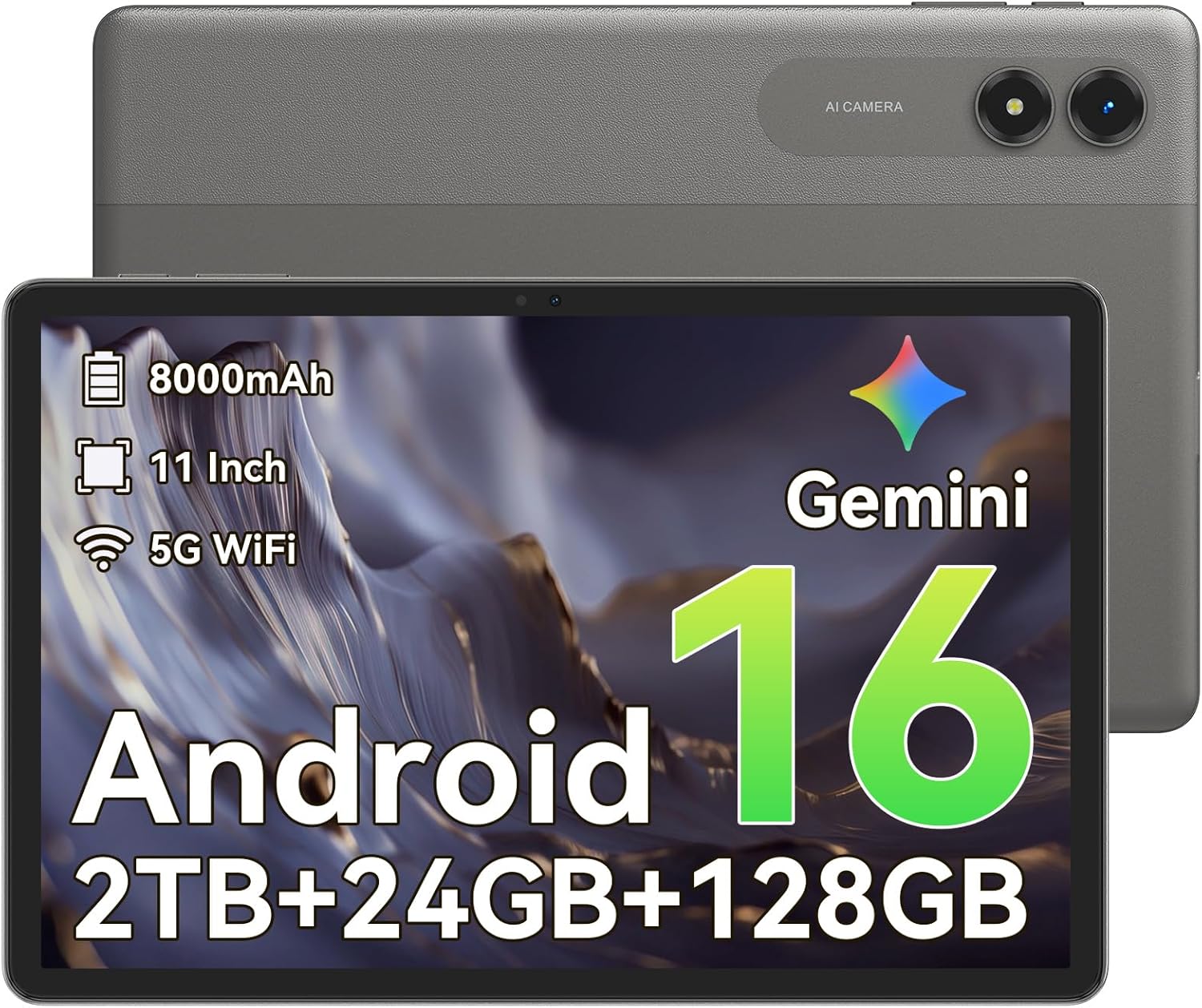
Delwedd: Blaen view of the TABWEE T50 Tablet.
Cynnwys Pecyn
Wrth agor y pecyn, gwnewch yn siŵr bod yr holl eitemau yn bresennol:
- TABWEE T50 Tablet
- Cebl Codi Tâl USB
- Offeryn Ejector SIM
- Canllaw Cychwyn Cyflym (y llawlyfr hwn)
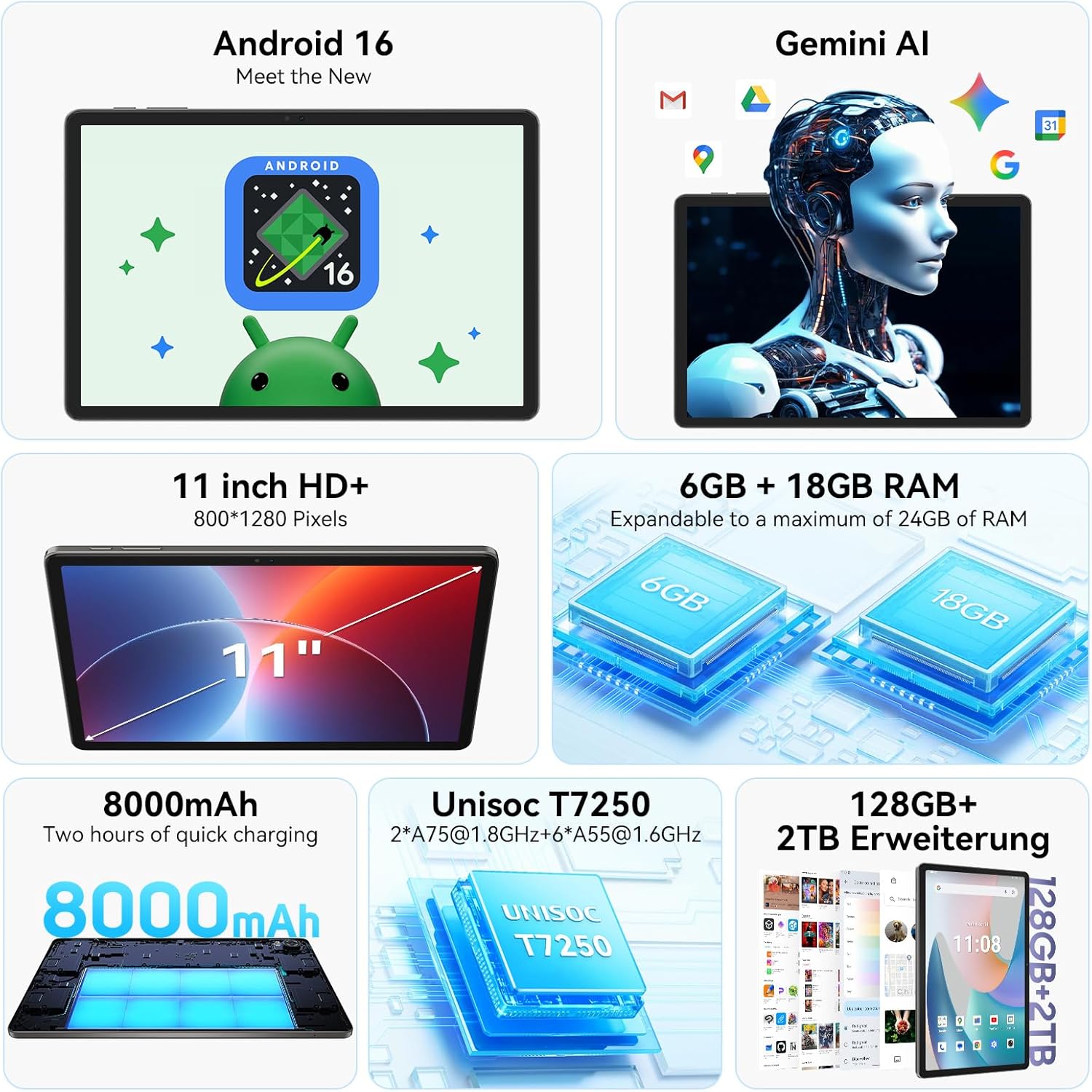
Image: The TABWEE T50 Tablet along with its standard accessories, including a charging cable and SIM ejector tool.
Gosod
1. Gwefru Cychwynnol
Before first use, fully charge your TABWEE T50 Tablet.
- Connect the USB charging cable to the tablet's charging port.
- Connect the other end of the cable to a compatible USB power adapter (not included) and plug it into a power outlet.
- Allow the tablet to charge until the battery indicator shows 100%. This may take approximately 5 hours for a full charge.

Image: Illustration of the tablet's 8000mAh battery and charging process.
2. Pweru Ymlaen a Chyfluniad Cychwynnol
Press and hold the power button until the TABWEE logo appears. Follow the on-screen prompts to complete the initial setup:
- Dewiswch eich iaith.
- Cysylltwch â rhwydwaith Wi-Fi.
- Mewngofnodwch gyda'ch cyfrif Google neu crëwch un newydd.
- Review a derbyn y telerau ac amodau.
- Set up screen lock (PIN, pattern, password, or facial unlock).
3. Mewnosod Cerdyn MicroSD (Dewisol)
To expand storage up to 2TB, insert a microSDXC card.
- Locate the SIM/microSD card tray on the side of the tablet.
- Defnyddiwch yr offeryn alldaflu SIM a ddarperir i agor yr hambwrdd.
- Place the microSD card into the designated slot with the gold contacts facing down.
- Gwthiwch yr hambwrdd yn ôl i'r dabled yn ysgafn nes ei fod yn clicio i'w le.
Cyfarwyddiadau Gweithredu
Arddangos a Mordwyo
The TABWEE T50 features an 11-inch HD+ IPS display with a 1280x800 resolution and a 90Hz refresh rate for smooth visuals. It includes eye protection features to reduce blue light and minimize eye strain.

Image: The tablet's 11-inch HD+ display showcasing a vibrant mountain landscape.
- Ystumiau Sgrin Gyffwrdd: Tap, swipe, pinch-to-zoom, and long-press for various interactions.
- Sgrin Cartref: Addasu gyda widgets, llwybrau byr apiau, a phapurau wal.
- Panel Hysbysiadau: Sweipiwch i lawr o frig y sgrin i gael mynediad at osodiadau cyflym a hysbysiadau.
Android 16 with Gemini AI
Your tablet runs on Android 16, offering enhanced privacy controls, adaptive battery optimization, and an intuitive user interface. Gemini AI provides intelligent assistance for tasks, content creation, and learning.

Image: The tablet displaying the Gemini AI interface with various AI-powered features.
- Amldasgio: Utilize split-screen mode for running multiple applications simultaneously.
- Rheolyddion Preifatrwydd: Manage app permissions and data access through system settings.
- Batri Addasol: The AI-powered battery management optimizes power consumption based on your usage patterns.
Ymarferoldeb Camera
The TABWEE T50 is equipped with an 8MP front camera and a 13MP rear camera.
- Agorwch yr ap Camera o'r sgrin gartref neu'r drôr apiau.
- Newidiwch rhwng camerâu blaen a chefn gan ddefnyddio eicon y camera.
- Tap the shutter button to take photos or the video icon to record videos.
- Explore various camera modes and settings for optimal results.

Image: The tablet's screen displaying the camera interface, capturing a selfie.
Cysylltedd
The tablet supports WiFi 5G and Bluetooth 5.0 for seamless connectivity.
- Wi-Fi: Ewch i Gosodiadau > Rhwydwaith a'r rhyngrwyd > Wi-Fi i gysylltu â rhwydweithiau sydd ar gael.
- Bluetooth: Go to Settings > Connected devices > Bluetooth to pair with Bluetooth accessories like headphones or keyboards.
- OTG (Ar y Symud): The tablet supports OTG for connecting USB devices or for reverse charging other devices.

Image: Visual representation of the tablet's Bluetooth 5.0 and 5G WiFi connectivity features.

Image: The tablet connected to a smartphone, illustrating its power-sharing capability via OTG.
Cynnal a chadw
- Glanhau: Defnyddiwch frethyn meddal, di-flwff i lanhau'r sgrin a'r corff. Osgowch ddeunyddiau sgraffiniol neu gemegau llym.
- Diweddariadau Meddalwedd: Gwiriwch yn rheolaidd am ddiweddariadau system yn Gosodiadau > System > Diweddariad system i sicrhau perfformiad a diogelwch gorau posibl.
- Gofal Batri: To prolong battery life, avoid extreme temperatures and do not let the battery drain completely frequently.
- Rheoli Storio: Clirio pethau diangen yn rheolaidd files and apps to maintain performance. Go to Settings > Storage to manage your storage.
Datrys problemau
- Tabled Ddim yn Troi Ymlaen: Ensure the tablet is sufficiently charged. If it doesn't respond, press and hold the power button for 10-15 seconds to force a restart.
- Apiau'n Chwalu/Rhewi: Close and reopen the app. If the issue persists, clear the app's cache (Settings > Apps > [App Name] > Storage & cache > Clear cache).
- Materion Cysylltedd Wi-Fi: Ailgychwynwch eich tabled a'ch llwybrydd Wi-Fi. Anghofiwch y rhwydwaith ac ailgysylltwch.
- Perfformiad Araf: Close background apps, clear cache, or consider a factory reset if issues persist (backup data first).
- Sgrin yn Anymatebol: Restart the tablet. If the problem continues, contact customer support.
Manylebau
| Nodwedd | Manylyn |
|---|---|
| Enw Model | TABWEE T50 |
| System Weithredu | Android 16 with Gemini AI |
| Prosesydd | Unisoc T7250 Octa-Craidd |
| HWRDD | 24 GB (6GB ffisegol + 18GB rhithwir) |
| Storio Mewnol | 128 GB |
| Storfa Ehangadwy | Up to 2 TB via microSDXC |
| Maint Arddangos | 11-inch HD+ IPS |
| Cydraniad Arddangos | 1280x800 picsel |
| Cyfradd Adnewyddu | 90 Hz |
| Camera Cefn | 13 AS |
| Camera blaen | 8 AS |
| Gallu Batri | 8000 mAh |
| Math Batri | Polymer Lithiwm |
| Bywyd Batri Cyfartalog | Up to 8 hours (video streaming) |
| Cysylltedd | WiFi 5G (802.11ac), Bluetooth 5.0, GPS, OTG |
| Pwysau | 640 gram |
| Lliw | Llwyd |
| Blwyddyn Model | 2026 |
| UPC | 721718099727 |

Image: Diagram illustrating the Unisoc T7250 Octa-Core processor architecture.

Image: The tablet displaying its storage and RAM specifications, including 24GB RAM and 128GB ROM with 2TB expansion.
Gwarant a Chefnogaeth
The TABWEE T50 Tablet comes with a Gwarant cyfyngedig 2 mlynedd. TABWEE also provides cymorth cwsmeriaid gydol oes to assist with any questions or issues you may encounter.
- Sylw Gwarant: Covers manufacturing defects for two years from the date of purchase.
- Cefnogaeth i Gwsmeriaid: For technical assistance, troubleshooting, or warranty claims, please contact TABWEE customer service. Refer to the official TABWEE websafle am fanylion cyswllt.
- Rhannau sbâr: EU spare part availability is guaranteed for 2 years.

Image: A badge indicating TABWEE's warranty and lifetime support. Please note that the warranty duration is 2 years as per product specifications.