
Cynnyrch Drosview
The LEICKE DAB+ Radio Tube (Model EP19035) is a versatile portable audio device combining a DAB+/FM radio with a powerful Bluetooth speaker. It features a robust 4500 mAh battery for extended playtime, dynamic RGB LED lighting, and multiple connectivity options including Micro SD and AUX-In. This manual provides essential information for setup, operation, and maintenance.
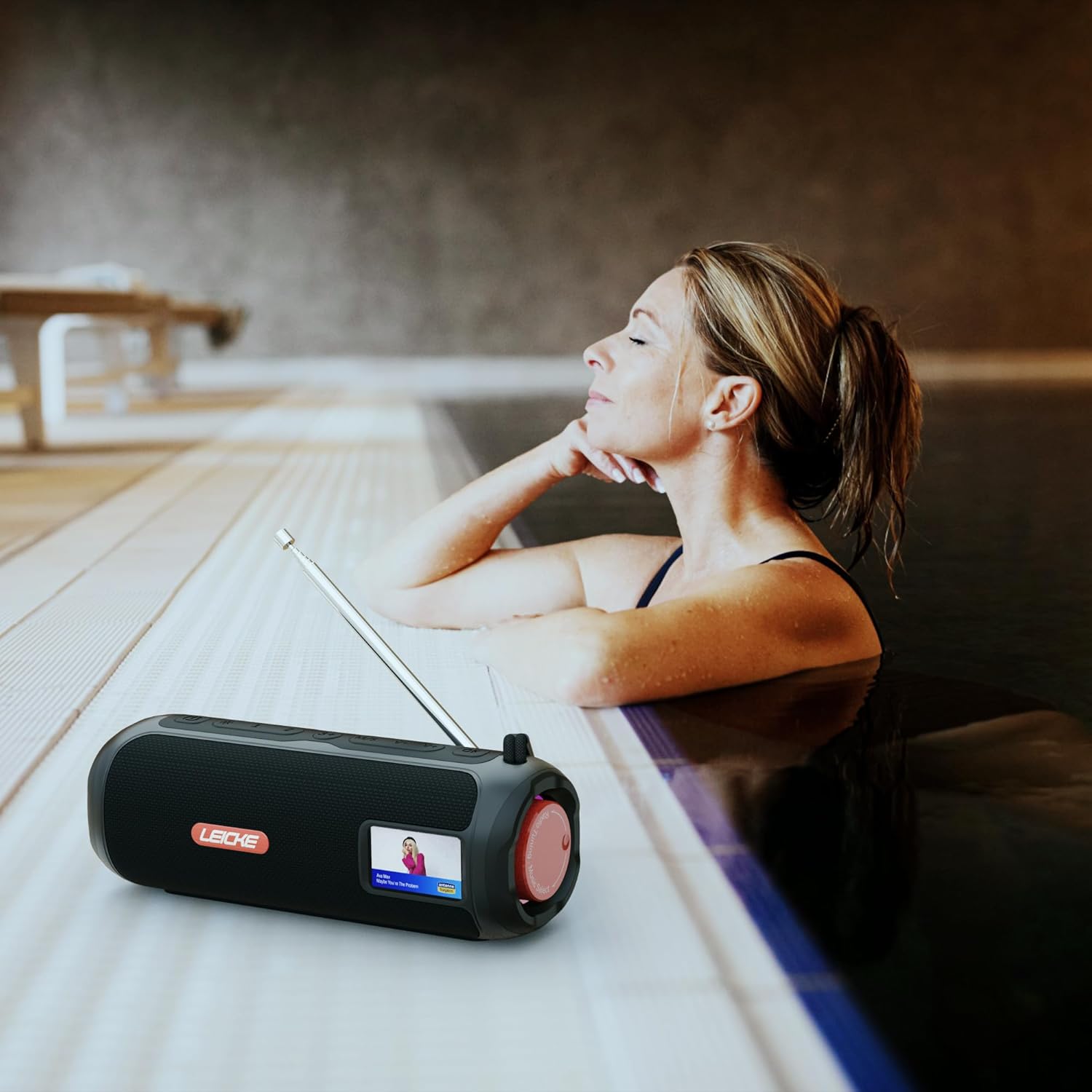
Image: The LEICKE DAB+ Radio Tube, showcasing its portable design, suitable for various environments like a poolside.
Nodweddion Allweddol:
- Sain Stereo Pwerus: Two 5W speakers deliver rich, clear audio with dynamic effects and powerful bass.
- Oes batri estynedig: Integrated 4500 mAh rechargeable battery provides up to 12 hours of playtime.
- DAB+ & FM Radio: Enjoy noise-free digital DAB+ and traditional FM radio with 30 station presets.
- Atmospheric RGB Lighting: Features cool color-changing LED lights for enhanced ambiance.
- Cysylltedd Amlbwrpas: Bluetooth 5.3 for wireless streaming, Micro SD card slot, and 3.5 mm AUX-In.
- Codi Tâl Cyfleus: USB-C port for quick and easy charging.
- Swyddogaethau Ychwanegol: Includes an integrated alarm clock, sleep timer, and equalizer settings.
Cynnwys Pecyn
Gwiriwch y pecyn am yr eitemau canlynol:
- LEICKE DAB+ Radio Tube (Model EP19035)
- Cebl Codi Tâl USB-C
- Llawlyfr y Perchennog
- (Note: Specific accessories like AUX cable may vary by region or package. Please refer to your product packaging.)
Rheolaethau a Chysylltiadau
Familiarize yourself with the various buttons, ports, and indicators on your LEICKE DAB+ Radio Tube.

Delwedd: Blaen view of the LEICKE DAB+ Radio Tube, highlighting the display, SD card slot, AUX input, and USB-C port.

Delwedd: Cefn view of the LEICKE DAB+ Radio Tube, showing the extendable antenna, AUX port, USB-C port, and Micro SD slot.
Disgrifiadau Porthladd:
- Slot Micro SD: Insert a Micro SD card for playing stored audio files.
- AUX-In (3.5mm): Cysylltwch ddyfeisiau sain allanol gan ddefnyddio cebl sain 3.5mm.
- Porthladd USB-C: Fe'i defnyddir ar gyfer gwefru'r ddyfais.
- Antena: Extend for optimal DAB+ and FM radio reception.
(Note: Specific button functions will be detailed in the 'Operating' section.)
Gosod
1. Gwefru Cychwynnol
- Cyn ei ddefnyddio gyntaf, gwefrwch y ddyfais yn llawn.
- Connect the provided USB-C cable to the USB-C port on the speaker and the other end to a compatible USB power adapter (not included) or a computer's USB port.
- The charging indicator on the display will show the charging status. Once fully charged, the indicator will change.
2. Pweru Ymlaen / I ffwrdd
- I Bweru Ymlaen: Pwyswch a daliwch y botwm Pŵer (fel arfer wedi'i farcio â ⏻ or GRYM) for a few seconds until the display lights up.
- I Bweru i ffwrdd: Press and hold the Power button again for a few seconds until the display turns off.
Cyfarwyddiadau Gweithredu
Dewis Modd
Gwasgwch y MODD button to cycle through available modes: DAB+ Radio, FM Radio, Bluetooth, Micro SD, and AUX-In.
1. Gweithrediad Radio DAB+
- Ymestyn yr antena yn llawn ar gyfer derbyniad gorau.
- Dewiswch y modd DAB+ gan ddefnyddio'r MODD botwm.
- The radio will automatically scan for available DAB+ stations on first use or if no stations are found.
- Defnyddiwch y PREV / NESAF botymau i lywio drwy'r rhestr o orsafoedd sydd ar gael.
- Gwasgwch y ENTER/PLAY botwm i ddewis gorsaf.
- Rhagosodiadau Arbed: While listening to a station, press and hold the RHAGOSOD botwm. Defnydd PREV / NESAF i ddewis rhif rhagosodedig (1-30), yna pwyswch ENTER/PLAY i arbed.
- Dwyn i gof Rhagosodiadau: Pwyswch yn fyr y RHAGOSOD botwm, yna defnyddiwch PREV / NESAF to select a saved station and press ENTER/PLAY.
2. Gweithrediad Radio FM
- Ymestyn yr antena yn llawn ar gyfer derbyniad gorau.
- Dewiswch y modd FM gan ddefnyddio'r MODD botwm.
- Sgan Auto: Pwyswch a dal y CHWARAE/SEIBIANT botwm i sganio a chadw gorsafoedd FM sydd ar gael yn awtomatig.
- Tiwnio â Llaw: Pwyswch yn fyr PREV / NESAF to fine-tune the frequency.
- Rhagosodiadau Arbed: Similar to DAB+ mode, press and hold RHAGOSOD to save, and briefly press to recall.
3. Pâr Bluetooth
- Dewiswch y modd Bluetooth gan ddefnyddio'r MODD button. The display will show "Bluetooth" and an icon will flash, indicating it's in pairing mode.
- On your smartphone, tablet, or laptop, enable Bluetooth and search for new devices.
- Select "LEICKE DAB+ Tube" from the list of available devices.
- Once paired, the speaker will emit a confirmation sound, and the Bluetooth icon on the display will stop flashing.
- Gallwch nawr chwarae sain o'ch dyfais gysylltiedig drwy'r siaradwr.
4. Micro SD Playback
- Insert a Micro SD card (with supported audio files) i mewn i'r slot Micro SD.
- Select Micro SD mode using the MODD button. The device will automatically start playing music from the card.
- Defnydd CHWARAE/SEIBIANT to control playback, and PREV / NESAF i hepgor traciau.
5. Cysylltiad Mewnbwn AUX
- Connect one end of a 3.5mm audio cable (not included) to the AUX-In port on the speaker.
- Cysylltwch y pen arall â'r jac clustffonau neu allbwn sain eich dyfais allanol.
- Select AUX-In mode using the MODD botwm.
- Rheoli chwarae a chyfaint o'ch dyfais allanol.
6. Rheoli Cyfrol
Use the dedicated Volume Up (+) a Lleihau'r Gyfaint (-) buttons to adjust the audio level.
7. Gosodiadau Equalizer
Gwasgwch y EQ button (if available) to cycle through preset equalizer modes such as Pop, Rock, Classic, Jazz, etc. There is no manual equalizer adjustment.
8. Goleuadau LED RGB
The RGB LED lights will automatically activate when the device is powered on. There may be a dedicated button to change light modes or turn them off (refer to device specific button layout if available).
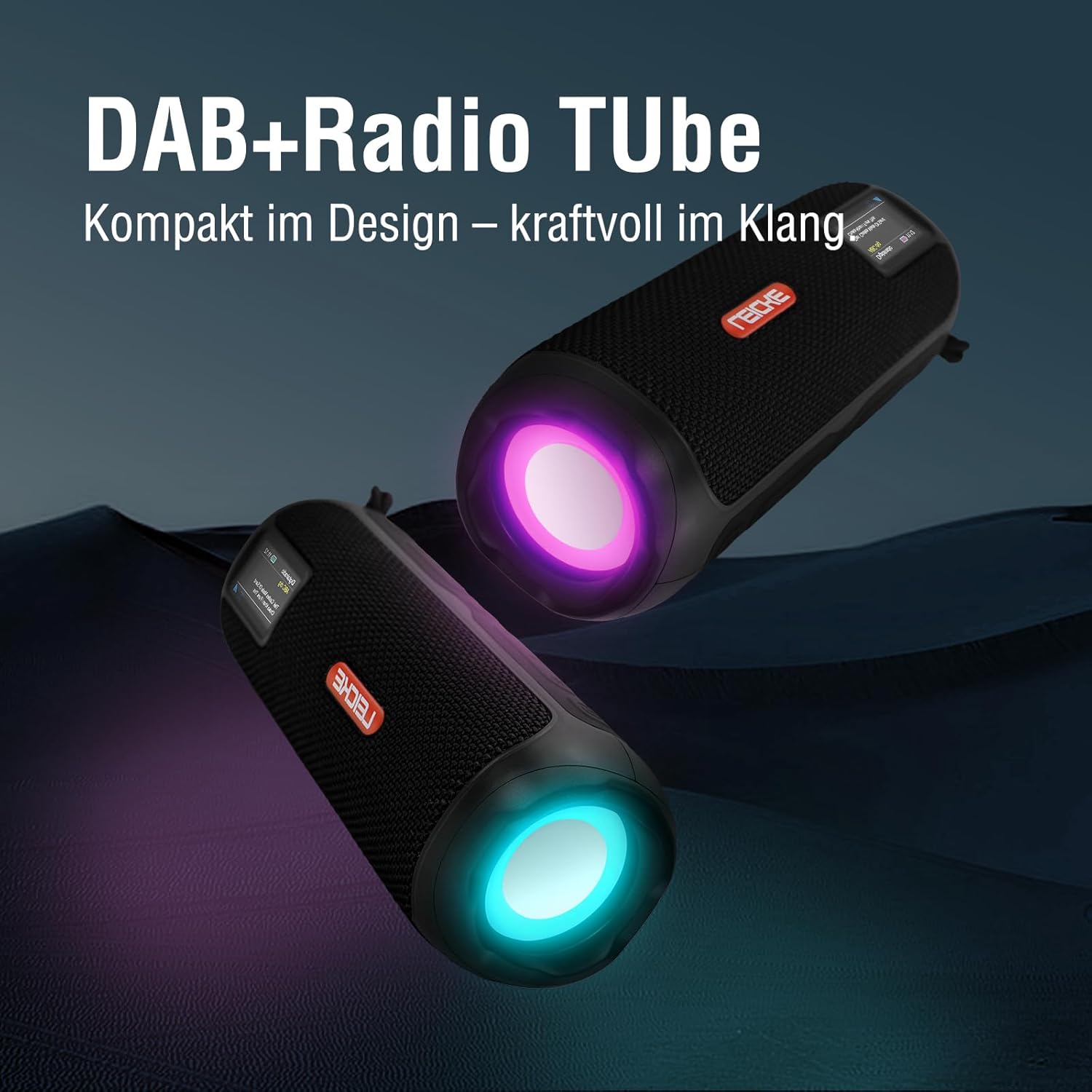
Image: Two LEICKE DAB+ Radio Tubes displaying their vibrant RGB LED lighting feature.
9. Cloc Larwm ac Amserydd Cysgu
Access the menu settings (usually by pressing a BWYDLEN or GOSOD button) to configure the alarm clock and sleep timer functions. Follow the on-screen prompts to set times and preferences.
Cynnal a chadw
Glanhau
- Gwnewch yn siŵr bod y ddyfais wedi'i diffodd a'i datgysylltu o unrhyw ffynhonnell bŵer cyn ei glanhau.
- Defnyddiwch frethyn meddal, sych, heb lint i sychu'r arwynebau allanol.
- Peidiwch â defnyddio glanhawyr sgraffiniol, cwyrau na thoddyddion gan y gallant niweidio'r gorffeniad.
- Osgowch gael lleithder i mewn i unrhyw agoriadau.
Gofal Batri
- Er mwyn ymestyn oes y batri, osgoi rhyddhau'r batri'n llwyr yn aml.
- Gwefrwch y ddyfais yn rheolaidd, hyd yn oed os nad yw'n cael ei defnyddio, i gynnal iechyd y batri.
- Storiwch y ddyfais mewn lle oer, sych pan nad yw'n cael ei defnyddio am gyfnodau hir.
Storio
- When storing the device for a long time, ensure it is charged to about 50-70% to prevent deep discharge.
- Cadwch y ddyfais i ffwrdd o dymheredd eithafol, golau haul uniongyrchol, a lleithder uchel.
Datrys problemau
| Problem | Achos Posibl | Ateb |
|---|---|---|
| Nid yw'r ddyfais yn pweru ymlaen. | Batri isel; Botwm pŵer heb ei wasgu'n gywir. | Charge the device fully. Press and hold the Power button for a few seconds. |
| Dim sain. | Volume too low; Incorrect mode selected; Device not paired (Bluetooth). | Increase volume. Ensure correct mode (DAB+, FM, BT, SD, AUX) is selected. Re-pair Bluetooth device. |
| Derbyniad radio gwael. | Antena heb ei hymestyn; Ardal signal gwan. | Fully extend the antenna. Try moving the device to a different location. |
| Ni fydd dyfais Bluetooth yn paru. | Speaker not in pairing mode; Device too far; Already connected to another device. | Ensure speaker is in Bluetooth pairing mode. Move devices closer. Disconnect from other devices. |
| Ni adnabyddir cerdyn Micro SD. | Card inserted incorrectly; Unsupported file format; Corrupted card. | Reinsert the card correctly. Ensure files are in a supported format. Try a different Micro SD card. |
Manylebau
| Nodwedd | Manylyn |
|---|---|
| Brand | LEICKE |
| Rhif Model | EP19035 |
| Technoleg Tiwniwr | DAB Plus, FM |
| Cysylltedd | Bluetooth 5.3, Micro SD, 3.5mm AUX-In, USB-C (charging) |
| Allbwn Sain | 10W Stereo Sound (2 x 5W speakers) |
| Gallu Batri | Ion Lithiwm 4500 mAh |
| Amser chwarae | Hyd at 12 awr (yn amrywio gyda defnydd) |
| Nodweddion Arbennig | RGB LED Lights, Equalizer, Alarm Clock, Sleep Timer, 30 DAB+/FM Presets |
| Ffynhonnell Pwer | Battery Operated, Wired (USB-C) |
| Dimensiynau Cynnyrch | 3.2 x 3.2 x 12cm; 660g |
Gwybodaeth Gwarant
LEICKE products are designed and manufactured to the highest quality standards. This product is covered by a standard manufacturer's warranty. Please refer to the warranty card included in your package or visit the official LEICKE websafle am delerau ac amodau gwarant manwl sy'n benodol i'ch rhanbarth.
Cadwch eich derbynneb prynu fel prawf o brynu ar gyfer unrhyw hawliadau gwarant.
Cefnogaeth i Gwsmeriaid
If you encounter any issues or have questions regarding your LEICKE DAB+ Radio Tube that are not covered in this manual, please contact LEICKE customer support.
- Cymorth Ar-lein: Visit the official LEICKE websafle ar gyfer Cwestiynau Cyffredin, adnoddau cymorth, a ffurflenni cyswllt.
- Cefnogaeth E-bost: Refer to your product packaging or the LEICKE website for the appropriate support email address.
Please have your product model number (EP19035) and purchase details ready when contacting support.


