
Back Bay Audio FirstClass 50
Back Bay Audio FirstClass 50 True Wireless Earbuds Instruction Manual
Model: FirstClass 50
Rhagymadrodd
This manual provides detailed instructions for the Back Bay Audio FirstClass 50 True Wireless Earbuds. Please read this manual thoroughly before using your earbuds to ensure proper operation and to maximize your listening experience. Keep this manual for future reference.
Beth Sydd yn y Bocs
- Back Bay Audio FirstClass 50 True Wireless Earbuds
- Achos Codi Tâl Di-wifr
- Clustffonau (amrywiol feintiau)
- Llawlyfr Defnyddiwr
Gosod
1. Tâl Cychwynnol
Before first use, fully charge your earbuds and charging case. Place the earbuds into the charging case. Connect the charging case to a power source using the provided USB cable. The indicator light on the case will show charging status.
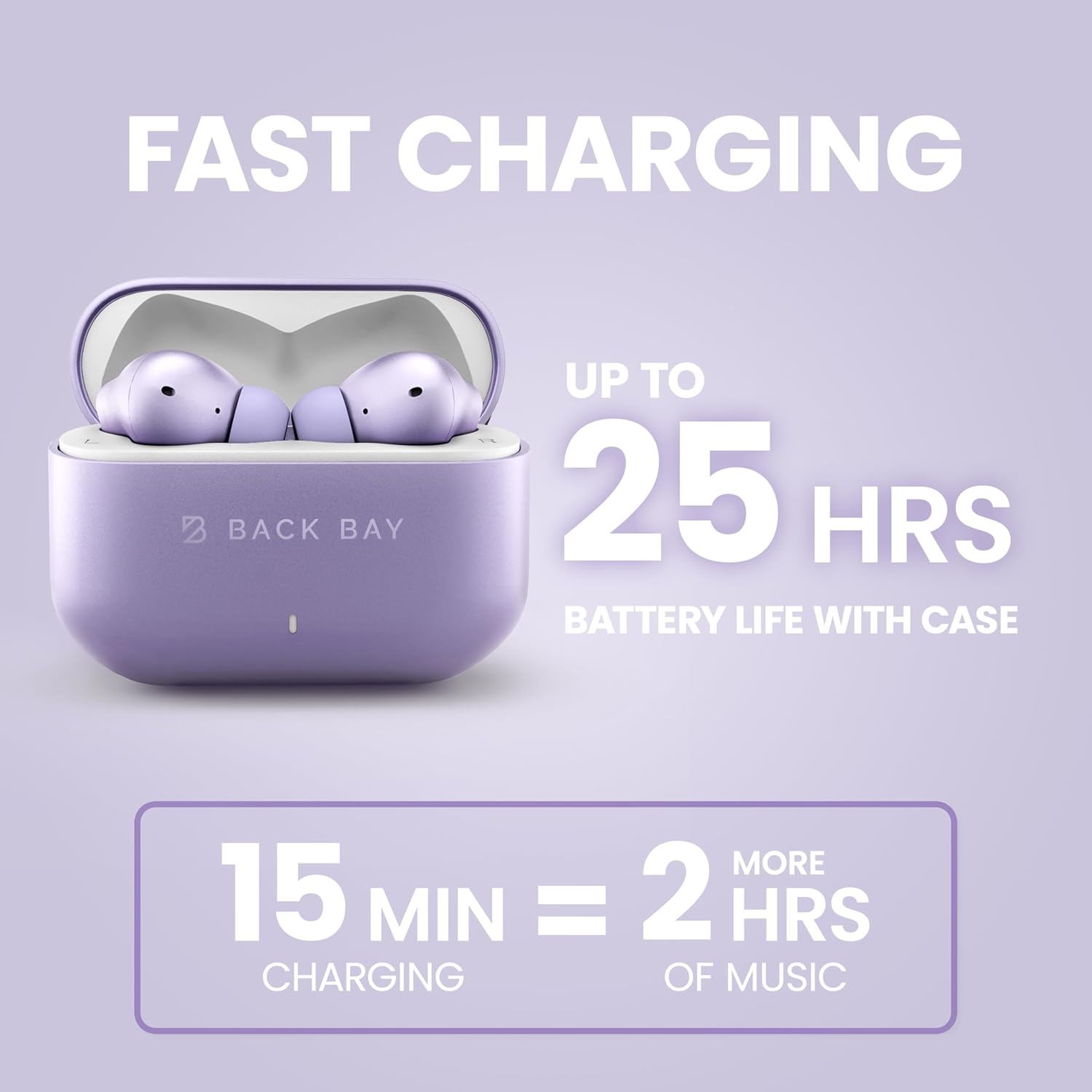
Image: The Back Bay Audio FirstClass 50 earbuds in their charging case, illustrating the fast charging capability and extended battery life of up to 25 hours with the case. A 15-minute charge provides 2 hours of music playback.
2. Paru â Dyfais
- Gwnewch yn siŵr bod y clustffonau yn y cas gwefru a bod caead y cas ar agor.
- Ar eich dyfais (ffôn clyfar, tabled, cyfrifiadur), ewch i osodiadau Bluetooth.
- Select "Back Bay FirstClass 50" from the list of available devices.
- Once connected, the earbuds will automatically pair with this device in the future when removed from the case.

Image: The Back Bay Audio FirstClass 50 earbuds and charging case positioned between a laptop, an iPhone, and a Samsung smartphone, indicating instant connectivity to any phone or computer via Bluetooth.
3. Earbud Fit
Select the eartips that provide the most comfortable and secure fit for your ears. A proper seal is crucial for optimal sound quality and noise cancellation performance.
Cyfarwyddiadau Gweithredu
Rheolaethau Cyffwrdd
The Back Bay Audio FirstClass 50 earbuds feature intuitive touch controls on each earbud. Specific functions are activated by tapping or holding the touch-sensitive area.
- Chwarae/Seibiant: Tap sengl ar y naill glust neu'r llall.
- Cyfrol i fyny/i lawr: Specific tap patterns (refer to quick start guide for detailed patterns).
- Trac Nesaf: Tapiwch ddwywaith ar y glustffon dde.
- Trac Blaenorol: Tapiwch ddwywaith ar y glustffon chwith.
- Ateb / Diwedd Galwad: Tap sengl ar y naill glust neu'r llall.
- Gwrthod Galwad: Pwyswch a daliwch y naill glustffon neu'r llall.
- Ysgogi Cynorthwyydd Llais: Tapiwch driphlyg ar y naill glustffon neu'r llall.
- Switch Noise Control Modes (ANC/Transparency): Press and hold the touch area for 2 seconds.

Delwedd: Manwl view of a Back Bay Audio FirstClass 50 earbud, highlighting the touch-sensitive area for controlling media playback, volume, calls, and noise cancellation features.
Dulliau Rheoli Sŵn
The earbuds offer Active Noise Cancellation (ANC) and Transparency Mode to adapt to your environment.
- Canslo Sŵn Gweithredol (ANC): Reduces external noise, ideal for travel or noisy environments. The earbuds are designed to cancel up to 97% of noise without causing head pressure.
- Modd Tryloywder: Allows you to hear your surroundings clearly while still enjoying your audio, useful for awareness in urban areas or conversations.
To switch between ANC and Transparency Mode, press and hold the touch area on either earbud for 2 seconds.

Image: A woman wearing the Back Bay Audio FirstClass 50 earbuds on an airplane, demonstrating the effectiveness of the Active Noise Cancellation feature in reducing ambient noise by up to 97% for a comfortable listening experience.

Image: A woman wearing the Back Bay Audio FirstClass 50 earbuds in an outdoor urban setting, illustrating the Transparency Mode which allows users to hear their surroundings while listening to audio.
Moddau Sain
The earbuds offer two distinct sound profiles:
- Signature Sound: The default, balanced audio profile.
- Modd Bas: Enhances low frequencies for a more immersive audio experience.
Switch between these modes using the touch controls (refer to quick start guide for detailed patterns).
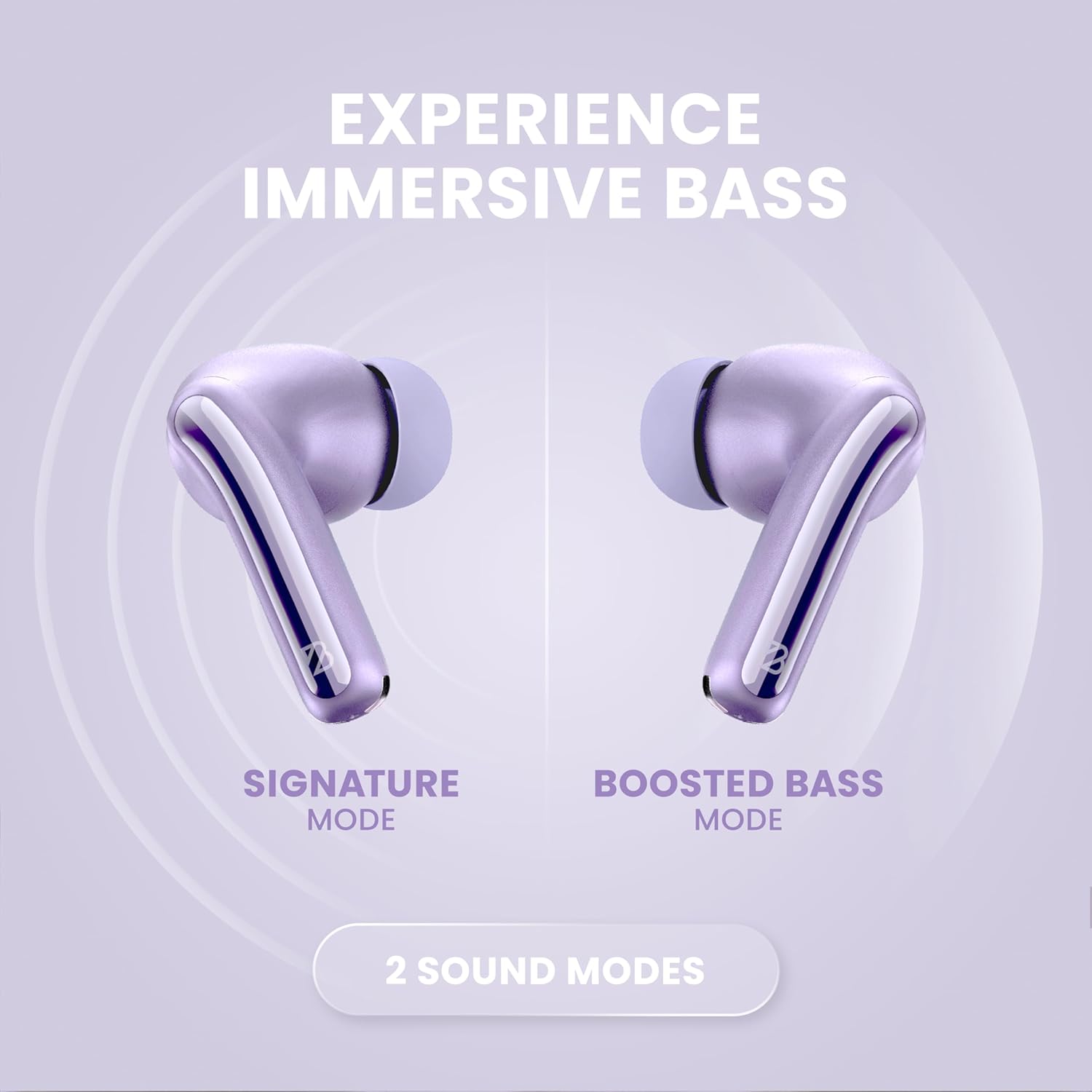
Image: Two Back Bay Audio FirstClass 50 earbuds displayed side-by-side, labeled "Signature Mode" and "Boosted Bass Mode," highlighting the availability of two distinct sound profiles for different listening preferences.
Modd Cudd Isel
Bluetooth 5.4 technology provides a low latency of 20ms, ensuring minimal audio delay for gaming and video playback.
Fideo Cynnyrch Swyddogol
Video: An official product video from Back Bay Brand showcasing the features and benefits of the Back Bay FirstClass 50 ANC Active Noise Cancelling Earbuds.
Cynnal a chadw
- Glanhau: Regularly clean the earbuds and charging case with a soft, dry cloth. Do not use abrasive materials or harsh chemicals.
- Blaengaredd: Tynnwch flaenau’r clustffonau a’u glanhau gyda sebon ysgafn a dŵr os oes angen. Gwnewch yn siŵr eu bod yn hollol sych cyn eu hailgysylltu.
- Storio: Pan nad ydynt yn cael eu defnyddio, storiwch y clustffonau yn eu cas gwefru i'w hamddiffyn a'u cadw'n wefredig.
- Gwrthiant Dŵr: The earbuds are water resistant. Avoid submerging them in water or exposing them to high-pressure water jets. Dry them thoroughly if they get wet.
Datrys problemau
| Problem | Ateb |
|---|---|
| Clustffonau ddim yn paru |
|
| Dim sain o un glust |
|
| Ansawdd sain gwael |
|
| Clustffonau ddim yn codi tâl |
|
Manylebau
| Nodwedd | Manylyn |
|---|---|
| Brand | Sain Bae Cefn |
| Enw Model | Back Bay FirstClass 50 |
| Lleoliad Clust | Mewn Clust |
| Technoleg Cysylltedd | Di-wifr (Bluetooth 5.4) |
| Amrediad Bluetooth | Hyd at 30 troedfedd |
| Rheoli Sŵn | Active Noise Cancellation, Transparency Mode |
| Maint Gyrrwr Sain | Gyrrwr Dynamig 10 mm |
| Ymateb Amlder | 20 Hz - 20,000 Hz |
| rhwystriant | 4 ohm |
| Sensitifrwydd | 110 dB |
| Latency Sain | 20 milieiliad |
| Bywyd Batri (Clustffonau) | Hyd at 5 awr |
| Cyfanswm Bywyd y Batri (gyda Chas) | Hyd at 25 awr |
| Tâl Cyflym | 15 mins charge = 2 hours music |
| Math o Reoli | Touch (Media Control, Volume Control, Noise Cancellation) |
| Lefel Gwrthsefyll Dŵr | Gwrth-ddŵr |
| Pwysau Earbud | 4 g |
| Pwysau Achos | 36 g |
| Dimensiynau Achos (L x W x H) | 1 inch x 2.5 inches x 1.8 inches |
| Deunydd Amgaead | Plastig ABS premiwm |
| Deunydd Cas Cario | Soft-Touch Rubberized Plastic |

Image: A diagram illustrating the physical dimensions of the Back Bay Audio FirstClass 50 earbuds (1.4" height, 0.9" width) and their charging case (1.9" height, 2.5" width).
Gwarant
The Back Bay Audio FirstClass 50 True Wireless Earbuds come with a 1-Year Warranty. For detailed warranty terms and conditions, please refer to the official Back Bay Audio websafle neu cysylltwch â chymorth cwsmeriaid.
Cefnogaeth
Am gymorth pellach, datrys problemau, neu ymholiadau am gynnyrch, ewch i'r Back Bay Audio Store on Amazon neu cysylltwch â'u gwasanaeth cwsmeriaid yn uniongyrchol.
Dogfennau cysylltiedigFirstClass 50


Ask a question about this manual
Ask about setup, troubleshooting, compatibility, parts, safety, or missing instructions. Manuals+ will review the question and use this page’s manual context to help answer it.