
1. Rhagymadrodd
This manual provides essential information for setting up, operating, maintaining, and troubleshooting your NIMO N158 15.6-inch laptop. Please read this manual thoroughly before using your device to ensure optimal performance and longevity.
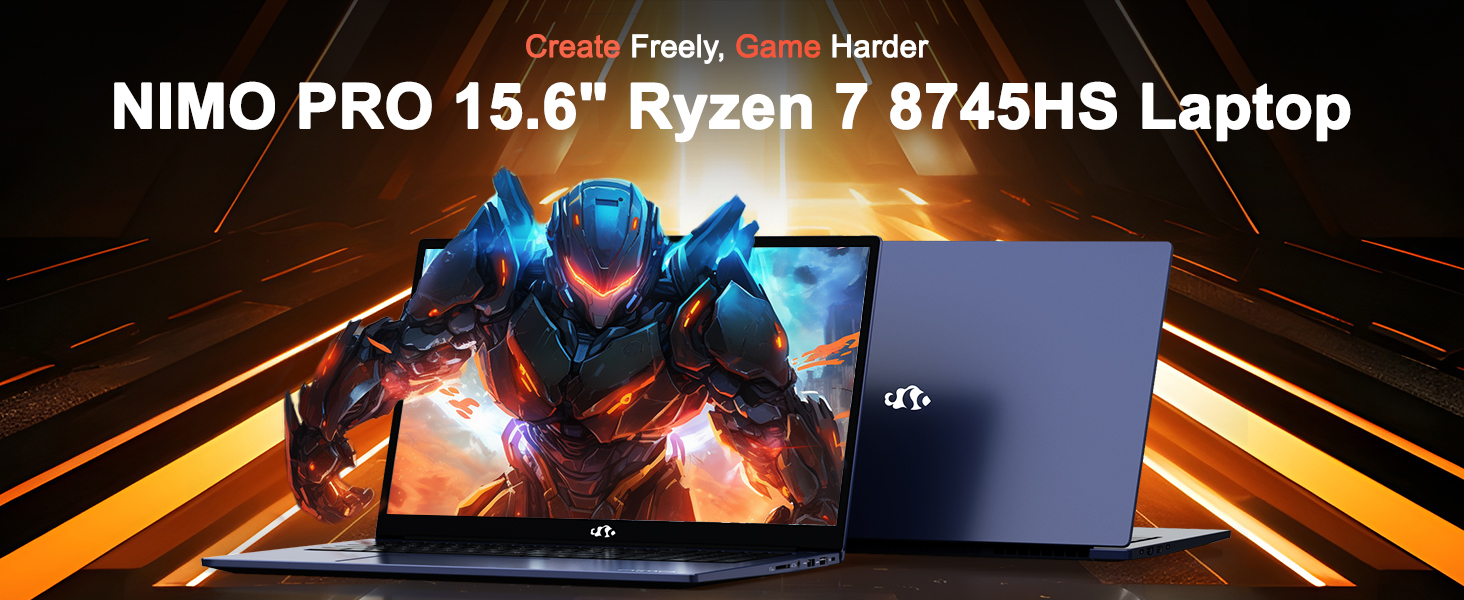
Image: The NIMO N158 15.6-inch laptop, showcasinei ddyluniad a'i nodweddion allweddol.
2. Cynnyrch Drosview
The NIMO N158 is a high-performance laptop designed for productivity and entertainment. It features an AMD Ryzen 7 8745HS processor, 64GB DDR5 RAM, and a 1TB PCIe 4.0 SSD.
2.1 Cydrannau Allweddol
- Prosesydd: AMD Ryzen 7 8745HS (8 Cores, 16 Threads, up to 4.9GHz)
- Graffeg: AMD Radeon 780M Integrated Graphics
- Cof: 64GB o RAM DDR5 (4800 MHz)
- Storio: 1TB PCIe 4.0 SSD
- Arddangos: 15.6-inch Full HD (1920x1080) IPS Anti-Glare
- System Weithredu: Windows 11 Cartref
- Batri: 75Wh Lithium Polymer
2.2 Ports and Interfaces
The NIMO N158 laptop offers a variety of ports for connectivity:

Image: Diagram illustrating the various ports and interfaces on the NIMO N158 laptop.
- 1 x Porthladd USB 2.0
- 3 x Porthladd USB 3.0
- 1 x USB 4.0 Type-C Port (with 100W PD fast charging support)
- Porth 1 x HDMI
- 1 x Jack Clustffon
- 1 x Darllenydd Cerdyn SD
- 1 x Slot Lock Kensington
3. Gosod
3.1 Troi Ymlaen a Gwefru Cychwynnol
- Unpack the laptop and the included 100W Type-C PD Fast Charger.
- Connect the charger to the USB Type-C port on the laptop and to a power outlet. The Charger LED will illuminate.
- Allow the laptop to charge for at least 30 minutes before initial use, or until the battery indicator shows sufficient charge.
- Pwyswch y botwm pŵer i droi'r gliniadur ymlaen.

Image: The NIMO N158 laptop connected to its 100W Type-C fast charger, illustrating the charging process.
3.2 Gosod System Weithredu
Upon first boot, you will be guided through the Windows 11 Home setup process. Follow the on-screen instructions to configure your language, region, network connection, and user account.
3.3 Fingerprint Reader Setup
For enhanced security, set up the integrated fingerprint reader during the Windows 11 setup or later via Windows Settings > Accounts > Sign-in options. This allows for quick and secure login.
4. Cyfarwyddiadau Gweithredu
4.1 Bysellfwrdd a Phad Cyffwrdd
- Bysellfwrdd ôl-oleuo: The keyboard features backlighting for comfortable typing in low-light conditions. Use the designated function key (Fn + F key combination, typically) to adjust brightness or toggle the backlight.
- Bysellbad rhifol: A dedicated numeric keypad is included for efficient data entry.
- Precision Gesture Touchpad: Mae'r pad cyffwrdd yn cefnogi ystumiau aml-gyffwrdd ar gyfer llywio. Cyfeiriwch at osodiadau Windows i addasu ystumiau'r pad cyffwrdd.
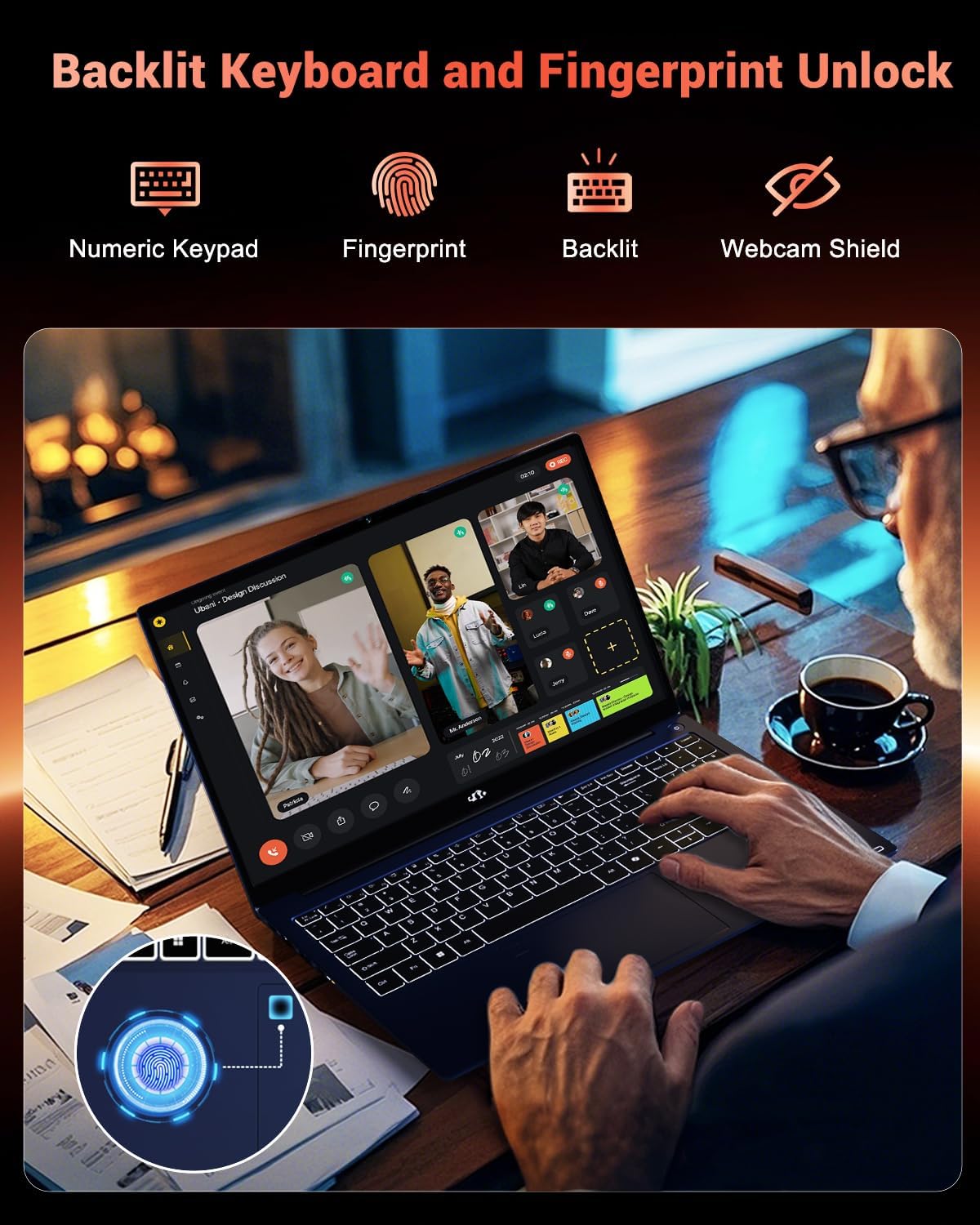
Image: A user interacting with the NIMO N158 laptop, highlighting the backlit keyboard and fingerprint reader on the touchpad.
4.2 Arddangos
The 15.6-inch Full HD IPS anti-glare display provides clear and vibrant visuals. Adjust display settings (resolution, brightness, color) through Windows Display Settings.
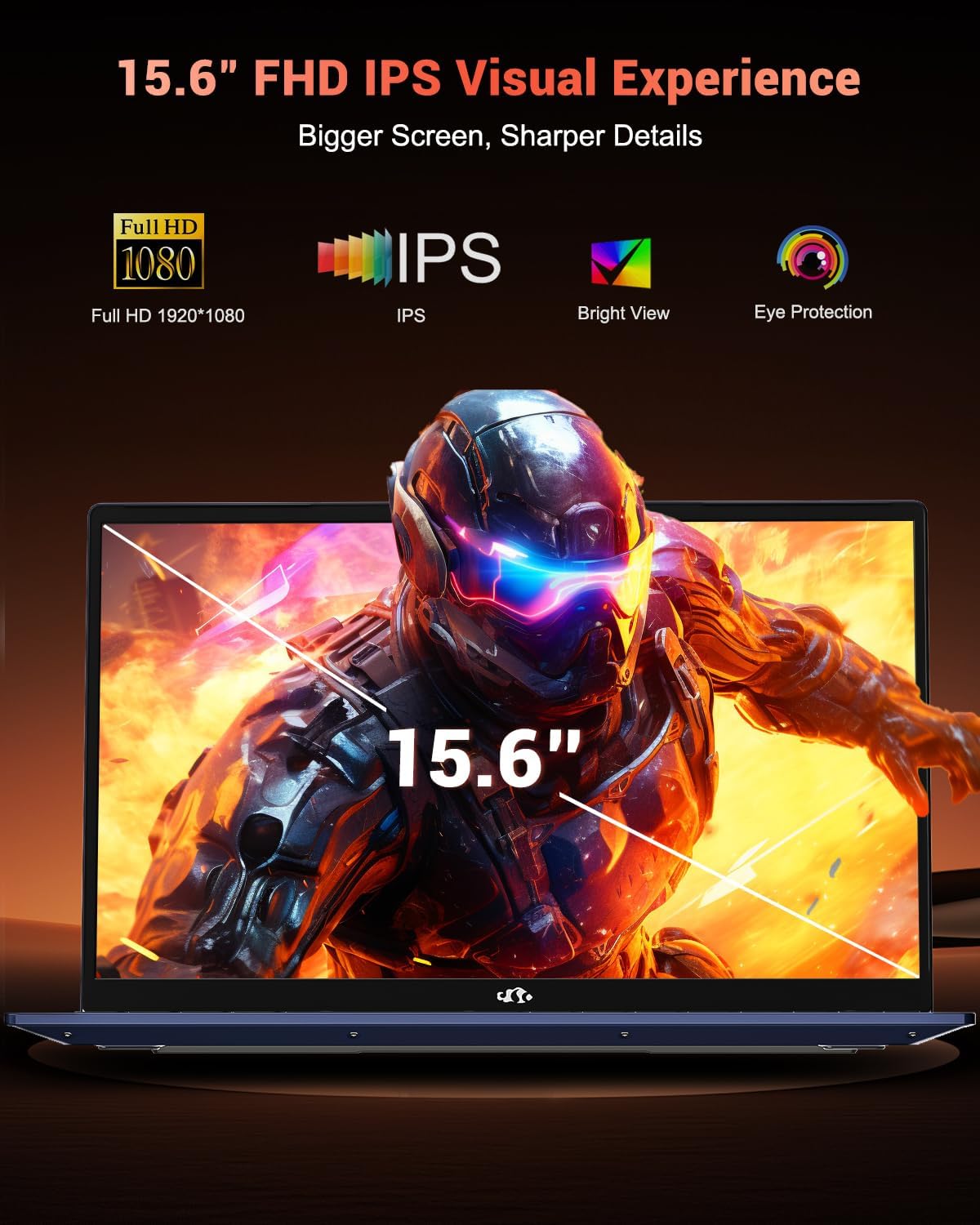
Image: The NIMO N158 laptop displaying a vibrant image on its 15.6-inch Full HD IPS screen, emphasizing visual quality.
4.3 Webcam
The laptop includes a 2MP webcam. For privacy, a physical webcam shield or switch is integrated. Ensure the webcam is open when in use and closed when not needed.

Image: A visual representation of the NIMO N158 laptop's privacy-focused camera, showing the open and closed states of the webcam switch.
4.4 Performance and Multitasking
The AMD Ryzen 7 8745HS processor and 64GB DDR5 RAM provide robust performance for demanding tasks, content creation, and gaming. The 1TB PCIe 4.0 SSD ensures fast boot times and application loading.

Image: A close-up of the AMD Ryzen 7 8745HS processor chip, highlighting its core specifications.
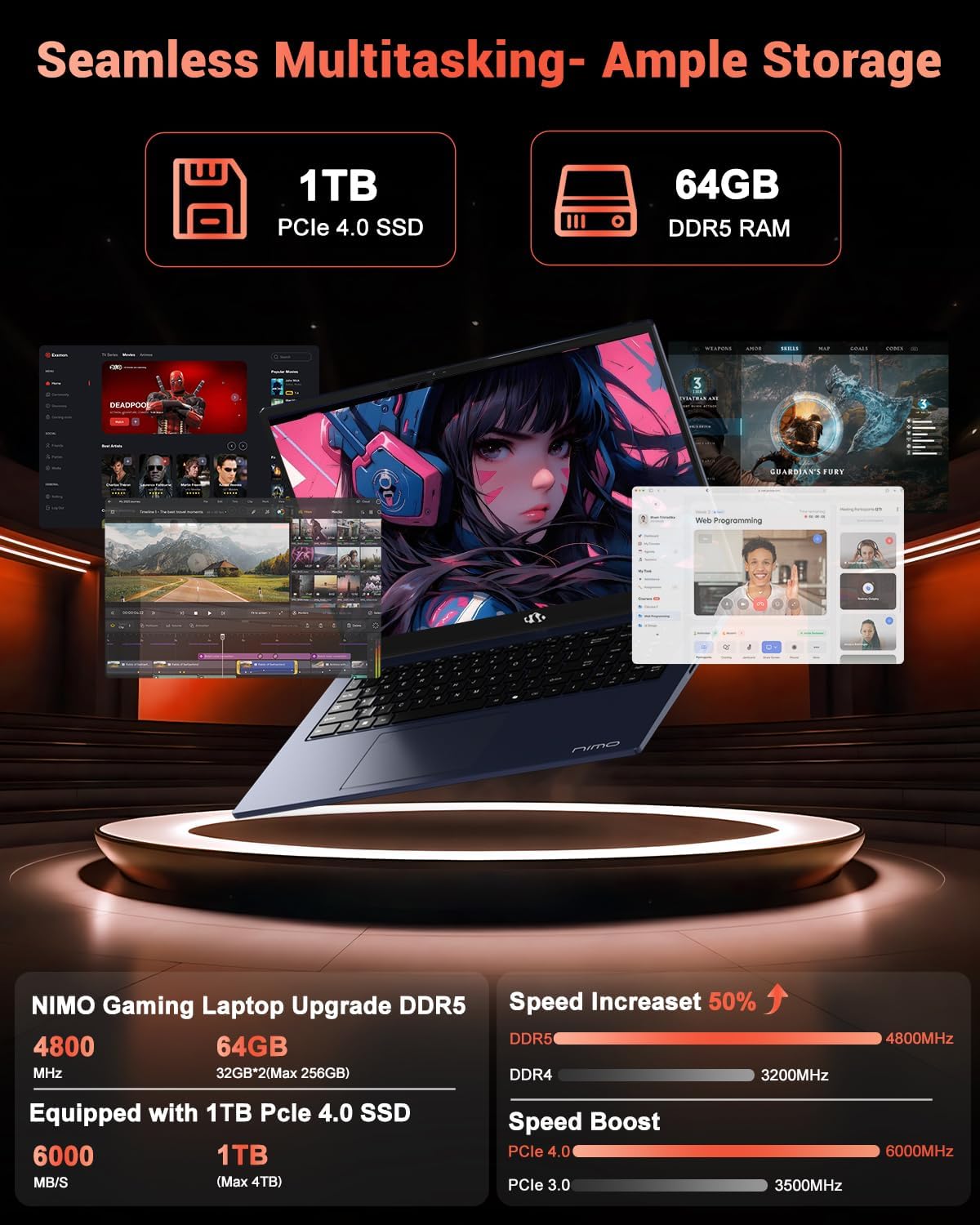
Image: The NIMO N158 laptop displaying multiple applications open, demonstrating its multitasking capabilities with 64GB RAM and 1TB SSD.
5. cynnal
5.1 Gofal Cyffredinol
- Cadwch y gliniadur yn lân trwy sychu arwynebau â lliain meddal, sych.
- Avoid exposing the laptop to extreme temperatures, direct sunlight, or moisture.
- Peidiwch â gosod gwrthrychau trwm ar y gliniadur.
- Sicrhewch awyru priodol trwy beidio â rhwystro'r fentiau aer.
5.2 Upgradability
The NIMO N158 features an upgradable design, allowing for expansion of memory (RAM) and storage (SSD). Consult a qualified technician or refer to official NIMO support resources before attempting any internal upgrades to avoid voiding your warranty.
6. Datrys Problemau
If you encounter issues with your NIMO N158 laptop, consider the following basic troubleshooting steps:
- Dim pŵer: Ensure the charger is securely connected and the power outlet is functional. Try a different outlet.
- Problemau Arddangos: Check external display connections if using one. Adjust screen brightness. Restart the laptop.
- Perfformiad Araf: Close unnecessary applications. Check for background updates. Ensure sufficient free storage space.
- Problemau Cysylltedd: Restart your Wi-Fi router. Reconnect to the Wi-Fi network. Update network drivers.
- System Freezes: Press and hold the power button for 10-15 seconds to force a shutdown, then restart.
For persistent issues, refer to the NIMO support websafle neu cysylltwch â gwasanaeth cwsmeriaid.
7. manylebau
| Nodwedd | Manyleb |
|---|---|
| Brand | NIMO |
| Enw Model | NIMO N158B |
| Maint Sgrin | 15.6 modfedd |
| Cydraniad Sgrin | 1920 x 1080 Pixels (FHD IPS) |
| Prosesydd | AMD Ryzen 7 8745HS (up to 4.9 GHz) |
| HWRDD | 64 GB DDR5 (4800 MHz) |
| Gyriant Caled | SSD 1024 GB (PCIe 4.0) |
| Cydbrosesydd graffeg | AMD Radeon 780M |
| System Weithredu | Windows 11 Cartref |
| Math Di-wifr | 802.11a/b/g/n/ac (Wi-Fi 6E) |
| Porthladdoedd USB 2.0 | 1 |
| Porthladdoedd USB 3.0 | 3 |
| Porthladdoedd Math-C USB 4.0 | 1 |
| Bywyd Batri Cyfartalog | 15.5 Awr |
| Pwysau Eitem | 3.8 pwys |
| Dimensiynau Cynnyrch | 14.07 x 8.98 x 0.76 modfedd |
| Nodweddion Arbennig | Backlit Keyboard, Fingerprint Reader, HD Audio, Numeric Keypad |
8. Gwarant a Chefnogaeth
NIMO is committed to providing excellent customer service and product support.
8.1 Gwybodaeth Gwarant
Your NIMO N158 laptop comes with a Gwarant 2 mlynedd from the date of purchase. This warranty covers manufacturing defects and hardware malfunctions under normal use. Please retain your proof of purchase for warranty claims.

Image: A technician performing maintenance on a laptop, representing the 2-year support provided by NIMO.
8.2 Polisi Dychwelyd
NIMO offers a 90-day hassle-free return policy. If you are not satisfied with your purchase, you may return the product within 90 days from the date of purchase. Please refer to the official NIMO return policy for detailed terms and conditions.

Image: A delivery person handing a package to a customer, illustrating the 90-day return policy.
8.3 Cefnogaeth i Gwsmeriaid
Our dedicated support team is available to assist you with any questions or issues. You can reach us via:
- E-bost: gwasanaeth@nimopc.com
- Ar-lein: Visit the official NIMO websafle ar gyfer Cwestiynau Cyffredin ac adnoddau cymorth.
We strive to provide quick solutions and a worry-free experience.

Image: Customer service representatives wearing headsets, representing professional customer assistance.