
1. Rhagymadrodd
Welcome to the FUNYET 16-inch Laptop Computer NY-08 user manual. This guide provides essential information for setting up, operating, maintaining, and troubleshooting your new laptop. Designed for versatility and performance, the FUNYET NY-08 is equipped with an Intel 13th Gen N150 processor, ample memory, and a vibrant display to support your daily computing needs, from productivity to entertainment.

Figure 1: The FUNYET 16-inch Laptop Computer, showcasinei ddyluniad cain a'i arddangosfa fawr.
2. Gosod
2.1 Dadbocsio ac Archwiliad Cychwynnol
Tynnwch yr holl gydrannau o'r pecynnu yn ofalus. Gwnewch yn siŵr bod yr eitemau canlynol yn bresennol:
- FUNYET 16-inch Laptop Computer
- Addasydd AC
- Llawlyfr Defnyddiwr (y ddogfen hon)
- Cerdyn Gwarant
2.2 Powering On and First Boot
Connect the AC adapter to the laptop's DC port and a power outlet. Press the power button to turn on the laptop. Follow the on-screen instructions to complete the initial Windows 11 Pro setup, including language, region, and user account creation.
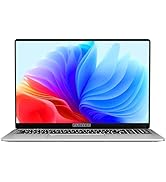
Figure 2: The laptop displaying the Windows 11 Pro operating system during initial setup.
2.3 Cysylltu â Wi-Fi
During the Windows setup or afterwards, navigate to the network settings. Select your desired Wi-Fi network from the list, enter the password if prompted, and click 'Connect'.
3. Gweithredu Eich Gliniadur
3.1 Windows 11 Pro Overview
Your FUNYET laptop comes with Windows 11 Pro pre-installed, offering enhanced security, productivity features, and a redesigned user interface. Explore the Start Menu, Taskbar, and Widgets for a personalized experience.
3.2 Bysellfwrdd a Phad Cyffwrdd
The laptop features a full-size backlit keyboard for comfortable typing in various lighting conditions and a numeric keypad for efficient data entry. The integrated touchpad supports multi-touch gestures for navigation. A fingerprint scanner is integrated for secure and quick login.
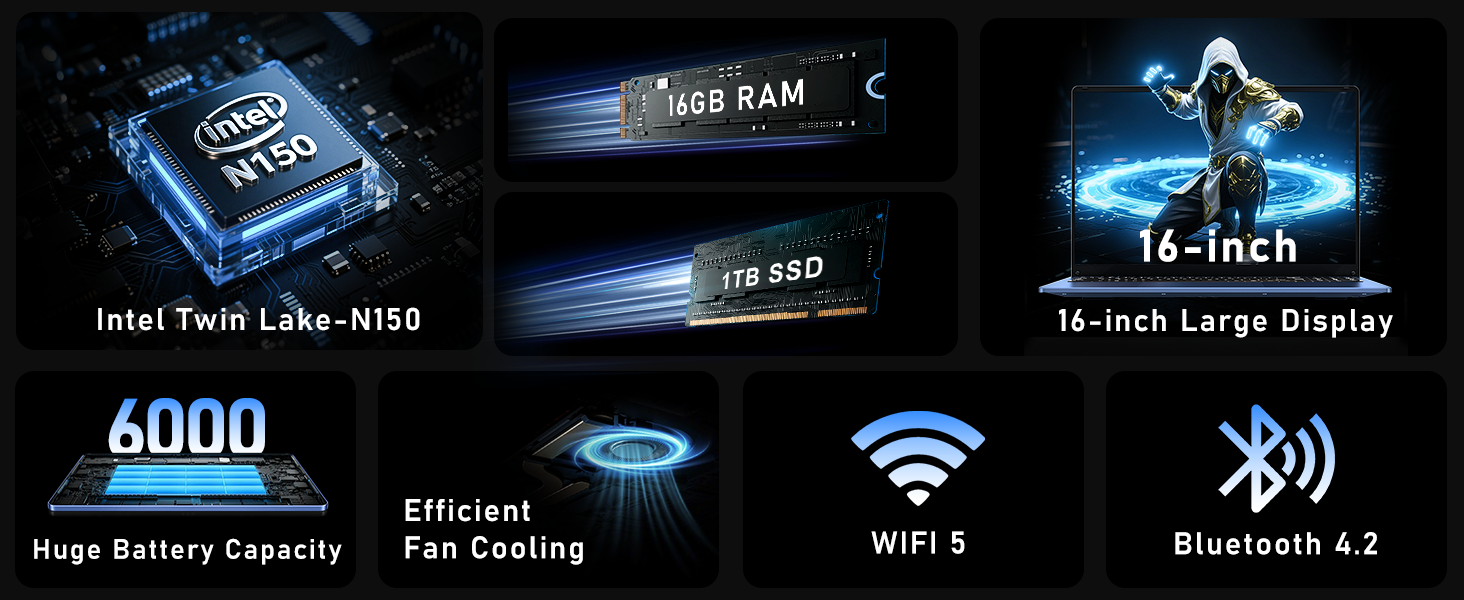
Figure 3: Close-up of the laptop's full-size backlit keyboard and numeric keypad.
3.3 Porthladdoedd Cysylltedd
The laptop is equipped with various ports for external device connectivity:
- Porth USB 2.0: For connecting older USB devices.
- Porthladdoedd USB 3.0: Two ports for high-speed data transfer with compatible devices.
- Porthladd HDMI Mini: Ar gyfer cysylltu ag arddangosfeydd neu daflunyddion allanol.
- Jack clustffon 3.5mm: Ar gyfer allbwn sain i glustffonau neu siaradwyr allanol.
- Porthladd DC: For connecting the AC adapter to charge the laptop.
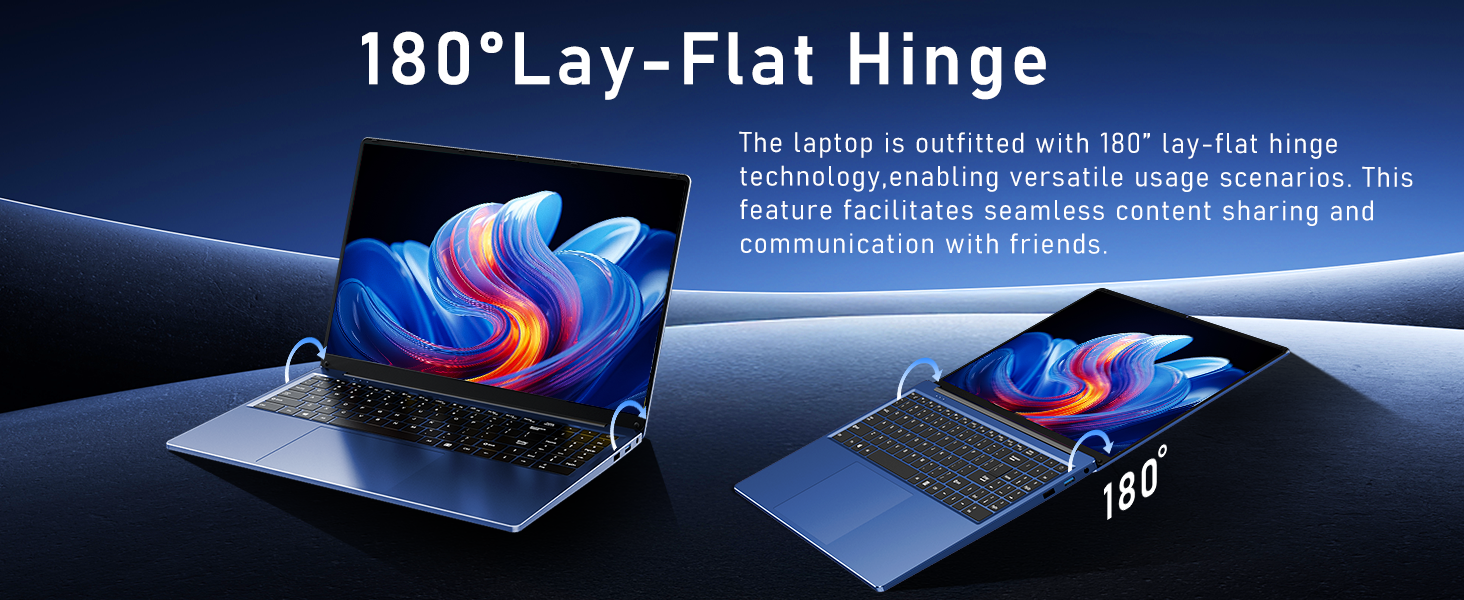
Figure 4: Diagram illustrating the various connectivity ports on the FUNYET laptop.
4. Nodweddion Allweddol
The FUNYET NY-08 laptop is engineered with components designed for optimal performance and user experience.
4.1 Advanced Processor
Equipped with the latest 13th generation Intel Alder Lake N150 processor, featuring a boost frequency of up to 3.6GHz, 4 cores, and 4 threads. This provides robust performance for multitasking, streaming, and light gaming.

Ffigur 5: Manwl view of the Intel N150 processor, highlighting its core specifications.
4.2 Cof a Storio
With 16GB of DDR4 RAM and a 1TB high-speed SSD, the laptop ensures effortless multitasking and provides ample space for all your data, applications, and media files.
Figure 6: Visual representation of the 16GB RAM and 1TB SSD for high capacity and performance.
4.3 Visual Brilliance Display
Experience stunning visuals on the 16.0-inch Full HD IPS display with a 1920x1200 resolution. The 0.2-inch micro-bezel and 90% screen-to-body ratio provide an immersive viewing experience with vivid colors and eye protection features.

Figure 7: The laptop's 16-inch FHD IPS display, showcasing its visual clarity and narrow bezels.
4.4 Long-Lasting Battery
The laptop is equipped with a 6000mAh (46.2Wh) rechargeable battery, offering up to 6 hours of battery life, making it suitable for on-the-go use.
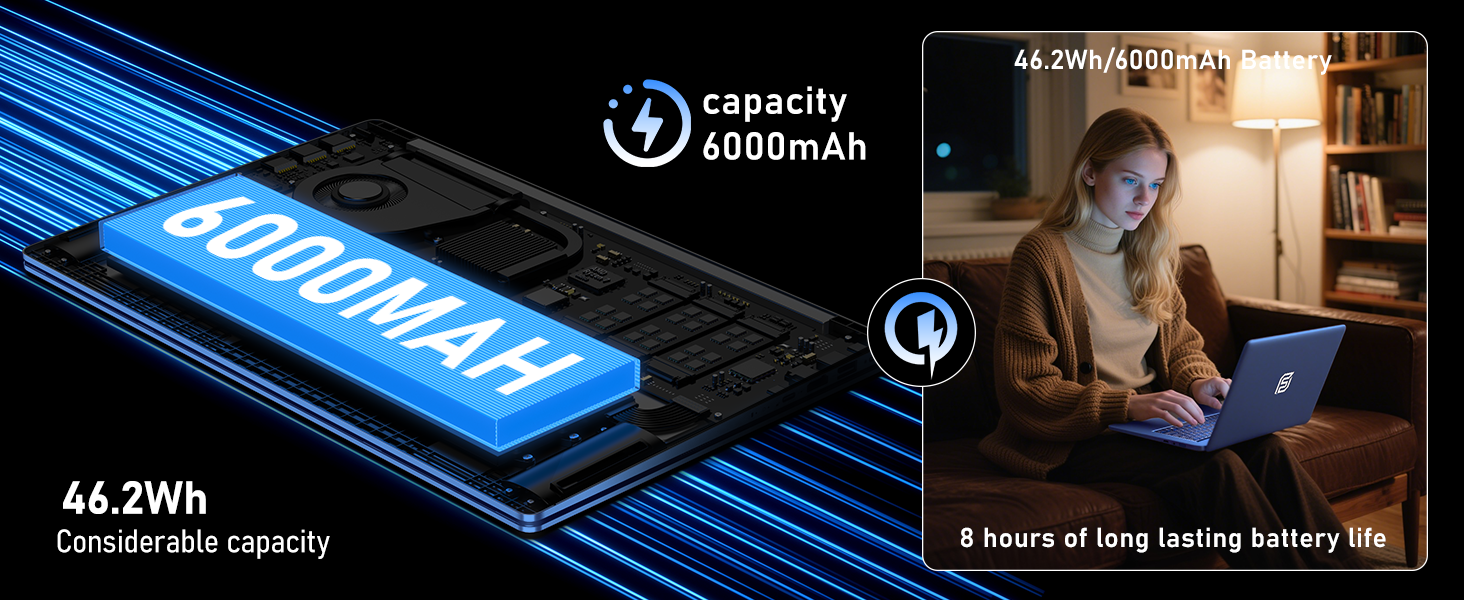
Figure 8: Illustration of the laptop's 6000mAh battery, providing extended usage.
4.5 Portable Design
With a slim 0.8-inch body and a weight of only 3.5 pounds, this laptop is highly portable. It also features a 180° lay-flat hinge, allowing for versatile usage scenarios and easy content sharing.
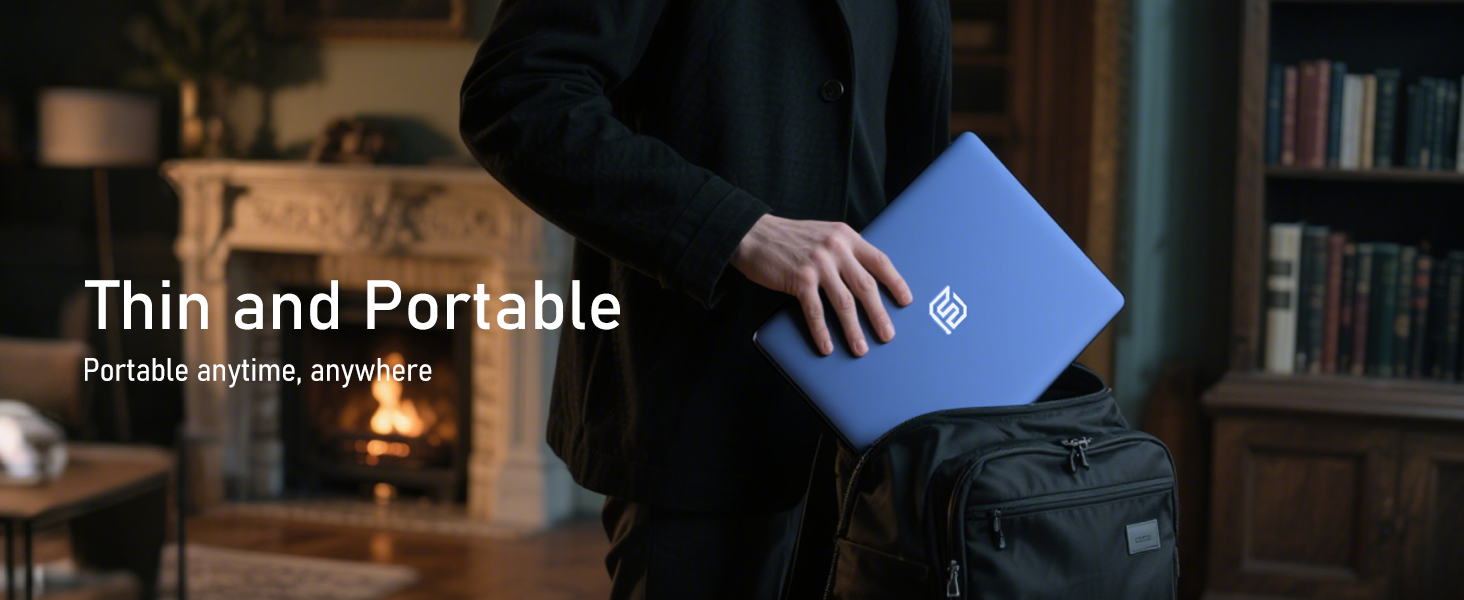
Figure 9: The laptop demonstrating its 180-degree lay-flat hinge for flexible use.
5. cynnal
To ensure the longevity and optimal performance of your FUNYET laptop, follow these maintenance guidelines:
- Glanhau: Defnyddiwch frethyn meddal, di-flwff i lanhau'r sgrin a'r tu allan. Osgowch gemegau llym.
- Diweddariadau Meddalwedd: Regularly update Windows 11 Pro and drivers to ensure security and performance.
- Gofal Batri: Osgowch ollwng y batri'n llwyr yn aml. Ar gyfer storio tymor hir, gwefrwch y batri i tua 50-70%.
- Awyru: Ensure the laptop's vents are not obstructed to prevent overheating.
6. Datrys Problemau
Dyma atebion i broblemau cyffredin y gallech ddod ar eu traws:
| Mater | Ateb |
|---|---|
| Nid yw'r gliniadur yn troi ymlaen | Ensure the AC adapter is securely connected and the power outlet is functional. Try holding the power button for 10-15 seconds to perform a hard reset. |
| Dim cysylltiad Wi-Fi | Check if Wi-Fi is enabled in Windows settings. Restart your router and the laptop. Verify your Wi-Fi password. |
| Perfformiad araf | Close unnecessary applications. Check for background processes consuming resources. Ensure Windows and drivers are up to date. Run a disk cleanup. |
| Problemau arddangos | Adjust screen brightness. Ensure display drivers are updated. If connected to an external monitor, check cable connections. |
7. manylebau
Detailed technical specifications for the FUNYET 16-inch Laptop Computer NY-08:
| Nodwedd | Manylyn |
|---|---|
| Enw Model | NY-08 |
| Maint Sgrin | 16 modfedd |
| Cydraniad Sgrin | 1920 x 1200 picsel (FHD IPS) |
| Prosesydd | Intel 13th Gen Alder Lake N150 (up to 3.6GHz, 4 Cores, 4 Threads) |
| HWRDD | 16GB DDR4 |
| Gyriant Caled | 1TB SSD |
| System Weithredu | Windows 11 Pro |
| Cerdyn Graffeg | Integrated Celeron Graphics |
| Math Di-wifr | 5 GHz Radio Frequency (Wi-Fi 5) |
| Bluetooth | Bluetooth 4.2 |
| Porthladdoedd USB | 1x USB 2.0, 2x USB 3.0 |
| Allbwn Fideo | Mini HDMI |
| Sain Jack | Clustffon 3.5mm |
| Bywyd Batri | Up to 6-8 Hours (6000mAh) |
| Pwysau Eitem | 3.5 pwys |
| Dimensiynau Cynnyrch | 14 x 9 x 0.8 modfedd |
| Nodwedd Arbennig | Backlit Keyboard, Fingerprint Scanner |
8. Gwarant a Chefnogaeth
Your FUNYET NY-08 laptop comes with a Gwarant 2 mlynedd, ensuring peace of mind. For any issues or queries, our dedicated customer support team is available 24/7 to provide prompt and efficient assistance.
Gwybodaeth Gyswllt:
- Ffôn: +1 800-986-9631 (4AM-10PM PT)
- E-bost: funyetstore@outlook.com

Figure 10: FUNYET customer support information, including warranty and contact details.
9. Fideos Cynnyrch
9.1 FUNYET Gaming Laptop Overview
Fideo 1: Dros ben swyddogolview of the FUNYET Gaming Laptop, highlighting its design and core features. This video provides a visual introduction to the product's capabilities and aesthetics.
9.2 FUNYET Laptop for Gaming Features
Video 2: A detailed look at the FUNYET Laptop's features optimized for gaming and productivity. This video demonstrates the laptop's performance and various functionalities in action.