
Cynnyrch Drosview
The ATTACK SHARK R11 Ultra is an ultralight 8K wireless gaming mouse designed for high performance. It features a carbon fiber construction, a PixArt PAW3950 MAX sensor, and Nordic 52840 MCU for precise tracking and rapid response. This mouse offers versatile connectivity options and customizable settings for an optimized gaming experience.

Image: The ATTACK SHARK R11 Ultra 8K Wireless Gaming Mouse in Ink color.
Cynnwys Pecyn
- ATTACK SHARK R11 Ultra 8K Wireless Gaming Mouse
- Derbynnydd USB (2.4GHz)
- USB-C i USB-A Cebl
- Llawlyfr Defnyddiwr (y ddogfen hon)
Canllaw Gosod
1. Gwefru'r Llygoden
Before first use, it is recommended to fully charge the mouse. Connect the provided USB-C cable to the mouse's charging port and the USB-A end to a power source (e.g., computer USB port, USB wall adapter). The mouse's indicator light will show charging status.
2. Cysylltu'r Llygoden
The R11 Ultra supports three connectivity modes: 2.4GHz Wireless, Bluetooth, and Wired USB. A switch on the bottom of the mouse allows you to select the desired mode.

Image: Underside of the mouse with the 2.4G, BT, and DPI mode switch clearly visible.
- Modd Diwifr 2.4GHz:
- Set the switch on the bottom of the mouse to "2.4G".
- Mewnosodwch y derbynnydd USB i borth USB sydd ar gael ar eich cyfrifiadur.
- Dylai'r llygoden gysylltu'n awtomatig.
- Modd Bluetooth:
- Set the switch on the bottom of the mouse to "BT".
- Ar eich cyfrifiadur neu ddyfais, agorwch osodiadau Bluetooth a chwiliwch am ddyfeisiau newydd.
- Select "ATTACK SHARK R11 Ultra" from the list of available devices to pair.
- Modd USB â gwifrau:
- Cysylltwch ben USB-C y cebl â'r llygoden a phen USB-A â'ch cyfrifiadur.
- Bydd y llygoden yn gweithredu fel dyfais â gwifrau ac yn gwefru ar yr un pryd.
3. Driver and Software Access
The R11 Ultra features an AI-designed controller accessible via a web-based interface. This eliminates the need for traditional software downloads and installations. You can access advanced settings such as DPI adjustment, polling rate, custom button assignments, and macro recording through this interface.

Delwedd: Ciplun o'r web-based driver interface for customizing mouse settings.
Refer to the official ATTACK SHARK websafle ar gyfer y penodol URL i gael mynediad i'r web rhyngwyneb.
Cyfarwyddiadau Gweithredu
1. Addasiad DPI
The mouse features a highly customizable DPI range up to 42,000. You can adjust DPI settings through the web-based driver interface to match your preference and game requirements.
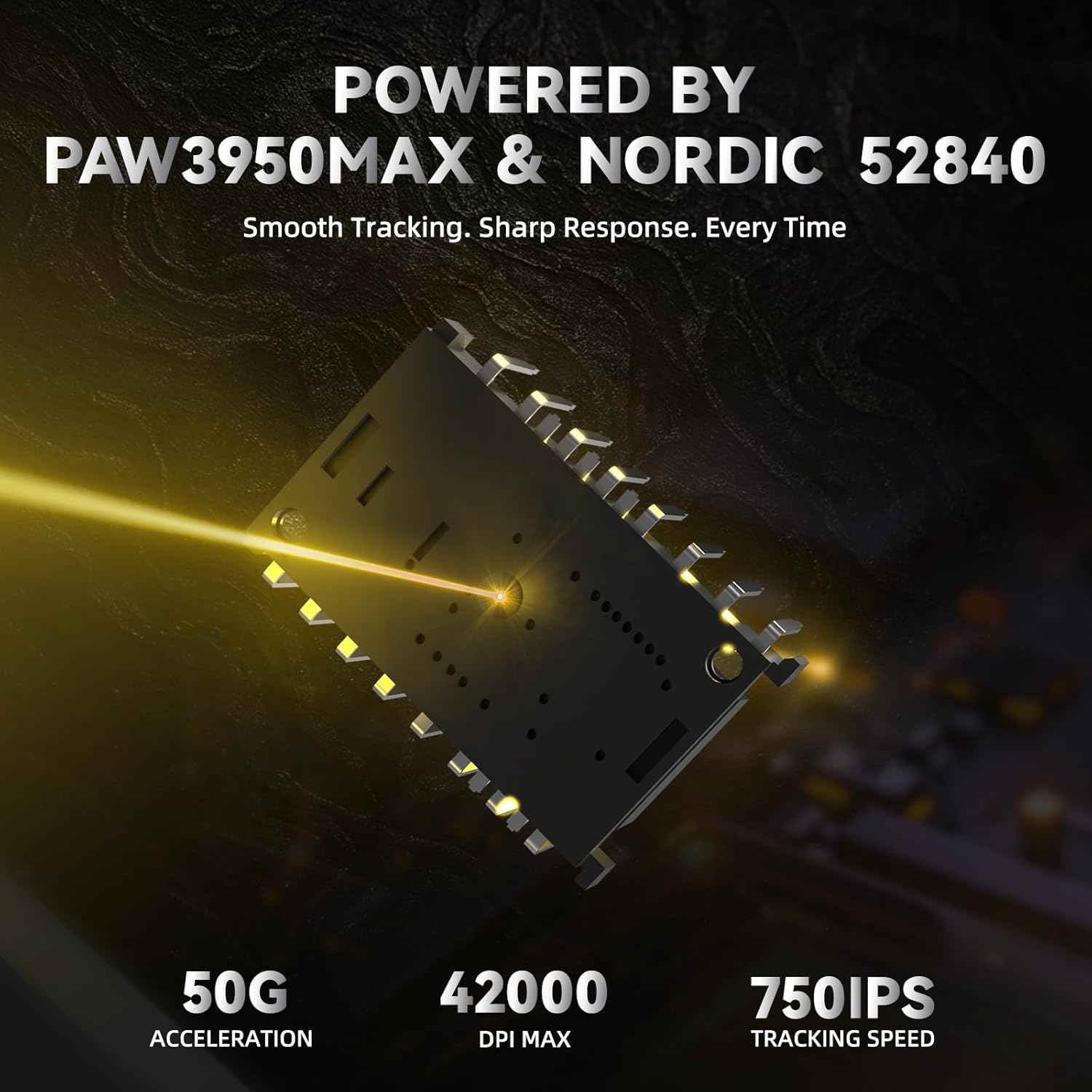
Image: Illustration highlighting the PixArt PAW3950 MAX sensor and Nordic 52840 MCU, indicating 50G acceleration, 42000 DPI MAX, and 750 IPS tracking speed.
2. Polling Rate Settings
The R11 Ultra supports an 8 kHz wireless polling rate for ultra-low latency and fast data transmission. In wired mode, it operates at a 1 kHz polling rate. These settings can be configured via the web rhyngwyneb.
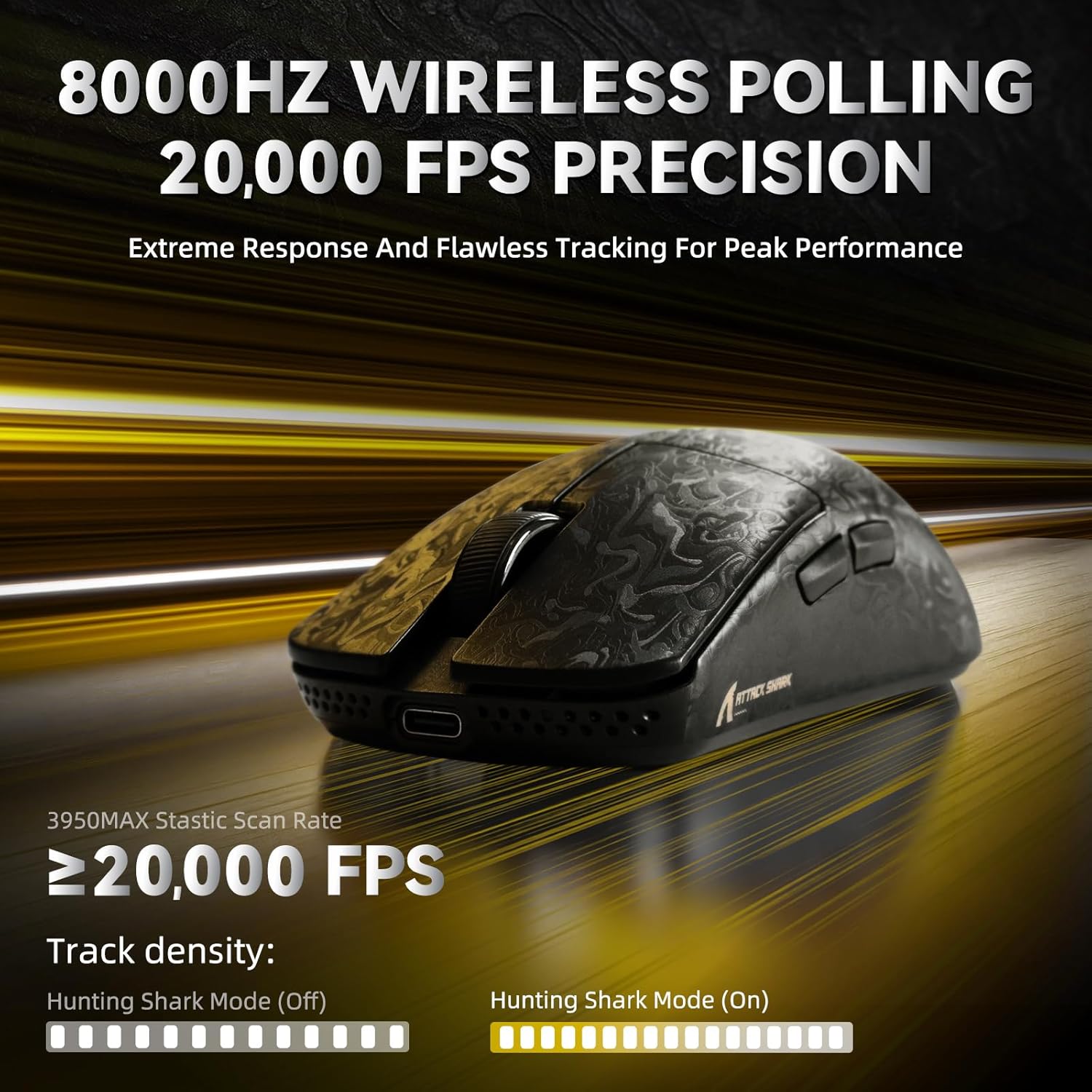
Image: Visual representation of 8000Hz wireless polling and 20,000 FPS precision tracking.
3. Addasu Botymau a Macros
The mouse features 6 programmable buttons. Use the web-based driver interface to assign custom functions, create macros, and personalize your control scheme for different applications or games.

Image: Diagram illustrating the internal optical micro switches with 70 million click durability and the F-SWITCH scroll wheel encoder with 2,000,000 cycle tactility.
4. Grip Options
The ergonomic design of the R11 Ultra accommodates various grip styles, including palm grip, finger grip, and claw grip, ensuring comfort during extended use.

Image: Visual guide demonstrating Palm Grip, Finger Grip, and Claw Grip for the mouse.
Cynnal a chadw
1. Glanhau'r Llygoden
Er mwyn cynnal y perfformiad gorau posibl, glanhewch eich llygoden yn rheolaidd. Defnyddiwch frethyn meddal, sych i sychu'r wyneb. Ar gyfer baw ystyfnig, defnyddiwch frethyn ychydig yn sych.amp gellir defnyddio lliain gyda sebon ysgafn, gan sicrhau nad oes hylif yn mynd i mewn i'r llygoden. Osgowch lanhawyr neu doddyddion sgraffiniol.
The Nano-ice coating provides a smooth, cool touch and durability, making it easy to clean.
Image: Close-up of the mouse surface highlighting the Nano Metallic Ice-Coating.
2. Mouse Feet Care
The R11 Ultra is equipped with 100% virgin PTFE double-layer mouse feet for smooth gliding. Keep the mouse feet clean and free of debris to ensure consistent performance. If the feet show significant wear, replacement feet may be available from the manufacturer.