
1. Rhagymadrodd
Thank you for choosing the Surge Wireless Pro Controller. This multi-platform Bluetooth controller is designed to enhance your gaming experience across various devices, including Nintendo Switch/Switch 2, Windows PC, Android, and iOS. Featuring Hall Effect sticks and triggers, adjustable turbo functionality, and customizable vibration feedback, this controller offers precision and comfort. Please read this manual thoroughly before use to ensure optimal performance and longevity of your device.
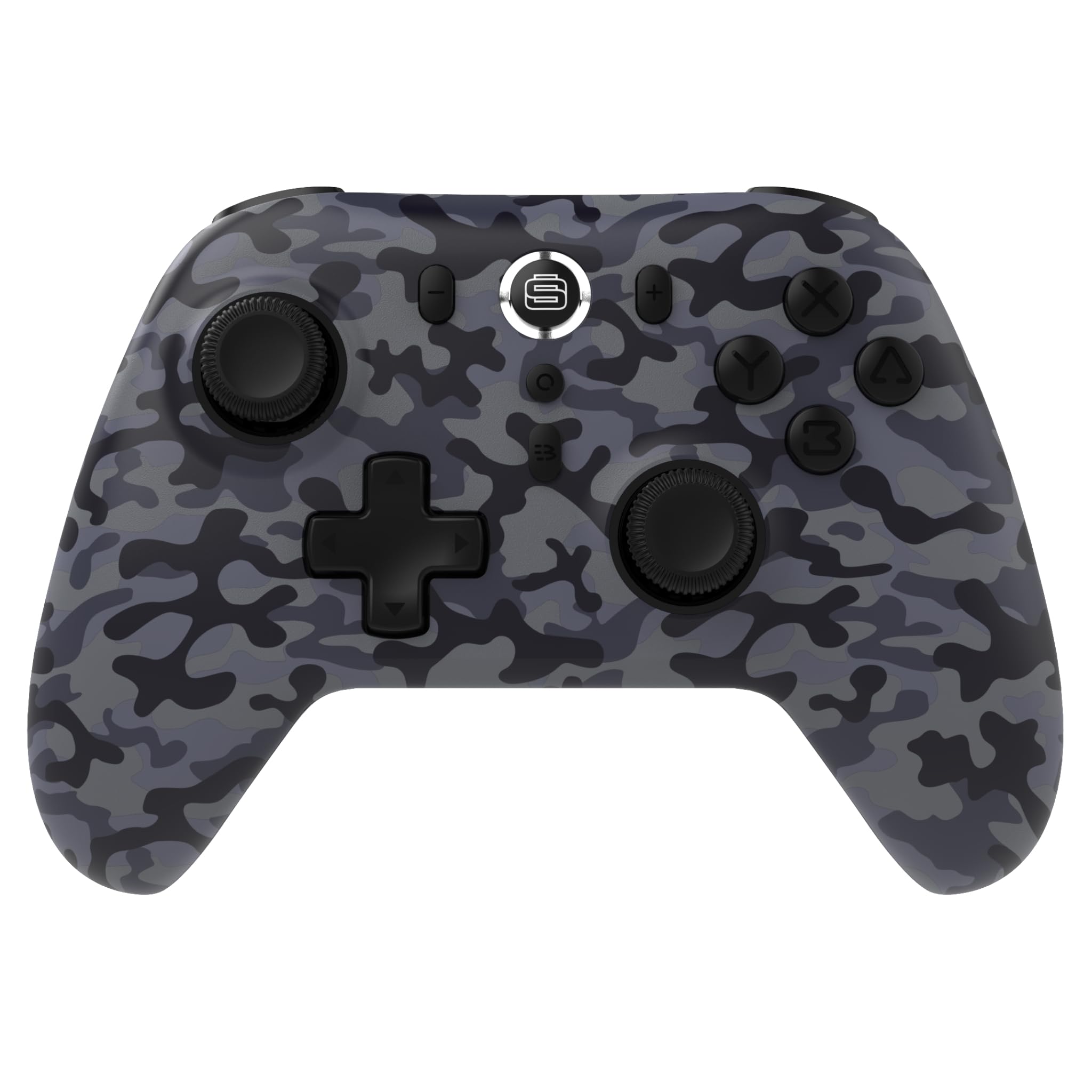
2. Nodweddion Cynnyrch
- Cydnawsedd Aml-lwyfan: Compatible with Nintendo Switch/Switch 2 (Note: No C Button/Audio Port), Windows PC, Steam Deck, Android, and iOS devices.
- Hall Effect Thumb Sticks & Triggers: Delivers precision control and prevents stick drift, ensuring accurate input.
- Turbo Functionality: Offers 3 adjustable turbo levels for rapid-fire control in compatible games.
- Adborth dirgryniad: Choose from 4 vibration levels for tailored haptic feedback, enhancing immersion.
- Rheolaethau Cynnig: Supports motion controls for compatible games on supported platforms.
- Console Wake Up: Ability to wake your Nintendo Switch console from sleep mode instantly (Nintendo Switch Only).
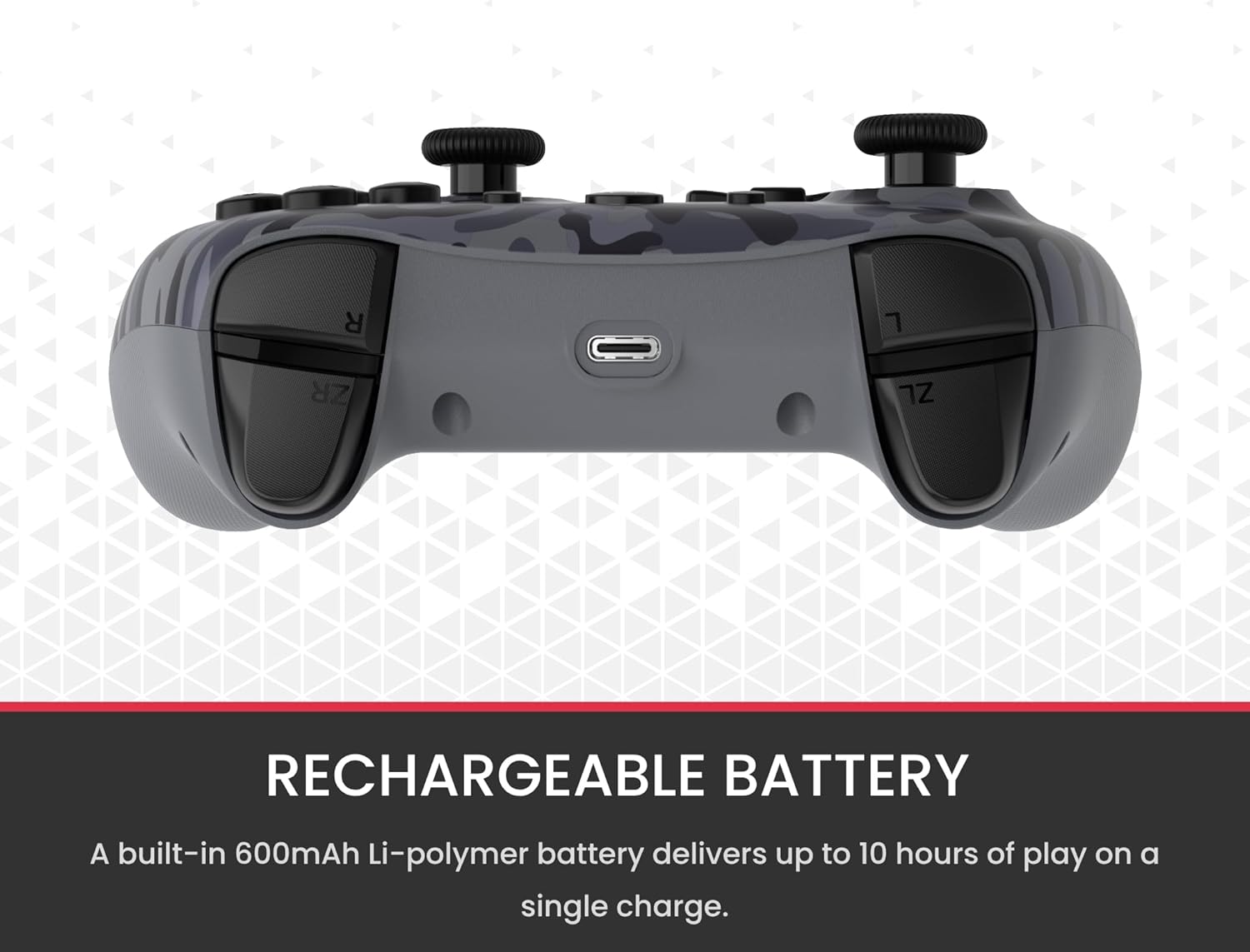
- Batri y gellir ei ailwefru: A built-in 600mAh Li-polymer battery provides up to 10 hours of gameplay on a single charge.
- Cebl codi tâl USB-C: Includes a 1-meter USB-C cable for convenient recharging.

3. Cynnwys Pecyn
Gwnewch yn siŵr bod yr holl eitemau yn bresennol yn eich pecyn:
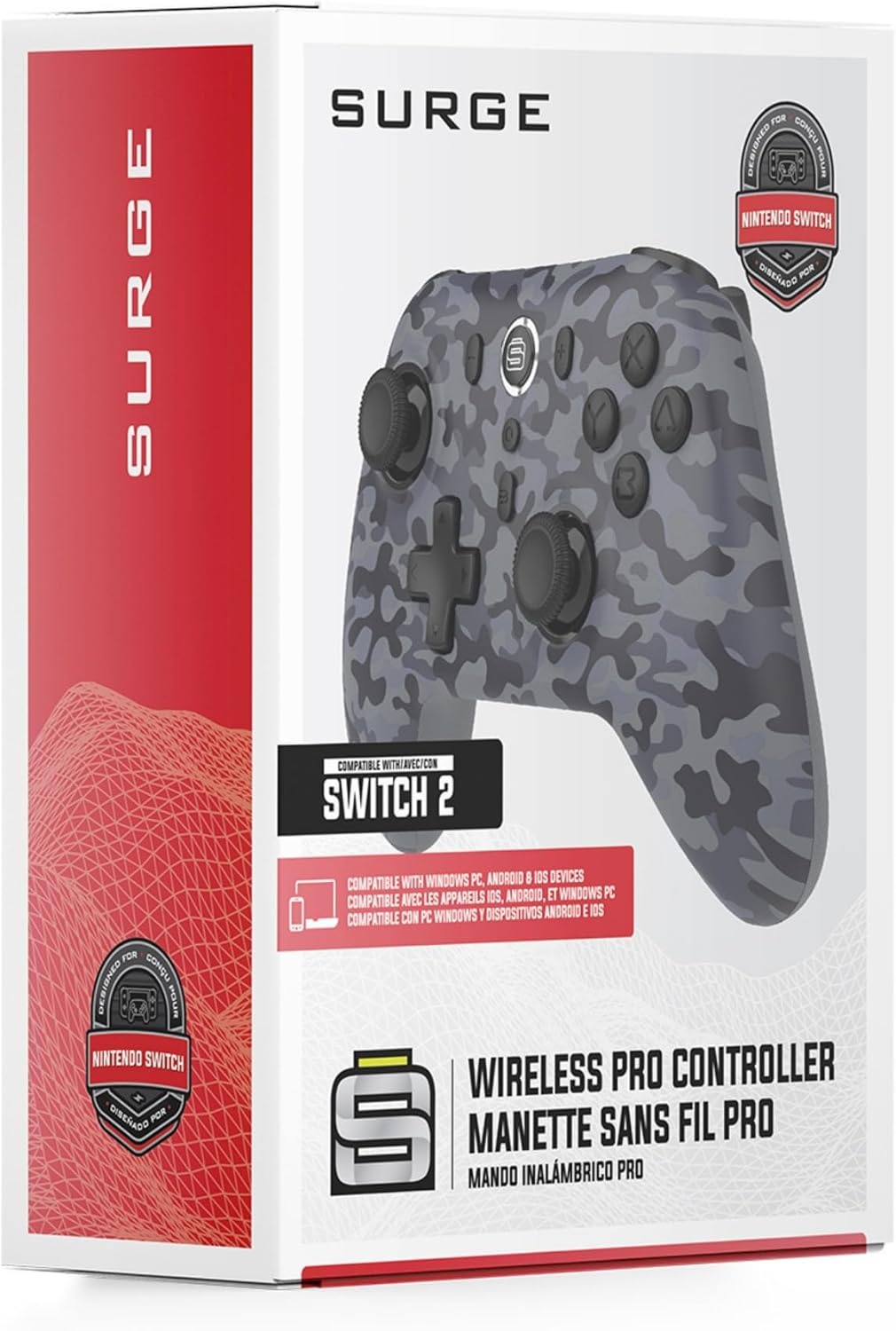
- 1 x Surge Wireless Pro Controller (Model: SG60096)
- 1 x Cebl Codi Tâl USB-C (1 metr)
- 1 x Llawlyfr Defnyddiwr
4. Gosod a Pharu
4.1. Gwefru'r Rheolydd
Before first use, fully charge the controller using the provided USB-C cable. Connect the USB-C end to the controller's charging port and the USB-A end to a power source (e.g., console, PC, USB wall adapter). The LED indicators on the controller will show charging status.
4.2. Pairing with Nintendo Switch/Switch 2
- O'r Ddewislen CARTREF, dewiswch Rheolwyr, yna Newid Grip/Trefn.
- Ar y rheolydd, pwyswch a dal y Botwm Paru (usually a small button on the top edge or back) for a few seconds until the player LEDs begin to flash.
- Ar ôl paru, bydd y LED (au) chwaraewr sy'n cyfateb i rif y rheolydd yn parhau i gael eu goleuo.
- To wake the console from sleep mode, press the Botwm Cartref ar y rheolydd.
4.3. Pairing with Windows PC
- Gwnewch yn siŵr bod Bluetooth wedi'i alluogi ar eich cyfrifiadur.
- Ar y rheolydd, pwyswch a dal y Botwm Paru until the LEDs flash rapidly.
- Ar eich PC, ewch i Bluetooth & other devices settings, yna Ychwanegu Bluetooth neu ddyfais arall.
- Dewiswch Bluetooth a dewis y
Ask a question about this manual
Ask about setup, troubleshooting, compatibility, parts, safety, or missing instructions. Manuals+ will review the question and use this page’s manual context to help answer it.