
Rhagymadrodd
This manual provides detailed instructions for the operation and maintenance of your KEPLUG MX9 Sunrise Alarm Clock. Please read this manual thoroughly before use to ensure proper functionality and to maximize your experience with the device.
The KEPLUG MX9 is a multifunctional device designed to enhance your sleep and wake-up routine, featuring a sunrise simulation alarm, white noise sound machine, and a dimmable night light.
Cynnwys Pecyn
- Cloc Larwm Codiad Haul KEPLUG MX9
- Cebl Pŵer
- Llawlyfr Defnyddiwr
Gosod
Cysylltiad Pwer
- Connect the provided power cable to the DC 5V input port on the back of the alarm clock.
- Plug the other end of the power cable into a standard USB wall adapter (included) or a compatible USB port.
- The device will power on and the time display will illuminate.
Batri wrth gefn (Dewisol)
The device requires 2 AAA batteries (not included) for battery backup functionality. These batteries preserve your time settings in the event of a power outage but do not power the alarm clock for normal operation.
- Locate the battery compartment on the bottom of the device.
- Mewnosodwch 2 fatri AAA, gan sicrhau'r polaredd cywir (+/-).
- Caewch y clawr adran batri yn ddiogel.

This image shows the front of the KEPLUG MX9 Sunrise Alarm Clock, highlighting its compact design and the digital time display. The device is white with control buttons located on the lower front panel.
Fideo 1: Dros benview of the KEPLUG MX9 Sunrise Alarm Clock, demonstrating its physical features and initial setup steps, including power connection and battery installation.
Cyfarwyddiadau Gweithredu
Gosod Amser
- Pwyswch a dal y Gosod Amser button (usually indicated by a clock icon) for 2 seconds to enter time setting mode.
- Defnyddiwch y + or - buttons to adjust the hour. Press the Gosod Amser botwm eto i gadarnhau.
- Ailadroddwch y broses i osod y cofnodion.
- You may also select 12-hour or 24-hour format if available.
Gosod Larwm
- Pwyswch a dal y Larwm button (bell icon) for 2 seconds to enter alarm setting mode.
- Defnyddiwch y + or - buttons to set the desired alarm time (hour and minute). Press the Larwm button to confirm each step.
- Select your preferred alarm sound from the available 6 options using the Cerddoriaeth button (note icon) or +/- botymau.
- Adjust the alarm volume (7 levels) using the + or - botymau.
- I actifadu/dadactifadu'r larwm, pwyswch y botwm byr Larwm botwm. Bydd eicon larwm yn ymddangos/diflannu ar yr arddangosfa.
The snooze function allows for an additional 9 minutes of sleep. To activate snooze, press any button on the front panel when the alarm sounds. The alarm will sound again after 9 minutes.
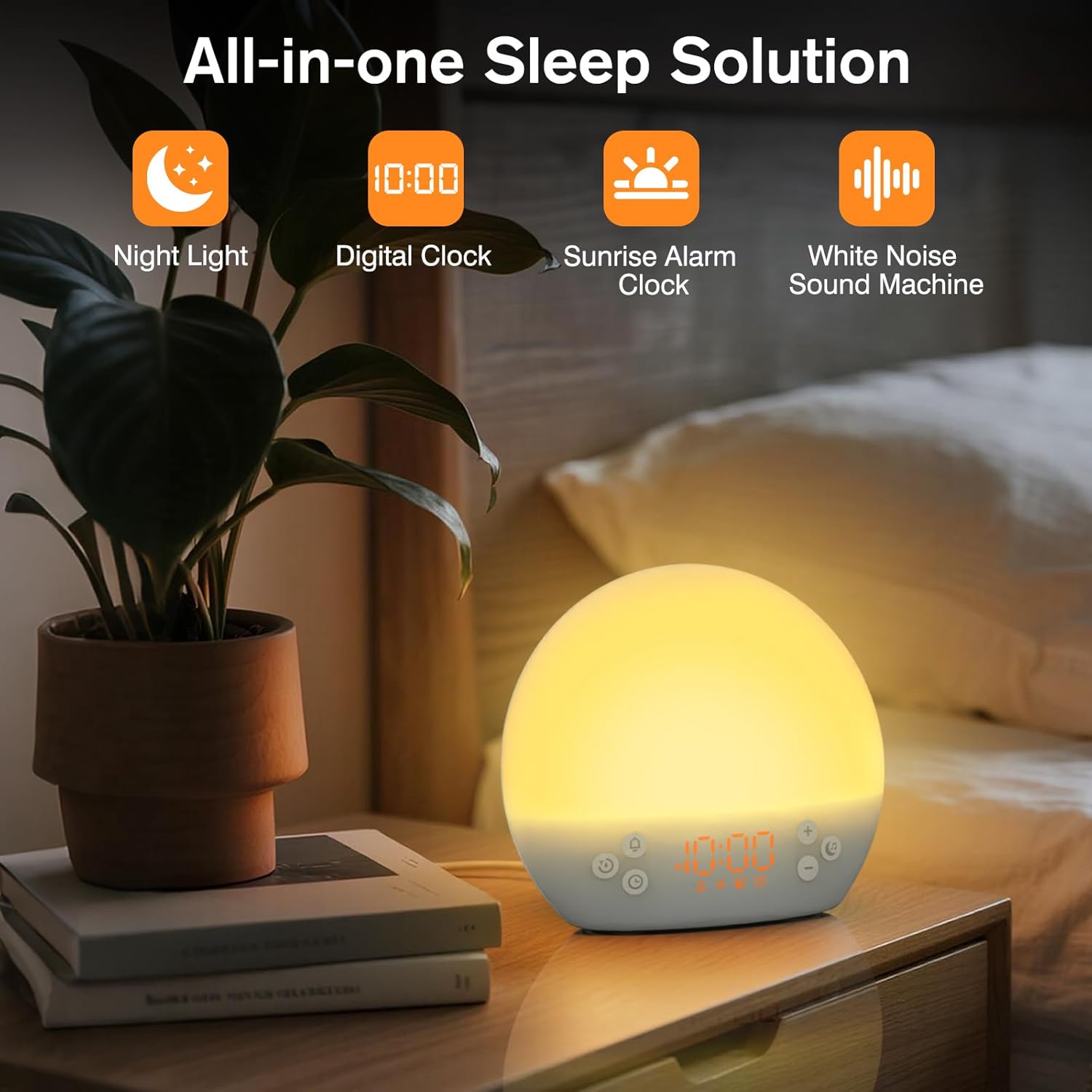
This image shows the KEPLUG MX9 alarm clock on a bedside table next to a plant, with its digital time display clearly visible. The clock emits a warm, soft light, indicating its function as a night light or ambient light source.
Efelychiad codiad haul
The sunrise simulation feature gradually brightens the light before your set alarm time, mimicking a natural sunrise. This duration can be customized from 15 to 120 minutes.
- During alarm setting, you can adjust the sunrise duration.
- Choose from 3 wake-up modes: gentle light + sound, just the alarm, or sunrise light without sound.
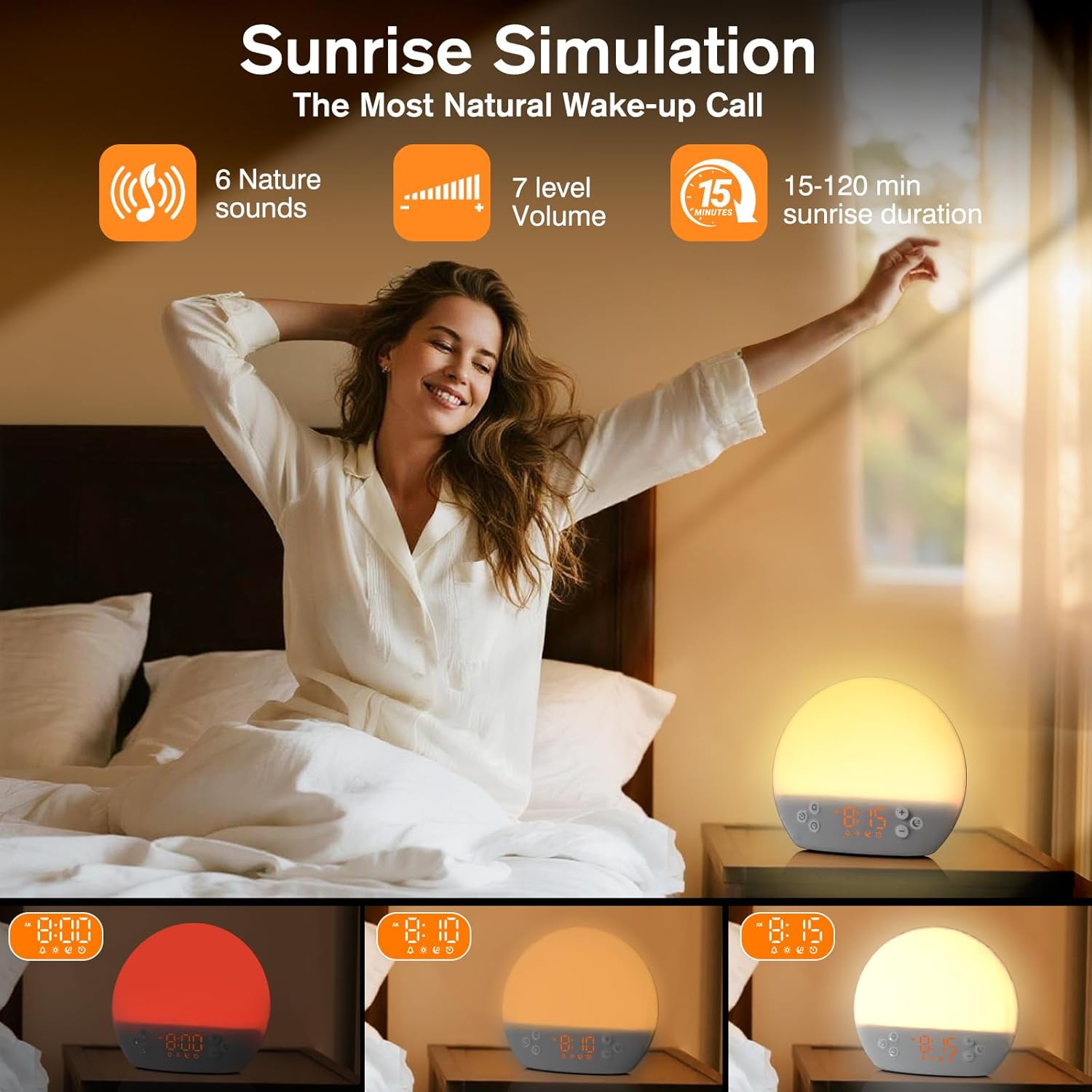
This image illustrates the sunrise simulation feature of the KEPLUG MX9 alarm clock. It shows a person waking up gently as the clock's light gradually brightens, simulating a natural sunrise over a period of 15-120 minutes.
Video 2: This video demonstrates the sunrise simulation feature, showing how the light gradually brightens to gently wake the user.
Peiriant Sain Sŵn Gwyn
The device offers 30 soothing sounds to aid in relaxation and sleep. These include 10 white noises (white, pink, brown noises, fan sounds) and 20 nature sounds (rain, ocean waves, thunderstorms, birdsong, campfires, lullabies).
- Gwasgwch y Cerddoriaeth button to cycle through the available sounds.
- Defnyddiwch y + or - buttons to adjust the volume (15 levels).
- An optional sleep timer (30-120 minutes) can be set to automatically turn off sounds.

This image highlights the 30 soothing sounds available on the KEPLUG MX9, categorized into white noises and nature sounds, designed to create a tranquil environment for sleep.
Video 3: This video demonstrates the sound machine functionality, demonstrating the variety of white noise and nature sounds available.
Night Light & Dimmable Display
The alarm clock features 12-color night lights and adjustable brightness. It can be used as a bedside lamp, baby nursery light, or for creating romantic ambient lighting.
- Byr wasg y Ysgafn button (sun icon) to turn the light on/off or change colors.
- Use the dedicated light dimmer slider on the back of the device to adjust the light brightness.
- The LED clock display brightness can also be adjusted to your personal comfort level using the display dimmer slider.
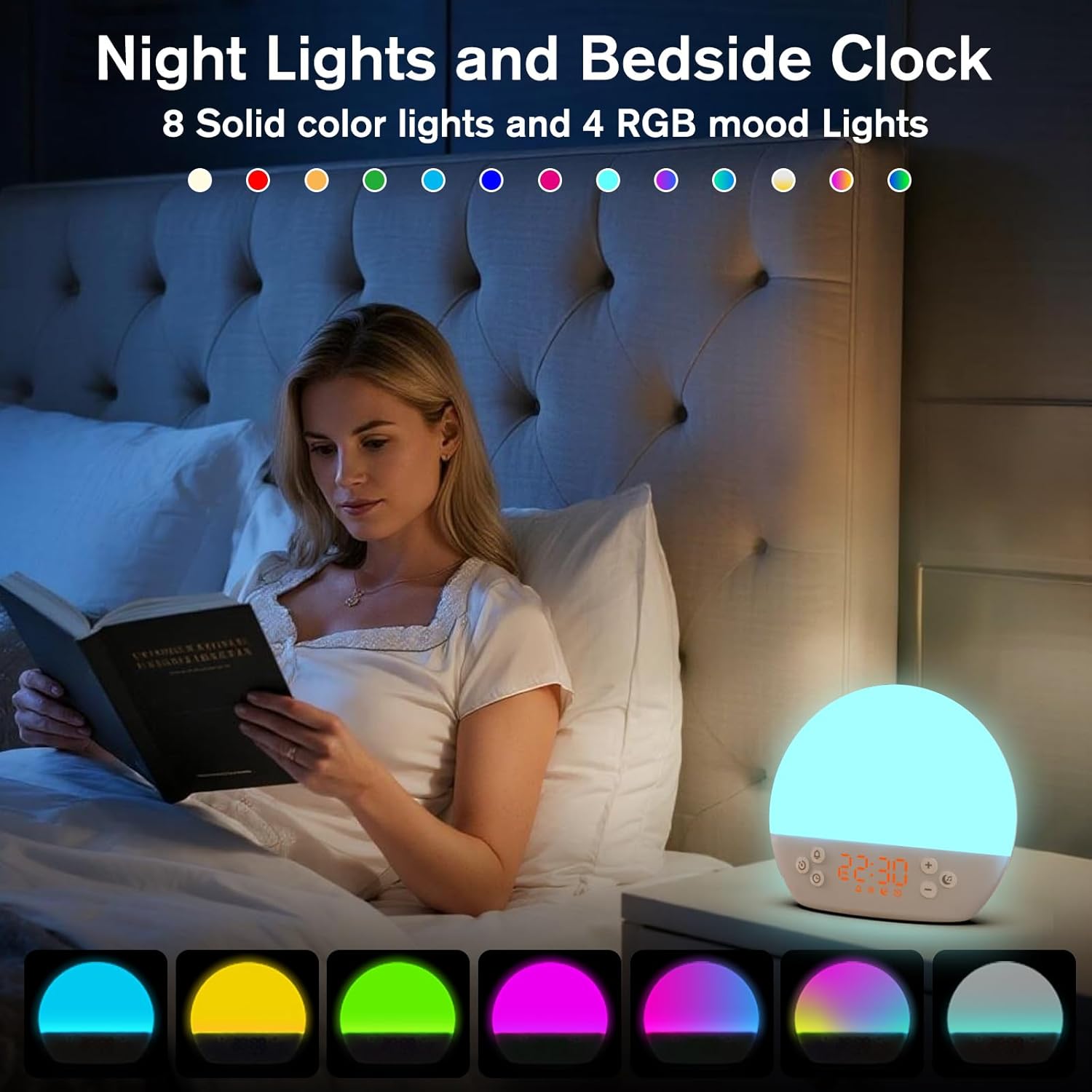
This image displays the KEPLUG MX9 alarm clock functioning as a night light, showing a range of 12 solid colors and 4 RGB mood lights. It highlights the device's versatility in creating different ambient settings.
Video 4: This video demonstrates the 12-color night light feature, showing the various color options and how to adjust them.
Intelligent Sleep Timer
The sleep timer allows you to set the device to automatically and gradually turn off sounds and lights after a specified duration (15, 30, 60, or 120 minutes), ensuring an undisturbed night's rest.
- Gwasgwch y Amserydd button (clock with arrow icon) to activate the sleep timer.
- Cycle through the available durations (15, 30, 60, 120 minutes) by repeatedly pressing the Amserydd botwm.
- The timer will begin counting down and the light/sound will gradually fade before turning off.
Cynnal a chadw
Glanhau
- Sicrhewch nad yw'r ddyfais wedi'i phlwgio cyn glanhau.
- Sychwch yr wyneb gyda lliain meddal, sych.
- Peidiwch â defnyddio glanhawyr sgraffiniol, toddyddion na chemegau llym.
Storio
Storiwch y ddyfais mewn lle oer, sych i ffwrdd o olau haul uniongyrchol a thymheredd eithafol pan nad yw'n cael ei defnyddio am gyfnodau hir.
Datrys problemau
| Problem | Achos Posibl | Ateb |
|---|---|---|
| Nid yw'r ddyfais yn pweru ymlaen. | Power cable not connected or faulty. | Ensure the power cable is securely connected to both the device and a working power outlet. Try a different USB adapter or outlet. |
| Nid yw'r larwm yn canu. | Larwm heb ei actifadu neu gyfaint yn rhy isel. | Check if the alarm icon is displayed. If not, activate the alarm. Increase the alarm volume. |
| Time settings are lost after power outage. | No AAA batteries installed or batteries are depleted. | Install 2 new AAA batteries for backup. Remember, batteries only save settings, they do not power the clock for normal operation. |
| Light does not change color or brightness. | Incorrect button press or dimmer setting. | Short press the Light button to cycle colors. Use the light dimmer slider on the back to adjust brightness. |
Manylebau Cynnyrch
| Nodwedd | Manylyn |
|---|---|
| Enw Model | MX9 |
| Dimensiynau Cynnyrch | 2.76"D x 6.38"W x 5.71"H |
| Pwysau Eitem | 0.39 cilogram (13.7 owns) |
| Ffynhonnell Pwer | Trydan â Llinyn (DC 5V) |
| Batri wrth gefn | 2 AAA batteries (not included) for time settings only |
| Math Golau | Wake Up Light, 12-color Night Light |
| Dewisiadau Sain | 30 Soothing Sounds (White Noise, Nature Sounds) |
| Seiniau Larwm | 6 Seiniau Natur |
| Ailatgoffa Hyd | 9 munud |
| Amserydd Cwsg | 15, 30, 60, 120 munud |
Gwybodaeth Diogelwch
- Do not use in the bath or near water.
- Follow all instructions to avoid injury or damage to the device.
- Use at safe volumes to protect hearing.
- Cadwch allan o gyrraedd plant ac anifeiliaid anwes.
Gwarant a Chefnogaeth
For warranty information or technical support, please refer to the product packaging or contact KEPLUG customer service directly. Keep your purchase receipt for warranty claims.
Am gymorth pellach, ewch i'r KEPLUG Store on Amazon.