
1. Rhagymadrodd
This manual provides essential instructions for the setup, operation, maintenance, and troubleshooting of your RCA 40-inch MultiTuner HD Google TV, Model R40M-F4G. Please read this manual thoroughly before using your television to ensure proper functionality and safety.
2. Gwybodaeth Bwysig am Ddiogelwch
Dilynwch ragofalon diogelwch sylfaenol bob amser wrth ddefnyddio'r cynnyrch hwn i leihau'r risg o dân, sioc drydanol ac anaf.
- Peidiwch â gwneud y teledu yn agored i law neu leithder.
- Peidiwch ag agor y teledu casing; cyfeiriwch yr holl waith cynnal a chadw at bersonél cymwys.
- Sicrhewch awyru priodol o amgylch y teledu.
- Defnyddiwch y cebl pŵer a gyflenwir gyda'r teledu yn unig.
- Cadwch y teledu i ffwrdd o olau haul uniongyrchol a ffynonellau gwres.
3. Beth sydd wedi'i gynnwys
Gwiriwch fod yr holl gydrannau yn bresennol yn y pecyn:
- RCA 40-inch MultiTuner HD Google TV (Model R40M-F4G)
- Rheolaeth Anghysbell (gyda batris)
- Llawlyfr Defnyddiwr (y ddogfen hon)
- Cord Pŵer
- TV Stands (2) and Screws

Image 1: RCA 40-inch Google TV with included remote control and stand components.
4. Gosod
4.1 Cysylltu'r Standiau Teledu
- Rhowch y teledu wyneb i lawr yn ofalus ar arwyneb meddal, glân i atal difrod i'r sgrin.
- Aliniwch bob stondin â'r tyllau sgriw cyfatebol ar waelod y teledu.
- Sicrhewch y stondinau gan ddefnyddio'r sgriwiau a ddarperir. Peidiwch â'u tynhau'n ormodol.
4.2 Gosod ar y Wal (Dewisol)
If you plan to wall-mount your TV, refer to the instructions provided with your wall-mount bracket. Ensure the bracket is compatible with the TV's VESA mounting pattern (refer to specifications). Remove the TV stands before wall mounting.

Delwedd 2: Cefn view y teledu, gan amlygu'r pwyntiau mowntio VESA ar gyfer gosod ar y wal.
4.3 Cysylltu Dyfeisiau
Connect your external devices (e.g., cable box, Blu-ray player, gaming console) to the appropriate ports on the TV.
- HDMI: Ar gyfer sain a fideo diffiniad uchel.
- USB: Ar gyfer cysylltu dyfeisiau storio USB.

Delwedd 3: Ochr view of the TV, illustrating the location of HDMI and USB ports for device connectivity.
4.4 Troi Ymlaen Cychwynnol a Gosod Google TV
- Plygiwch y llinyn pŵer i'r teledu ac yna i mewn i soced wal.
- Pwyswch y botwm Pŵer ar y teclyn rheoli o bell neu'r teledu.
- Follow the on-screen instructions to complete the initial setup, including:
- Dewis iaith
- Network connection (Wi-Fi)
- Mewngofnodi i gyfrif Google
- Channel scanning (if using an antenna)
5. Operating Your RCA Google TV
5.1 Rhyngwyneb Google TV
The Google TV operating system provides a centralized hub for your streaming services, live TV, and apps. Navigate using the remote control's directional pad and select button.

Image 4: The Google TV home screen, showing recommended content and installed applications.
5.2 Nodweddion Allweddol
- Cynorthwyydd Google: Control your TV, search for content, or get information using voice commands. Press the Google Assistant button on your remote and speak into the microphone.

Image 5: Using Google Assistant with the remote control for voice commands.
- Chromecast wedi'i ymgorffori: Cast content (videos, photos, music) from your compatible smartphone, tablet, or computer directly to the TV screen.
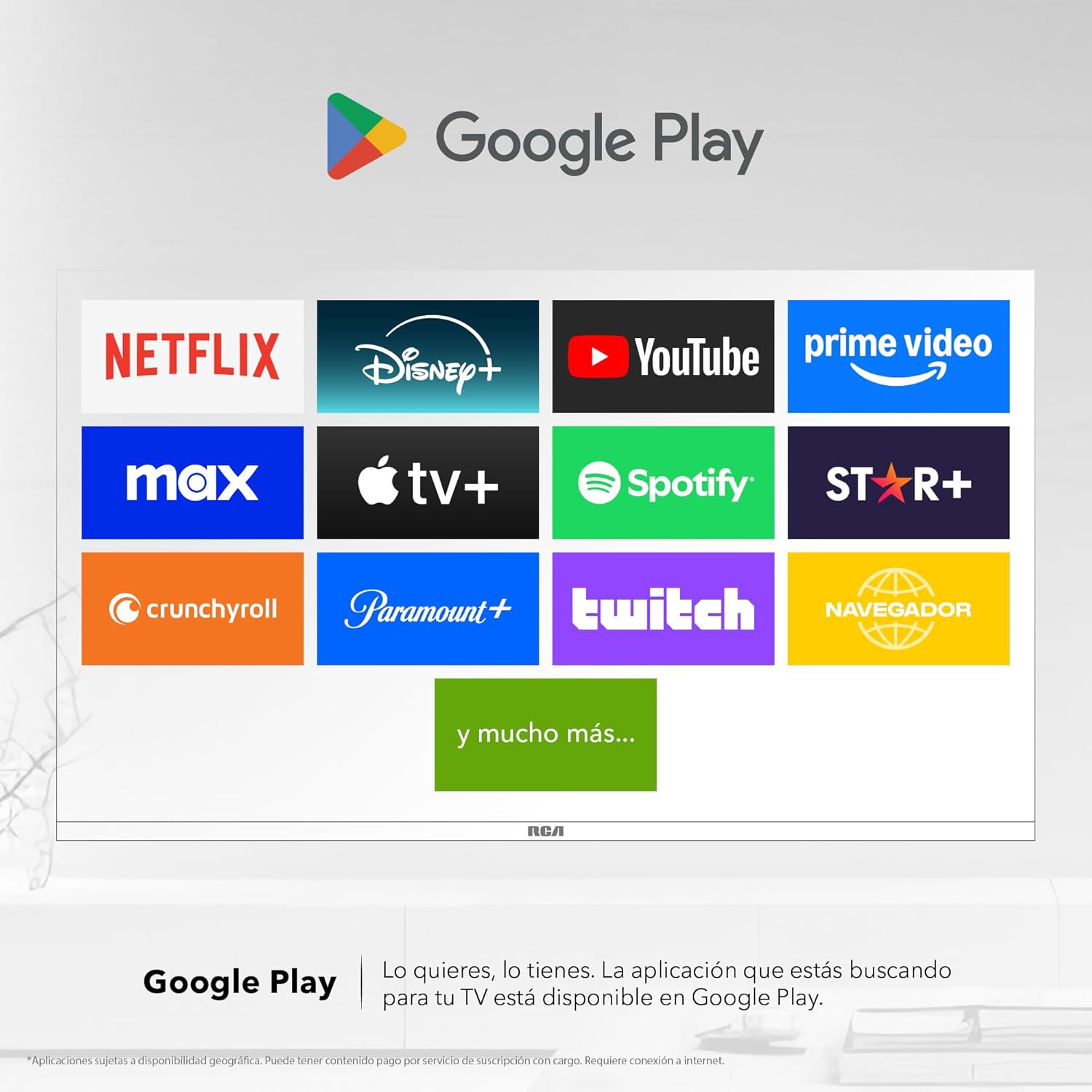
Image 6: Demonstrating content casting from a mobile device to the TV via Google Cast.
- Cysylltedd Bluetooth: Connect Bluetooth-enabled devices such as soundbars, headphones, or game controllers wirelessly to your TV.

Image 7: The TV connected to a soundbar via Bluetooth for enhanced audio.
- Google Play Store: Download and install a wide variety of applications directly onto your TV.

Image 8: The Google Play Store displaying various applications available for download.
- Plant Profile: Creu gweithiwr proffesiynol ymroddedigfile for children to manage accessible applications and content.

Image 9: The Kids Profile interface, designed for child-friendly content management.
- Sain Dolby: Experience clear, rich, and detailed sound with Dolby Audio technology.
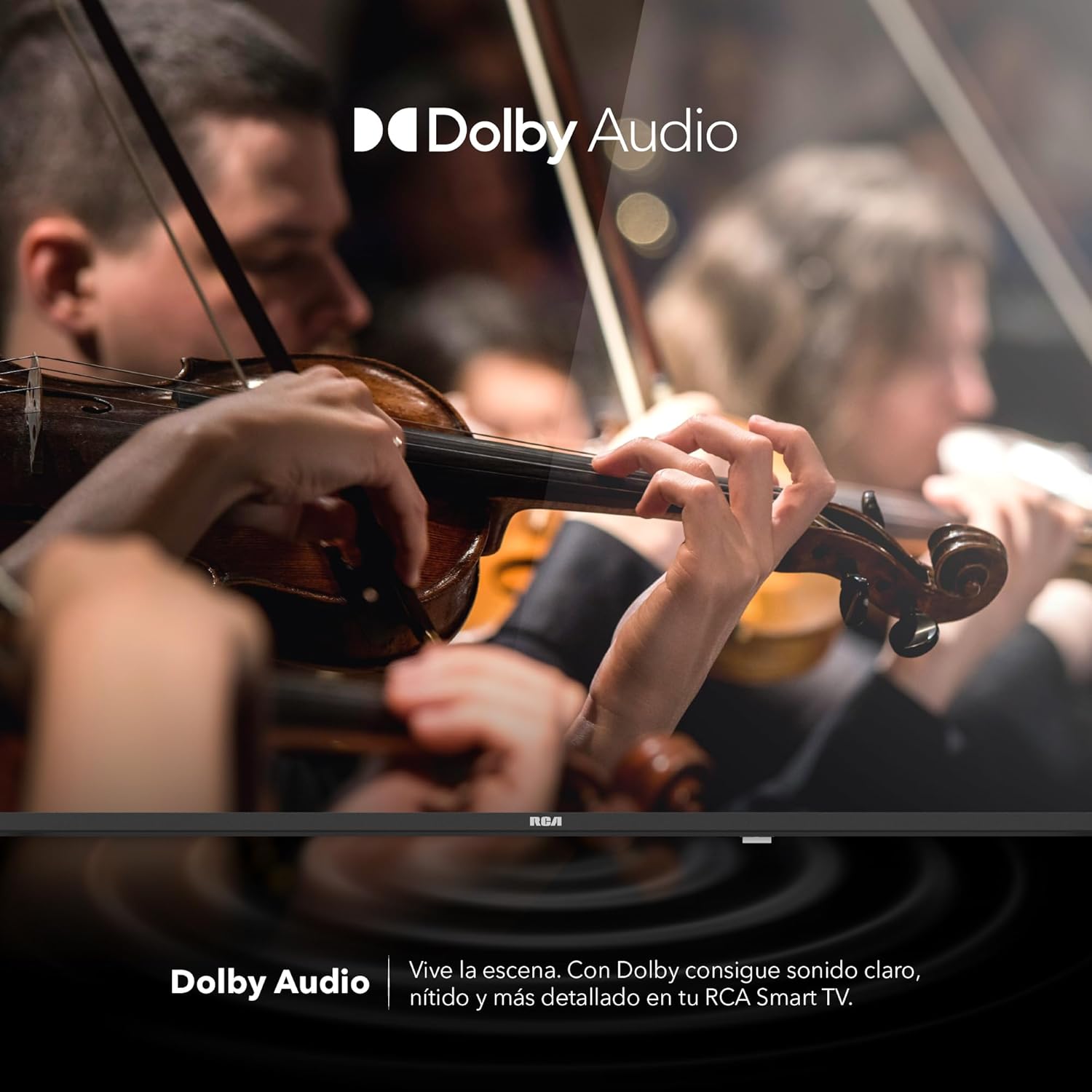
Image 10: The Dolby Audio feature enhancing the sound experience on the TV.
6. cynnal
6.1 Glanhau'r Sgrin
- Trowch y teledu i ffwrdd a thynnwch y plwg o'r allfa bŵer.
- Sychwch y sgrin yn ysgafn gyda lliain meddal, di-lint.
- Ar gyfer marciau ystyfnig, rhwbiwch yn ysgafnamprhowch y brethyn gyda dŵr neu lanhawr sgrin arbenigol (peidiwch â chwistrellu'n uniongyrchol ar y sgrin).
- Ceisiwch osgoi defnyddio cemegau llym neu ddeunyddiau sgraffiniol.
6.2 Gofal Cyffredinol
- Keep the TV in a well-ventilated area.
- Protect the TV from dust by regularly wiping the casing gyda lliain meddal, sych.
- Ceisiwch osgoi gosod gwrthrychau trwm ar ben y teledu.
7. Datrys Problemau
| Problem | Achos Posibl | Ateb |
|---|---|---|
| Dim pŵer | Llinyn pŵer wedi'i ddatgysylltu; problem allfa bŵer | Gwnewch yn siŵr bod y llinyn pŵer wedi'i gysylltu'n ddiogel. Profwch y soced gyda dyfais arall. |
| Dim llun, ond mae sain yn bresennol | Incorrect input source; faulty cable | Press the "Input" button on the remote to select the correct source. Check HDMI/AV cable connections. |
| Dim sain, ond mae llun yn bresennol | Volume too low; Mute activated; audio settings issue | Increase volume. Check if Mute is active. Verify audio output settings in the TV menu. |
| Rheolaeth bell ddim yn gweithio | Batris marw; rhwystr; problem paru | Replace batteries. Remove any obstructions between remote and TV. Re-pair Bluetooth remote if applicable. |
| Materion cysylltiad Wi-Fi | Router problem; incorrect password; signal interference | Restart your router. Re-enter Wi-Fi password. Move TV closer to router or reduce interference. |
8. manylebau
| Nodwedd | Manylyn |
|---|---|
| Brand | RCA |
| Model | R40M-F4G |
| Maint Sgrin | 40 modfedd |
| Technoleg Arddangos | LED |
| Datrysiad | 1920 x 1080 (HD Llawn) |
| Cyfradd Adnewyddu | 60 Hz |
| System Weithredu | Teledu Google |
| Amgodio Sain | Dolby Atmos |
| Rhyngwyneb Caledwedd | HDMI, USB |
| Cyfanswm Porthladdoedd USB | 2 |
| Cymorth Bluetooth | Oes |
| Nodweddion Arbennig | Chromecast, Flat Screen |
| Math Mowntio | Wal Gosodadwy |
| Dimensiynau Cynnyrch (WxHxD) | 97 x 56 x 11 cm |
| Pwysau Cynnyrch | 7 kg |
9. Gwarant a Chefnogaeth
9.1 Gwybodaeth Gwarant
This product comes with a manufacturer's warranty. Please refer to the warranty card included in your packaging for specific terms and conditions. Extended warranty options may be available from your retailer.
9.2 Cefnogaeth i Gwsmeriaid
For technical assistance, troubleshooting beyond this manual, or warranty claims, please contact RCA customer support. Visit the official RCA websafle ar gyfer manylion cyswllt ac adnoddau cymorth.
RCA Official Websafle: www.rca.com