
Rhagymadrodd
This manual provides essential information for the assembly, operation, maintenance, and troubleshooting of your Deli Gaming Table E91511. Please read these instructions carefully before assembly and use to ensure proper function and longevity of your product.
Rhybuddion Diogelwch
- Cydosodwch y ddesg bob amser yn ôl y cyfarwyddiadau a ddarperir.
- Ensure the desk is properly anchored to the floor to prevent tipping, especially when using heavy setups.
- Be cautious when moving the desk, as it may require two people due to its size and weight.
- Peidiwch â gorlwytho'r ddesg y tu hwnt i'w chynhwysedd pwysau penodedig.
- Cadwch rannau bach i ffwrdd oddi wrth blant yn ystod y gwasanaeth.
Cynnwys Pecyn
Before beginning assembly, verify that all components are present and undamaged. Refer to the included assembly instructions for a detailed list of parts and hardware. Typically, the package includes:
- Desktop surface (Metal and Composite)
- Desk legs (K-type carbon steel frame)
- Crossbars and support beams
- Assembly hardware (screws, bolts, washers)
- Assembly tools (if included, otherwise standard tools like a screwdriver may be required)
- Llawlyfr cyfarwyddiadau
Gosod a Chynulliad
The Deli Gaming Table E91511 is designed for quick assembly with minimal tools. Follow the step-by-step instructions provided in the separate assembly guide included with your product. Ensure you have adequate space for assembly and consider having a second person assist with lifting and positioning larger components.
Camau'r Cynulliad Cyffredinol:
- Dadbacio'r holl gydrannau a'u gosod ar arwyneb glân, meddal i atal crafiadau.
- Attach the K-shaped table legs to the main support frame using the provided hardware. Ensure all connections are secure.
- Carefully place the desktop surface onto the assembled leg frame. Align the pre-drilled holes.
- Secure the desktop to the frame using the remaining hardware. Do not overtighten.
- Verify all screws and bolts are tightened and the desk is stable before placing any equipment on it.

Image: Close-up of the K-shaped table legs, demonstrating the stable structure.
Cyfarwyddiadau Gweithredu
The Deli Gaming Table E91511 offers a spacious and stable surface for various uses, including gaming, streaming, home office work, and student workstations.
- Wider Gaming Surface: The 120 cm width accommodates dual monitors or extra peripherals, providing ample ar gyfer eich setup.
- Dyluniad ergonomig: The desk is designed for comfortable use, allowing for extended periods of activity without discomfort.
- Rheoli Ceblau: Utilize the integrated 3D cable management box (if applicable) to keep your cables organized and your workspace tidy.
- Capasiti Llwyth-Dwyn: The desk is engineered for heavy setups and consistent use. Ensure weight is distributed evenly.
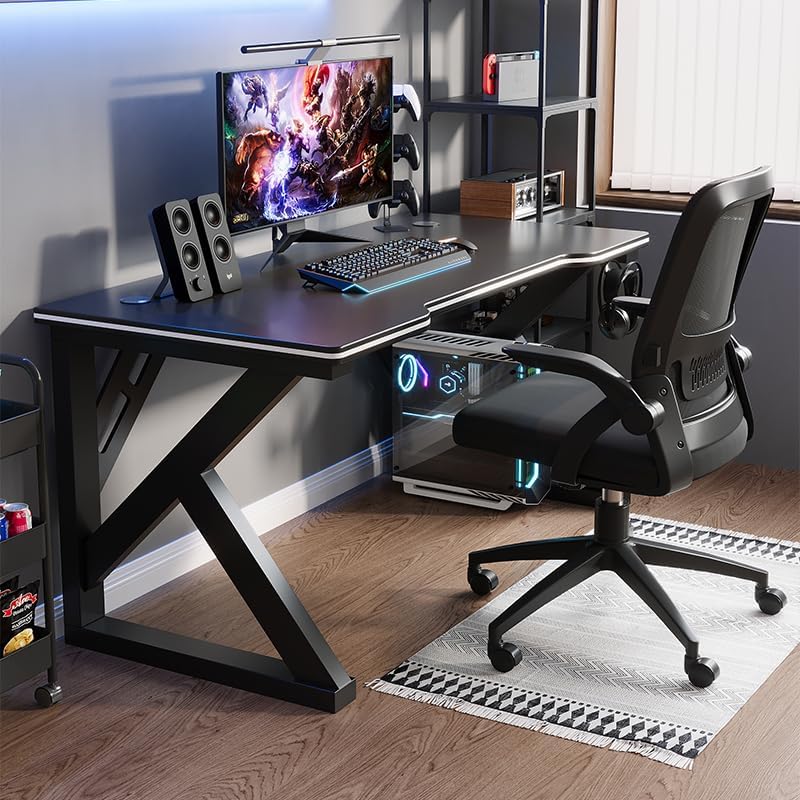
Image: A gaming setup on the Deli Gaming Table, illustrating its spacious surface.

Delwedd: O'r brig i lawr view of a user at the Deli Gaming Table, highlighting ergonomic design.
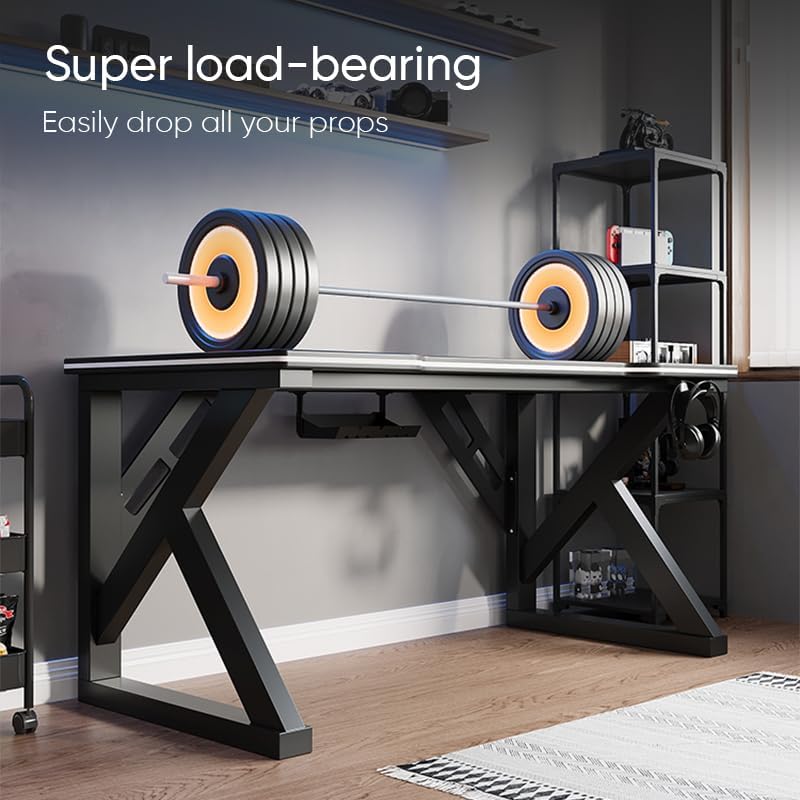
Image: The Deli Gaming Table demonstrating its load-bearing capability.
Cynnal a chadw
Regular maintenance will help preserve the appearance and functionality of your Deli Gaming Table.
- Glanhau: Sychwch wyneb a choesau'r bwrdd gwaith gyda lliain meddal, damp cloth. Avoid abrasive cleaners or harsh chemicals that could damage the painted finish or material.
- Gollyngiadau: Glanhewch unrhyw ollyngiadau ar unwaith i atal staenio neu ddifrod i'r wyneb.
- Gwiriad Caledwedd: Gwiriwch yr holl sgriwiau a bolltau o bryd i'w gilydd i sicrhau eu bod yn parhau'n dynn. Ail-dynhewch os oes angen i gynnal sefydlogrwydd.
- Atal Rwd: While the desk is made of metal, prolonged exposure to moisture can lead to rust. Keep the desk in a dry environment and wipe away any moisture promptly.
Datrys problemau
Desk is unstable or wobbly:
- Gwnewch yn siŵr bod yr holl sgriwiau a bolltau cydosod wedi'u tynhau'n llwyr.
- Check that the desk is on a level surface. Adjust floor glides if present.
- Verify that all parts are correctly assembled according to the instruction manual.
Mae rhannau ar goll neu wedi'u difrodi:
- Review the package contents list in your assembly manual.
- Contact customer support with your model number and a description of the missing or damaged part.
Anhawster gyda chydosod:
- Re-read the assembly instructions carefully, paying attention to diagrams.
- Gwnewch yn siŵr eich bod yn defnyddio'r caledwedd cywir ar gyfer pob cam.
- If issues persist, consider seeking assistance from another person.
Manylebau

Image: Dimensions of the Deli Gaming Table.
| Nodwedd | Manylyn |
|---|---|
| Rhif Model | E91511 |
| Dimensiynau (W x D x H) | 120 cm x 60 cm x 75 cm |
| Lliw | Du |
| Math o Ddeunydd | Metal and Composite (E1 grade material) |
| Deunydd Ffrâm | K-type Carbon Steel Frame |
| Math Gorffen | Wedi'i baentio |
| Pwysau Eitem | 13000 gram |
| Cynulliad Angenrheidiol | Oes |
| Defnyddiau a Argymhellir | Gaming, Streaming, Home Office, Student Workstation |
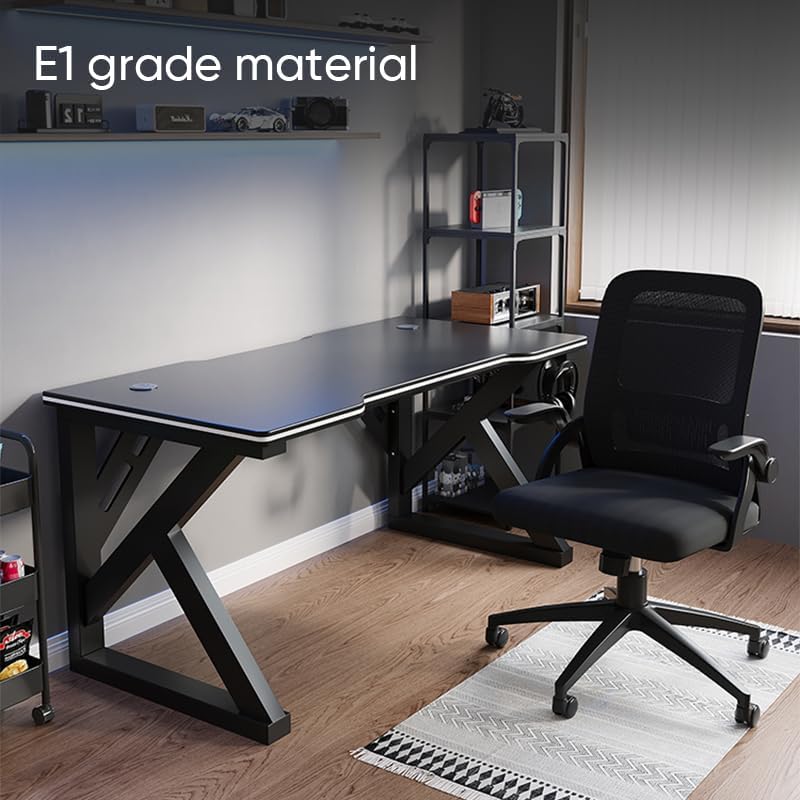
Image: The Deli Gaming Table highlighting E1 grade material.
Gwybodaeth Gwarant
For specific warranty details regarding your Deli Gaming Table E91511, please refer to the warranty card included with your purchase or visit the official Deli websafle. Mae telerau gwarant fel arfer yn cwmpasu diffygion gweithgynhyrchu o dan amodau defnydd arferol.
Cefnogaeth i Gwsmeriaid
If you have any questions, require assistance with assembly, or need to report a missing/damaged part, please contact Deli customer support through the following channels:
- Websafle: Visit the official Deli websafle ar gyfer adnoddau cymorth a ffurflenni cyswllt.
- E-bost: Refer to your purchase documentation for customer service email addresses.
- Ffôn: Check the product packaging or official websafle ar gyfer rhifau ffôn gwasanaeth cwsmeriaid.
Please have your model number (E91511) and proof of purchase ready when contacting support.