
Rhagymadrodd
This manual provides essential information for setting up, operating, and maintaining your paitanry 10.1 Inch Android Tablet. Please read this manual thoroughly before using your device to ensure proper function and longevity.
The paitanry 10.1 Inch Android Tablet (Model G80) features the Android 15 operating system, an octa-core MediaTek Helio G80 processor, 12GB RAM, and 128GB internal storage. It is equipped with a 10.1-inch In-Cell IPS display, dual cameras (5MP front, 13MP rear), dual-band Wi-Fi, Bluetooth 5.0, and an 8000mAh battery with 18W fast charging support.
Cynnwys Pecyn
Gwiriwch fod yr holl eitemau yn bresennol yn y pecyn:
- 1 × paitanry 10.1 Inch Android Tablet
- 1 × Protective Case
- 1 × 9V/2A Fast Charger
- 1 × Dual Type-C Data Cable
- 1 × OTG Adapter
- 1 × Llawlyfr Defnyddiwr (y ddogfen hon)

Image: The paitanry 10.1 Inch Android Tablet shown with its included protective case, charger, and cables.
Gosod
1. Codi Tâl y Dabled
Before first use, fully charge the tablet. Connect the provided Type-C data cable to the tablet's USB-C port and the 9V/2A fast charger. Plug the charger into a power outlet. The battery icon on the screen will indicate charging status.
The 8000mAh battery supports up to 8 hours of mixed use. 18W PD fast charging allows for efficient recharging.

Image: Visual representation of the tablet's powerful 8000mAh battery and its estimated usage duration for various activities like gaming, online video, web surfing, music, and e-books.
2. Pŵer Ymlaen / I ffwrdd
- I Bweru Ymlaen: Press and hold the Power button located on the side of the tablet until the paitanry logo appears on the screen.
- I Bweru i ffwrdd: Pwyswch a daliwch y botwm Pŵer nes bod dewislen pŵer yn ymddangos. Dewiswch "Diffodd" o'r opsiynau.
- I ailgychwyn: Press and hold the Power button until a power menu appears. Select "Restart" from the options.
3. Gosodiad Cychwynnol
Ar ôl ei droi ymlaen am y tro cyntaf, bydd y dabled yn eich tywys trwy'r broses sefydlu gychwynnol. Dilynwch yr awgrymiadau ar y sgrin i:
- Dewiswch eich iaith.
- Cysylltwch â rhwydwaith Wi-Fi.
- Mewngofnodwch gyda'ch cyfrif Google neu crëwch un newydd.
- Gosodwch glo sgrin (PIN, patrwm, cyfrinair).
- Review a derbyn telerau ac amodau.
Cyfarwyddiadau Gweithredu
1. Mordwyo Sylfaenol
- Cyffwrdd: Tapiwch eicon neu opsiwn i'w ddewis.
- Swipe: Llusgwch eich bys ar draws y sgrin i sgrolio neu lywio rhwng sgriniau.
- Pinsio-i-Chwyddo: Place two fingers on the screen and move them apart or together to zoom in or out.
- Botwm Cartref: Yn dychwelyd i'r sgrin gartref.
- Botwm Cefn: Yn dychwelyd i'r sgrin flaenorol.
- Botwm Apiau Diweddar: Displays recently opened applications.
2. Cysylltiad Wi-Fi
I gysylltu â rhwydwaith Wi-Fi:
- Ewch i Gosodiadau > Rhwydwaith a rhyngrwyd > Wi-Fi.
- Togglo Wi-Fi On.
- Dewiswch eich rhwydwaith dymunol o'r rhestr.
- Rhowch y cyfrinair os gofynnir amdano, yna tapiwch Cyswllt.
The tablet supports dual-band Wi-Fi (802.11ac) for stable and fast internet connectivity.
3. Cysylltiad Bluetooth
I baru gyda dyfais Bluetooth:
- Ewch i Gosodiadau > Dyfeisiau cysylltiedig > Bluetooth.
- Toglo Bluetooth On.
- Gwnewch yn siŵr bod eich dyfais Bluetooth mewn modd paru.
- Select the device from the "Available devices" list and follow any on-screen prompts to complete pairing.
The tablet features Bluetooth 5.0 for efficient wireless connections.
4. Defnydd Camera
The tablet is equipped with a 5MP front camera and a 13MP rear camera.
- Agorwch y Camera cais.
- Tap the camera icon to switch between front and rear cameras.
- Tapiwch y botwm caead i dynnu llun neu ddechrau/stopio recordio fideo.
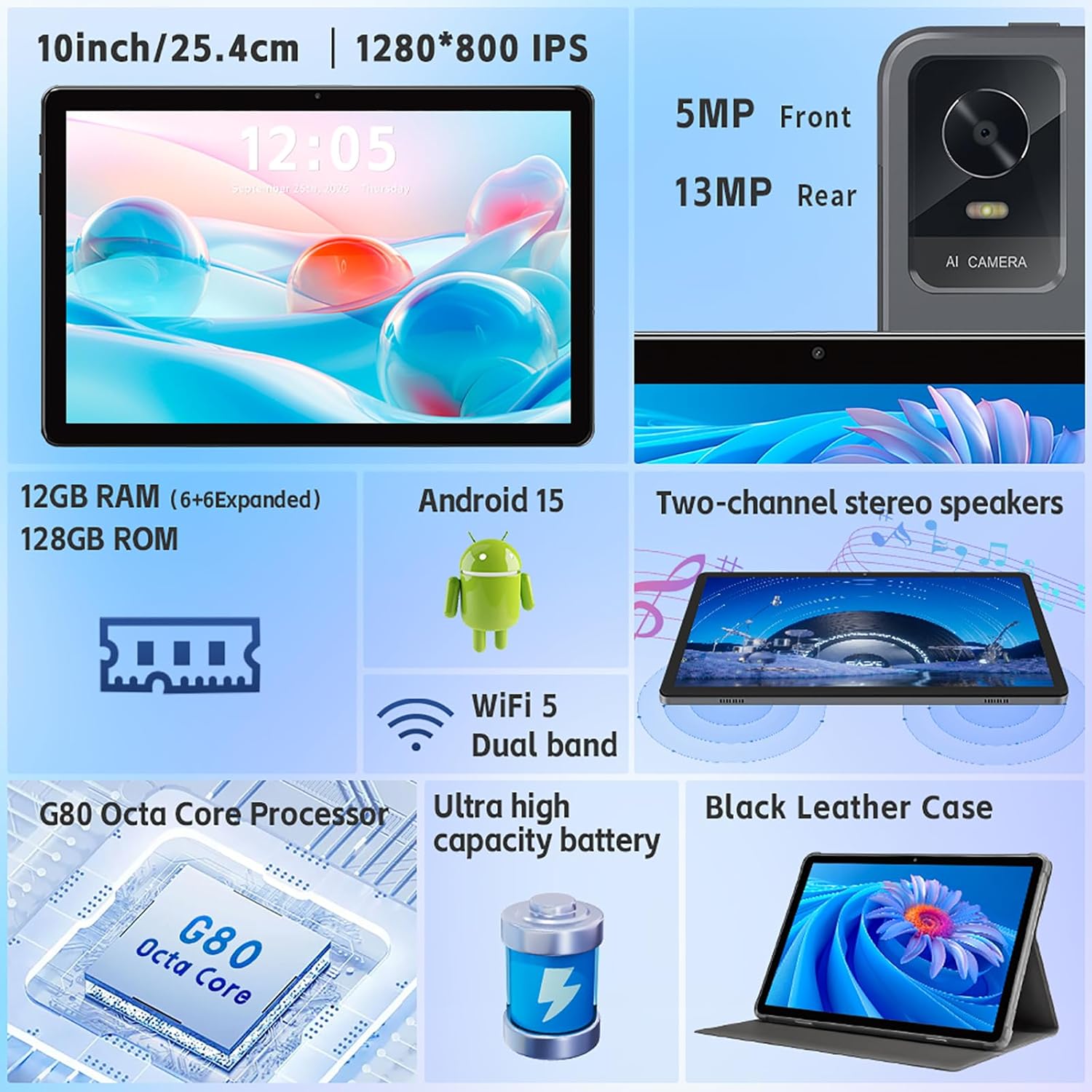
Delwedd: Drosoddiadview of the tablet's features, including the 5MP front camera and 13MP rear camera, 12GB RAM, 128GB ROM, Android 15, Wi-Fi 5 Dual band, G80 Octa Core Processor, and ultra-high capacity battery.
5. Rheoli Storio
The tablet has 128GB of internal storage. You can expand storage up to 2TB using a Micro SD card (sold separately).
- To insert a Micro SD card: Locate the card slot on the side of the tablet. Gently insert the Micro SD card until it clicks into place.
- To manage storage: Ewch i Gosodiadau > Storio i view storage usage and manage files.
6. Gosodiadau Arddangos
Customize your display experience:
- Ewch i Gosodiadau > Arddangos.
- Adjust brightness, dark theme, night light, and font size.
- Set screen timeout duration.
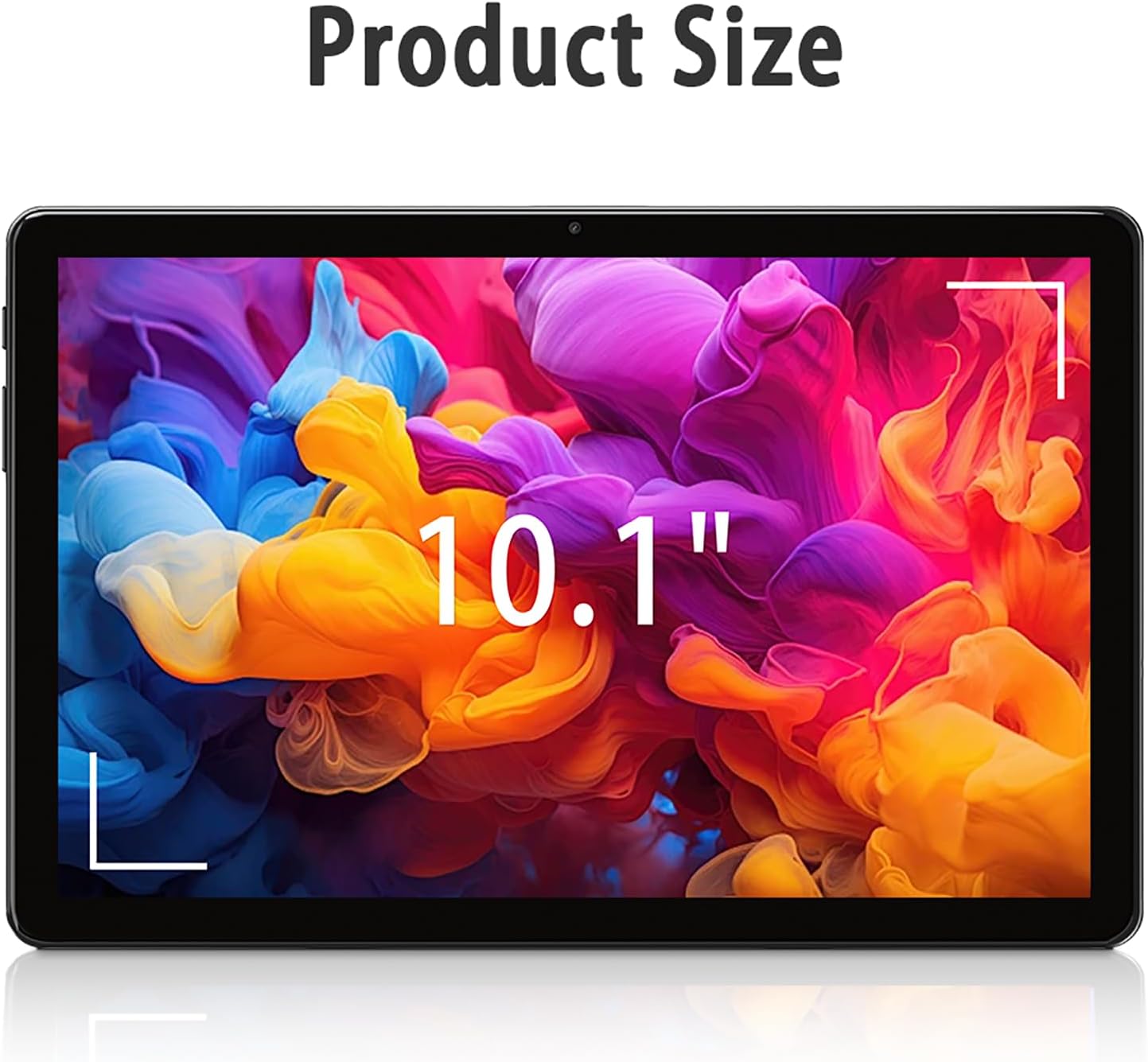
Image: The tablet screen showing "10.1"" to indicate its display size, with colorful abstract art on the screen.
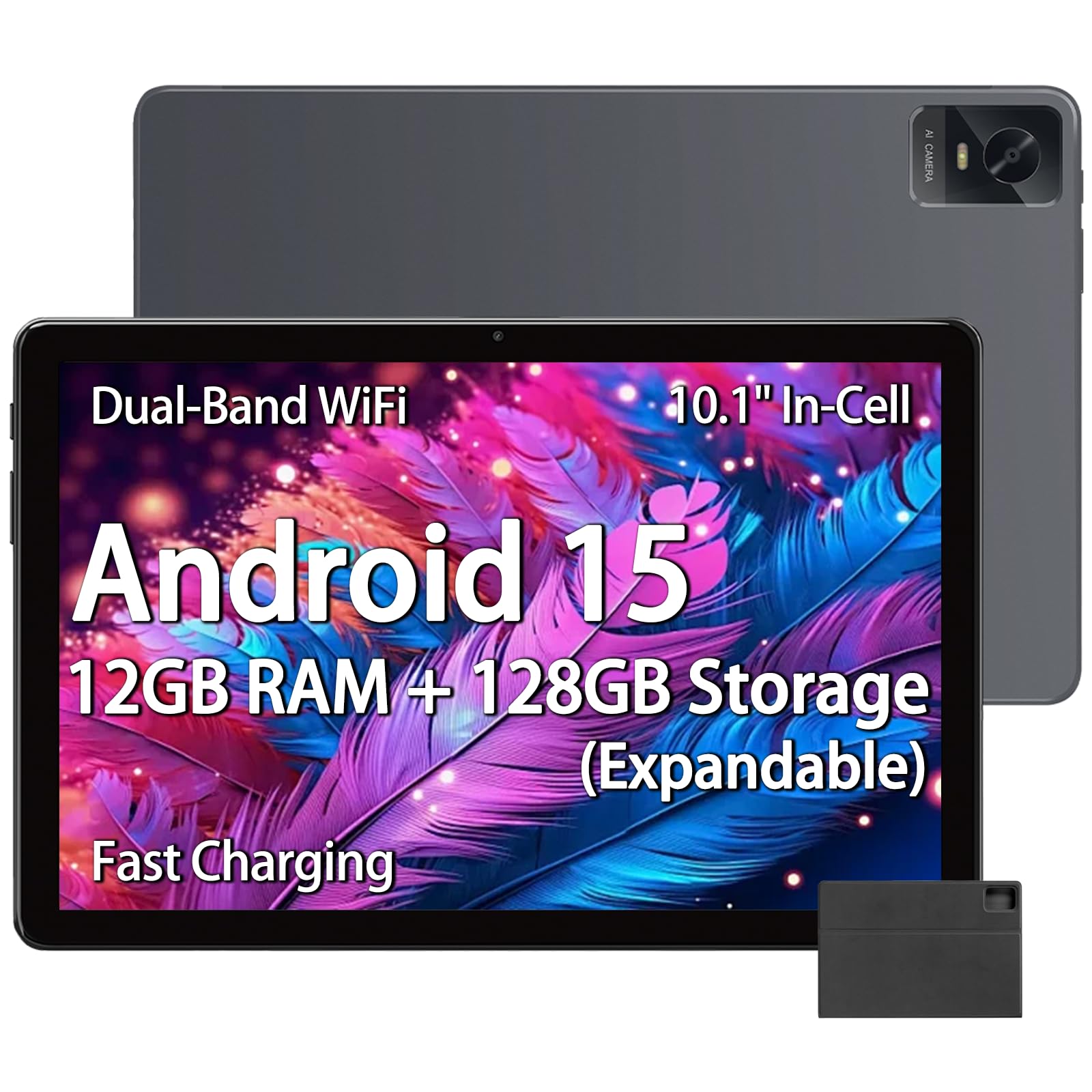
Image: The tablet displaying an image of penguins in an icy landscape, emphasizing its 16:10 aspect ratio and 10.1-inch 1280x800 HD In-Cell full lamination touchscreen for an immersive view.
7. Gosodiadau Sain
Adjust volume and sound preferences:
- Ewch i Gosodiadau > Sain a dirgryniad.
- Adjust media, call, ring, and alarm volumes.
- Select ringtones and notification sounds.
The tablet includes a 3.5mm headphone jack for wired audio accessories.
Cynnal a chadw
1. Glanhau'r Tabled
- Defnyddiwch frethyn meddal, di-lint i lanhau sgrin a chorff y dabled.
- Ar gyfer smwtshis ystyfnig, ychydig yn dampgolchwch y lliain gyda dŵr neu lanhawr sgrin a gynlluniwyd ar gyfer electroneg.
- Osgowch ddefnyddio cemegau llym, deunyddiau sgraffiniol, neu leithder gormodol.
2. Diweddariadau Meddalwedd
Chwiliwch am ddiweddariadau meddalwedd a'u gosod yn rheolaidd i sicrhau perfformiad, diogelwch a mynediad gorau posibl at nodweddion newydd.
- Ewch i Gosodiadau > System > Diweddariad system.
- Dilynwch y cyfarwyddiadau ar y sgrin i wirio am ddiweddariadau sydd ar gael a'u gosod.
3. Gofal Batri
- Osgowch amlygu'r dabled i dymheredd eithafol (poeth neu oer).
- Peidiwch â gadael i'r batri ollwng ei ollwng yn aml. Gwefrwch ef cyn iddo ostwng o dan 20%.
- Defnyddiwch y gwefrydd a'r cebl a ddarperir neu ategolion cydnaws ardystiedig yn unig.
Datrys problemau
Tabled Ddim yn Troi Ymlaen
- Gwnewch yn siŵr bod y dabled wedi'i wefru'n ddigonol. Cysylltwch ef â'r gwefrydd am o leiaf 30 munud.
- Pwyswch a daliwch y botwm Pŵer am 10-15 eiliad i orfodi ailgychwyn.
Materion Cysylltiad Wi-Fi
- Gwiriwch a yw Wi-Fi wedi'i alluogi yn y Gosodiadau.
- Ailgychwynwch eich llwybrydd Wi-Fi a'r dabled.
- Anghofiwch y rhwydwaith yng ngosodiadau'r tabled ac ailgysylltwch.
- Gwnewch yn siŵr eich bod o fewn cyrraedd y signal Wi-Fi.
Perfformiad Araf
- Caewch gymwysiadau cefndir diangen.
- Clirio data storfa ar gyfer apiau a ddefnyddir yn aml (Gosodiadau > Apiau > [Enw'r Ap] > Storio a storfa > Clirio storfa).
- Ensure sufficient free storage space. Delete unused files neu apiau.
- Ailgychwyn y tabled.
Apps Crashing or Not Responding
- Force close the app (Settings > Apps > [App Name] > Force stop).
- Clear the app's cache (Settings > Apps > [App Name] > Storage & cache > Clear cache).
- Diweddarwch yr ap o'r Google Play Store.
- Os yw'r broblem yn parhau, dadosodwch ac ailosodwch yr ap.
Manylebau
| Brand | paitanry |
| Enw Model | 10.1 inch Tablet |
| Rhif Model | G80 |
| System Weithredu | Android 15 |
| Prosesydd | MediaTek Helio G80 Octa-Core (Arm Cortex-A75 @ 2GHz, Arm Cortex-A55 @ 1.8GHz) |
| Cydbrosesydd graffeg | Braich Mali-G52 MC2 |
| Cof RAM | 12 GB (6GB ffisegol + 6GB rhithwir) |
| Storio Mewnol | 128 GB |
| Storfa Ehangadwy | Up to 2 TB (Micro SD card, sold separately) |
| Maint Sgrin | 10.1 modfedd |
| Math Arddangos | In-Cell IPS LCD |
| Cydraniad Arddangos | 1280 x 800 picsel |
| Cymhareb Agwedd | 16:10 |
| Camera blaen | 5 AS |
| Camera Cefn | 13 AS |
| Gallu Batri | 8000 mAh (Polymer Lithiwm) |
| Bywyd Batri (Cyfartaledd) | 8 Hours (mixed use) |
| Codi tâl | 18W PD Fast Charging (USB Type-C) |
| Wi-Fi | Dual-band 802.11ac |
| Bluetooth | Bluetooth 5.0 |
| Cysylltedd | USB Math-C, Jac Clustffonau 3.5mm |
| Dimensions (L x W x Thickness) | 9.45" x 6.26" x 0.28" |
| Pwysau | 1 Bunt |
| Nodweddion Arbennig | Expandable Storage, Fast Charging, Supports USB OTG |

Delwedd: Manwl view of the Helio G80 Octa-Core CPU, highlighting its central role in the tablet's performance.
Gwarant a Chefnogaeth
Gwybodaeth Gwarant
Your paitanry 10.1 Inch Android Tablet comes with a Gwarant Gwneuthurwr Blwyddyn. This warranty covers defects in materials and workmanship under normal use. It does not cover damage caused by misuse, accidents, unauthorized modifications, or external causes.
Cadwch eich prawf prynu ar gyfer hawliadau gwarant.
Cefnogaeth i Gwsmeriaid
For technical assistance, warranty claims, or further inquiries, please contact paitanry customer support through the retailer's platform or the official paitanry websafle.
When contacting support, please have your tablet's model number (G80) and proof of purchase ready.