
Rhagymadrodd
Thank you for choosing the xinwld A97 Pro Wireless Earbuds. This manual provides essential information for setting up, operating, and maintaining your new earbuds to ensure optimal performance and longevity. Please read this manual thoroughly before use and retain it for future reference.
1. Gosod
1.1 Dadbocsio a Chydrannau
Carefully open the packaging and ensure all components are present:
- Llawlyfr Defnyddiwr 1x
- Cebl USB-C 1x
- 2x Wireless Earbuds (Left and Right)
- 1x Lightweight Charging Case
- 3x Eartips (S/M/L)
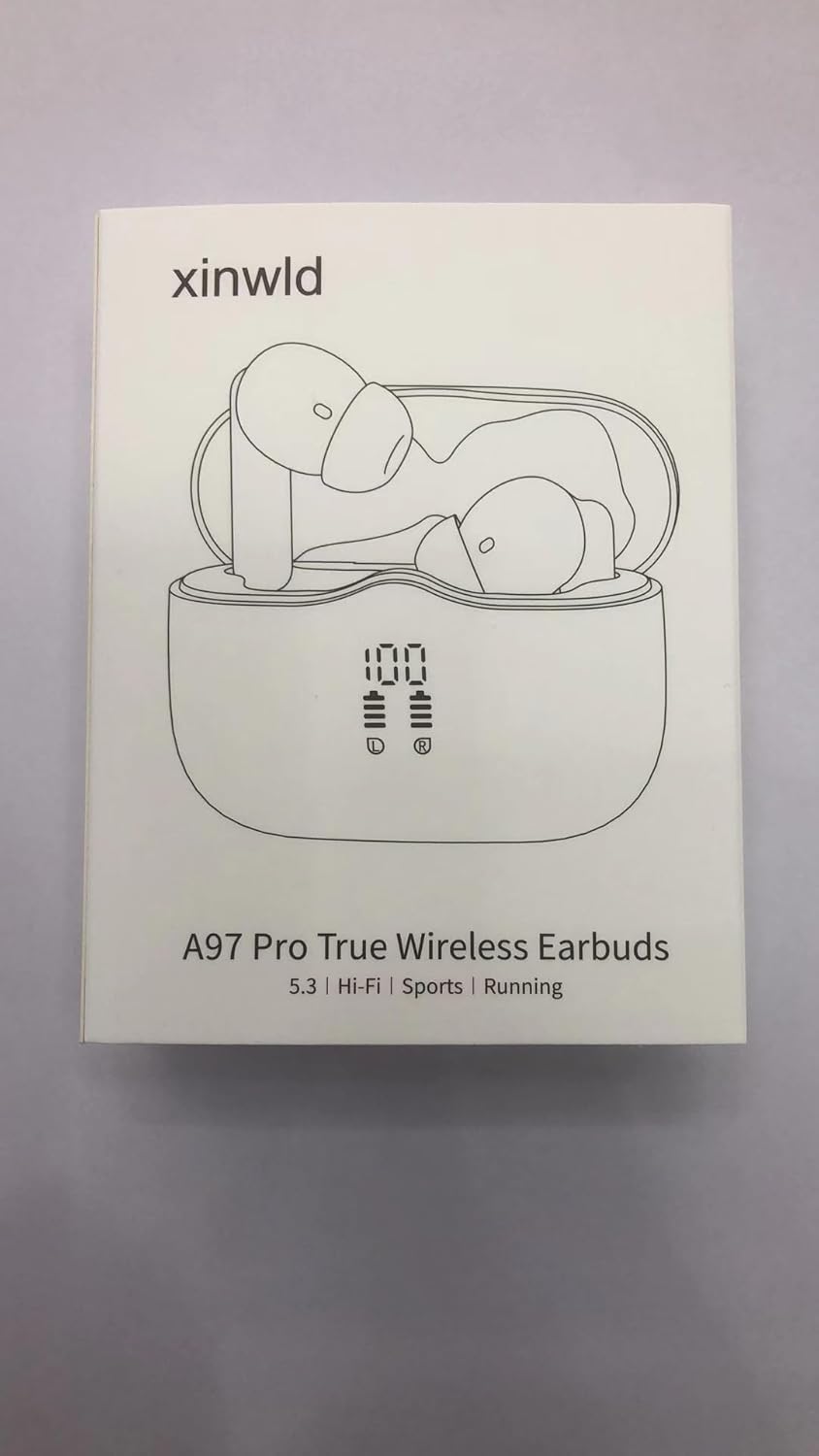
Figure 1: Package contents of the A97 Pro Wireless Earbuds.
1.2 Gwefru'r Clustffonau a'r Cas
Before first use, fully charge the earbuds and the charging case. The charging case features a USB-C port for convenient charging. The LED display on the case indicates the battery percentage o'r achos a chlustffonau unigol.
- Connect the provided USB-C cable to the charging port on the bottom of the case and to a power source.
- The LED display will show the charging progress. A full charge for the case takes approximately 1.5 hours.
- Place the earbuds into the charging case. They will automatically begin charging. The LED display will show their individual charge levels.
- The earbuds offer up to 8 hours of playback on a single charge, and the charging case provides an additional 32 hours, totaling up to 40 hours of playtime.

Figure 2: Charging the A97 Pro Earbuds and Case.

Figure 3: LED Battery Display on the Charging Case.
1.3 Pâr Bluetooth
The A97 Pro earbuds utilize advanced Bluetooth 5.4 technology for a stable and efficient connection.
- Agorwch y cas gwefru. Bydd y clustffonau'n mynd i mewn i'r modd paru yn awtomatig.
- Ar eich dyfais (ffôn clyfar, tabled, ac ati), galluogwch Bluetooth.
- Chwiliwch am "A97 Pro" in the list of available Bluetooth devices and select it to connect.
- The earbuds are instantly discoverable once removed from the case, simplifying the pairing process.
- The earbuds support seamless switching between single and dual earbud use.

Figure 4: Bluetooth 5.4 Technology.

Figure 5: One-Step Pairing.
2. Gweithredu
2.1 Gwisgo'r Clustffonau
The A97 Pro earbuds are ergonomically designed for a comfortable and secure fit. Choose the appropriate eartip size (S, M, L) for your ears to ensure optimal sound isolation and comfort. The earbuds are lightweight, weighing only 2 grams each, for long-lasting comfort.

Figure 6: Comfortable and Secure Fit.
2.2 Rheolaethau Cyffwrdd
The earbuds feature high-sensitivity touch controls for easy management of audio and calls without needing to access your phone.
| Gweithred | Earbud chwith | Earbud dde |
|---|---|---|
| Chwarae/Seibiant Cerddoriaeth | Tapiwch ddwywaith | Tapiwch ddwywaith |
| Cyfrol i Fyny | - | Tap unwaith |
| Cyfrol Lawr | Tap unwaith | - |
| Can nesaf | - | Pwyswch a daliwch am 2s |
| Caniad Blaenorol | Pwyswch a daliwch am 2s | - |
| Ateb/Diwedd Galwad | Tapiwch ddwywaith | Tapiwch ddwywaith |
| Gwrthod Galwad | Pwyswch a daliwch am 2s | Pwyswch a daliwch am 2s |
| Activate Voice Assistant (Siri, etc.) | Tapiwch yn gyflym dair gwaith | Tapiwch yn gyflym dair gwaith |
Figure 7: One-Click Smart Control.
2.3 Sound Quality and Noise Cancelling
The A97 Pro earbuds deliver Hi-Fi Deep Bass Stereo sound, powered by 13mm vibrating diaphragms and AAC/SBC audio coding technology. This results in strong bass and clear audio, providing an immersive listening experience for music, podcasts, and calls.

Figure 8: Immersive Hi-Fi Stereo with 13mm Drivers.
Equipped with Environmental Noise Cancelling (ENC) microphones, the earbuds effectively reduce moderate ambient noise, ensuring your voice remains clear during phone calls.
3. cynnal
3.1 Glanhau
Mae glanhau rheolaidd yn helpu i gynnal ansawdd sain a hylendid:
- Sychwch y clustffonau a'r cas gwefru yn ysgafn gyda lliain meddal, sych, heb lint.
- Tynnwch flaenau’r clustffonau a’u glanhau gyda sebon ysgafn a dŵr os oes angen, gan sicrhau eu bod yn hollol sych cyn eu hailgysylltu.
- Peidiwch â defnyddio cemegau llym neu ddeunyddiau sgraffiniol.
3.2 Gwrthsefyll Dŵr
The earbuds are IP7 waterproof, providing protection against dust, rain, and sweat. This makes them suitable for workouts and outdoor activities.
- While IP7 rated, avoid submerging the earbuds in water for extended periods.
- Gwnewch yn siŵr bod y clustffonau'n sych cyn eu rhoi yn ôl yn y cas gwefru i atal difrod.
Figure 9: IP7 Water Resistance.
3.3 Storio
Storiwch y clustffonau yn eu cas gwefru pan nad ydynt yn cael eu defnyddio i'w hamddiffyn a chadwch wefr arnynt.
4. Datrys Problemau
If you encounter issues with your A97 Pro earbuds, try the following solutions:
- Clustffonau ddim yn paru: Ensure both earbuds are in the charging case, then open the lid to activate pairing mode. Check your device's Bluetooth settings to ensure "A97 Pro" is visible and selected.
- Dim sain o un clustffon: Place both earbuds back into the charging case, close the lid, and then reopen it. This often resets the connection.
- Materion codi tâl: Verify the USB-C cable is securely connected to both the case and the power source. Check the LED display for charging indicators.
- Rheolyddion cyffwrdd yn anymatebol: Ensure the earbuds are clean and dry. Try resetting the earbuds by placing them in the case and closing the lid for a few seconds.
- Cyfaint isel neu ansawdd sain gwael: Adjust the volume on your connected device and via the earbud touch controls. Ensure the eartips are properly seated in your ears and that the correct size is being used for a good seal.
For persistent issues, please refer to the contact information in the Warranty and Support section.
5. manylebau
| Nodwedd | Manylyn |
|---|---|
| Enw Model | A97 Pro |
| Fersiwn Bluetooth | 5.4 |
| Amrediad Bluetooth | 15 o Fesurau |
| Bywyd Batri (Clustffonau) | Hyd at 8 awr (cyfaint 80%) |
| Cyfanswm Amser Chwarae (gyda Chas Gwefru) | Hyd at 40 awr |
| Amser Codi Tâl (Achos) | 1.5 Awr |
| Rheoli Sŵn | Canslo Sŵn Amgylcheddol (ENC) |
| Lefel Gwrthsefyll Dŵr | IP7 dal dŵr |
| Math Gyrrwr Sain | Gyrrwr Dynamig 13mm |
| Math o Reoli | Rheoli Cyffwrdd |
| Item Weight (Single Earbud) | 2 Gram (tua 0.071 owns) |
| Deunydd | Plastig |
| Dyfeisiau Cydnaws | Bluetooth 4.0 and above devices (iOS & Android phones/tablets) |
6. Gwarant a Chefnogaeth
Your xinwld A97 Pro Wireless Earbuds come with a standard manufacturer's warranty. For detailed warranty information, product support, or technical assistance, please visit the official xinwld websafle neu cysylltwch â'u gwasanaeth cwsmeriaid yn uniongyrchol.
Websafle: Visit the xinwld Store on Amazon