
Nova NHT 1102
NOVA NHT 1102 Trimmer User Manual
Model: NHT 1102
1. Rhagymadrodd
This manual provides essential instructions for the safe and effective use of your Nova NHT 1102 Trimmer. Please read it thoroughly before first use and retain it for future reference. This cordless trimmer is designed for personal grooming, offering precision trimming with multiple length settings and a long-lasting rechargeable battery.
2. Cyfarwyddiadau Diogelwch Pwysig
- Do not immerse the trimmer in water or use it near water (e.g., bathtub, shower, sink).
- Cadwch y teclyn i ffwrdd oddi wrth blant.
- Always check the trimmer for damage before use. Do not use if the blades or housing are damaged.
- Use only the charging cable provided with the trimmer.
- Do not attempt to disassemble or repair the trimmer yourself. Contact qualified service personnel for assistance.
- Ensure your hands are dry when plugging or unplugging the charging cable.
- Storiwch y trimiwr mewn lle sych pan nad yw'n cael ei ddefnyddio.
3. Cynnwys Pecyn
Gwiriwch fod yr holl eitemau yn bresennol yn y pecyn:
- Nova NHT 1102 Trimmer
- 3 Guide Combs (1mm, 2mm, 3mm)
- Cebl Codi Tâl USB Math-C
- Brws Glanhau
- Lubricating Oil (may be included)

Image 3.1: Nova NHT 1102 Trimmer with included accessories and packaging.
4. Cynnyrch Drosview
Familiarize yourself with the components of your Nova NHT 1102 Trimmer:
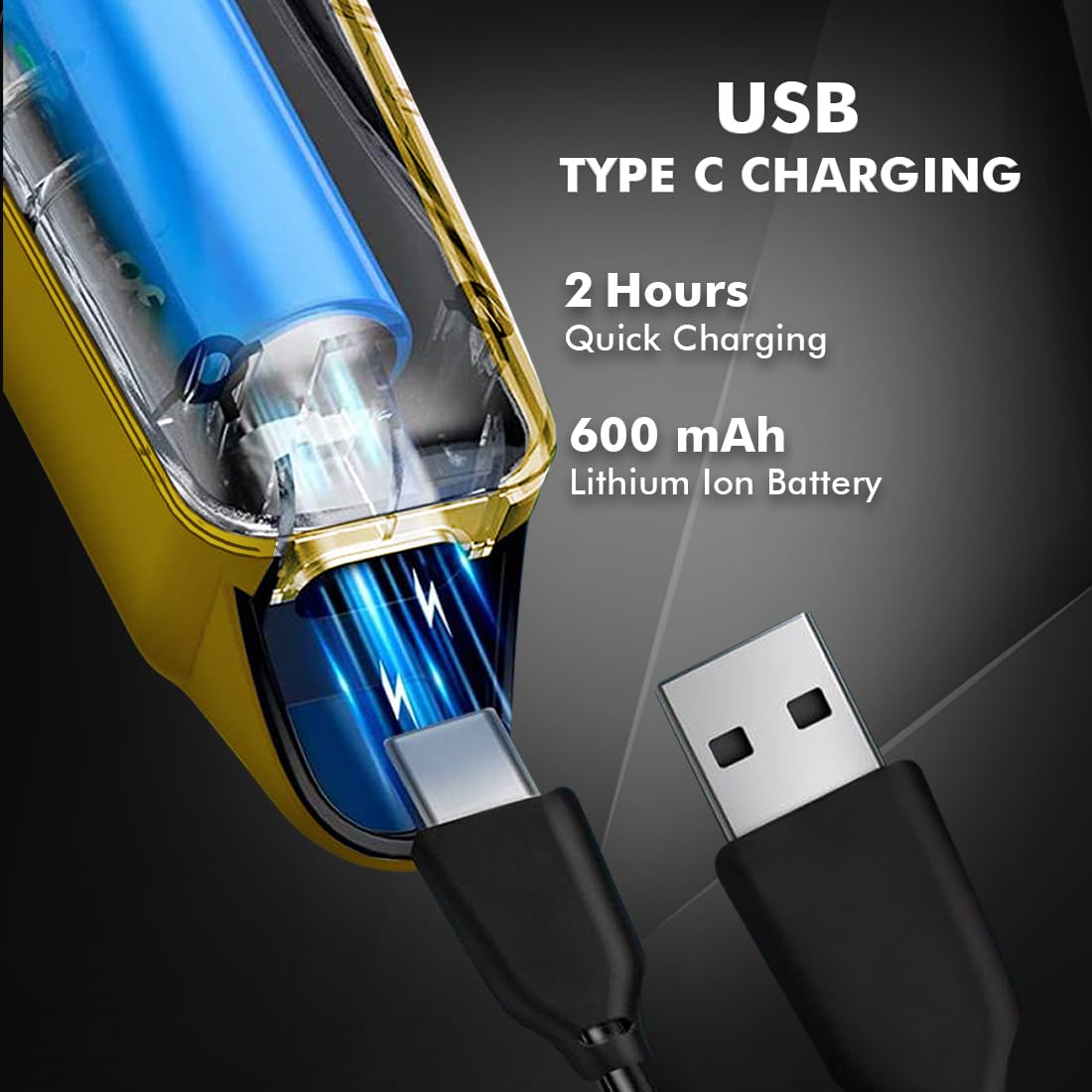
Image 4.1: Key features and components of the Nova NHT 1102 Trimmer.
- Llafnau Dur Di-staen: Durable and self-sharpening blades for precise cutting.
- Botwm Pŵer: Yn rheoli gosodiadau pŵer ymlaen/i ffwrdd a chyflymder.
- Golau Dangosydd: Displays charging status and operational mode.
- Porthladd Codi Tâl USB: For convenient charging via USB Type-C cable.
- Bachyn Crog: Ar gyfer storio hawdd.
- Cribau tywys: Detachable combs for various trimming lengths (1mm, 2mm, 3mm).
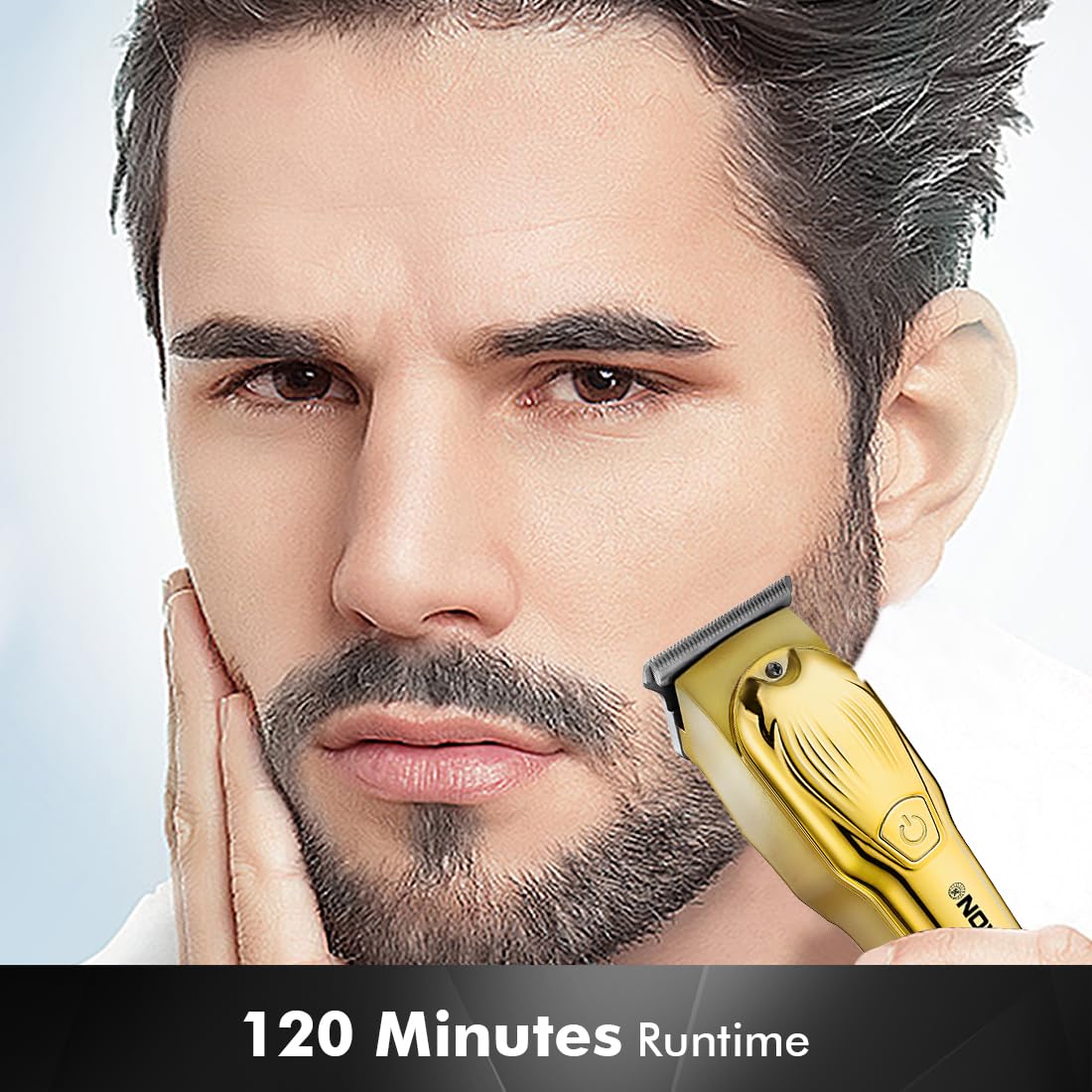
Image 4.2: Detail of the self-sharpening stainless steel blades.
5. Gosod
5.1 Codi Tâl Cychwynnol
Before first use, fully charge the trimmer. The Nova NHT 1102 Trimmer features a 600 mAh Lithium-Ion battery.
- Connect the USB Type-C charging cable to the trimmer's charging port.
- Plug the other end of the USB cable into a compatible USB power adapter (not included) or a USB port on a computer.
- The indicator light will illuminate to show charging is in progress.
- A full charge takes approximately 2 hours, providing up to 120 minutes of cordless runtime.
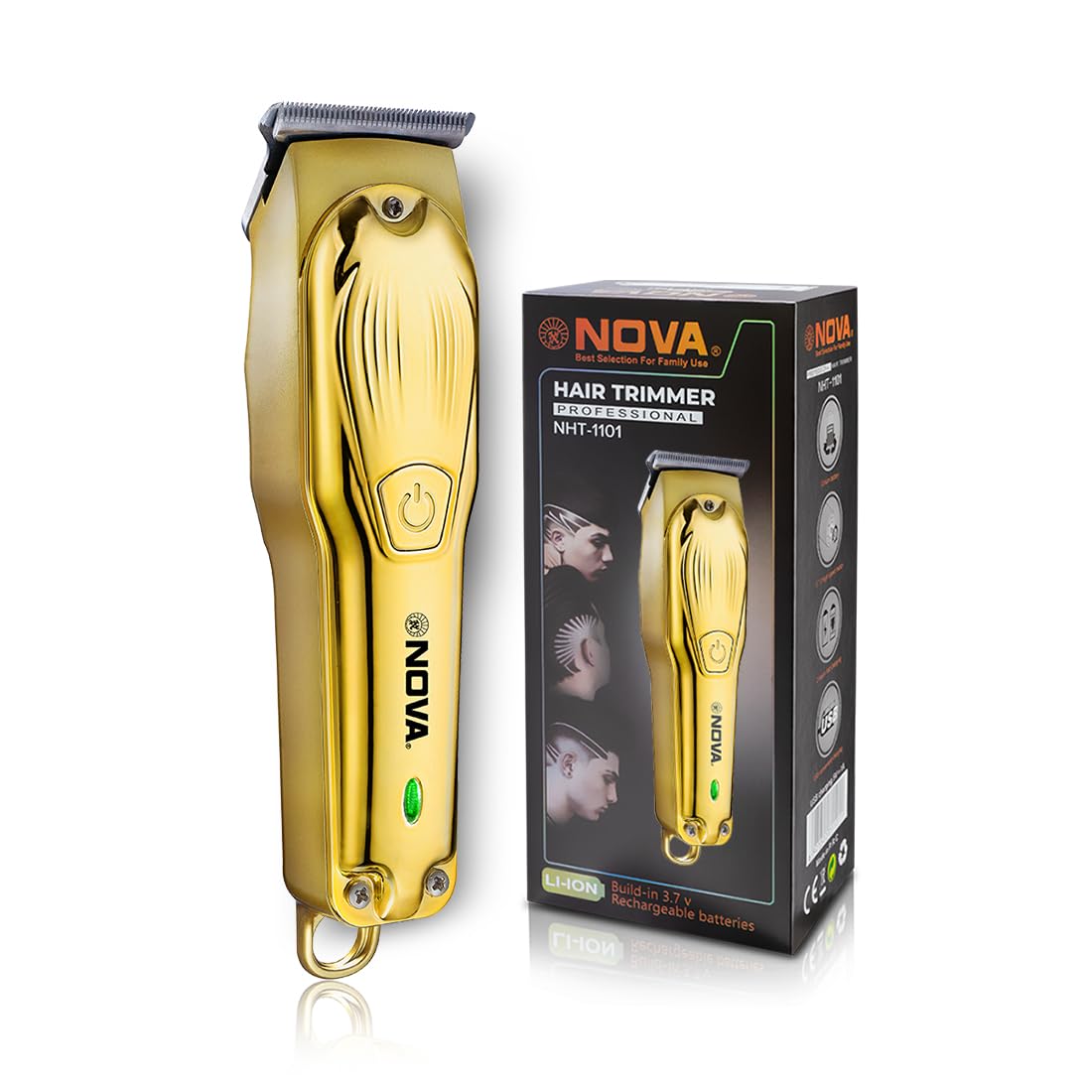
Image 5.1: USB Type-C charging mechanism.
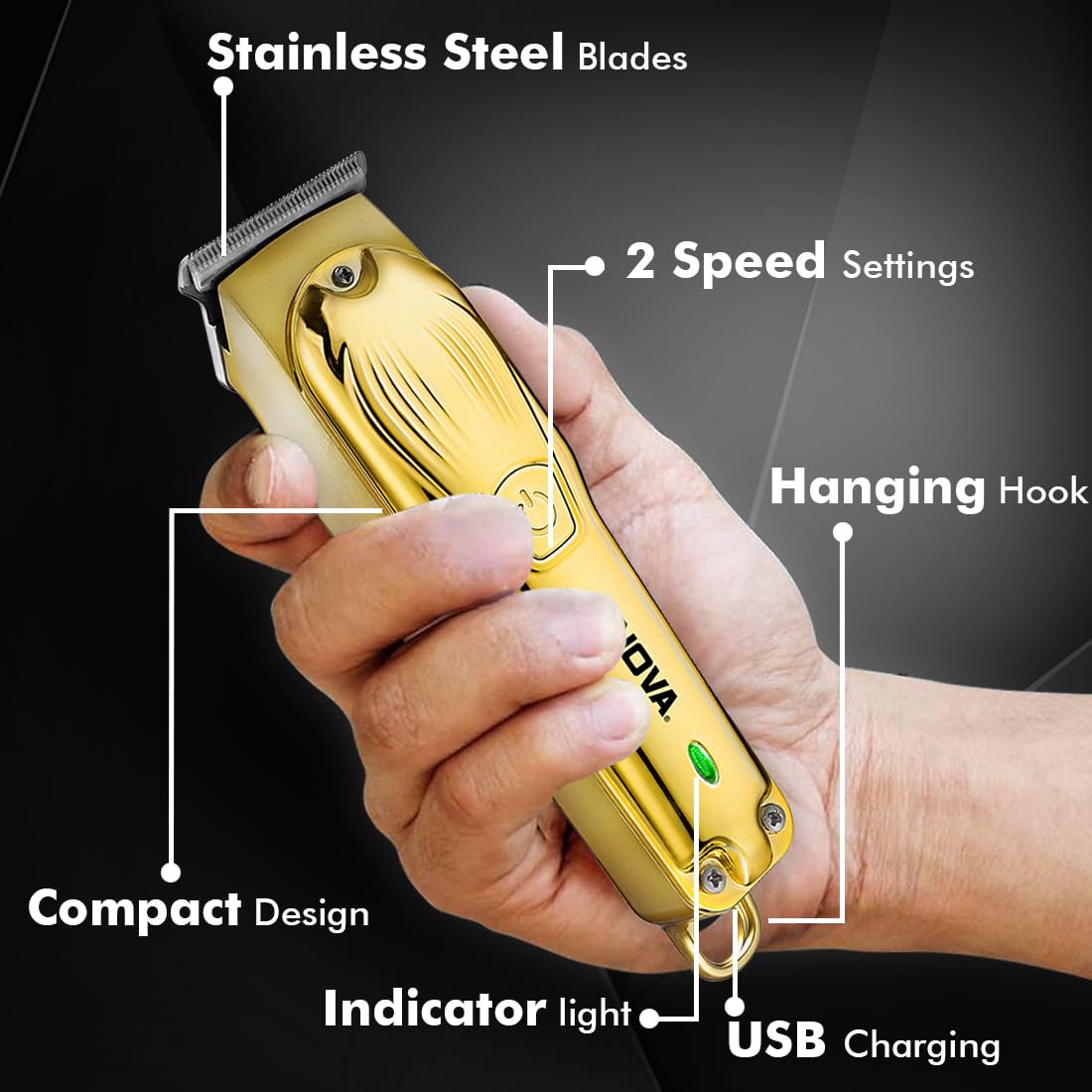
Image 5.2: Trimmer charging via USB Type-C.
5.2 Cysylltu Cribau Canllaw
The trimmer comes with 3 guide combs for different hair lengths:
- 1mm comb
- 2mm comb
- 3mm comb
To attach a guide comb, align the comb with the trimmer head and push it firmly until it clicks into place. To remove, gently pull the comb away from the trimmer head.
6. Cyfarwyddiadau Gweithredu
6.1 Turning On/Off and Speed Settings
- To turn the trimmer on, press the power button once. The trimmer will start at the default speed setting.
- To switch between the 2 available speed settings, press the power button again while the trimmer is running.
- To turn the trimmer off, press the power button until it stops.
6.2 Swyddogaeth Turbo
For increased power, activate the Turbo Function:
- While the trimmer is running, double-press the power button to engage the turbo mode.
- Double-press again to return to normal speed.
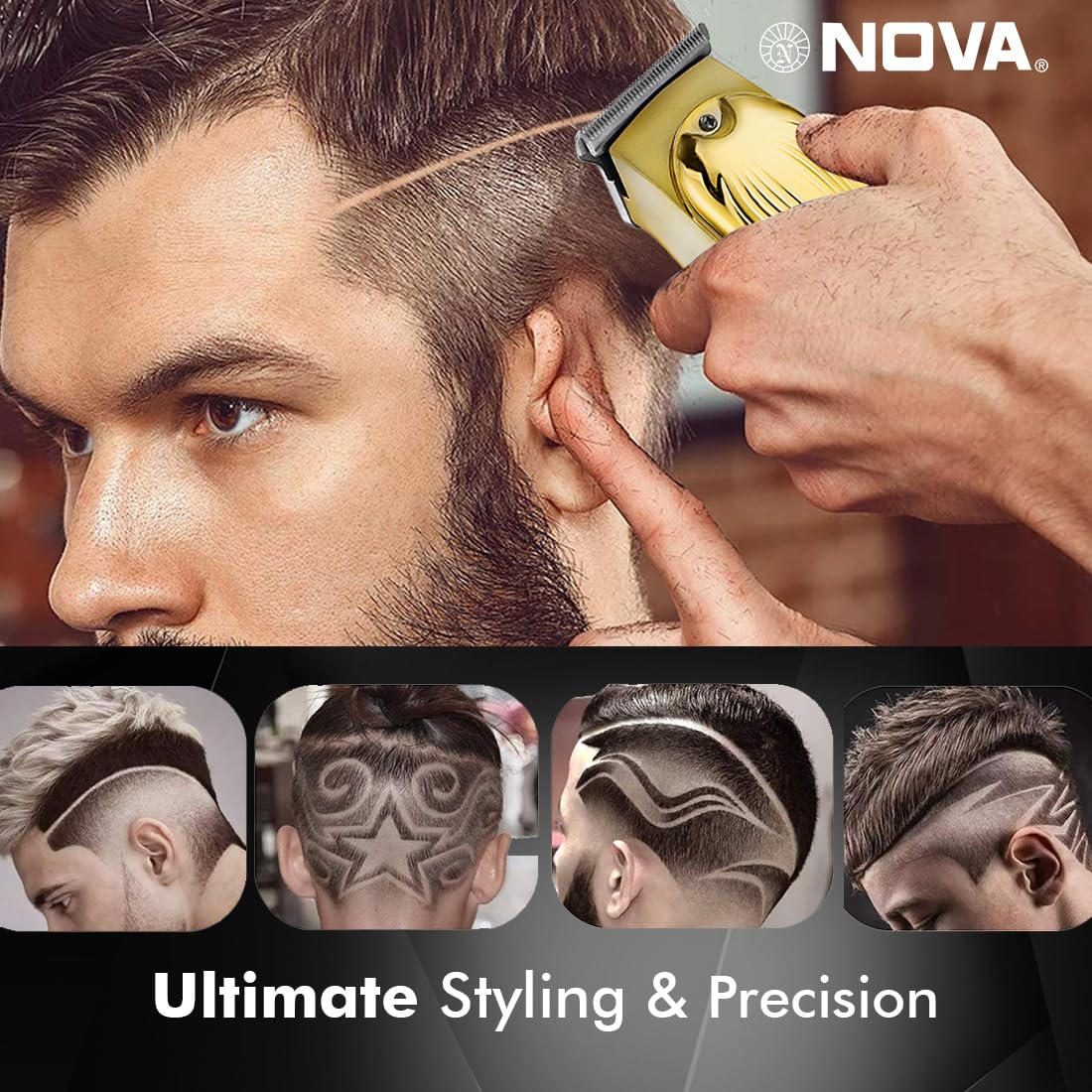
Image 6.1: Illustration of the Turbo Function.
6.3 Trimio
Ensure hair is clean and dry before trimming for optimal results.
- Without Guide Comb: For precision trimming and close cuts (0.5mm), use the trimmer without any guide comb attached.
- With Guide Comb: Select the desired guide comb (1mm, 2mm, or 3mm) and attach it securely.
- Hold the trimmer with the blades flat against the skin and move it slowly against the direction of hair growth.
- For best results, stretch the skin taut with your free hand.
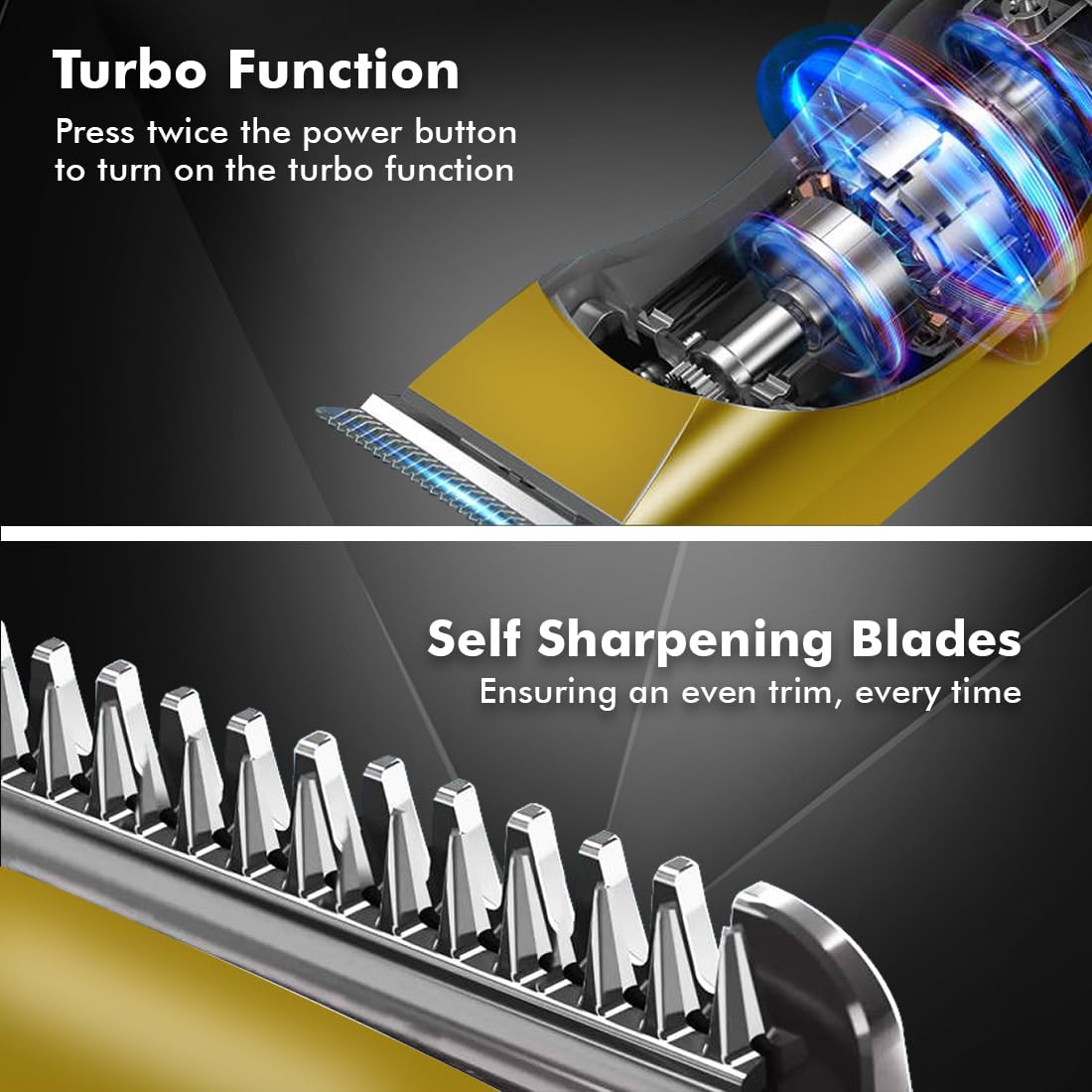
Image 6.2: Demonstrating hair trimming with the device.
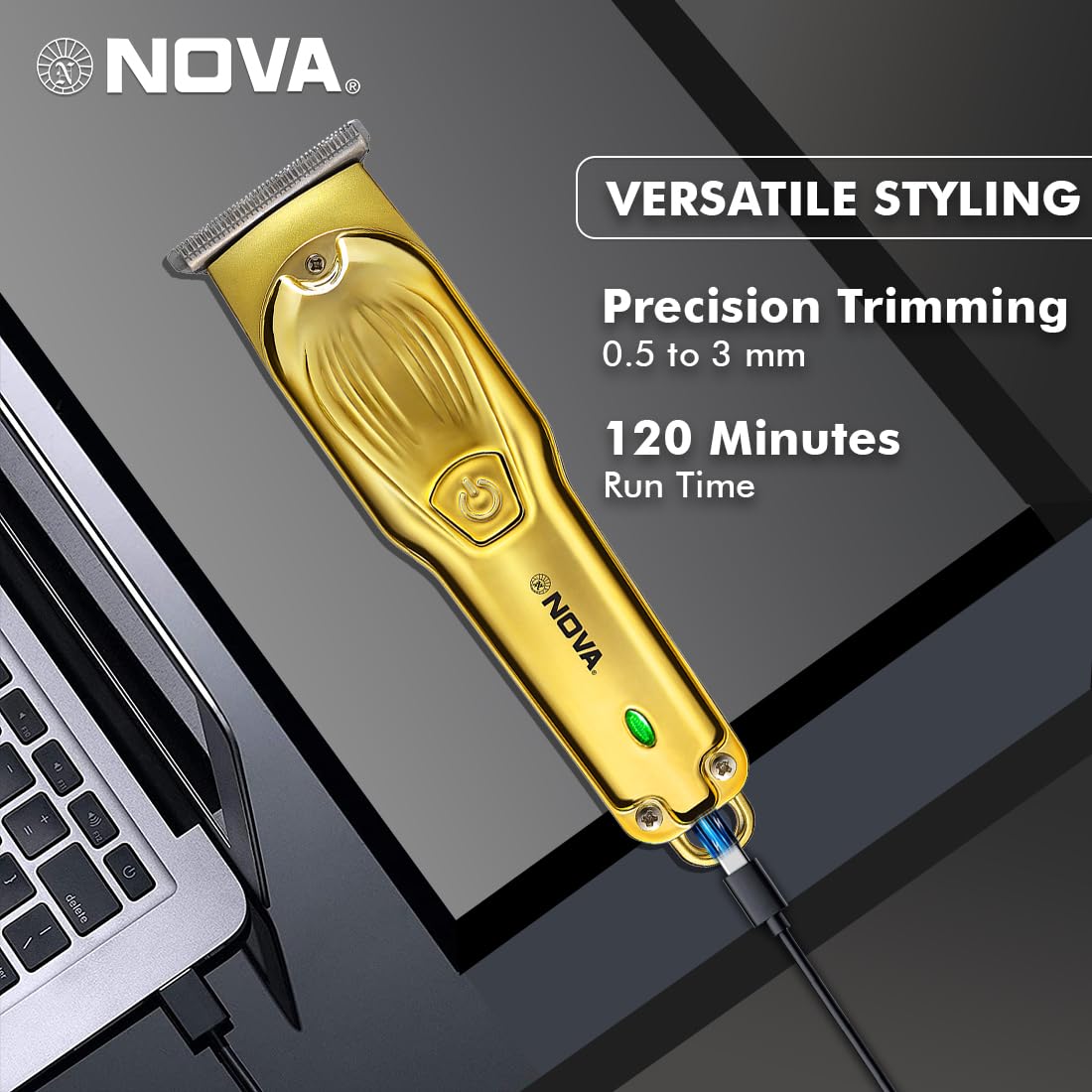
Image 6.3: Demonstrating beard trimming with the device.
7. cynnal
7.1 Glanhau'r Llafnau
Mae glanhau rheolaidd yn sicrhau perfformiad a hylendid gorau posibl.
- Diffoddwch y trimmer a'i ddatgysylltu o'r ffynhonnell bŵer.
- Carefully remove any attached guide comb.
- Use the provided cleaning brush to remove hair clippings from the blades and the trimmer head.
- The blades are self-sharpening, reducing the need for manual sharpening.
7.2 Iro
To maintain blade performance, apply a small drop of lubricating oil (if included) to the blades after every few uses. Turn the trimmer on for a few seconds to distribute the oil evenly.
7.3 Storio
Store the trimmer in a cool, dry place, away from direct sunlight and moisture. Ensure the trimmer is clean and dry before storage.
8. Datrys Problemau
| Problem | Achos Posibl | Ateb |
|---|---|---|
| Nid yw trimmer yn troi ymlaen. | Mae batri yn cael ei ollwng. | Gwefrwch y trimmer am o leiaf 2 awr. |
| Botwm pŵer heb ei wasgu'n gywir. | Ensure a firm press on the power button. | |
| Perfformiad tocio gwael. | Blades are clogged with hair. | Glanhewch y llafnau gyda'r brwsh glanhau. |
| Mae angen iro ar lafnau. | Rhowch ddiferyn o olew iro ar y llafnau. | |
| Batri ddim yn codi tâl. | Charging cable or adapter is faulty. | Rhowch gynnig ar gebl USB Math-C neu addasydd pŵer gwahanol. |
| Mae'r porthladd gwefru wedi'i ddifrodi. | Cysylltwch â chymorth cwsmeriaid. |
9. manylebau
| Nodwedd | Manylyn |
|---|---|
| Model | NHT 1102 |
| Deunydd Blade | Dur Di-staen |
| Torri Hydoedd | 0.5mm (without comb), 1mm, 2mm, 3mm (with guide combs) |
| Math Batri | Lithium-Ion (600 mAh) |
| Amser Codi Tâl | Tua. 2 awr |
| Amser rhedeg | Hyd at 120 munud |
| Rhyngwyneb Codi Tâl | USB Math-C |
| Gosodiadau Cyflymder | 2 |
| Nodweddion Arbennig | Turbo Function, Self-Sharpening Blades, Cordless Operation, Hanging Hook |
| Dimensiynau (L x W x H) | 9 x 11 x 14 cm |
| Pwysau Eitem | 480 g |
| Gwneuthurwr | Nova Manufacturing Hong Kong |
| Gwlad Tarddiad | Tsieina |
10. Gwarant a Chefnogaeth
For detailed warranty information, please refer to the warranty card included with your product or the official Nova website. For technical support, service, or replacement parts, please contact Nova customer service through the contact information provided on your product packaging or the official brand channels.
Ask a question about this manual
Ask about setup, troubleshooting, compatibility, parts, safety, or missing instructions. Manuals+ will review the question and use this page’s manual context to help answer it.