
Jabra Engage 45 SE
Jabra Engage 45 SE Wireless Convertible Headphone User Manual
1. Rhagymadrodd
This manual provides detailed instructions for the Jabra Engage 45 SE Wireless Convertible Headphone. It covers essential information regarding product setup, operation, maintenance, and troubleshooting to ensure optimal performance and user experience. The Engage 45 SE is designed for clear, hands-free deskphone communication, offering comfort and advanced features for busy work environments.
Key features include an optimized microphone for clear calls, an impressive wireless range of up to 150 meters, and a lightweight design for extended comfort. It also incorporates DECT Security certification with FIPS 256-bit encryption for secure communication and offers up to 9 hours of talk time.

Figure 1: Jabra Engage 45 SE Headset and Base Unit.
2. Beth sydd yn y Bocs
Gwiriwch fod yr holl gydrannau yn bresennol yn y pecyn:
- Clustffon
- Phone adapter cable
- Charging Station (Base)
- Cyflenwad Pŵer
- Llawlyfr Defnyddiwr (y ddogfen hon)

Figure 2: Included components of the Jabra Engage 45 SE.
3. Gosod
3.1 Cysylltu'r Uned Sylfaen
- Connect the power supply to the base unit and plug it into a power outlet.
- Connect the phone adapter cable from the base unit to your desk phone's headset port. Refer to your desk phone's manual for specific port locations.
3.2 Gwefru'r Clustffon
Place the headset into the charging cradle on the base unit. The headset will begin charging automatically. A full charge takes approximately 90 minutes.
3.3 Gwisgo'r Clustffon
The Jabra Engage 45 SE is a convertible headset, offering multiple wearing styles for personalized comfort. It can be worn with an ear hook or a headband.
- Bachyn Clust: Attach the ear hook to the headset and position it comfortably over your ear.
- Band pen: Attach the headband to the headset and adjust it to fit securely over your head.

Ffigur 3: Example of wearing the Jabra Engage 45 SE headset.
4. Gweithredu'r Clustffon
4.1 Swyddogaethau Galwadau Sylfaenol
- Ateb / Diwedd Galwad: Pwyswch y botwm Call ar y headset.
- Addasu Cyfrol: Use the Volume Up (+) or Volume Down (-) buttons on the headset.
- Tewi meicroffon: Press the Mute button on the headset.

Figure 4: Key features and controls of the Jabra Engage 45 SE headset.
4.2 Wireless Range and Mobility
The Engage 45 SE offers a wireless range of up to 150 meters (330 feet) from the base unit, allowing you to move freely during calls without losing connection.

Figure 5: Enjoying mobility with the Jabra Engage 45 SE's wireless range.
4.3 Bywyd Batri
The headset provides up to 9 hours of talk time on a single charge, ensuring long-lasting performance throughout your workday.
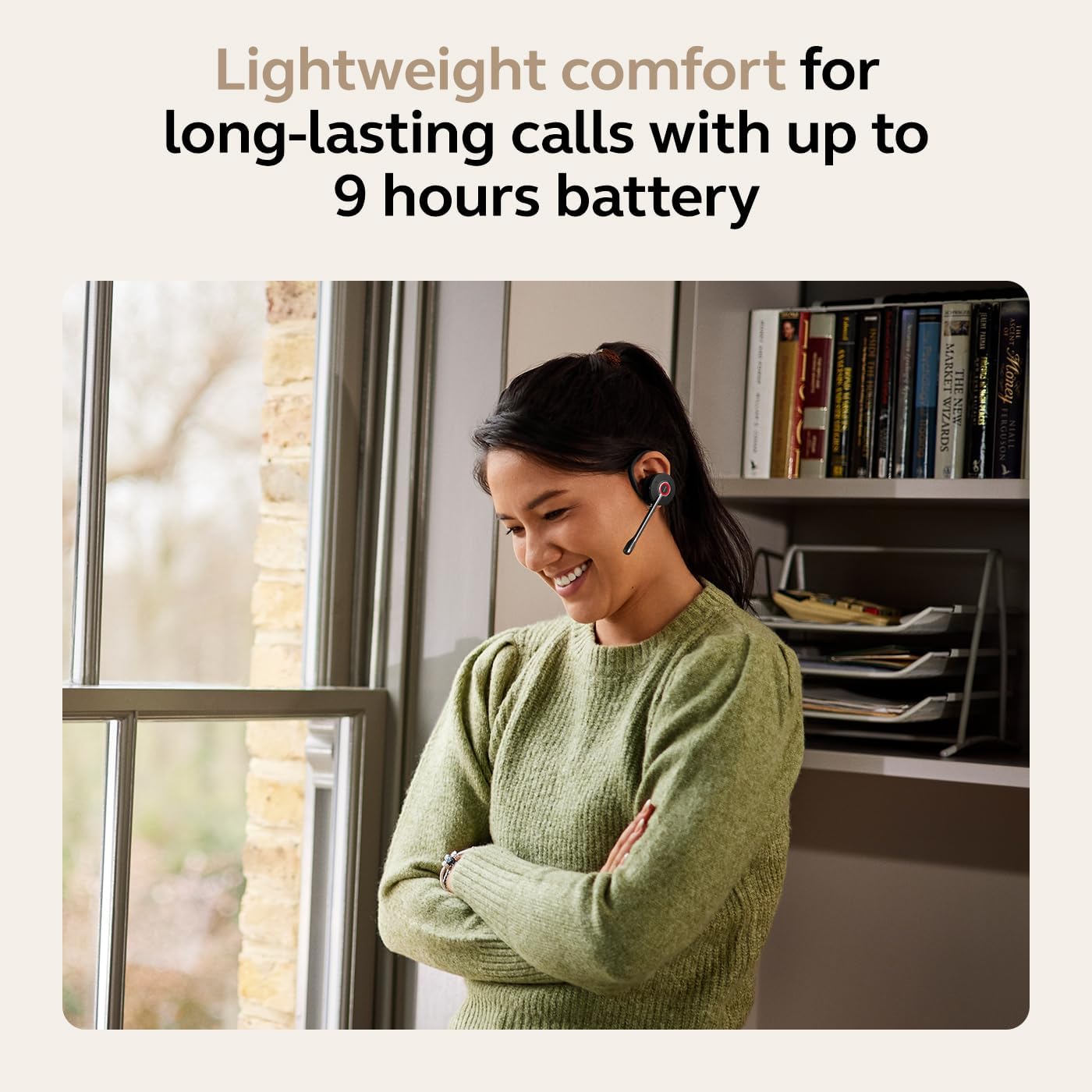
Figure 6: Extended call time with the Jabra Engage 45 SE.
4.4 Diogelwch Galwadau
The Jabra Engage 45 SE ensures private and secure communications with DECT Security certification and FIPS military-grade 256-bit encryption.

Figure 7: Secure communication with DECT Security.
5. cynnal
5.1 Cleaning the Headset and Base
- Wipe the headset and base unit with a soft, dry cloth.
- Ceisiwch osgoi defnyddio cemegau llym, toddyddion glanhau, neu lanedyddion cryf.
- Ensure no moisture enters the openings of the headset or base.
5.2 Gofal Batri
- Storiwch y clustffon mewn lle oer, sych pan nad yw'n cael ei ddefnyddio.
- Osgoi amlygu'r batri i dymheredd eithafol.
- Er mwyn sicrhau bod y batri’n para’n hir, osgoi rhyddhau’r batri’n llwyr yn aml.
6. Datrys Problemau
| Problem | Achos Posibl | Ateb |
|---|---|---|
| Dim sain yn y clustffonau | Headset not powered on or not connected to base. Volume too low. | Ensure headset is charged and docked correctly. Increase headset volume. Check base unit connection to phone. |
| Methu gwneud/derbyn galwadau | Base unit not properly connected to desk phone. | Verify all cables are securely connected between the base and the desk phone. Consult desk phone manual for headset compatibility. |
| Ansawdd sain gwael | Out of range. Interference. Microphone not positioned correctly. | Move closer to the base unit. Ensure no large metal objects are between headset and base. Adjust microphone boom to be close to your mouth. |
| Bywyd batri byr | Headset not fully charged. Battery degradation over time. | Ensure headset is fully charged before use. If battery life significantly decreases, contact support for potential replacement options. |
7. manylebau
| Nodwedd | Manylyn |
|---|---|
| Enw Model | Engage 45 SE |
| Technoleg Cysylltedd | Di-wifr DECT |
| Di-wifr Range | Hyd at 150 metr (330 troedfedd) |
| Bywyd Batri (Amser Siarad) | Hyd at 9 awr |
| Amser Codi Tâl | Tua 90 munud |
| Meicroffon | Sŵn-Canslo |
| Diogelwch | DECT Security certified, FIPS 256-bit encryption |
| Gwisgo Arddull | Convertible (Ear Hook, Headband) |
| Pwysau Eitem | 252 gram (8.9 owns) |
| Dimensiynau Cynnyrch | 4.13 x 1.26 x 1.97 modfedd |
| Dyfeisiau Cydnaws | Universal (Desk Phones) |
| Deunydd | Polycarbonad (PC), Silicon |
| UPC | 706487026051 |
| Rhif Model yr Eitem | 9655-523-125 |
8. Gwarant a Chefnogaeth
Jabra products are covered by a limited warranty. For specific warranty terms and conditions, please refer to the warranty information provided with your purchase or visit the official Jabra websafle.
For technical assistance, product support, or to access additional resources, please visit the Jabra support page:
Ask a question about this manual
Ask about setup, troubleshooting, compatibility, parts, safety, or missing instructions. Manuals+ will review the question and use this page’s manual context to help answer it.