
Thomson TDF-1001P
THOMSON 10.1-inch Digital Photo Frame User Manual
Model: TDF-1001P
1. Rhagymadrodd
This user manual provides comprehensive instructions for setting up, operating, and maintaining your THOMSON 10.1-inch WiFi Digital Photo Frame. Please read this manual carefully before using the device to ensure proper functionality and longevity.
2. Cynnyrch Drosview
The THOMSON Digital Photo Frame is designed to display your cherished memories with ease. It features a high-definition IPS touchscreen and WiFi connectivity for convenient photo sharing.
Nodweddion Allweddol:
- Cof Mewnol 32GB: Stores approximately 50,000 photos. Supports SD Card/SDHC Card/MMC Card/USB Drive expansion up to 256GB.
- Gosodiad Syml: Connects to WiFi, automatically sets local date and time.
- 10.1-inch 1280x800 HD IPS Screen: Provides clear image viewing with a 180° viewongl ing.
- Rhyngwynebau Lluosog: Supports DC-4.0, Type-C, SD, 3.5mm Jack, and USB.
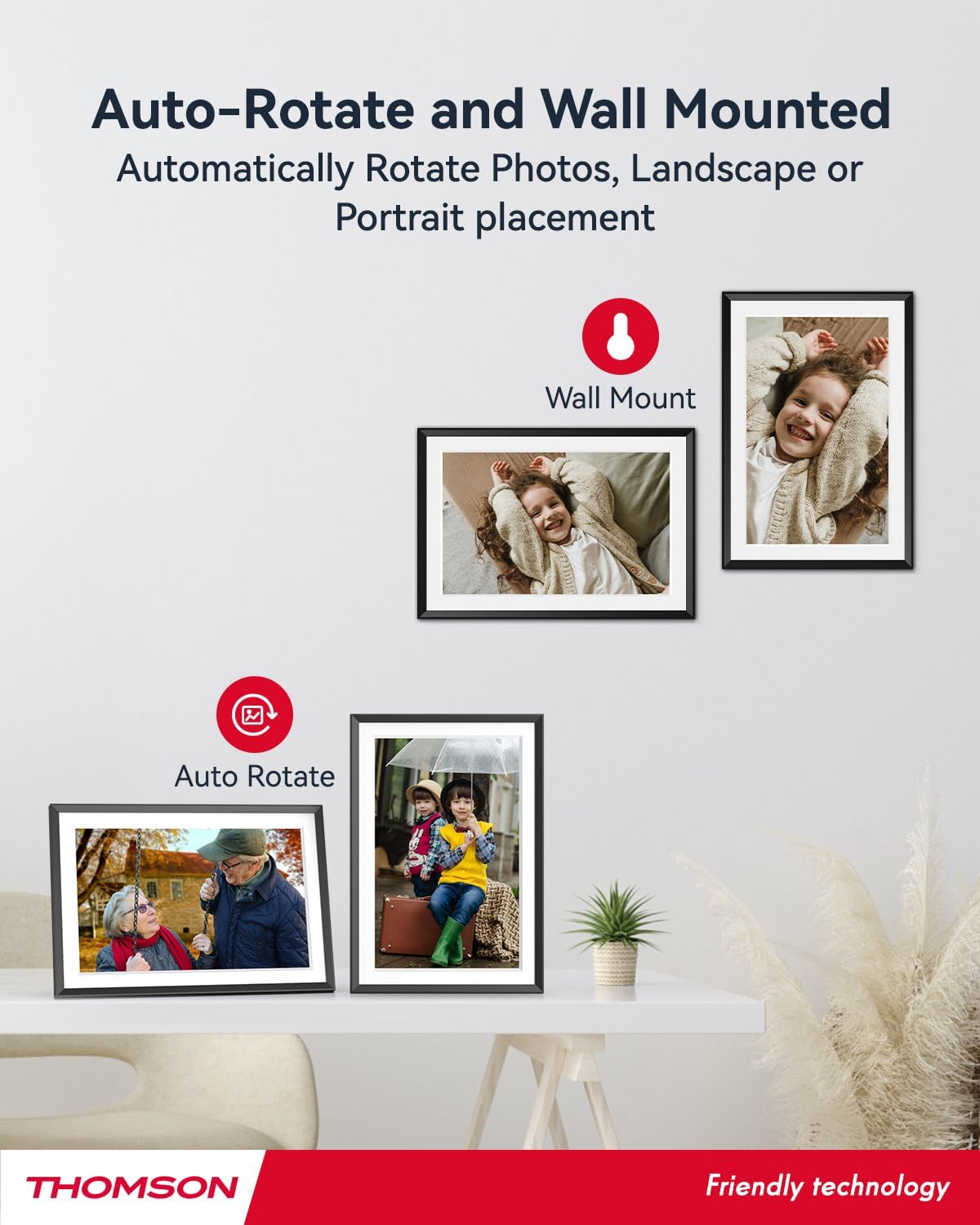
- Cylchdro Awtomatig: Displays photos correctly in any orientation.
- Cerddoriaeth Gefndir: Play music during slideshows.
- Google Photo Support: Send photos directly from Google Photos.





3. Gosod
3.1 Dadbacio ac Archwiliad Cychwynnol
- Tynnwch yr holl gydrannau o'r pecyn yn ofalus.
- Verify that all items listed in the 'Product Overview' section are present.
- Inspect the frame for any signs of damage. If damaged, do not proceed and contact customer support.
3.2 Cysylltiad Pwer
- Connect the power adapter to the DC-4.0 port on the back of the photo frame.
- Plygiwch yr addasydd pŵer i mewn i allfa drydanol safonol.
- The frame will power on automatically.
3.3 Cysylltiad Rhwydwaith (Wi-Fi)
- On the frame's touchscreen, navigate to 'Settings' or 'Wi-Fi Settings'.
- Dewiswch eich rhwydwaith Wi-Fi dymunol o'r rhestr o rwydweithiau sydd ar gael.
- Rhowch y cyfrinair Wi-Fi gan ddefnyddio'r bysellfwrdd ar y sgrin.
- Confirm the connection. Once connected, the frame will automatically synchronize the date and time.
3.4 App Installation (Thomson Smart Frame)
To share photos wirelessly from your smartphone, download the 'Thomson Smart Frame' app:
- For Android devices, search for 'Thomson Smart Frame' on the Google Play Store.
- For iOS devices, search for 'Thomson Smart Frame' on the Apple App Store.
- Follow the on-screen instructions within the app to pair it with your digital photo frame.
4. Cyfarwyddiadau Gweithredu
4.1 Ychwanegu Lluniau a Fideos
- Via Thomson Smart Frame App: Use the paired smartphone app to wirelessly send photos and videos to the frame.
- Via SD Card/USB Drive: Insert a compatible SD card or USB drive into the respective slot. The frame will detect the media, and you can import files to the internal memory or play directly.
- Via Google Photos: The frame supports integration with Google Photos for direct photo sharing. Refer to the frame's on-screen instructions for linking your Google Photos account.
4.2 Llywio Sgrin Gyffwrdd
The frame features an intuitive touchscreen interface. Tap to select, swipe to scroll, and pinch to zoom (if supported by the specific function).
4.3 Slideshow Settings
Customize your photo slideshow experience:
- Slideshow Speed: Adjust the duration each photo is displayed.
- Effeithiau Pontio: Choose from various transition styles between photos.
- Cerddoriaeth Gefndir: Dewiswch sain files to play during the slideshow.
4.4 Automatic Rotation
The frame automatically detects its orientation (landscape or portrait) and adjusts the displayed photos accordingly. Ensure the auto-rotate function is enabled in the settings if you wish to utilize this feature.
4.5 Multi-User Connection
Multiple users can connect to the same frame via the Thomson Smart Frame app, allowing family and friends to share their photos to your frame from different locations.
5. cynnal
5.1 Glanhau'r Sgrin
- Turn off the photo frame and unplug it from the power source.
- Defnyddiwch frethyn meddal, di-lint (e.e., brethyn microffibr) i sychu'r sgrin yn ysgafn.
- Ar gyfer smwtshis ystyfnig, ychydig yn dampen the cloth with water or a screen-cleaning solution specifically designed for electronic displays. Do not spray liquid directly onto the screen.
5.2 Gofal Cyffredinol
- Avoid exposing the frame to extreme temperatures, direct sunlight, or high humidity.
- Keep the frame away from water and other liquids.
- Do not block the ventilation openings on the frame.
- Handle the frame with care to prevent drops or impacts.
6. Datrys Problemau
| Problem | Achos Posibl | Ateb |
|---|---|---|
| Nid yw'r ffrâm yn troi ymlaen. | Addasydd pŵer heb ei gysylltu neu soced diffygiol. | Ensure power adapter is securely connected to the frame and a working electrical outlet. Try a different outlet. |
| Methu cysylltu â Wi-Fi. | Cyfrinair anghywir, signal gwan, neu broblem rhwydwaith. | Double-check Wi-Fi password. Move frame closer to router. Restart router and frame. |
| Photos not displaying. | Heb ei gefnogi file format, no photos loaded, or storage issue. | Ensure photos are in supported formats (e.g., JPEG, PNG). Verify photos are loaded onto the frame's internal memory or connected storage. Check storage space. |
| Sgrin gyffwrdd yn anymatebol. | Gwall meddalwedd dros dro. | Restart the frame by unplugging and re-plugging the power adapter. |
7. manylebau
| Nodwedd | Manylyn |
|---|---|
| Brand | Thomson |
| Rhif Model | TDF-1001P |
| Maint Sgrin | 10.1 modfedd |
| Cydraniad Arddangos | 1280 x 800 HD |
| Math Arddangos | Sgrin Gyffwrdd IPS |
| Cof Mewnol | 32 GB |
| Cof Ehangadwy | SD Card/SDHC Card/MMC Card/USB Drive (up to 256GB) |
| Technoleg Cysylltedd | Wi-Fi |
| Dyfeisiau Cydnaws | Android and iOS Smartphones |
| Ffynhonnell Pwer | Trydan Corded |
| Cymhareb Agwedd | 16:10 |
| Deunydd Ffrâm | Plastig |
| Dimensiynau Cynnyrch (L x W x H) | 26.5 x 18.4 x 2.51 cm |
| Pwysau Cynnyrch | 530 gram |
8. Gwarant a Chefnogaeth
For warranty information or technical support, please refer to the documentation included with your purchase or visit the official Thomson website. You may also contact Thomson customer service directly for assistance with product issues or inquiries.
Ask a question about this manual
Ask about setup, troubleshooting, compatibility, parts, safety, or missing instructions. Manuals+ will review the question and use this page’s manual context to help answer it.