
1. Rhagymadrodd
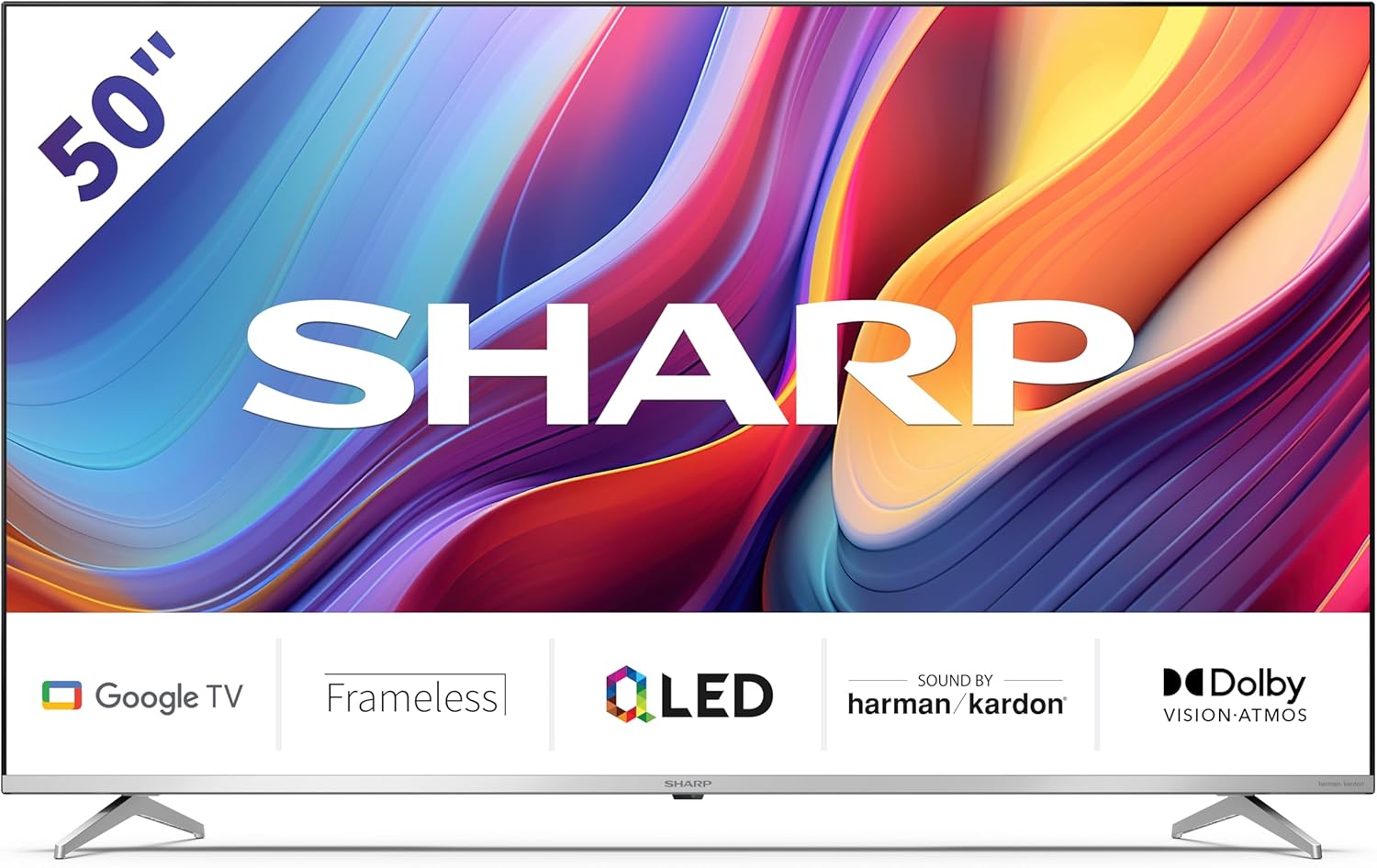
Welcome to the user manual for your new Sharp 50GP6265E 50-inch QLED 4K Ultra HD Google TV. This manual provides essential information for the safe and efficient use of your television. Please read it thoroughly before operating the device and retain it for future reference.
Gwybodaeth Ddiogelwch Bwysig
- Ensure the television is placed on a stable surface to prevent it from falling.
- Do not block ventilation openings. Proper airflow is crucial to prevent overheating.
- Amddiffynnwch y llinyn pŵer rhag cael ei gerdded ymlaen neu ei binsio.
- Do not expose the TV to rain or moisture to reduce the risk of fire or electric shock.
- Cyfeirio pob gwasanaeth i bersonél gwasanaeth cymwys.
2. Beth sydd yn y Bocs
Wrth ddadbacio, gwiriwch fod yr holl gydrannau canlynol wedi'u cynnwys:
- Sharp 50GP6265E 50-inch QLED 4K Ultra HD Google TV
- Rheolaeth bell
- 2 x batris AAA (ar gyfer teclyn rheoli o bell)
- Canllaw cychwyn cyflym
- TV stands (if not wall-mounted)
- Cebl pŵer
3. Gosod
3.1 Dadbacio
Carefully remove the television from its packaging. It is recommended to keep the original packaging for potential future transport or servicing.
3.2 Gosod Stondin
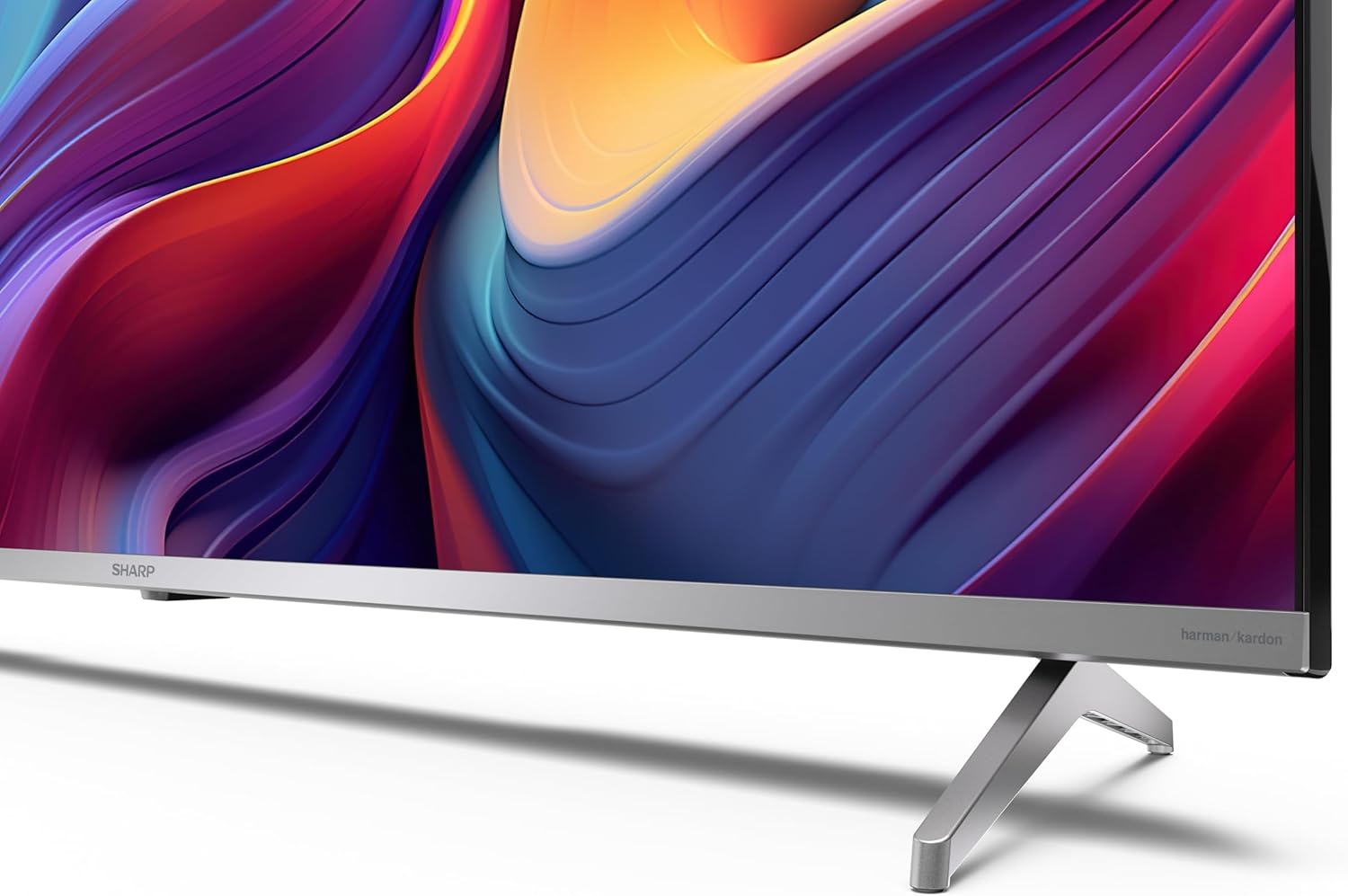
If you are not wall-mounting the television, attach the included stands to the bottom of the TV. Ensure the screws are securely fastened. Refer to the quick start guide for detailed diagrams.
3.3 Mowntio Wal
For wall mounting, the VESA dimensions required are 400 x 300 mm. Use a compatible wall mount bracket (sold separately) and follow the instructions provided with the bracket. Ensure the wall can support the weight of the television (9.7 kg net weight).

3.4 Cysylltu Perifferolion
Your Sharp TV offers various connectivity options:
- HDMI: Connect external devices such as Blu-ray players, gaming consoles, or set-top boxes using the 4 HDMI 2.1 ports. One port supports eARC for enhanced audio return channel functionality.
- USB: Use the 2 USB ports for connecting external storage devices to play media or for service updates.
- Ethernet: Ar gyfer cysylltiad rhyngrwyd gwifrog sefydlog.
- Wi-Fi: Ar gyfer cysylltedd rhyngrwyd diwifr.
- Bluetooth: Cysylltwch glustffonau diwifr, bariau sain, neu ategolion eraill sy'n galluogi Bluetooth.

3.5 Gosod y Tro Cyntaf
After connecting the power cable and turning on the TV, follow the on-screen instructions to complete the initial setup. This typically includes language selection, network connection, and Google account sign-in for Google TV features.
4. Gweithredu Eich Teledu
4.1 Rheoli o Bell
The included remote control allows you to navigate the TV's interface, adjust volume, change channels, and access smart features. Insert the 2 AAA batteries into the remote control, ensuring correct polarity.
4.2 Rhyngwyneb Google TV
Your Sharp TV runs on Google TV, which organizes movies, shows, and live TV from all your apps and subscriptions. The home screen provides personalized recommendations and quick access to your favorite content.

Supported internet services include Netflix, Amazon Prime Video, HBO, Disney+, Movistar+, DAZN, Atresmedia, KODI, IPTV, Steamlink, Twitch, VLC, YouTube, Puffin TV Browser, Spotify, Deezer, TuneIn Radio, and many more available on Google Play for Google TV.
4.3 Gosodiadau Lluniau
Experience stunning visuals with 4K Ultra HD resolution and Quantum Dot technology for vibrant colors. The TV supports Dolby Vision and HDR10 for enhanced contrast and brightness. Access picture settings through the TV menu to customize brightness, contrast, color, and sharpness to your preference. AQUOS Smooth Motion technology provides image interpolation for smoother motion.
4.4 Gosodiadau Sain
The integrated Harman/Kardon speaker system (2 x 12 W) delivers immersive audio. With Dolby Atmos support, you can enjoy a rich, multi-dimensional sound experience. Adjust sound modes and equalizer settings in the audio menu.
4.5 Nodweddion Clyfar
- Cynorthwyydd Google: Defnyddiwch orchmynion llais i chwilio am gynnwys, rheoli dyfeisiau cartref clyfar, a chael gwybodaeth.
- Chromecast wedi'i ymgorffori: Castiwch gynnwys o'ch ffôn clyfar, tabled, neu gyfrifiadur yn uniongyrchol i sgrin eich teledu.
5. cynnal
5.1 Glanhau'r teledu
- Datgysylltwch y teledu bob amser cyn glanhau.
- Defnyddiwch frethyn meddal, sych i sychu'r sgrin a'r cabinet. Os oes marciau ystyfnig, sychwch yn ysgafn.ampgolchwch y lliain gyda dŵr neu lanhawr sgrin arbenigol.
- Ceisiwch osgoi defnyddio glanhawyr sgraffiniol, cwyr neu doddyddion.
5.2 Diweddariadau Meddalwedd
Efallai y bydd eich teledu yn derbyn diweddariadau meddalwedd i wella perfformiad ac ychwanegu nodweddion newydd. Gwnewch yn siŵr bod eich teledu wedi'i gysylltu â'r rhyngrwyd i dderbyn y diweddariadau hyn yn awtomatig neu chwiliwch amdanynt â llaw yn y ddewislen gosodiadau.
6. Datrys Problemau
Os byddwch chi'n dod ar draws problemau gyda'ch teledu, cyfeiriwch at y problemau a'r atebion cyffredin canlynol:
| Problem | Ateb Posibl |
|---|---|
| Dim pŵer | Gwiriwch a yw'r cebl pŵer wedi'i gysylltu'n ddiogel â'r teledu a'r soced pŵer. Gwnewch yn siŵr bod yr soced yn gweithio'n iawn. |
| Dim llun, ond mae sain yn bresennol | Gwiriwch fod y ffynhonnell fewnbwn gywir wedi'i dewis. Gwiriwch gysylltiadau dyfeisiau allanol. |
| Dim sain, ond mae llun yn bresennol | Check the volume level and mute status. Ensure audio cables are correctly connected for external devices. |
| Rheolaeth bell ddim yn gweithio | Amnewidiwch y batris AAA. Gwnewch yn siŵr nad oes unrhyw rwystrau rhwng y teclyn rheoli o bell a synhwyrydd IR y teledu. |
| Materion cysylltiad Wi-Fi | Restart your router and the TV. Re-enter the Wi-Fi password. Ensure the TV is within range of your Wi-Fi network. |
7. manylebau
| Nodwedd | Manylyn |
|---|---|
| Brand | miniog |
| Rhif Model | 50GP6265E |
| Maint Sgrin | 50 modfedd |
| Technoleg Arddangos | QLED, Quantum Dot |
| Datrysiad | 4K Ultra HD (3840 x 2160 picsel) |
| Cyfradd Adnewyddu | 60 Hz |
| System Weithredu | Teledu Google |
| Cefnogaeth HDR | Dolby Vision, HDR10 |
| System Sain | Harman/Kardon (2 x 12 W), Dolby Atmos |
| Cysylltedd | 4x HDMI 2.1 (with eARC), 2x USB, Wi-Fi, Bluetooth, Ethernet |
| Nodweddion Arbennig | Google Assistant, Chromecast built-in, AQUOS Smooth Motion |
| Mynydd Wal VESA | 400 x 300 mm |
| Dimensiynau (gyda stand) | 111.6P x 26.5l x 69.3H cm (1116.4 x 692.9 x 264.7 mm) |
| Dimensiynau (heb stand) | 111.6P x 9.2l x 65.1H cm (1116.4 x 651.3 x 91.5 mm) |
| Pwysau Net | 9.7 kg |
| Dosbarth Effeithlonrwydd Ynni (SDR) | G (69 kWh/1000awr) |
| Dosbarth Effeithlonrwydd Ynni (HDR) | G (98 kWh/1000awr) |

For detailed product information and energy efficiency data, please refer to the EPREL database: https://eprel.ec.europa.eu/qr/1942440
8. Gwarant a Chefnogaeth
Information regarding spare parts availability and software updates is not explicitly provided for a guaranteed period. Please refer to the manufacturer's official website for the most up-to-date warranty terms and support information.
Gwneuthurwr: SHARP
Swyddogol Websafle: www.sharpconsumer.com
For customer service inquiries, please visit the Sharp consumer website or contact their support channels as listed on their official site.