
Anker Soundcore K20i
Llawlyfr Defnyddiwr Clustffonau Di-wifr Gwir Anker Soundcore K20i
Model: K20i | Brand: Anker Soundcore
1. Rhagymadrodd
The Anker Soundcore K20i are true wireless earbuds designed for comfortable, extended listening. They feature Bluetooth 5.3 connectivity, IPX5 water resistance, and up to 36 hours of total playback with the charging case. Enjoy powerful bass and clear calls with AI noise reduction.

Image: Anker Soundcore K20i earbuds and charging case in black, white, purple, and blue.
2. Cynnwys Pecyn
Gwnewch yn siŵr bod yr holl eitemau yn bresennol yn eich pecyn cynnyrch:
- Soundcore K20i True Wireless Earbuds
- Achos Codi Tâl
- USB-C & USB-A Charging Cable
- Safety Manual & Quick Start Guide

Image: The Anker Soundcore K20i earbuds, their charging case, and the included USB-C charging cable.
3. Gosod
3.1. Codi tâl
Cyn ei ddefnyddio gyntaf, gwefrwch y clustffonau a'r cas gwefru yn llawn.
- Place the earbuds into the charging case. Close the case to begin charging the earbuds.
- Cysylltwch yr achos gwefru â ffynhonnell pŵer gan ddefnyddio'r cebl USB-C a ddarperir.
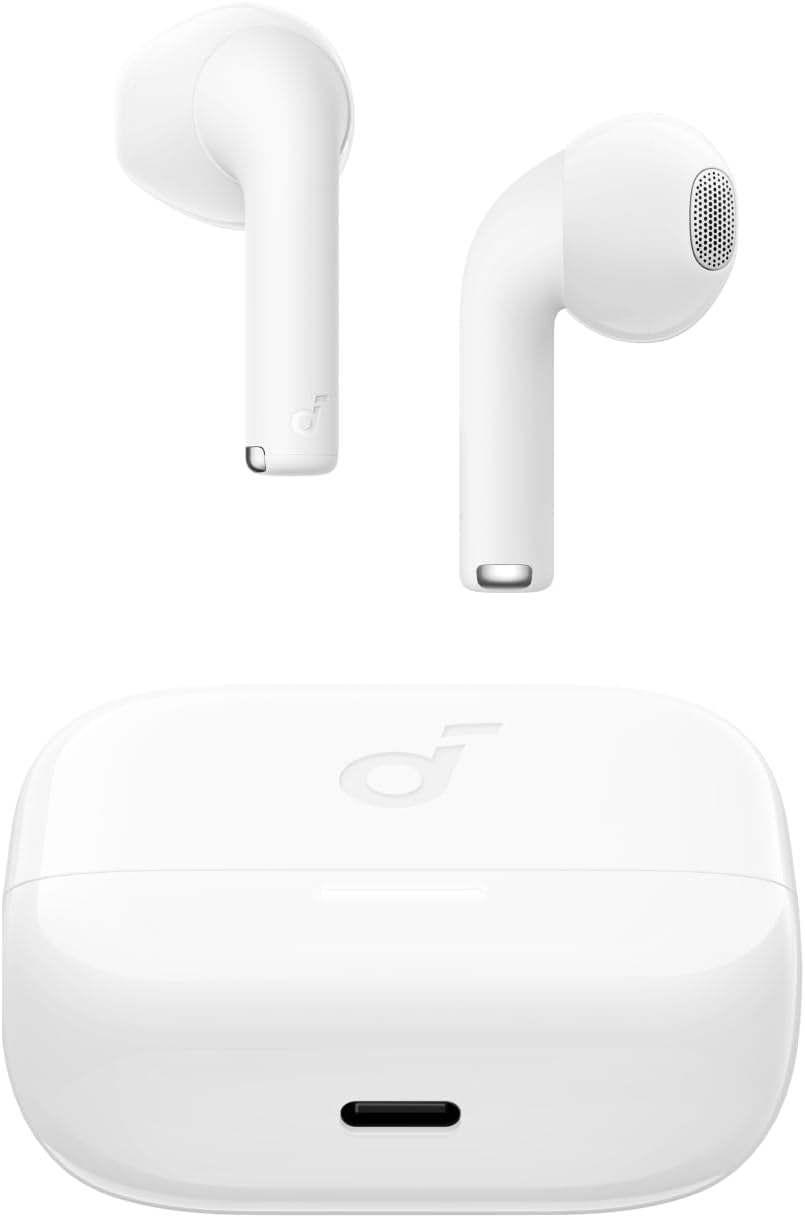
Image: The Anker Soundcore K20i earbuds resting in their open charging case, with the USB-C charging port visible at the front of the case.
3.2. Paru
Dilynwch y camau hyn i baru'ch clustffonau â dyfais sydd wedi'i galluogi gan Bluetooth:
- Agorwch y cas gwefru. Bydd y clustffonau'n mynd i mewn i'r modd paru Bluetooth yn awtomatig.
- On your device (smartphone, PC), enable Bluetooth and search for 'Soundcore K20i'.
- Select 'Soundcore K20i' to connect.
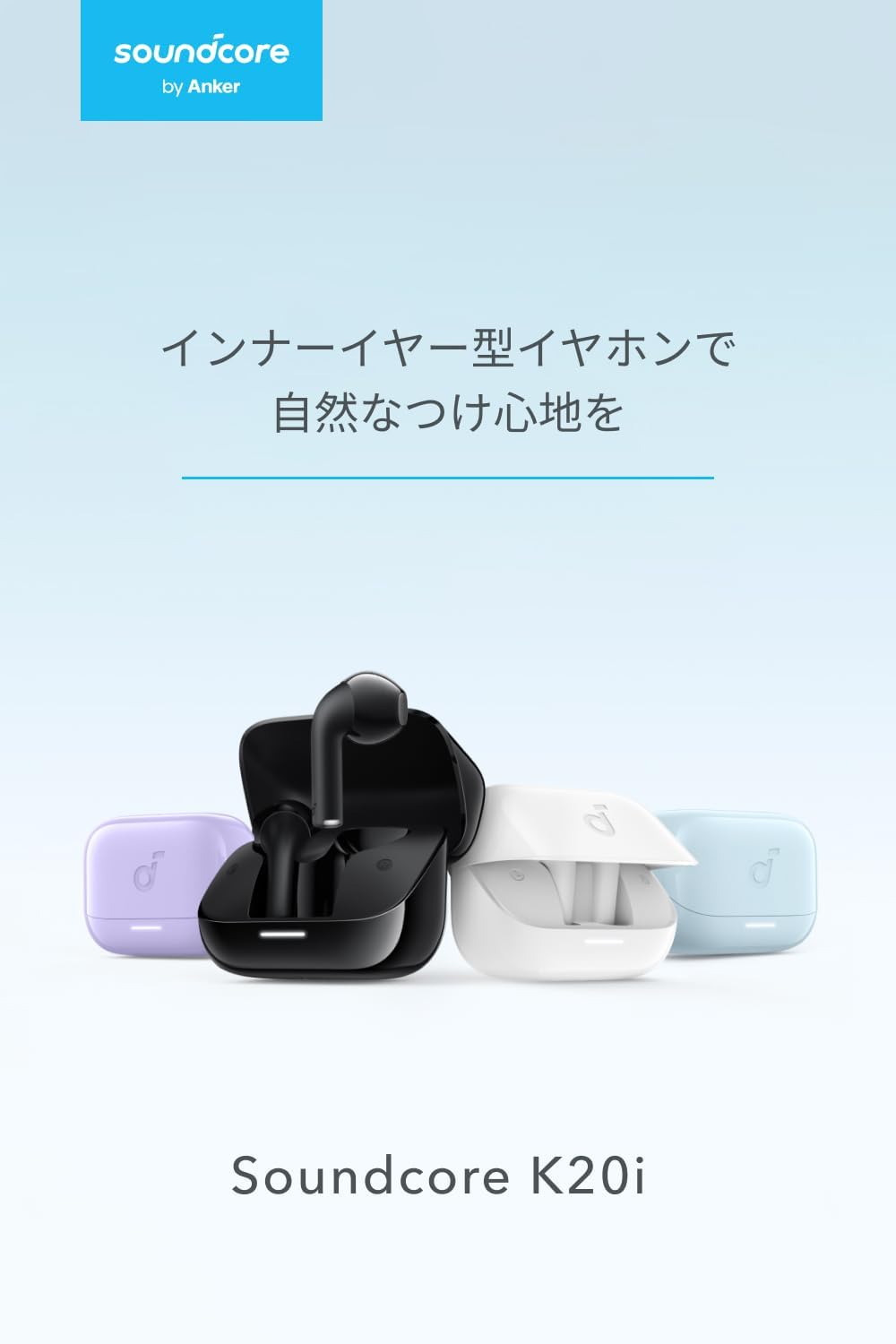
Image: The Anker Soundcore K20i earbuds removed from their charging case, indicating they are ready for Bluetooth pairing.
4. Cyfarwyddiadau Gweithredu
4.1. Gwisgo'r Clustffonau
For optimal comfort and sound quality, ensure the earbuds are properly seated in your ears.
- Mewnosodwch y clustffonau yn eich clustiau a'u troi'n ysgafn nes eu bod yn ffitio'n glyd ac yn gyfforddus.
- Each earbud weighs approximately 3.3g, designed for extended comfortable wear without ear tips.

Image: A diagram illustrating the correct way to position the Anker Soundcore K20i earbud in the ear canal for a secure and comfortable fit.
4.2. Rheolyddion Sylfaenol
The Soundcore K20i earbuds feature touch controls for various functions. Specific actions for single, double, or triple taps can often be customized via the Soundcore app.
4.3. Ap Soundcore
Gwella eich profiad gwrando drwy lawrlwytho ap Soundcore. Mae'r ap yn caniatáu ichi:
- Customize sound settings and adjust the equalizer.
- Locate your earbuds if misplaced.
- Diweddaru cadarnwedd y clustffonau.

Image: A user interacting with the Soundcore application on a smartphone, displaying various sound customization options for the earbuds.
5. cynnal
5.1. Glanhau
Mae glanhau rheolaidd yn helpu i gynnal perfformiad a hylendid gorau posibl:
- Regularly clean the earbuds and charging case with a dry, soft, lint-free cloth.
- Ceisiwch osgoi defnyddio cemegau llym neu ddeunyddiau sgraffiniol.
5.2. Gwrthiant Dŵr (IPX5)
The earbuds are IPX5 water-resistant, meaning they can withstand splashes and sweat. This makes them suitable for workouts and light rain. Peidiwch â'u boddi mewn dŵr.

Image: Two Anker Soundcore K20i earbuds covered in water droplets, illustrating their IPX5 water-resistant design.
5.3. Storio
Store the earbuds in their charging case when not in use to protect them from damage and ensure they remain charged.
6. Datrys Problemau
If you encounter issues with your Soundcore K20i earbuds, try the following solutions:
- Clustffonau ddim yn paru: Ensure both earbuds are charged and within range of your device. Turn off and on your device's Bluetooth.
- Only one earbud plays sound: Try placing both earbuds back into the charging case, closing it for a few seconds, then reopening. Refer to the quick start guide for specific earbud reset instructions.
- Ansawdd sain gwael: Ensure the earbuds are properly seated in your ears. Try adjusting equalizer settings in the Soundcore app.
- Materion codi tâl: Verify the charging cable is securely connected to both the case and the power source. Ensure the charging contacts on the earbuds and inside the case are clean.
7. manylebau
| Nodwedd | Manyleb |
|---|---|
| Enw Model | Soundcore K20i |
| Technoleg Cysylltedd | Di-wifr (Bluetooth 5.3) |
| Lleoliad Clust | Yn-Glust |
| Arddull Clustffon | Yn-Glust |
| rhwystriant | 16 Ohms |
| Rheoli Sŵn | None (AI Noise Reduction for calls) |
| Playback Time (Earbuds) | Hyd at 6 awr |
| Cyfanswm Amser Chwarae (gyda Chas) | Hyd at 36 awr |
| Codi Tâl Cyflym | 10 minutes charge for approx. 2 hours playback |
| Earbud Weight (per earbud) | Tua. 3.3g |
| Pwysau Cynnyrch | 42.6g |
| Gwrthiant Dŵr | IPX5 |
| Rhif Model Gwneuthurwr | A3994 |
| Dyfeisiau Cydnaws | Smartphones, PCs, and other Bluetooth-compatible devices |
8. Gwarant a Chefnogaeth
Anker Soundcore K20i comes with an Gwarant cynnyrch 18 mis from the date of purchase. For registered members, an additional 6-month extended warranty is provided, totaling 24 months of coverage.
For product or delivery-related inquiries, please contact customer support. Anker provides dedicated Japanese customer support.

Image: Details on Anker's 18-month product warranty, an additional 6-month extended warranty for members, and information for contacting Japanese customer support.
Ask a question about this manual
Ask about setup, troubleshooting, compatibility, parts, safety, or missing instructions. Manuals+ will review the question and use this page’s manual context to help answer it.