
1. Rhagymadrodd
The PNI PMR R70 PRO is a portable PMR446 radio designed for reliable communication. This device operates on the 446 MHz frequency band, offering 16 channels and 99 PC programmable channels. It features 50 CTCSS tones and 166 DCS tones for enhanced privacy and interference reduction. With an IP67 rating, the radio is protected against dust and water immersion, making it suitable for various environments. No license is required for operation in most European Union countries.
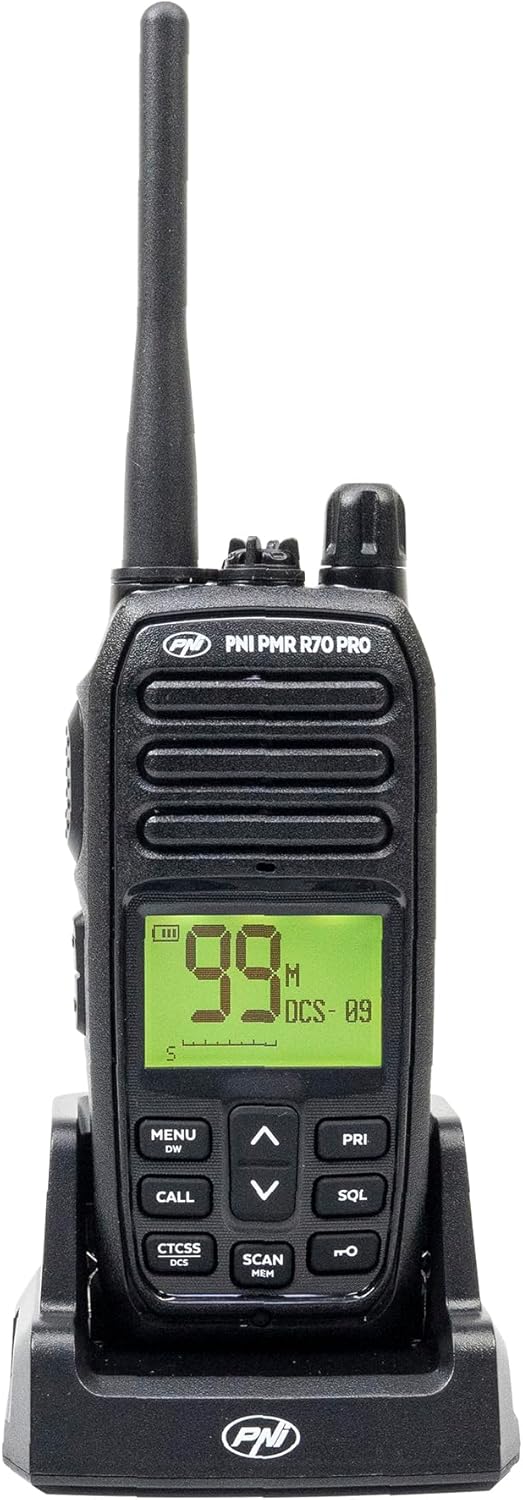
Delwedd 1.1: Blaen view of the PNI PMR R70 PRO portable radio, showing the display and control buttons.
2. Cynnwys Pecyn
Gwiriwch fod yr holl eitemau a restrir isod wedi'u cynnwys yn eich pecyn:
- PNI PMR R70 PRO Radio Unit
- Antena
- Batri 1800 mAh
- Gwefrydd bwrdd gwaith
- Clip Belt
- Canllaw Defnyddiwr
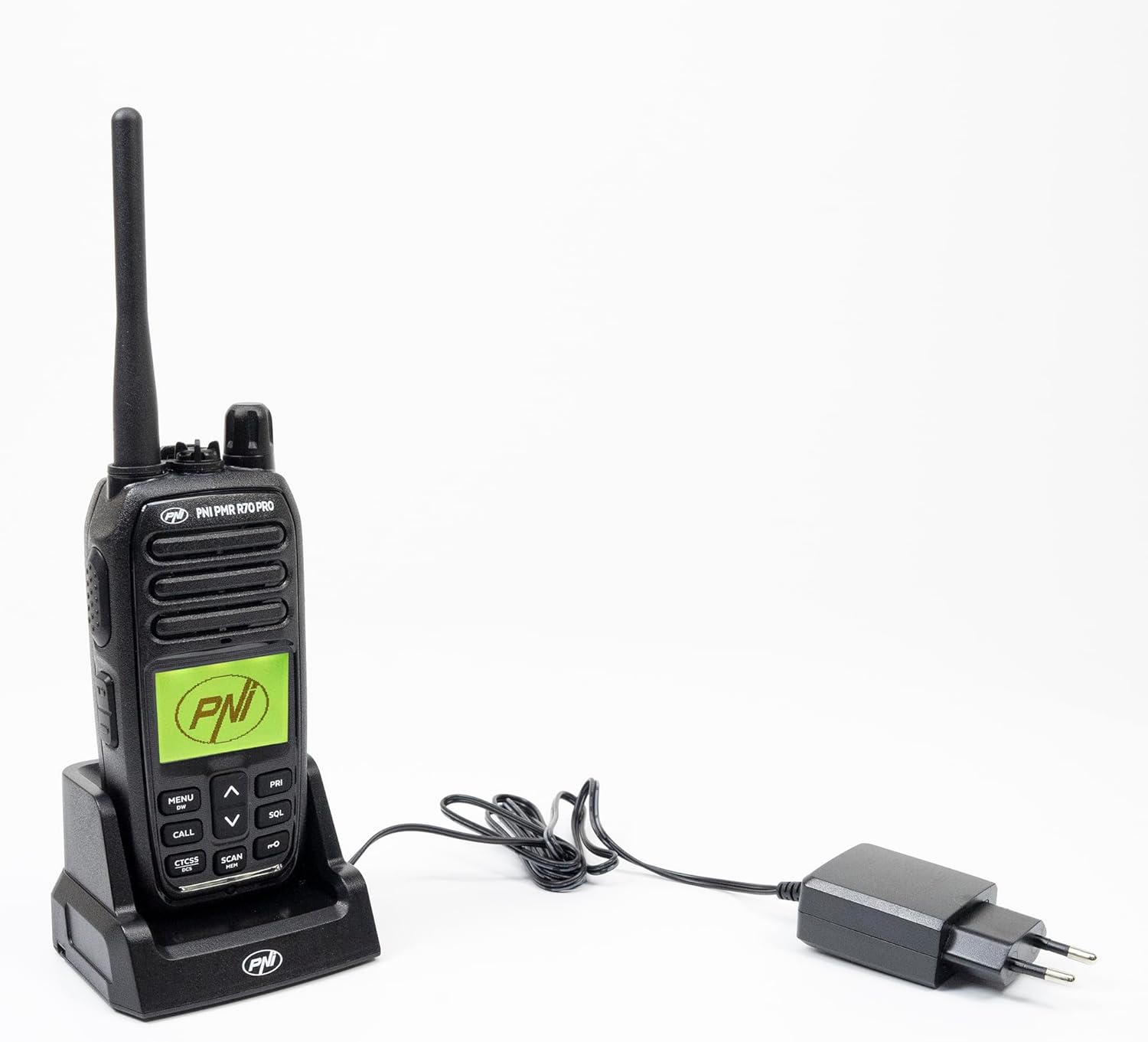
Image 2.1: All components included in the PNI PMR R70 PRO package: radio, antenna, battery, desktop charger, and belt clip.
3. Gosod
3.1 Gosod Batri
- Gwnewch yn siŵr bod y radio wedi'i ddiffodd.
- Lleolwch glawr adran y batri ar gefn y radio.
- Unscrew the retaining screw and carefully remove the cover.
- Insert the 1800 mAh battery into the compartment, ensuring the contacts align correctly.
- Amnewid gorchudd adran y batri a'i ddiogelu gyda'r sgriw.

Delwedd 3.1: Cefn view of the PNI PMR R70 PRO radio with the battery compartment open, showing the battery and its connection.
3.2 Codi Tâl ar y Batri
- Cysylltwch y gwefrydd bwrdd gwaith ag allfa bŵer.
- Place the radio unit into the charging cradle. Ensure the charging contacts on the radio align with those on the charger.
- The charging indicator light on the charger will illuminate, typically red for charging and green for fully charged.
- Mae gwefr lawn fel arfer yn cymryd sawl awr. Peidiwch â gorwefru'r batri.
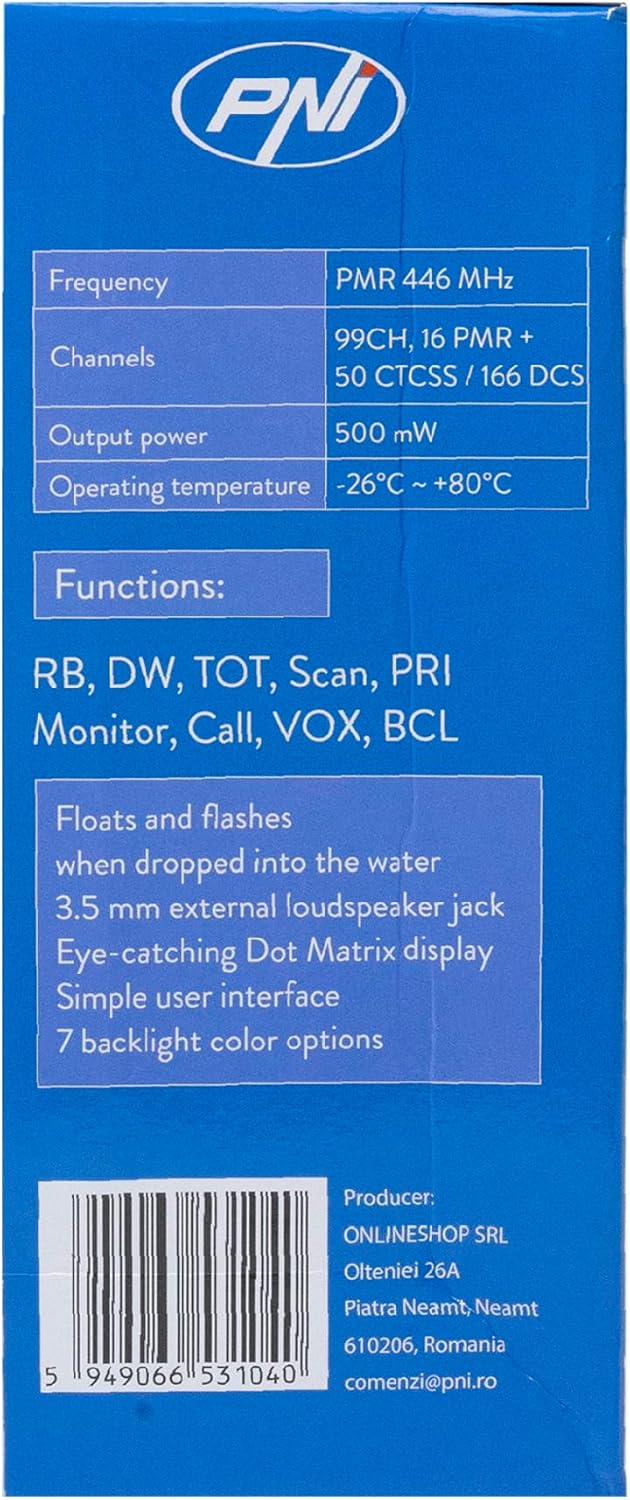
Image 3.2: The PNI PMR R70 PRO radio placed in its desktop charging cradle, connected to a power adapter.
4. Cyfarwyddiadau Gweithredu
4.1 Pŵer Ymlaen/Diffodd
I droi’r radio ymlaen, trowch y botwm pŵer/cyfaint yn glocwedd nes i chi glywed clic. I ddiffodd, trowch y botwm yn wrthglocwedd nes iddo glicio.
4.2 Addasiad Cyfaint
Trowch y botwm pŵer/cyfaint yn glocwedd i gynyddu'r gyfaint ac yn wrthglocwedd i'w leihau.
4.3 Dewis Sianel
Defnyddiwch y UP (^) ac I LAWR (v) arrow buttons on the front panel to select one of the 16 available channels. The selected channel number will be displayed on the screen.
4.4 Trosglwyddo a Derbyn
- I Drosglwyddo: Press and hold the Push-To-Talk (PTT) button located on the side of the radio. Speak clearly into the microphone. Release the PTT button to stop transmitting.
- I Dderbyn: Gwnewch yn siŵr nad yw'r botwm PTT wedi'i wasgu. Bydd y radio yn derbyn signalau'n awtomatig ar y sianel a ddewiswyd.
4.5 Nodweddion Arbennig
- Tonau CTCSS/DCS: The radio supports 50 CTCSS (Continuous Tone-Coded Squelch System) and 166 DCS (Digitally Coded Squelch) tones. These tones help filter out unwanted conversations on the same channel. Refer to the full user guide for programming instructions.
- Swyddogaeth Sganio: Activate the scan function to monitor all active channels. The radio will stop on an active channel until the transmission ends.
- Dual Watch (DW): This feature allows the radio to monitor two channels simultaneously.
- Roger Beep: An audible tone emitted when the PTT button is released, signaling the end of your transmission.
- Clo Keypad: Yn atal newidiadau damweiniol i osodiadau.
- PC Programmable Channels: The radio supports 99 PC programmable channels. This requires a specific programming cable (PNI - PSR70) and software.

Image 4.1: The PNI PMR R70 PRO radio connected to a laptop via a programming cable for channel and feature customization.
5. cynnal
5.1 Glanhau
Sychwch y radio gyda meddal, damp lliain. Peidiwch â defnyddio cemegau llym na glanhawyr sgraffiniol. Gwnewch yn siŵr bod y radio yn sych cyn ei ddefnyddio neu ei wefru.
5.2 Gwrthiant Dŵr (IP67)
The PNI PMR R70 PRO is rated IP67, meaning it is fully protected against dust ingress and can withstand immersion in water up to 1 meter for 30 minutes. While robust, avoid unnecessary exposure to water and ensure all covers (e.g., battery cover, accessory port cover) are securely closed before exposing the radio to water.

Image 5.1: The PNI PMR R70 PRO radio with water droplets, illustrating its IP67 water resistance feature.
6. Datrys Problemau
If you encounter issues with your PNI PMR R70 PRO radio, consider the following common troubleshooting steps:
- Dim pŵer: Gwnewch yn siŵr bod y batri wedi'i osod yn gywir ac wedi'i wefru'n llawn. Gwiriwch fod y botwm pŵer/cyfaint wedi'i droi ymlaen.
- Methu trosglwyddo na derbyn: Verify that you are on the correct channel. Check if the PTT button is functioning. Ensure the antenna is securely attached.
- Ansawdd Sain Gwael: Adjust the volume. Ensure the microphone and speaker are not obstructed. Move to an area with fewer obstructions for better signal.
- Ystod Byr: Obstacles like buildings and terrain can significantly reduce range. Operate in open areas for maximum range. Ensure the battery is fully charged.
- Bysellfwrdd yn Anymatebol: Check if the keypad lock feature is activated. Deactivate it if necessary.
For persistent issues, consult the comprehensive user guide or contact customer support.
7. manylebau
| Nodwedd | Manyleb |
|---|---|
| Brand | PNI |
| Rhif Model | PNI-R70-PRO |
| Amrediad Amrediad | 446.00625 ~ 446.19375 MHz |
| Nifer y Sianeli | 16 (PMR), 99 PC Programmable |
| Pŵer Allbwn | 0.5 Gw |
| Tonau CTCSS | 50 |
| DCS Tones | 166 |
| Sgôr Diogelu Rhyngwladol | IP67 (Dustproof, Submersible up to 1m for 30 min) |
| Batri | 1800 mAh (included) |
| Bywyd Batri Cyfartalog | 18 awr |
| Cyftage | 7.4 folt (DC) |
| Ystod Uchaf | Up to 10 Kilometers (open space) |
| Tymheredd Gweithredu | -26 ° C ~ +80 ° C |
| Dimensiynau Cynnyrch (D x W x H) | 6P x 13lx 4H centimetrau |
| Pwysau Eitem | 225 gram |
| Nodweddion Arbennig | Digital Display, Rechargeable, Roger Beep, Submersible, Keypad Lock |
8. Gwarant a Chefnogaeth
8.1 Gwybodaeth Gwarant
The PNI PMR R70 PRO radio comes with a Gwarant 2 mlynedd o ddyddiad y pryniant. Mae'r warant hon yn cwmpasu diffygion gweithgynhyrchu o dan ddefnydd arferol. Cadwch eich prawf prynu ar gyfer hawliadau gwarant.
8.2 Cefnogaeth i Gwsmeriaid
For technical assistance, troubleshooting, or warranty service, please contact your retailer or the manufacturer's customer support. Refer to the contact information provided in your purchase documentation.