
symcode 1D Laser Pink
Symcode USB 1D Barcode Scanner User Manual
Model: 1D Laser Pink
1. Rhagymadrodd
This user manual provides detailed instructions for the Symcode USB 1D Barcode Scanner. Please read this manual carefully before using the product to ensure proper operation and to maximize its lifespan. This device is designed for efficient and accurate scanning of 1D barcodes in various environments such as warehouses, libraries, supermarkets, and POS systems.
2. Cynnwys Pecyn
- 1 x Symcode CCD Barcode Scanner
- 1 x Cebl USB
- 1 x Llawlyfr Defnyddiwr (y ddogfen hon)
3. Cynnyrch Drosview
The Symcode 1D Barcode Scanner is a handheld, wired device featuring CCD image scanning technology. Its ergonomic and lightweight design ensures comfortable use for extended periods.
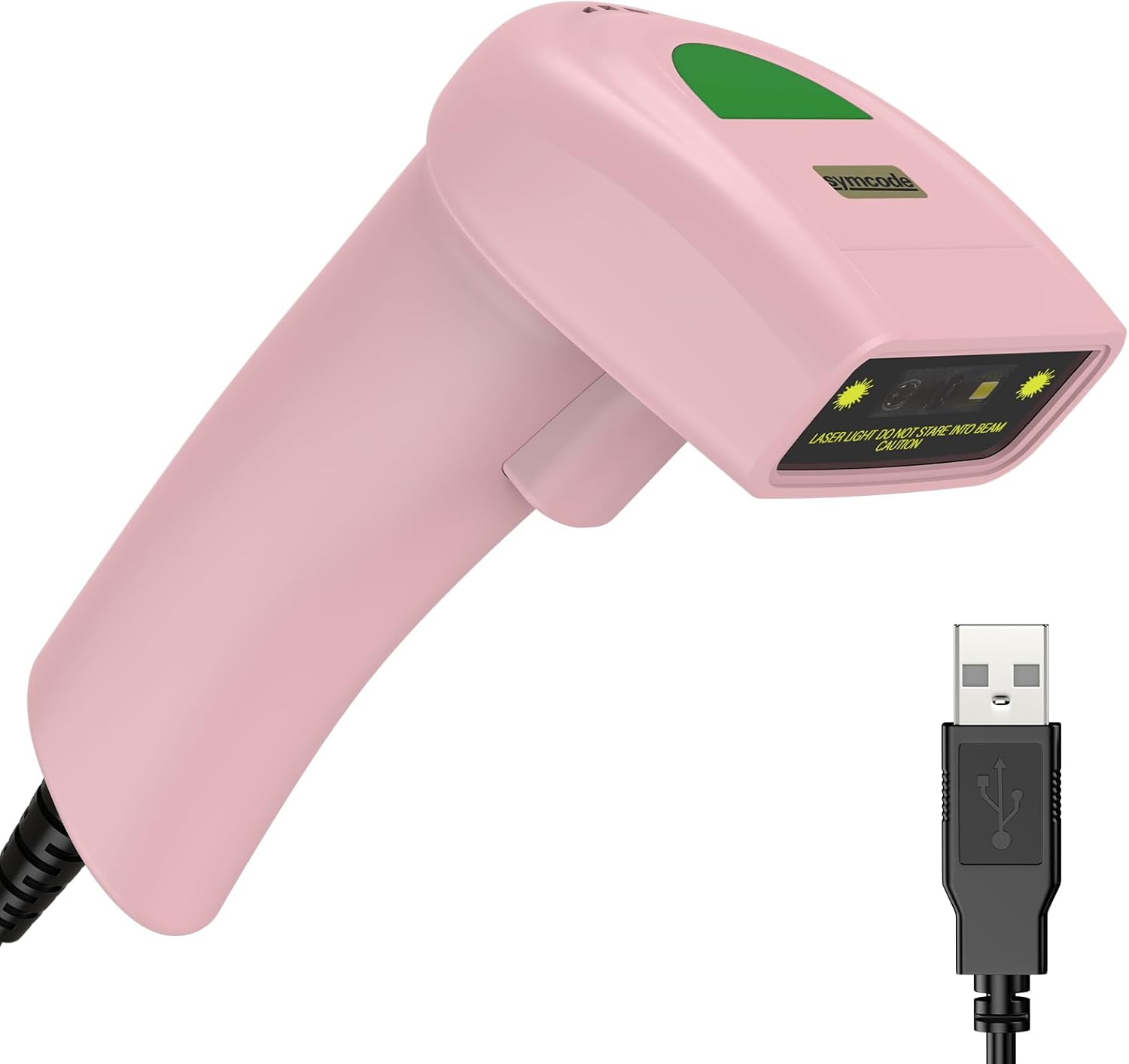
Figure 3.1: Symcode USB 1D Barcode Scanner (Pink) with its USB cable.

Figure 3.2: The scanner's compact dimensions (1.97in/5cm width, 2.76in/7cm depth, 5.5in/14cm height) are shown in comparison to a mobile phone, highlighting its portability. The scanner weighs only 181g (excluding the wire).

Figure 3.3: The scanner's light and streamlined design (left) offers comfort and ease of use, contrasting with a heavier, bulkier design (right) that can be more laborious.
4. Gosod
4.1 Cysylltu'r Sganiwr
The Symcode 1D Barcode Scanner is a plug-and-play device, requiring no driver installation for most operating systems.
- Locate an available USB port on your computer (Desktop or Laptop).
- Insert the USB connector of the scanner's cable into the USB port.
- The scanner will emit a beep, indicating successful connection and readiness for use.

Figure 4.1: The USB cable serves as both a power source and a data transmission cable, enabling simple plug-and-play functionality.
5. Cyfarwyddiadau Gweithredu
5.1 Sganio Sylfaenol
To scan a barcode, aim the scanner's laser beam at the center of the barcode and press the trigger button. A successful scan will be indicated by a beep and a light confirmation.

Figure 5.1: The scanner is capable of reading 1D barcodes from both printed labels and digital screens.
5.2 Moddau Sganio
Mae'r sganiwr yn cefnogi tri phrif ddull sganio:
- Modd Sbardun Allwedd: Press the trigger button to initiate each scan.
- Modd Awto-Sefydlu: Mae'r sganiwr yn canfod cod bar yn awtomatig o fewn ei faes o view and scans it without requiring a trigger press.
- Modd Parhaus: The scanner continuously emits its laser, scanning any barcode that passes through its beam.
5.3 Dewisiadau Addasu
5.3.1 Adding Prefix and Suffix
The scanner allows for customization of scanned data by adding prefixes or suffixes. This feature is useful for data organization and integration with various software systems. Refer to the programming barcodes in the included user manual for specific instructions on how to configure these options.

Ffigur 5.2: Examples demonstrating how prefixes (e.g., RL123456789), suffixes (e.g., 123456789RL), or middle insertions (e.g., 12345RL6789) can be added to scanned barcode data.
5.3.2 Rheoli Sain
The scanner's sound (beep) can be turned on or off according to user preference. This is typically done by scanning specific configuration barcodes found in the full user manual.

Figure 5.3: Visual representation of turning the scanner's sound on or off using dedicated configuration barcodes.
6. Codau Bar â Chymorth
The Symcode 1D Barcode Scanner is equipped with advanced CCD sensor technology, enabling it to accurately read a wide range of 1D barcodes, including those that are smudged, damaged, fuzzy, or reflective. It supports 180 configurable options for prefix, suffix, and termination strings.
Mae Symbolegau Cod Bar 1D a gefnogir yn cynnwys:
- EAN-8/13
- UPC-A/E
- Code 39/93/128
- EAN-128
- Codabar
- Diwydiannol 2 o 5
- Rhyngddalennog 2 o 5
- Matrics 2 o 5
- MSI
- RSS variants
- Tsieinëeg 2 o 5

Figure 6.1: The scanner's super decoding ability is demonstrated with examples of various 1D barcodes, including standard ones like CÔD 128 a UPC A, as well as challenging ones like Frauded Barcode, Profiled Cod bar, Folded Barcode, a Color Barcode.
7. cynnal
Mae cynnal a chadw priodol yn sicrhau hirhoedledd a pherfformiad gorau posibl eich sganiwr cod bar.
- Glanhau: Defnyddiwch frethyn meddal, sych i lanhau tu allan y sganiwr. Ar gyfer y ffenestr sganio, defnyddiwch frethyn di-lint wedi'i sychu'n ysgafn.ampwedi'i lanhau â glanhawr nad yw'n sgraffiniol. Osgowch gemegau llym neu ddeunyddiau sgraffiniol.
- Storio: Storiwch y sganiwr mewn lle oer, sych i ffwrdd o olau haul uniongyrchol a thymheredd eithafol.
- Trin: While the scanner is designed to be durable (withstands drops from 2m), avoid unnecessary drops or impacts to prevent damage to internal components.
8. Datrys Problemau
| Problem | Achos Posibl | Ateb |
|---|---|---|
| Nid yw'r sganiwr yn troi ymlaen. | Cebl USB heb ei gysylltu'n iawn neu borthladd USB diffygiol. | Gwnewch yn siŵr bod y cebl USB wedi'i blygio'n ddiogel i'r sganiwr a'r cyfrifiadur. Rhowch gynnig ar borthladd USB gwahanol. |
| Nid yw'r sganiwr yn darllen codau bar. | Barcode is damaged, poorly printed, or not a supported symbology. Scanner is not in the correct scanning mode. | Ensure the barcode is clear and undamaged. Verify the barcode symbology is supported. Check the scanning mode (Key Trigger, Auto-Induction, Continuous) and adjust if necessary. |
| Mae'r data a sganiwyd yn anghywir neu'n anghyflawn. | Incorrect prefix/suffix settings or data formatting issues. | Refer to the customization section (5.3) and the full user manual for programming barcodes to reset or adjust prefix/suffix settings. |
| No sound from scanner. | Sound is turned off. | Scan the "Turn on Sound" configuration barcode (refer to section 5.3.2 and the full user manual). |
9. manylebau
| Nodwedd | Manylyn |
|---|---|
| Dimensiynau | 165 x 63 x 87 mm (6.5 x 2.48 x 3.43 modfedd) |
| Pwysau | 156g (5.9 owns) |
| Ffynhonnell Golau | 650nm~670nm Visible Laser |
| Cyflymder sganio | 100 sgan/eiliad |
| Read Preciseness | 0.1mm (4mil) |
| Cyferbyniad Argraffu | 30% mun |
| Dyfnder y Cae | 0~600mm (0.33mm, PCS 90%) |
| Scan Scope | 10mm ~ 250mm |
| Pellter Darllen | 2.5~600mm (100% UPC/EAN) |
| Cyfradd Gwall Did | 1/5 miliwn |
| Cyfredol | 85mA (working), 36mA (storage) |
| Rhyngwyneb | USB |
| Tymheredd Gweithredu | 0 ℃ ~ 45 ℃ (32 ° F ~ 113 ° F) |
| Tymheredd Storio | -20 ℃ ~ 60 ℃ (-4 ° F ~ 140 ° F) |
| Lleithder | 5% ~ 95% heb gyddwyso |
| Deunydd | ABS+PC |
| Dyfeisiau Cydnaws | Penbwrdd, Gliniadur |
| Ffynhonnell Pwer | Trydan Corded |
10. Gwarant a Chefnogaeth
Symcode products are manufactured to high quality standards. For warranty information and technical support, please refer to the contact details provided with your purchase or visit the official Symcode websafle. Cadwch eich derbynneb prynu fel prawf o brynu ar gyfer hawliadau gwarant.
For further assistance, please contact Symcode customer service.