
1. Rhagymadrodd
The Lanaform WL-100C is a versatile device designed to enhance your sleep and wake-up experience through light and sound simulation. It functions as a smart alarm clock, a bedside lamp, and a sleep aid, offering both sunrise and sunset simulations. This manual provides detailed instructions for setting up, operating, and maintaining your WL-100C device.

Image 1.1: Lanaform WL-100C device with its mobile application interface.
2. Gwybodaeth Diogelwch
- Darllenwch yr holl gyfarwyddiadau cyn eu defnyddio a'u cadw er mwyn cyfeirio atynt yn y dyfodol.
- Do not immerse the device or power adapter in water or other liquids.
- Defnyddiwch yr addasydd pŵer a ddarperir yn unig.
- Cadwch y ddyfais i ffwrdd o ffynonellau gwres a golau haul uniongyrchol.
- Peidiwch â cheisio dadosod na thrwsio'r ddyfais eich hun. Cysylltwch â phersonél gwasanaeth cymwys.
- Sicrhewch fod y ddyfais yn cael ei gosod ar arwyneb sefydlog, gwastad.
3. Cynnwys Pecyn
Gwiriwch fod yr holl eitemau yn bresennol yn y pecyn:
- Lanaform WL-100C Smart Sunrise & Sunset Simulator
- Addasydd Pŵer
- Llawlyfr Defnyddiwr (y ddogfen hon)
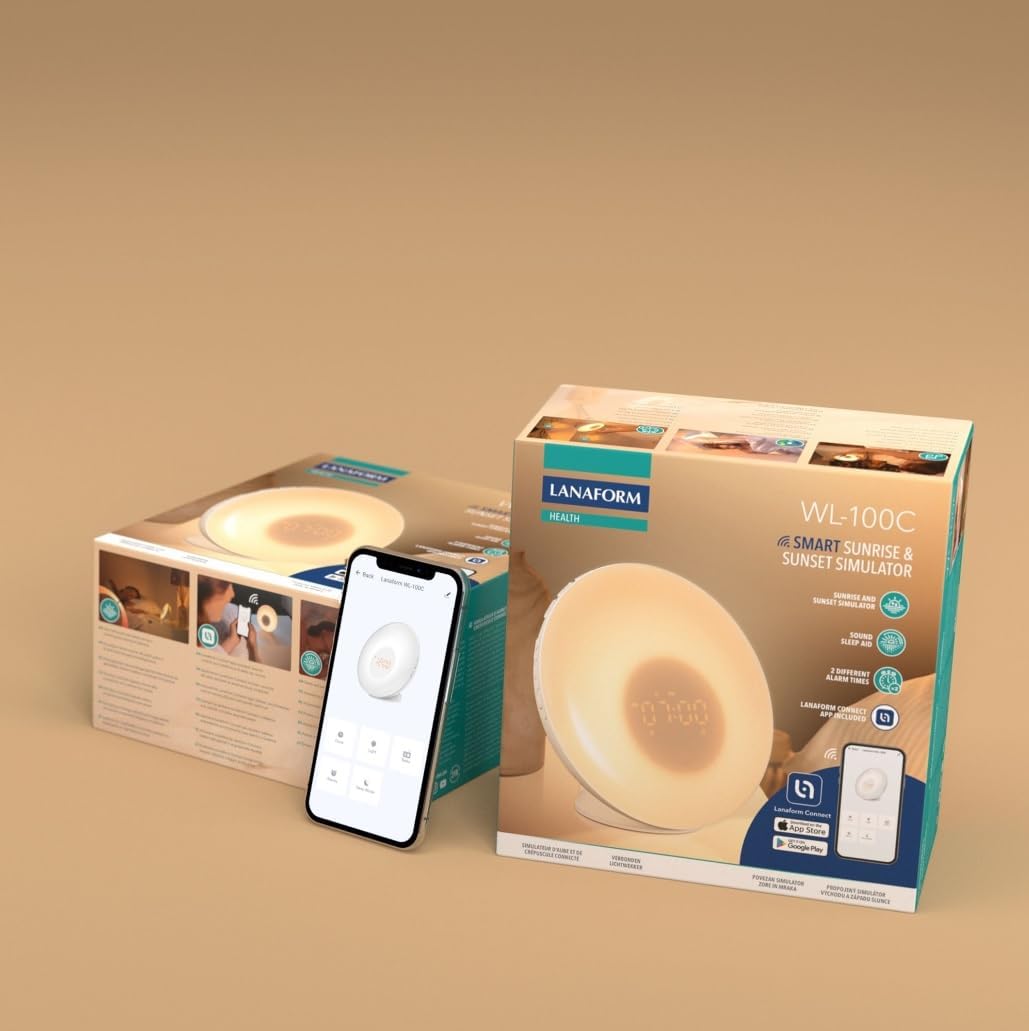
Image 3.1: The Lanaform WL-100C device and its packaging.
4. Dyfais Drosoddview
The WL-100C features an intuitive design with accessible controls and a clear display. Familiarize yourself with the main components:
- Panel blaen: Light panel, digital time display.
- Botymau Uchaf: Control various functions such as time setting, alarm activation, light intensity, sound selection, and FM radio.
- Panel cefn: Power input, USB charging port, FM antenna.
Delwedd 4.1: Blaen view of the Lanaform WL-100C device.
5. Gosod
5.1 Cysylltiad Pwer
- Connect the power adapter to the DC input port on the rear of the WL-100C.
- Plug the adapter into a standard wall outlet. The device will power on and the display will illuminate.
5.2 App Installation (Lanaform Connect)
For advanced features and convenient control, download the Lanaform Connect application:
- Scan the QR code provided in the packaging or search for "Lanaform Connect" on the Apple App Store or Google Play Store.
- Gosodwch y rhaglen ar eich ffôn clyfar.
5.3 Pâr Bluetooth
To connect the device to the Lanaform Connect app:
- Sicrhewch fod Bluetooth wedi'i alluogi ar eich ffôn clyfar.
- Open the Lanaform Connect app.
- Follow the in-app instructions to discover and pair with your WL-100C device. The device name will typically appear as "Lanaform WL-100C".

Image 5.1: Controlling the WL-100C via the Lanaform Connect mobile application.
6. Cyfarwyddiadau Gweithredu
6.1 Gosod Amser
The time can be set manually using the device buttons or automatically via the Lanaform Connect app after pairing.
6.2 Sunrise Simulation (Wake-up Light)
The sunrise simulation gradually increases light intensity over 30 minutes before your set alarm time, transitioning to a bright yellow light to simulate natural dawn.
- Ysgogi: Enable this feature through the alarm settings on the device or via the app.
- Hyd: Fixed at 30 minutes prior to the alarm.
6.3 Sunset Simulation (Sleep Aid)
The sunset simulation gradually decreases light intensity, promoting a peaceful transition to sleep. You can set the duration for 15, 30, or 60 minutes.
- Ysgogi: Select the sunset mode on the device or through the app.
- Hyd: Choose 15, 30, or 60 minutes for the light to dim completely.
6.4 Gosodiadau Larwm
The WL-100C supports two customizable alarms.
- Gosod Larymau: Use the dedicated alarm buttons on the device or the alarm section in the Lanaform Connect app to set desired wake-up times.
- Dewisiadau Sain: Choose from 6 neutral sounds or select an FM radio station as your alarm sound.
- Cyfrol: Adjust the alarm volume to your preference.
Gweithrediad Radio 6.5 FM
The integrated FM radio can be used as an alarm sound or for general listening.
- tiwnio: Use the radio function buttons to scan for and save FM stations.
- Antena: Ensure the FM antenna on the rear of the device is extended for optimal reception.
6.6 Bedside Lamp Swyddogaeth
The device can be used as a regular bedside lamp with adjustable brightness and color temperature.
- Disgleirdeb: Adjust light intensity using the dedicated light control buttons or the app.
- Lliw: Customize light colors and ambiances via the Lanaform Connect app.
6.7 Swyddogaeth Snooze
When an alarm sounds, press the Snooze button (usually located on top of the device) to temporarily pause the alarm and extend your sleep for a short period (e.g., 9 minutes). The alarm will sound again after the snooze period.
6.8 Borthladd Codi Tâl USB
A USB port is available on the rear of the device for charging external devices like smartphones.
- Connect your device's USB charging cable to the WL-100C's USB port.
- Ensure the WL-100C is powered on for charging functionality.
6.9 App Control vs. Manual Control
All primary functions of the WL-100C can be controlled manually using the buttons on the device. For more detailed customization, such as specific light ambiances, advanced alarm scheduling, and sound selection, the Lanaform Connect application offers a comprehensive interface.

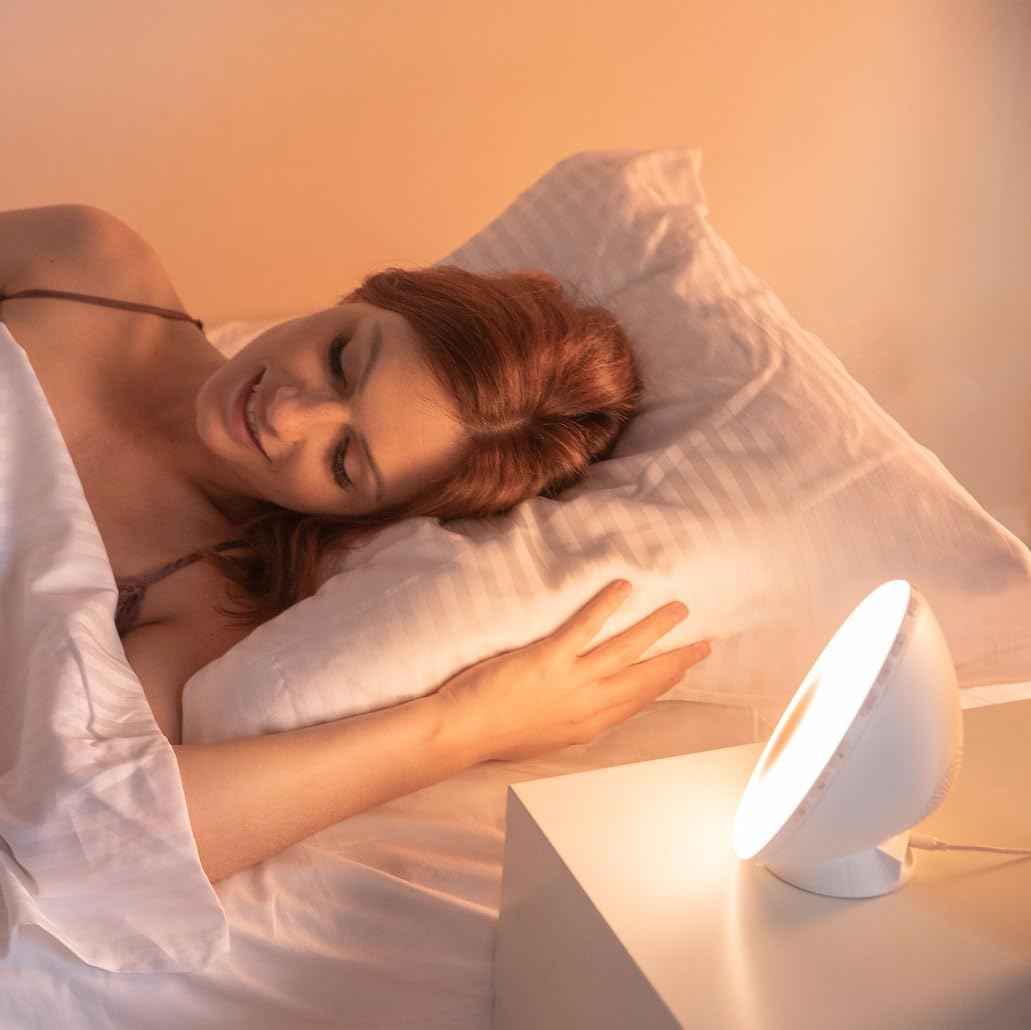
Delwedd 6.1: Drosoddview of the WL-100C's multiple functions and customizable experience.
7. cynnal
7.1 Glanhau
- Cyn glanhau, dad-blygiwch y ddyfais o'r allfa bŵer.
- Sychwch y tu allan gyda lliain meddal, sych.
- Peidiwch â defnyddio glanhawyr sgraffiniol, toddyddion na chemegau llym.
7.2 Storio
If storing the device for an extended period, unplug it and keep it in a cool, dry place, away from direct sunlight and moisture.
8. Datrys Problemau
| Problem | Achos Posibl | Ateb |
|---|---|---|
| Nid yw'r ddyfais yn pweru ymlaen. | Addasydd pŵer heb ei gysylltu neu'n ddiffygiol. | Ensure the power adapter is securely plugged into the device and a working outlet. Try a different outlet. |
| Nid yw'r larwm yn canu. | Larwm heb ei actifadu neu gyfaint yn rhy isel. | Check alarm settings on the device or app. Increase alarm volume. |
| Sunrise/Sunset simulation not working. | Feature not enabled or incorrect settings. | Verify that the simulation is enabled and configured correctly in the alarm or sleep settings. |
| Cannot connect to Lanaform Connect app. | Bluetooth is off or device is out of range. | Ensure Bluetooth is enabled on your smartphone. Bring the device closer to your phone. Restart both the app and the device. |
| Derbyniad radio FM gwael. | Antena heb ei hymestyn neu signal gwan. | Fully extend the FM antenna. Try repositioning the device for better signal. |
9. manylebau
- Rhif Model: 1625
- Dimensiynau Cynnyrch (L x W x H): 17.5 x 8.5 x 17.5 cm
- Pwysau: 400 gram
- Ffynhonnell Pwer: AC/DC Adapter (Input: 100-240V, Output: 5V)
- Cysylltedd: Bluetooth
- Nodweddion: Sunrise/Sunset Simulation, 2 Alarms, FM Radio, 6 Natural Sounds, Snooze Function, USB Charging Port, Bedside Lamp
- Gwneuthurwr: Lanaform
- Gwlad Tarddiad: Gwlad Belg
10. Gwybodaeth Gwarant
Lanaform products are manufactured to high-quality standards. For detailed warranty terms and conditions, please refer to the official Lanaform websafle neu'r cerdyn gwarant sydd wedi'i gynnwys gyda'ch pryniant. Cadwch eich prawf prynu ar gyfer unrhyw hawliadau gwarant.
11. Cefnogaeth
For further assistance, technical support, or inquiries regarding your Lanaform WL-100C, please visit the official Lanaform website or contact their customer service department. Contact details can typically be found on the Lanaform websafle neu yn eich pecynnu cynnyrch.
Websafle: www.lanaform.com