
1. Cynnyrch Drosview
The Wokyo Portable Mini Projector (Model CA164965161) is a compact and lightweight device designed for displaying media from various sources. Its small form factor allows for easy portability, making it suitable for home cinema, outdoor viewing, or business presentations.
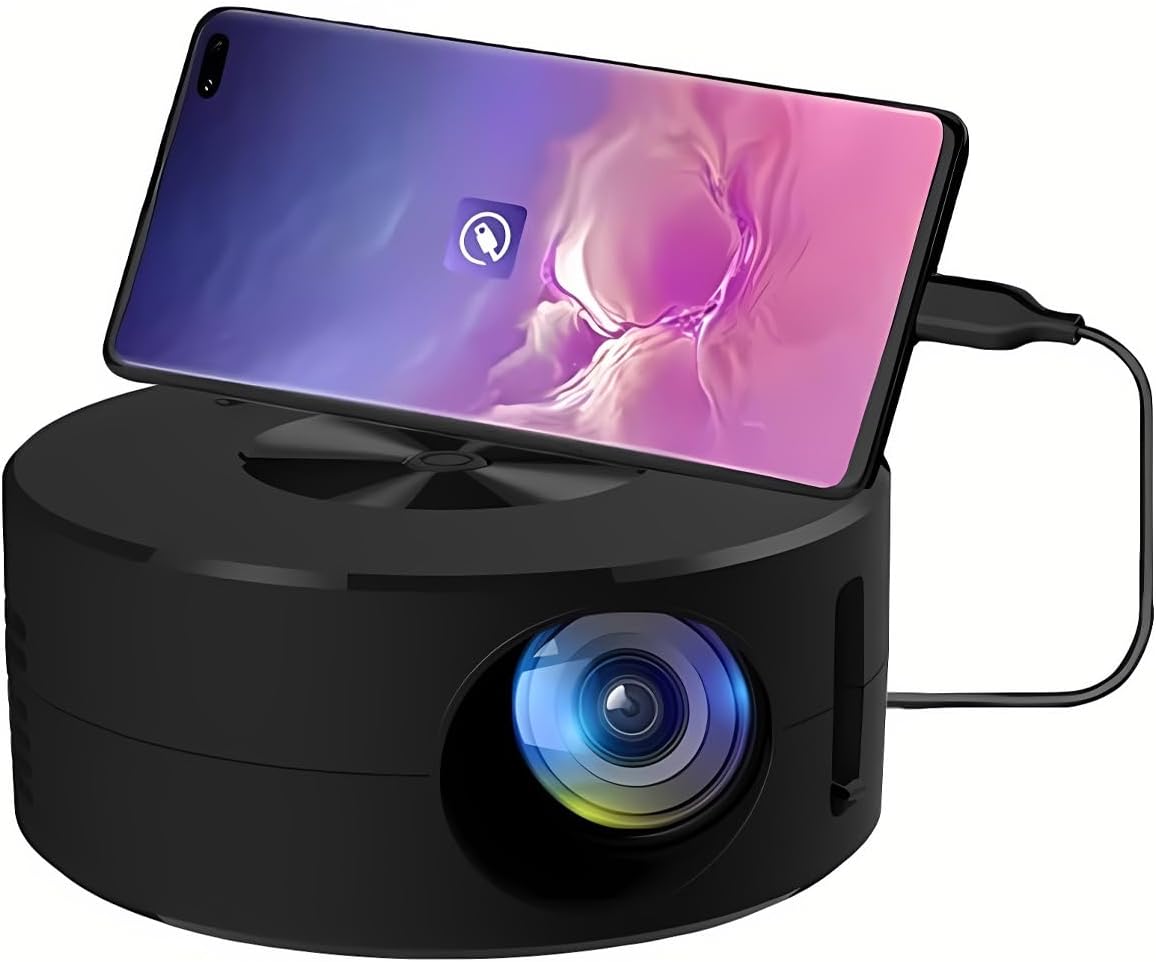
Delwedd 1.1: Blaen view of the Wokyo Portable Mini Projector.
Key features of this projector include:
- Dyluniad Compact: Smaller than a typical smartphone, facilitating easy transport.
- Drych Sgrin Wired: Supports direct connection to mobile phones and tablets using their charging cables for screen display, eliminating the need for additional adapters.
- High Clarity Support: Capable of supporting resolutions up to 1920x1080p, providing clear image quality.
- Adeiladu Gwydn: Manufactured from environmentally friendly ABS material.
- Efficient Light Source: Utilizes an LCD light source for lower energy consumption and extended lifespan.
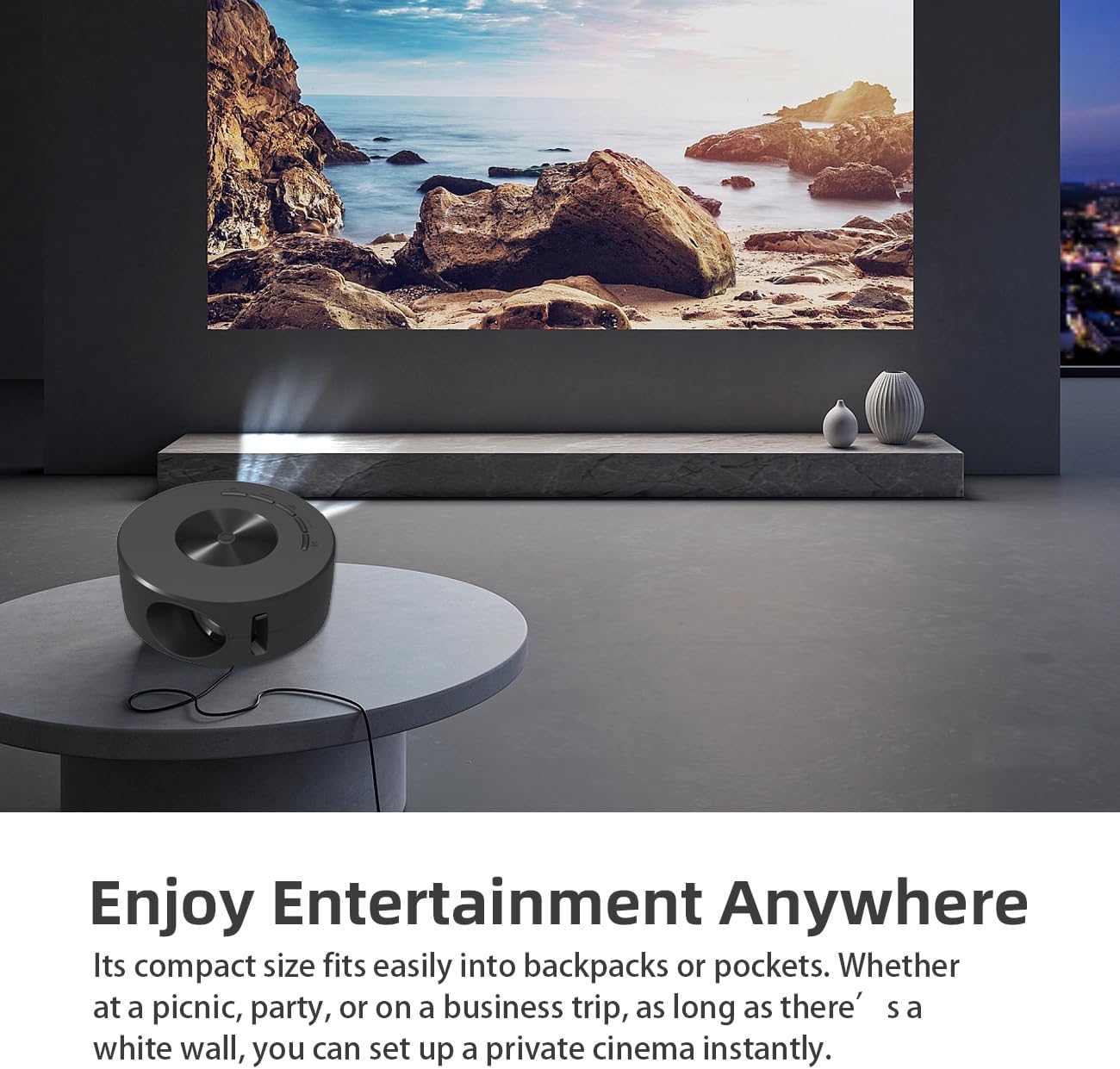
Image 1.2: Projector in use, demonstrating its compact size and projection capability.
2. Cynnwys Pecyn
Gwiriwch fod yr holl eitemau a restrir isod wedi'u cynnwys yn eich pecyn cynnyrch:

Image 2.1: All items included in the Wokyo Portable Mini Projector package.
- Wokyo Portable Mini Projector
- Rheolaeth Anghysbell
- Cebl USB
- Llawlyfr Defnyddiwr
- Blwch Lliw
- Blwch Ewyn
- Parcel Bag
3. Dimensiynau Cynnyrch
The projector features a compact design for portability.

Image 3.1: Product dimensions of the Wokyo Portable Mini Projector.
- Diamedr: Approximately 4.33 inches (110mm)
- Uchder: Approximately 1.85 inches (47mm)
- Pwysau: Tua 10.6 owns
4. Gosodiad Cychwynnol
4.1 Cysylltiad Pwer
To power the projector, connect it to a suitable power source. The projector requires a 5V 2A power input.

Image 4.1: Power connection options for the projector.
- Ensure your power source (e.g., phone charger, power bank) provides at least 5V 2A output.
- Connect the provided USB cable to the projector's power input port.
- Connect the other end of the USB cable to your chosen power source.
- The projector will power on automatically or can be turned on using the power button.
4.2 Device Connection (Wired Screen Mirroring)
The projector supports wired screen mirroring from mobile phones and tablets using their standard charging cables.
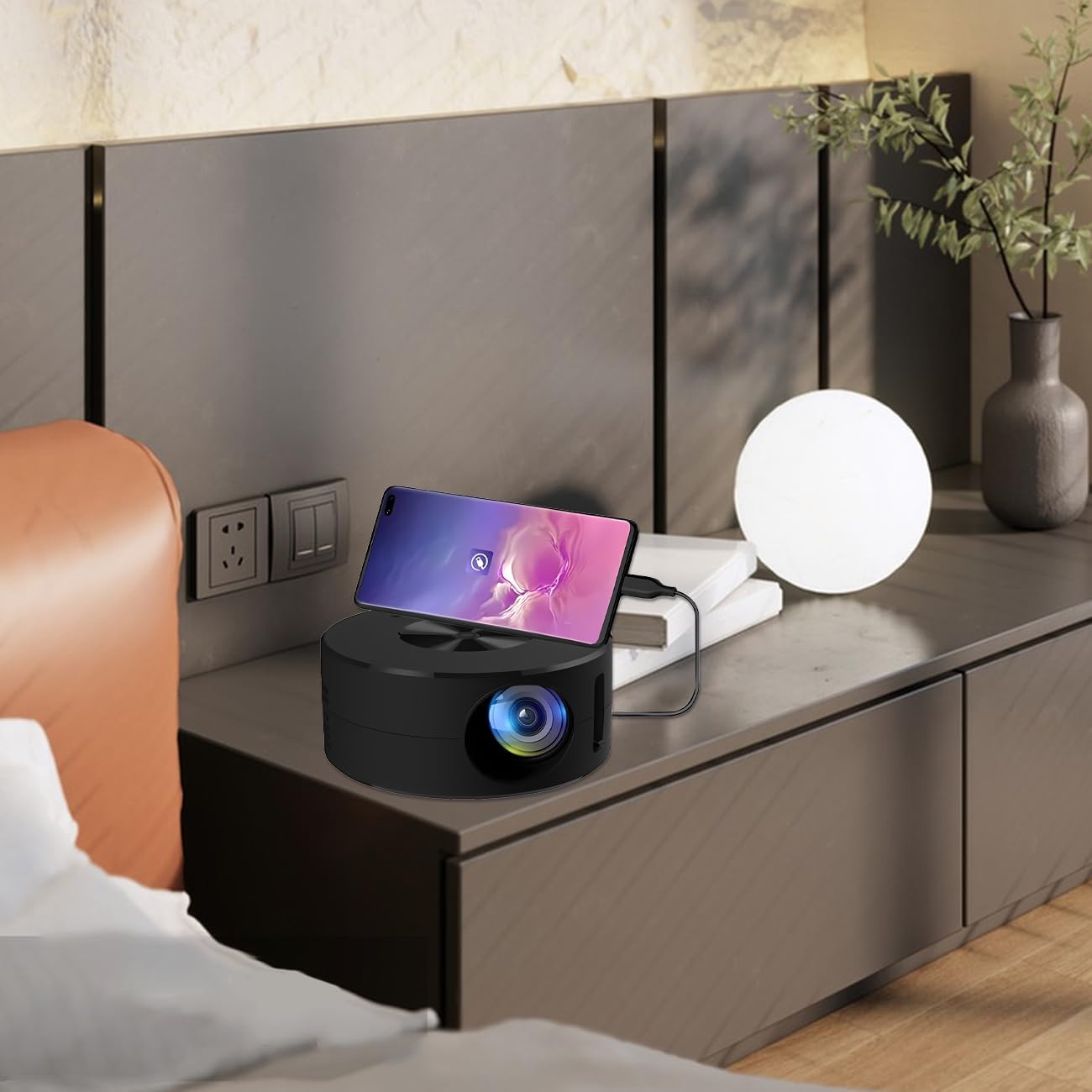
Image 4.2: Smartphone connected to the projector for wired screen mirroring.
- Connect your mobile phone or tablet to the projector using its original charging cable.
- The projector should automatically detect the connection and initiate screen mirroring.
- Follow any on-screen prompts on your device or the projector to confirm the connection.
5. Cyfarwyddiadau Gweithredu
5.1 Basic Controls and Ports
Familiarize yourself with the projector's control buttons and input/output ports.

Delwedd 5.1: Drosoddview of projector ports and controls.
- Botwm Pŵer: Yn troi'r taflunydd ymlaen / i ffwrdd.
- Botymau Llywio (I Fyny/I Lawr/Chwith/Dde/Iawn): Fe'i defnyddir i lywio bwydlenni a chadarnhau dewisiadau.
- Porth USB: Ar gyfer cysylltu dyfeisiau storio USB.
- Porth clustffon: Ar gyfer cysylltu dyfeisiau sain allanol.
- Mewnbwn IR: For receiving signals from the remote control.
- 5V 2A Power Input: Ar gyfer cysylltu'r cyflenwad pŵer.
- Siaradwr Stereo adeiledig: Yn darparu allbwn sain.
5.2 Addasu Ffocws
To achieve a clear image, adjust the focus ring located around the projector lens. Rotate the ring until the projected image appears sharp.
5.3 Defnyddio'r Rheolaeth Anghysbell
The included remote control allows for convenient operation of the projector from a distance. Ensure the remote has batteries installed and is pointed towards the projector's IR sensor.
6. cynnal
Mae cynnal a chadw priodol yn sicrhau hirhoedledd a pherfformiad gorau posibl eich taflunydd.
- Glanhau'r Lens: Use a soft, lint-free cloth specifically designed for optical lenses. Avoid abrasive materials or harsh chemicals. Gently wipe the lens to remove dust or smudges.
- Glanhau'r tu allan: Sychwch ochr allanol y taflunydd gyda lliain meddal, sych. Peidiwch â defnyddio glanhawyr hylif yn uniongyrchol ar y ddyfais.
- Awyru: Ensure the projector's ventilation openings are not blocked during operation to prevent overheating.
- Storio: When not in use, store the projector in a cool, dry place away from direct sunlight and excessive dust.
7. Datrys Problemau
Cyfeiriwch at y tabl canlynol am broblemau cyffredin a'u datrysiadau.
| Problem | Achos Posibl | Ateb |
|---|---|---|
| Dim delwedd wedi'i thaflunio | Power not connected; Input source not selected; Device not connected properly. | Ensure power is connected (5V 2A). Check device connection. Verify screen mirroring is active on your device. |
| Mae'r ddelwedd yn aneglur | Nid yw'r ffocws wedi'i addasu. | Rotate the focus ring around the lens until the image is clear. |
| Dim sain | Volume too low; External audio device connected; Device audio output settings. | Increase projector volume. Disconnect external audio devices if using internal speaker. Check audio settings on the connected source device. |
| Rheolaeth bell ddim yn gweithio | Batteries low/dead; Obstruction between remote and projector; Remote not pointed at IR sensor. | Replace remote batteries. Ensure clear line of sight to the projector's IR sensor. |
8. Manylebau Technegol
Detailed specifications for the Wokyo Portable Mini Projector.
| Nodwedd | Manyleb |
|---|---|
| Brand | Wokyo |
| Rhif Model | CA164965161 |
| Pwysau Eitem | 10.6 owns |
| Dimensiynau Cynnyrch | 4.33 x 4.33 x 1.97 modfedd |
| Lliw | Du |
| Nodwedd Arbennig | Cludadwyedd |
| Technoleg Cysylltedd | Bluetooth |
| Display Resolution (Native) | 320 x 180 |
| Display Resolution (Maximum Supported) | 1920 x 1080 |
9. Gwarant a Chefnogaeth
For warranty information or technical support, please refer to the contact details provided with your purchase documentation or visit the official Wokyo websafle. Cadwch eich derbynneb prynu fel prawf o brynu ar gyfer hawliadau gwarant.