
1. Rhagymadrodd
This manual provides comprehensive instructions for the LENVII D7800 Desktop Automatic 2D Barcode Scanner. Please read this manual carefully before using the product to ensure proper operation and to maximize its performance and lifespan. Keep this manual for future reference.
2. Gwybodaeth Diogelwch
- Do not expose the scanner to water or excessive humidity.
- Avoid dropping the scanner from heights exceeding 1.2 meters to prevent damage, despite its anti-shock design.
- Do not attempt to disassemble or repair the scanner yourself. Refer to qualified service personnel.
- Keep the scanning window clean to ensure optimal performance.
- Osgowch amlygiad uniongyrchol i'r llygaid i ffynhonnell golau'r sganiwr.
3. Cynnwys Pecyn
Gwiriwch fod yr holl eitemau yn bresennol yn y pecyn:
- LENVII D7800 Desktop Automatic 2D Barcode Scanner
- Cebl USB (integredig)
- Llawlyfr Defnyddiwr (y ddogfen hon)

Ffigur 3.1: Package contents including the scanner, USB cable, and user manual.
4. Cynnyrch Drosview
4.1 Nodweddion Allweddol
- Dyluniad di-dwylo: Omnidirectional scanning for 1D, 2D, and QR codes.
- CCD Scanning Technology: Capable of reading barcodes from mobile phone and computer screens, as well as damaged, blurred, distorted, colorful, or reflective barcodes.
- Plygiwch a Chwarae: No driver installation required.
- Cydnawsedd Eang: Works with Windows XP/7/8/10, Mac OS, and Linux operating systems.
- Pen addasadwy: Features a 15° adjustable head for flexible scanning angles.
- Anti-shock Design: Engineered to withstand drops from up to 1.2 meters.
4.2 Dimensiynau
The scanner has compact dimensions suitable for desktop use.

Ffigur 4.1: Blaen ac ochr view of the LENVII D7800 scanner with dimensions indicated.
4.3 Anti-shock Design
The LENVII D7800 is designed for durability, capable of withstanding accidental drops from a height of 1.2 meters without affecting its functionality.

Ffigur 4.2: Illustration of the scanner's anti-shock capability.
5. Gosod
5.1 Cysylltu'r Sganiwr
- Place the LENVII D7800 scanner on a stable, flat surface.
- Connect the integrated USB cable from the scanner to an available USB port on your computer (desktop or laptop).
- The scanner will power on automatically and initiate the "Plug and Play" process.

Ffigur 5.1: The scanner connected to various devices, demonstrating its plug-and-play functionality.
5.2 Gosod Gyrwyr
The LENVII D7800 is a plug-and-play device. No additional drivers or software installation is required for basic operation. Your operating system (Windows, Mac OS, Linux) will automatically recognize the device.
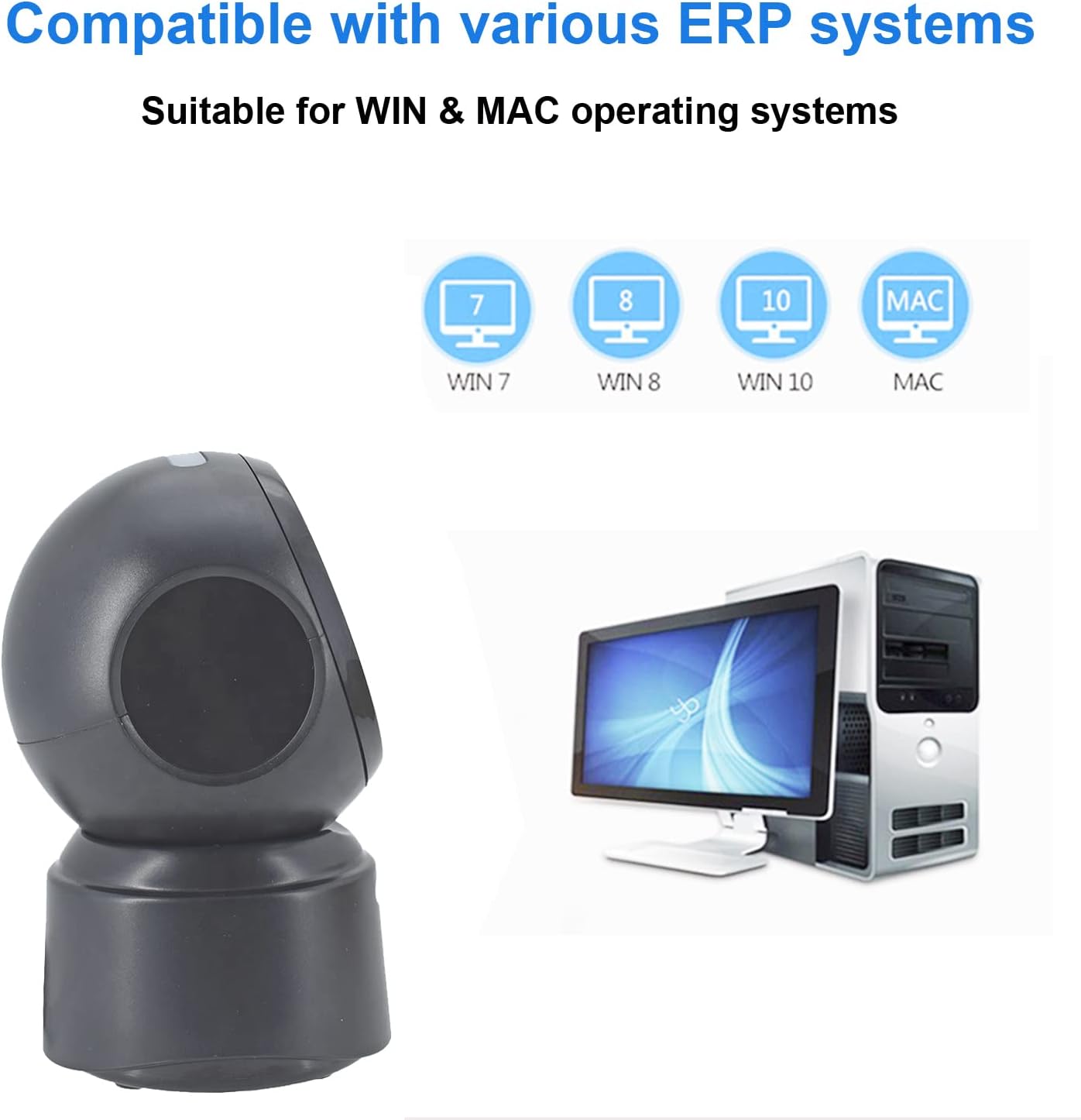
Ffigur 5.2: Compatibility with various operating systems.
6. Cyfarwyddiadau Gweithredu
6.1 Gweithdrefn Sganio Sylfaenol
The D7800 scanner operates in an automatic, hands-free mode. Once connected, it is ready to scan.
- Ensure the scanner is connected to your computer and powered on.
- Present the barcode to the scanning window. The scanner will automatically detect and read the barcode.
- A successful scan is typically indicated by an audible beep and/or a visual confirmation (e.g., LED indicator).
- The scanned data will be transmitted to your computer as keyboard input.
6.2 Scanning Barcode Types
The scanner supports a wide range of 1D, 2D, and QR codes, including those that are less than perfect.
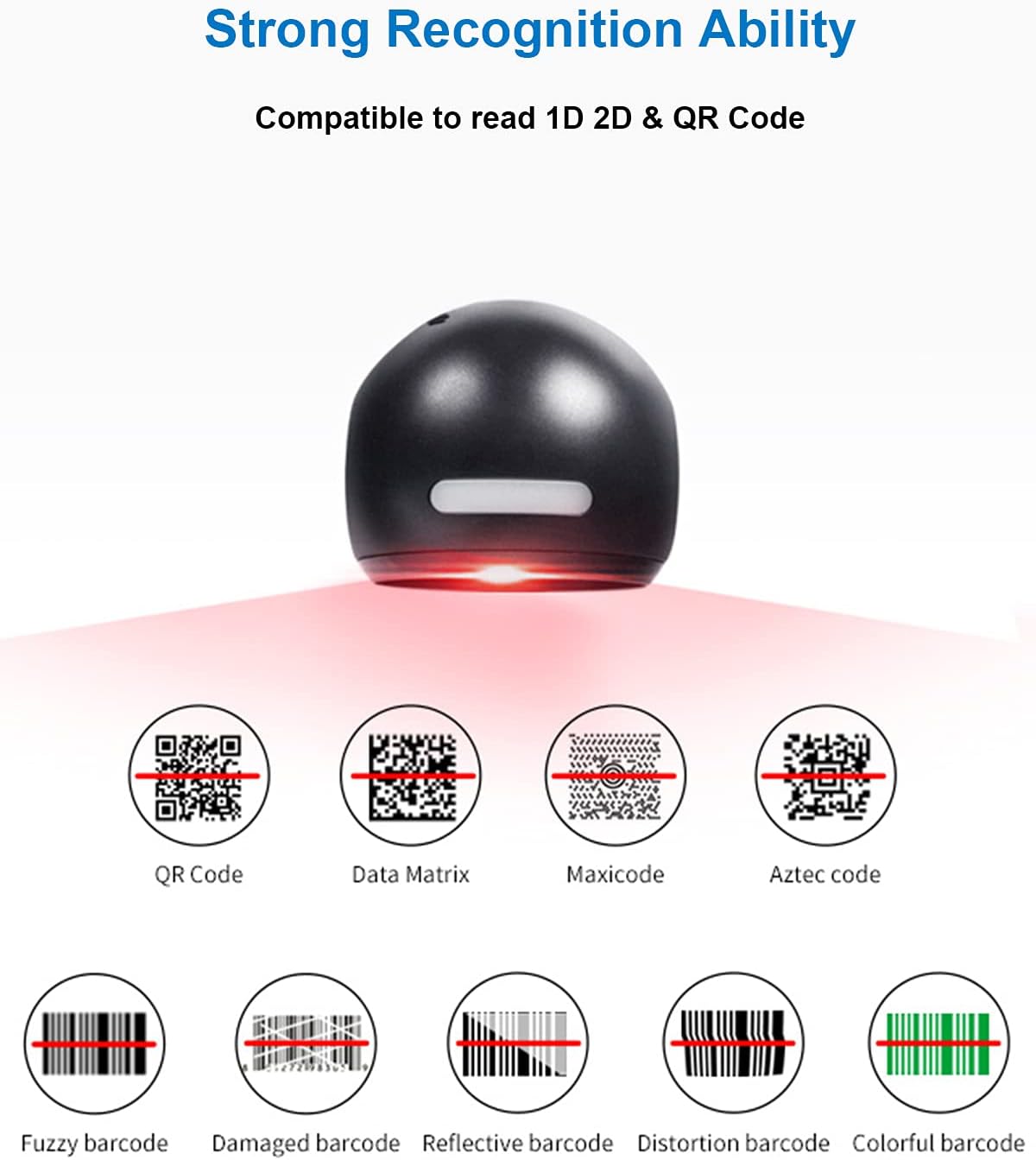
Ffigur 6.1: Examples of various barcode types and conditions the scanner can recognize.
6.3 On-Screen Barcode Scanning
The D7800 is capable of scanning barcodes directly from digital displays, such as smartphones, tablets, and computer monitors.

Ffigur 6.2: The scanner reading a barcode from a digital screen. Example barcode: 1234567890
6.4 Senarios Cais
The LENVII D7800 is suitable for various environments requiring efficient barcode scanning.

Ffigur 6.3: Common application environments for the scanner.
7. cynnal
7.1 Glanhau'r Sganiwr
- Ensure the scanner is disconnected from the power source before cleaning.
- Use a soft, dry, lint-free cloth to wipe the exterior of the scanner.
- For the scanning window, use a lens cleaning cloth or a soft cloth lightly dampened with a mild, non-abrasive cleaning solution. Avoid spraying cleaners directly onto the scanner.
- Do not use harsh chemicals, solvents, or abrasive materials, as these can damage the scanner's surface or scanning window.
7.2 Storio
When not in use, store the scanner in a cool, dry place, away from direct sunlight and extreme temperatures. The maximum storage temperature is 60°C (140°F).
8. Datrys Problemau
| Problem | Achos Posibl | Ateb |
|---|---|---|
| Nid yw'r sganiwr yn troi ymlaen. | Cebl USB heb ei gysylltu'n iawn neu borthladd USB diffygiol. | Ensure the USB cable is securely connected. Try a different USB port on your computer. |
| Nid yw'r sganiwr yn darllen codau bar. |
|
|
| Mae'r data a sganiwyd yn anghywir neu'n anghyflawn. |
|
|
Os yw'r broblem yn parhau ar ôl rhoi cynnig ar yr atebion hyn, cysylltwch â chymorth cwsmeriaid.
9. manylebau
| Nodwedd | Manylyn |
|---|---|
| Model | D7800 |
| Math | 2D CMOS Wired Barcode Scanner |
| Dull Cysylltiad | USB |
| Dimensiynau (W x H x D) | 84mm x 140.2mm x 90.1mm (tua 3.31 x 5.52 x 3.55 modfedd) |
| Pwysau | 230g (tua 0.51 pwys) |
| Deunydd | ABS |
| Lliw | Du |
| Ffynhonnell Golau | 617nm LED (aimer); 6500K LEDs (illumination) |
| Synhwyrydd Delwedd | 640*480 CMOS |
| Prosesydd | ARM 32-did |
| Cyflymder sganio | 200 gwaith / au |
| Grym | DC 5V |
| Cyfredol | 400mA ±5% |
| AO cydnaws | Windows XP/7/8/10, Mac OS, Linux |
| 1D Code Support | EAN-8, EAN-13, Codabar, CODE 39, CODE 93, CODE 128, China Post, GS1-128, UPC-A, UPC-E, ISBN/ISSN, ISBT, Interleaved 2 of 5, Standard 2 of 5, Matrix 2 of 5, Industrial 2 of 5, MSI, RSS, ITF14, Telepen, etc. |
| 2D/QR Code Support | Micro QR Code, Data Matrix, PDF417, Micro PDF417, Maxicode, Aztec, Hanxin, etc. |
| Tymheredd Storio Uchaf | 60°C (140°F) |
10. Gwarant a Chefnogaeth
10.1 Gwybodaeth Gwarant
LENVII products are covered by a limited warranty against defects in materials and workmanship. Please refer to the warranty card included with your product or contact LENVII customer support for specific warranty terms and conditions.
10.2 Cefnogaeth i Gwsmeriaid
For technical assistance, troubleshooting, or product inquiries, please contact LENVII customer support. Contact information can typically be found on the product packaging or the official LENVII websafle.