
Cyfarwyddiadau Diogelwch Pwysig
Please read all instructions carefully before using the projector and retain this manual for future reference. Improper use may result in electric shock, fire, or other hazards.
- Peidiwch ag agor y taflunydd casing. Cyfeiriwch yr holl waith cynnal a chadw at bersonél cymwys.
- Peidiwch â gwneud y taflunydd yn agored i law neu leithder i atal tân neu sioc drydanol.
- Sicrhewch awyru priodol. Peidiwch â rhwystro agoriadau awyru.
- Defnyddiwch yr addasydd pŵer a gyflenwir gyda'r taflunydd yn unig.
- Osgowch amlygiad uniongyrchol i lygaid lens y taflunydd pan fydd y lamp yn ymlaen.
- Rhowch y taflunydd ar arwyneb sefydlog, gwastad.
- Datgysylltwch y taflunydd yn ystod stormydd mellt a phan na chaiff ei ddefnyddio am gyfnodau hir.
Cynnwys Pecyn
Gwiriwch fod yr holl eitemau a restrir isod wedi'u cynnwys yn eich pecyn:
- YOWHICK Projector (Model GDP1W)
- Cebl Pŵer
- Rheolaeth Anghysbell
- Cebl HDMI
- Cable AV
- Llawlyfr Defnyddiwr
- 100-inch Projection Screen

The projector features 28000 lumens brightness and supports 4K resolution. A 100-inch screen is included. The compact design (under 1.4kg) allows for easy portability and ceiling projection. Suitable for home use and small business presentations (up to 15 people).
Cynnyrch Drosview
The YOWHICK GDP1W projector is designed for versatile use, offering high-quality visuals and flexible connectivity in a compact form factor.
Nodweddion Allweddol
- High Brightness & Resolution: 28000 Lumens, Native 1080P, 4K Supported.
- Compact a Chludadwy: Weighs under 1.4kg, dimensions 18 x 8.9 x 22.9 cm.
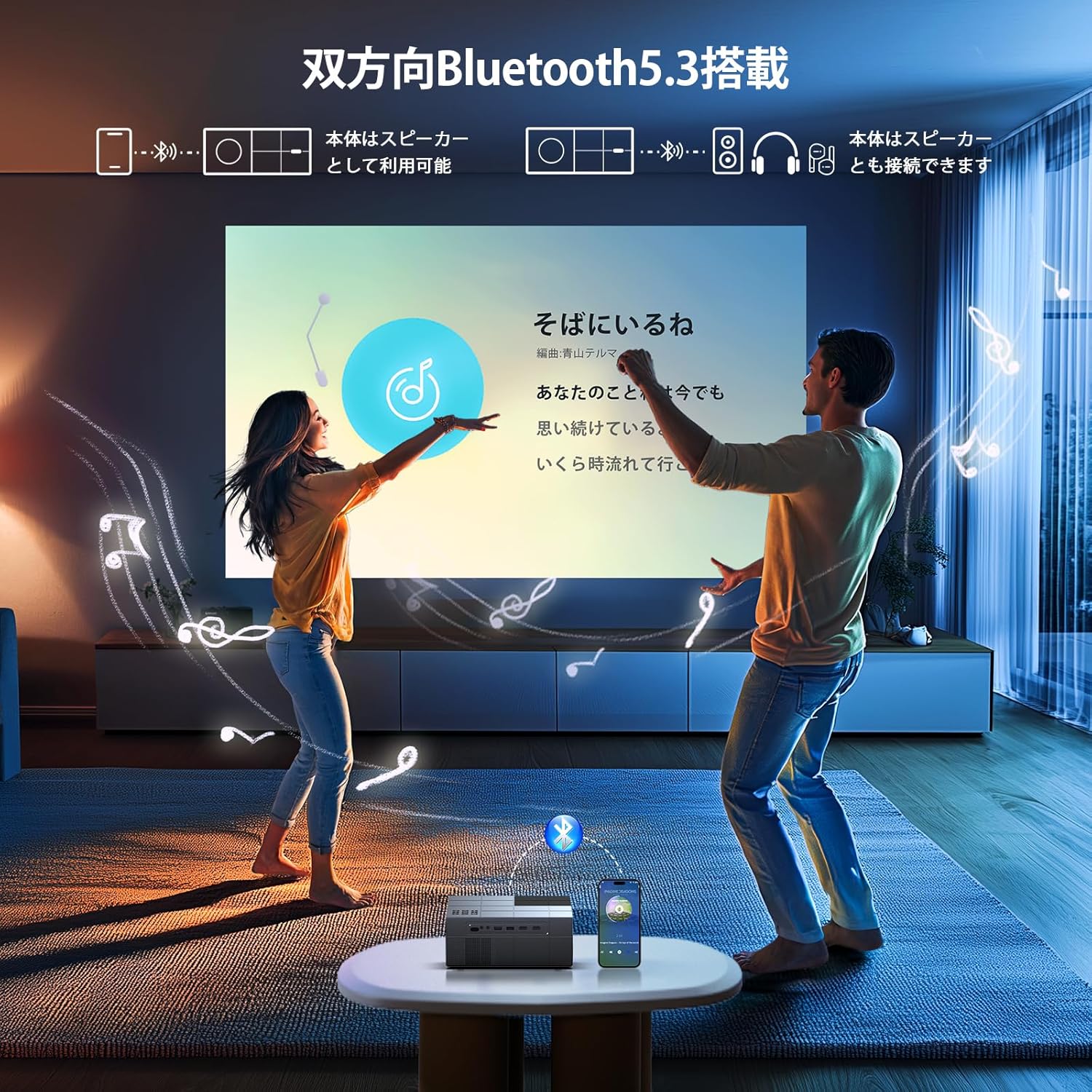
- Sain Trochi: Built-in HIFI speaker and Bluetooth 5.3 for external audio devices.
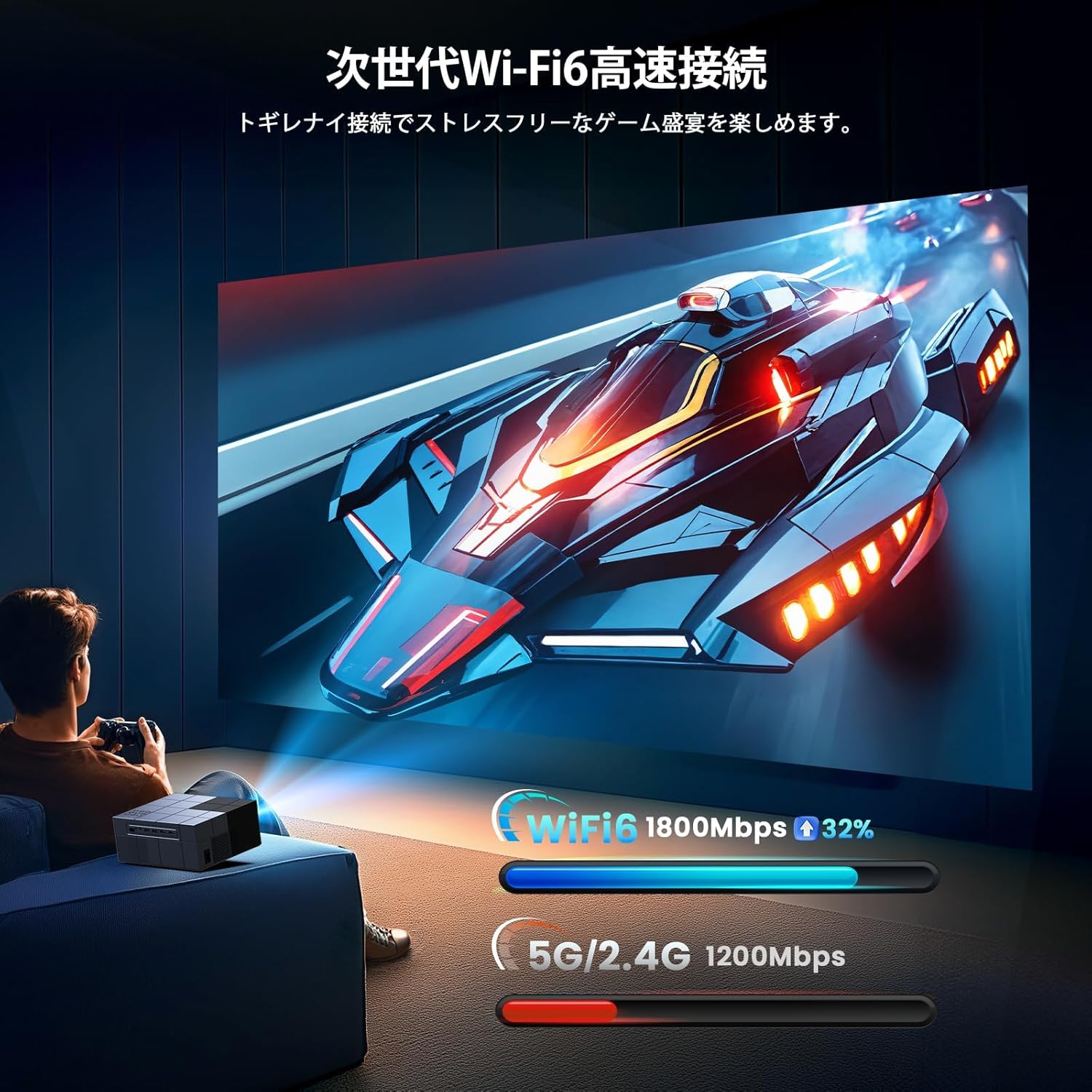
- Cysylltedd Uwch: Dual-band 2.4G/5G WiFi for stable streaming and screen mirroring.
- Rhagamcaniad Hyblyg: Up to 300-inch screen size, 50-100% zoom function, vertical keystone correction.
- Oeri Effeithlon: Advanced cooling system for effective heat dissipation and low noise (approx. 40dB).
- Mewnbynnau Lluosog: AV, USB (x2), HDMI (x2) for wide device compatibility.

Gosod
Dewisiadau Lleoli
The projector offers various placement options to suit your viewing environment:
- Rhagamcaniad Blaen: Place the projector on a table or stand in front of the screen.
- Rhagamcaniad Cefn: Place the projector behind a translucent screen.
- Rhagamcaniad Nenfwd: Mount the projector to the ceiling (requires a compatible ceiling mount, not included).

Pŵer Cychwynnol Ymlaen
- Connect the power cable to the projector and a power outlet.
- Pwyswch y botwm pŵer ar y taflunydd neu'r teclyn rheoli o bell i'w droi ymlaen.
- The projector will display the home screen.
Cywiriad Ffocws a Keystone
Adjust the image clarity and shape:
- Ffocws: Trowch y cylch ffocws ar lens y taflunydd nes bod y ddelwedd yn finiog ac yn glir.
- Cywiriad Keystone: Use the manual vertical keystone adjustment to correct distorted images (trapezoid effect) if the projector is not perfectly perpendicular to the screen. The projector supports vertical keystone correction of ±15 degrees.

Cyfarwyddiadau Gweithredu
Screen Size Adjustment (Zoom)
The projector features a zoom function that allows you to adjust the screen display size from 100% to 50% without moving the projector. Access this function through the projector's menu settings.
Allbwn Sain
You can use the projector's built-in HIFI speaker or connect external audio devices via Bluetooth 5.3 for a more powerful sound experience. Adjust the volume using the remote control.
Modd Amserydd
Set a sleep timer for the projector to automatically turn off after a specified period. This is useful for watching content before sleeping.

Cysylltedd
Cysylltiad Diwifr (Wi-Fi)
The projector supports dual-band 2.4G/5G WiFi for stable and fast wireless screen mirroring from your smartphones, tablets, and PCs. This allows you to project content without physical cables.
Cysylltiad Bluetooth
Equipped with Bluetooth 5.3, the projector can connect to your favorite Bluetooth speakers or wireless headphones. This provides flexibility for audio output, whether you prefer a powerful sound system or private listening.
Cysylltiadau Wired
The projector offers a variety of wired input terminals for broad compatibility:
- HDMI (x2): Connect to PCs, laptops, game consoles (PS4/PS5), TV boxes, and other HDMI-enabled devices.
- USB (x2): Connect USB memory drives for direct media playback.
- O: Connect to DVD players or older devices using the included AV cable.

Connecting to Streaming Devices
The projector is compatible with various streaming devices such as Amazon Fire TV Stick, Google Chromecast, Roku, and more. Simply connect the streaming device to an HDMI port on the projector.

Cynnal a chadw
Mae cynnal a chadw rheolaidd yn sicrhau perfformiad gorau posibl ac yn ymestyn oes eich taflunydd.
- Glanhau'r Lens: Defnyddiwch frethyn meddal, di-flwff sydd wedi'i gynllunio'n benodol ar gyfer lensys optegol. Peidiwch â defnyddio glanhawyr sgraffiniol na thoddyddion.
- Cleaning the Vents: Periodically clean the air vents with a soft brush or compressed air to prevent dust buildup, which can affect cooling performance.
- Storio: When not in use, store the projector in a cool, dry, and dust-free environment. Use the original packaging or a protective case if available.
Datrys problemau
Os byddwch chi'n dod ar draws problemau gyda'ch taflunydd, cyfeiriwch at y problemau a'r atebion cyffredin canlynol:
| Problem | Achos Posibl | Ateb |
|---|---|---|
| Dim Pwer | Cebl pŵer wedi'i ddatgysylltu; Problem gyda'r soced pŵer | Gwiriwch gysylltiad y cebl pŵer; Rhowch gynnig ar soced pŵer gwahanol |
| Dim Delwedd | Ffynhonnell mewnbwn anghywir; Cebl HDMI/AV rhydd | Select correct input source; Reconnect cables securely |
| Delwedd aneglur | Focus not adjusted; Incorrect keystone | Adjust focus ring; Adjust keystone correction |
| Dim Sain | Volume too low; Incorrect audio output; Fire TV Stick audio setting | Increase volume; Check audio output settings; For Fire TV Stick, set audio to PCM in its settings menu |
| Ddim yn Gweithio o Bell | Dead batteries; Obstruction | Replace batteries; Ensure clear line of sight to projector's IR receiver |
| Materion Cysylltiad Wi-Fi | Incorrect password; Weak signal | Verify Wi-Fi password; Move projector closer to router |
Note for Amazon Fire TV Stick Users: If you experience no sound from the projector when using an Amazon Fire TV Stick, please open the Fire TV Stick's settings menu and change the sound output to [PCM].
Manylebau
| Nodwedd | Manyleb |
|---|---|
| Brand | YOWHICK |
| Rhif Model | GDP1W |
| Dimensiynau Cynnyrch | 22.9 x 18 x 8.9 cm |
| Pwysau Eitem | 1.4 Cilogram |
| Lliw | Llwyd |
| Disgleirdeb | 28000 o Lumens |
| Datrysiad Brodorol | 1920 x 1080 (1080P Full HD) |
| Datrys a Gefnogir | Hyd at 3840 x 2160 (4K) |
| Maint Tafluniad | 40 - 300 modfedd |
| Technoleg Cysylltedd | Bluetooth 5.3, HDMI, IR, USB, Wi-Fi (2.4G/5G) |
| Porthladdoedd HDMI | 2 |
| Porthladdoedd USB | 2 |
| Cywiriad Keystone | Manual Vertical ±15 degrees |
| Swyddogaeth Chwyddo | 50% - 100% |
| Lefel Sŵn | Tua. 40dB |
| Defnydd Pŵer | Uchafswm 84W |
| Defnydd a Argymhellir | Gaming, Business, Home Cinema, Education |
Gwarant a Chefnogaeth
YOWHICK is committed to providing excellent customer service and product support.
- Cyfnod Gwarant: This product comes with a 2-year manufacturer's warranty from the date of purchase.
- Gwasanaeth Atgyweirio: A 3-year repair service is provided.
- Cymorth Technegol: Mae cymorth technegol gydol oes ar gael i bob defnyddiwr.
- Gwybodaeth Gyswllt: For initial defects, natural failures, exchanges, returns, or any technical inquiries, please contact our customer service team.
E-bost: support@yowhick.jp
ID LLINELL: @286hjalm

Fideos Cynnyrch
Watch these videos for additional information and demonstrations of the YOWHICK Projector.
Fideo: Cynnyrch Drosoddview (0:16)
Video: Feature Highlight (0:14)
Video: Detailed Demonstration (0:52)
Video: Extended Usage Guide (2:51)
Video: Setup and Configuration (1:31)
Video: Connectivity Options (0:40)
Video: Quick Start Guide (0:23)
Video: Advanced Features (1:22)
Video: Troubleshooting Tips (1:19)