
1. Rhagymadrodd
This manual provides detailed instructions for the operation and maintenance of your Coby CVR42BK Portable Cassette Player and Recorder. Please read this manual thoroughly before using the device to ensure proper function and longevity.
2. Cynnwys Pecyn
Gwiriwch fod yr holl eitemau a restrir isod yn bresennol yn eich pecyn:
- Coby CVR42BK Portable Cassette Player and Recorder
- Meicroffon Boom Allanol
- 120V AC addasydd
- Llawlyfr Defnyddiwr (y ddogfen hon)

Figure 2.1: Included items in the Coby CVR42BK package.
3. Cynnyrch Drosview
The Coby CVR42BK is a portable cassette player and recorder designed for both playback and one-touch recording. It features a built-in handle for portability and includes an external boom microphone for enhanced recording quality.

Figure 3.1: Coby CVR42BK Portable Cassette Player and Recorder.
3.1 Rheolaethau a Dangosyddion
Familiarize yourself with the controls and ports on your device:
- Botwm Chwarae: Initiates cassette playback.
- Botwm Cofnodi: Activates recording function (requires a blank cassette).
- Fast Forward Button: Advances the tape quickly.
- Rewind Button: Rewinds the tape quickly.
- Stop/Eject Button: Stops playback/recording and opens the cassette compartment.
- Rheoli cyfaint: Yn addasu cyfaint chwarae.
- Jack clustffon (3.5mm): Ar gyfer gwrando preifat.
- Mewnbwn Meicroffon Allanol: Connects the included boom microphone.
- Porthladd Addasydd AC: For connecting the 120V AC adapter.
- Adran Batri: Holds 4 C batteries for portable power.
4. Gosod
4.1 Pweru'r Dyfais
The CVR42BK can be powered by either the included AC adapter or 4 C batteries (not included).
- Pŵer AC: Connect the 120V AC adapter to the AC adapter port on the device and then plug it into a standard wall outlet.
- Pŵer Batri: Open the battery compartment on the underside of the unit. Insert 4 C batteries, ensuring correct polarity (+/-). Close the compartment securely.

Figure 4.1: Power options for the CVR42BK.
4.2 Loading a Cassette Tape
- Gwasgwch y Stopio / Dadfeddiannu botwm i agor drws yr adran casét.
- Insert a cassette tape with the open edge facing upwards and the tape side facing you.
- Caewch ddrws adran y casét yn ysgafn nes ei fod yn clicio ar gau.

Figure 4.2: Loading a cassette tape.
5. Cyfarwyddiadau Gweithredu
5.1 Playing a Cassette Tape
- Ensure a cassette tape is loaded (refer to Section 4.2).
- Gwasgwch y Chwarae botwm. Bydd y tâp yn dechrau chwarae.
- Addaswch y Rheoli Cyfaint i'ch lefel gwrando ddymunol.
- I gyflymu ymlaen, pwyswch y Cyflym Ymlaen botwm. I ddirwyn yn ôl, pwyswch y Ailddirwyn botwm.
- I atal chwarae, pwyswch y Stopio / Dadfeddiannu botwm.
- For private listening, connect headphones to the 3.5mm headphone jack.
5.2 Recording Audio (One-Touch Recording)
The CVR42BK features one-touch recording and Automatic Level Control (ALC) to optimize recording levels.
- Load a blank or recordable cassette tape into the device. Note: Re-using older cassettes may affect sound quality. New cassettes are recommended for optimal results.
- Gwasgwch y Cofnod botwm. Mae'r Chwarae button will also engage simultaneously. The device will begin recording audio from its built-in microphone or the connected external microphone.
- I roi'r gorau i recordio, pwyswch y Stopio / Dadfeddiannu botwm.
- The device includes an auto-stop feature that will automatically stop recording when the tape reaches its end.
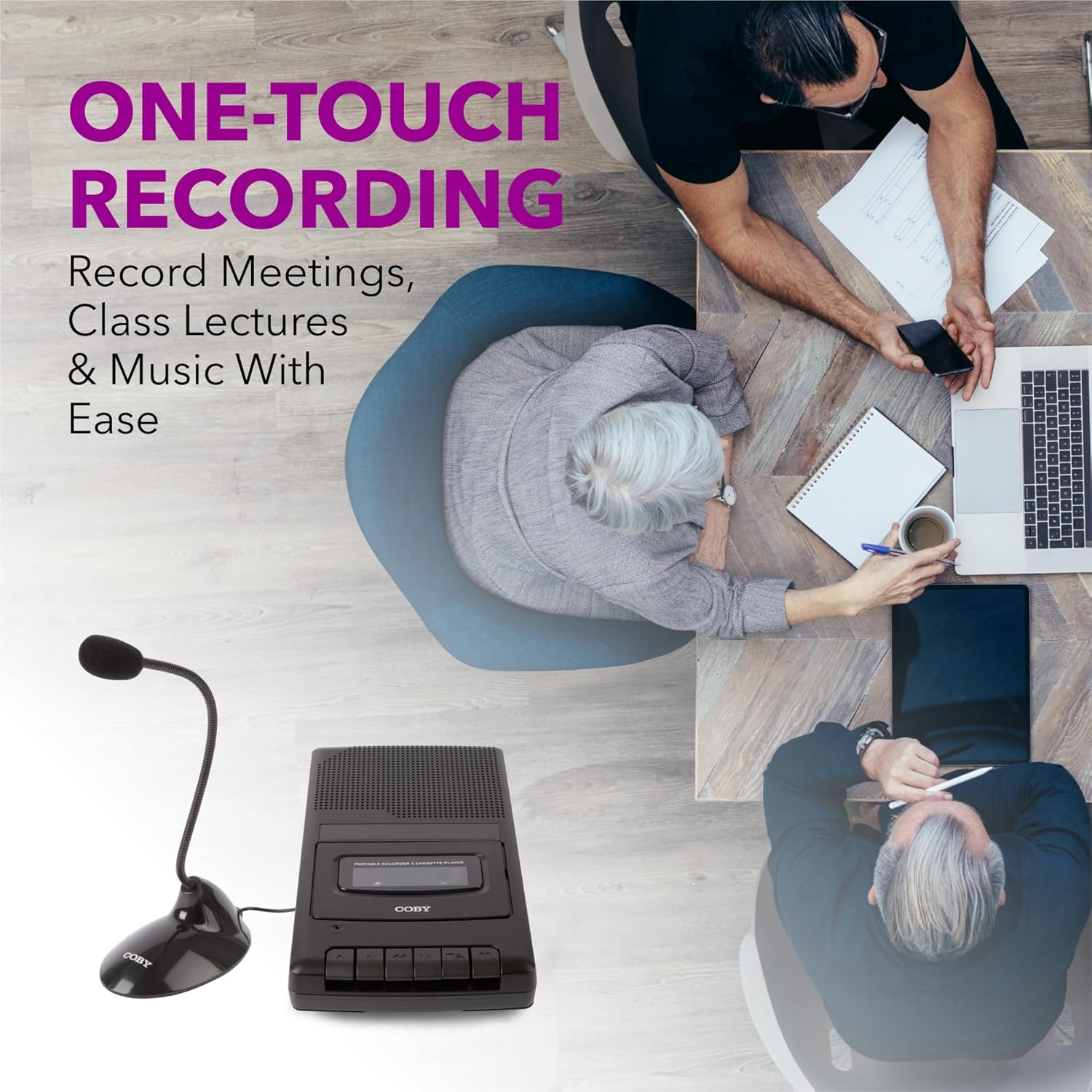
Figure 5.1: Using the CVR42BK for recording.
5.3 Using the External Boom Microphone
For higher quality recordings, especially for lectures or meetings, connect the included external boom microphone.
- Locate the external microphone input port on the CVR42BK.
- Plug the external boom microphone into this port.
- Position the microphone appropriately for the sound source you wish to record.
- Proceed with recording as described in Section 5.2. The device will automatically prioritize the external microphone when connected.

Figure 5.2: External boom microphone in use.
6. cynnal
- Glanhau: Defnyddiwch frethyn meddal, sych i lanhau tu allan yr uned. Peidiwch â defnyddio glanhawyr hylif na thoddyddion.
- Tape Head Cleaning: Periodically clean the tape heads with a specialized cassette head cleaning kit to ensure optimal sound quality and prevent tape damage.
- Storio: When not in use for extended periods, remove batteries to prevent leakage. Store the device in a cool, dry place away from direct sunlight and extreme temperatures.
- Gofal Caset: Store cassette tapes in their cases to protect them from dust and physical damage. Avoid exposing tapes to strong magnetic fields.
7. Datrys Problemau
| Problem | Achos Posibl | Ateb |
|---|---|---|
| Dim pŵer | AC adapter not connected or faulty; batteries depleted or incorrectly inserted. | Check AC adapter connection and power outlet. Replace batteries or ensure correct polarity. |
| Dim sain yn ystod chwarae | Volume too low; headphones connected; tape head dirty; tape damaged. | Increase volume. Disconnect headphones. Clean tape heads. Try a different tape. |
| Recordio ddim yn gweithio | Tape is write-protected; tape is full; microphone not connected or faulty. | Ensure the write-protect tab on the cassette is intact. Use a blank tape. Check microphone connection. |
| Ansawdd sain gwael | Dirty tape heads; old or damaged cassette tape; external interference. | Clean tape heads. Use a new or known-good cassette tape. Move away from electronic devices. |
| Tâp ddim yn symud | Tape jammed; mechanism fault. | Gently open compartment and check for tape jams. If problem persists, contact support. |
8. manylebau
| Rhif Model | CVR42BK |
| Ffynhonnell Pwer | 120V AC Adapter (included) or 4 x 'C' Batteries (not included) |
| Nodweddion | Automatic Level Control (ALC), One-Touch Recording, Fast Forward, Rewind, Volume Control, Auto-Stop |
| Meicroffon | Built-in microphone, External Boom Microphone (included) |
| Jack clustffon | Stereo 3.5mm |
| Dimensiynau Cynnyrch (L x W x H) | 10.2 x 5.83 x 1.97 modfedd (25.9 x 14.8 x 5 cm) |
| Pwysau Eitem | 1.75 pwys (0.79 kg) |
| UPC | 810071491450 |
9. Gwarant a Chefnogaeth
Am wybodaeth am warant neu gymorth technegol, cyfeiriwch at y cerdyn gwarant sydd wedi'i gynnwys gyda'ch cynnyrch neu ewch i wefan swyddogol Coby websafle. Cadwch eich derbynneb prynu fel prawf o brynu ar gyfer unrhyw hawliadau gwarant.
Gwneuthurwr: Uwchgynhadledd Electroneg LLC