Rhagymadrodd
Diolch am brynuasing the Cuifati A100 Mini Cartoon Kids Camera. This camera is designed for children aged 3-12, offering a fun and safe way to explore photography and videography. Its compact, lightweight, and durable design, made from food-grade ABS material, ensures a comfortable and secure grip for small hands. This manual provides essential information for setting up, operating, and maintaining your camera.
The camera features a 2.0-inch color display, 20MP photo resolution, 720P video recording, and includes various photo frames and filters to enhance creativity. It is equipped with a built-in 400mAh rechargeable battery for extended use.
Gwybodaeth Diogelwch
- This product is intended for children aged 3-12. Adult supervision is recommended during use.
- The camera is made from food-grade ABS material, ensuring it is safe for children.
- Do not expose the camera to extreme temperatures, direct sunlight for prolonged periods, or moisture.
- Osgowch ollwng y camera neu ei rhoi dan effaith gref.
- Keep small parts, such as memory cards, out of reach of very young children to prevent choking hazards.
- Use only the provided charging cable or a compatible DC5V 1A charger.
- The battery is built-in and non-detachable. Do not attempt to replace it.
Cynnwys Pecyn
Gwiriwch y pecyn i sicrhau bod yr holl eitemau yn bresennol:
- 1 x Cuifati A100 Children Camera
- 1 x Fixing Strap
- 1 x Anti-lost Rope
- 1 x Cebl Codi Tâl USB

Ffigur 1: Package contents including the camera, straps, and charging cable.
Cynnyrch Drosview
The Cuifati A100 camera features a user-friendly design with a durable, rounded body for comfortable handling.

Ffigur 2: The camera's light and round design.
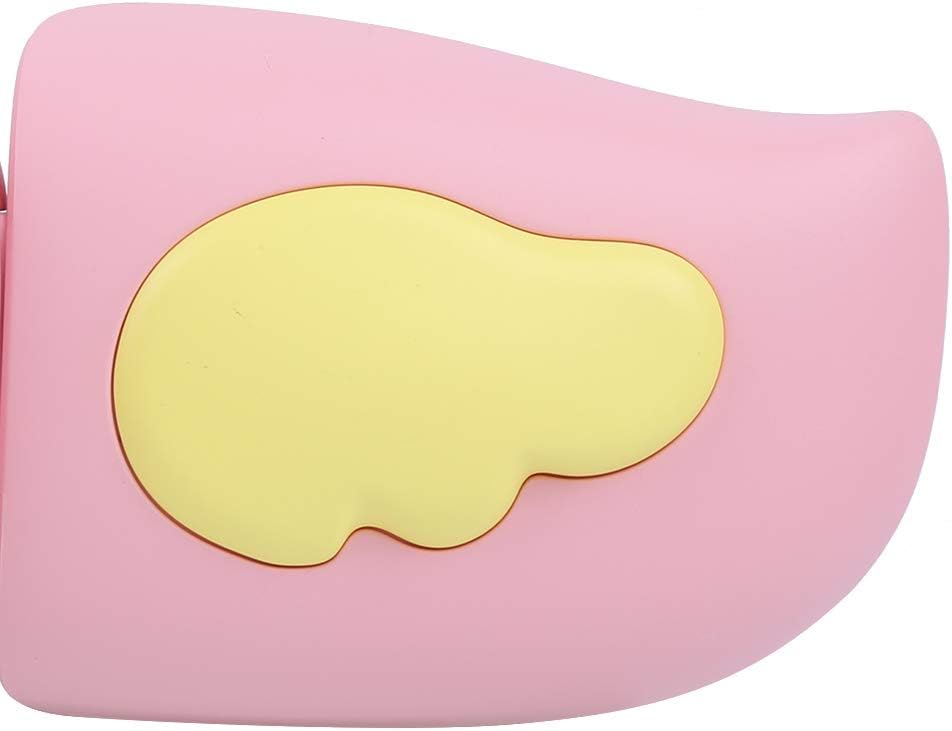
Ffigur 3: Detail of the camera's ergonomic design.
Nodweddion Allweddol:
- Arddangosfa Lliw 2.0-modfedd: Canys viewgweld lluniau, fideos, a llywio bwydlenni.
- Lens Sefydlog: 100° viewing angle for capturing wide scenes.
- Botymau sy'n Gyfeillgar i Ddefnyddwyr: Rheolyddion greddfol ar gyfer gweithrediad hawdd.
- Rhyngwyneb USB: Ar gyfer codi tâl a throsglwyddo data.
- Slot Cerdyn Cof: Supports up to 32GB (card not included).
Gosod
1. Codi Tâl y Camera
Before first use, fully charge the camera's built-in 400mAh battery. The camera features a large capacity battery for strong endurance.
- Connect the provided USB charging cable to the camera's USB port.
- Connect the other end of the USB cable to a DC5V 1A USB power adapter (not included) or a computer's USB port.
- The charging indicator light will illuminate. Once charging is complete, the light may change color or turn off.
2. Mewnosod Cerdyn Cof
A memory card (MicroSD card, up to 32GB) is required to save photos and videos. It is not included in the package.
- Lleolwch y slot cerdyn cof ar ochr y camera.
- Gently insert a MicroSD card into the slot with the metal contacts facing the front of the camera until it clicks into place.
- I dynnu'r cerdyn allan, gwthiwch ef i mewn yn ysgafn eto nes iddo neidio allan.
Cyfarwyddiadau Gweithredu
1. Pŵer Ymlaen / I ffwrdd
- I Bweru Ymlaen: Pwyswch a daliwch y botwm Pŵer (fel arfer wedi'i farcio â Ⓜ or a similar icon) for a few seconds until the screen lights up.
- I Bweru i ffwrdd: Pwyswch a daliwch y botwm Pŵer eto nes bod y sgrin yn diffodd.

Ffigur 4: Camera in hand, showing the display and control buttons.
2. Tynnu Lluniau
- Turn on the camera. It will typically default to photo mode.
- Frame your shot using the 2.0-inch color display.
- Press the Shutter button (often a prominent button on top or side) to take a picture.
- Mae'r camera yn cefnogi datrysiad lluniau 20MP.
- Utilize the 4 types of photo stickers and 9 kinds of filters for creative effects.
- Time-lapse shooting for selfies can be set for 3 or 5 seconds.
3. Recordio Fideos
- From photo mode, navigate to video mode using the mode button (usually marked 'M' or a video camera icon).
- Press the Shutter button to start recording. A recording indicator will appear on the screen.
- Pwyswch y botwm Shutter eto i roi'r gorau i recordio.
- The camera records videos in 720P (1080x720) resolution.
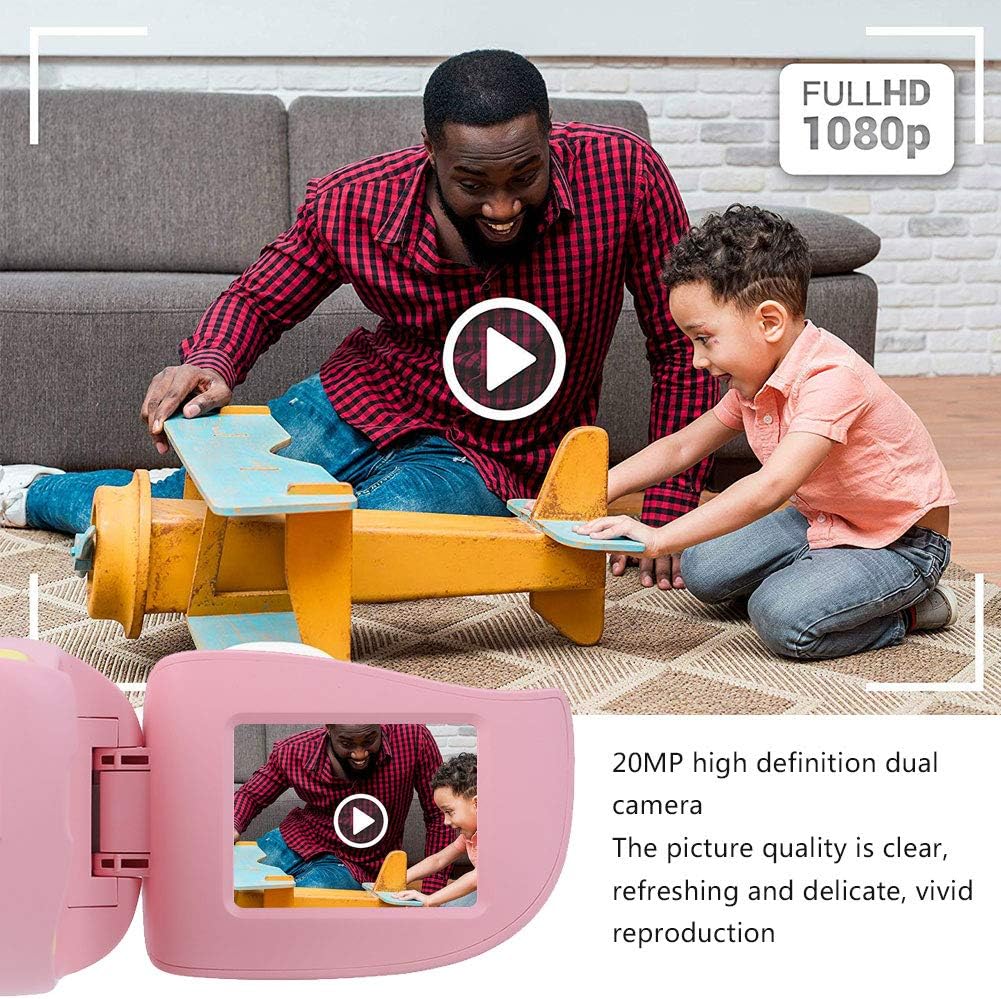
Ffigur 5: Illustrating the camera's 20MP photo and 720P video capabilities.
4. Modd Chwarae
- Enter playback mode using the mode button.
- Use the navigation buttons (up/down or left/right arrows) to browse through your photos and videos.
- Press the OK/Shutter button to view llun neu chwarae fideo.
5. Settings and Games
- Access the settings menu via the mode button or a dedicated menu button. Here you can adjust language (Chinese, English, Russian, Korean, Japanese), date/time, and other camera parameters.
- The camera supports a variety of built-in games for entertainment. Navigate to the game section through the menu.
Cynnal a chadw
- Glanhau: Use a soft, dry cloth to clean the camera body. For the lens, use a specialized lens cleaning cloth. Do not use liquid cleaners or abrasive materials.
- Storio: Store the camera in a cool, dry place away from direct sunlight and moisture when not in use.
- Gofal Batri: Er mwyn ymestyn oes y batri, osgoi rhyddhau'r batri'n llwyr yn aml. Gwefrwch y camera'n rheolaidd, hyd yn oed os nad yw'n cael ei ddefnyddio am gyfnodau hir.
Datrys problemau
| Problem | Achos Posibl | Ateb |
|---|---|---|
| Nid yw'r camera yn troi ymlaen. | Mae'r batri'n isel neu wedi'i wagio. | Charge the camera using the USB charging cable. |
| Methu tynnu lluniau/recordio fideos. | Dim cerdyn cof wedi'i fewnosod neu mae'r cerdyn yn llawn/llygredig. | Insert a compatible MicroSD card (up to 32GB). Check if the card has sufficient space or try formatting it (this will erase all data). |
| Mae delweddau/fideos yn aneglur. | Lens is dirty or lighting is poor. | Clean the lens with a soft cloth. Ensure adequate lighting for your shots. |
| Mae'r camera'n rhewi neu'n dod yn anymatebol. | Gwall meddalwedd. | Press and hold the Power button for an extended period (e.g., 10-15 seconds) to force a restart. If the issue persists, ensure the battery is charged. |
Manylebau
| Model | A100 |
| Deunydd | ABS gradd bwyd |
| Sgrin | 2.0 Inch Color Display Screen (LCD) |
| Lens | Fixed Lens, 100° Viewongl ing |
| Storio Canolig | Memory Card (MicroSD), Maximum Support 32GB (Not Included) |
| Fformat Delwedd | JPG |
| Fformat Fideo | JPEG |
| Datrysiad Fideo | 720P (1080x720) |
| Picseli Lluniau | 20 MP Effective Still Resolution |
| Fframiau Lluniau | 4 Math |
| Hidlo Effeithiau | 9 Math |
| Mewnbwn Voltage | DC5V 1A |
| Swyddogaethau | Taking Pictures, Video Recording, Games |
| Ieithoedd â Chymorth | Chinese, English, Russian, Korean, Japanese |
| Batri | Built-in, Non-Detachable 400mAh Lithium Battery |
| Pwysau | Tua. 220g |
| Dimensiynau (tua) | 13 x 11 x 7 cm (Dimensiynau'r Parsel) |
| Cysylltedd | USB, Wi-Fi |
| Technoleg Synhwyrydd Ffotograffau | CMOS |
| Rheoli Amlygiad | Llawlyfr |
| Dulliau Saethu | Chwaraeon |
| Saethu Parhaus | 30 FPS |
| Ystod Oedran | Kid (3-12 years) |
Gwarant a Chefnogaeth
Specific warranty information is not provided in this manual. For details regarding warranty coverage, technical support, or service, please refer to the documentation included with your purchase or contact the retailer where the product was acquired. You may also visit the official Cuifati brand store for additional information.
Cuifati Brand Store: Ymweld â'r Siop