
Rhagymadrodd
Thank you for choosing the Perel VTBAL206 Smart Body Scale. This manual will guide you through the proper use and care of your new smart scale, designed to help you monitor your body composition with ease through the Tuya Smart app.
Gwybodaeth Diogelwch
- Peidiwch â defnyddio'r ddyfais hon os oes gennych reolydd calon neu ddyfais feddygol fewnol arall.
- Peidiwch â defnyddio'r ddyfais hon os ydych chi'n feichiog.
- Keep the scale dry. Avoid placing it in wet environments.
- Gall wyneb y raddfa fod yn llithrig pan mae'n wlyb. Camwch ymlaen ac i ffwrdd yn ofalus.
- Peidiwch â neidio ar y raddfa.
- This scale is for household use only and not for medical diagnosis or treatment.
Cynnwys Pecyn
- Perel VTBAL206 Smart Body Scale
- Llawlyfr Cyfarwyddiadau (y ddogfen hon)
- Batris (os ydynt wedi'u cynnwys, gwiriwch y pecynnu)
Gosod
1. Gosod Batri
Locate the battery compartment on the underside of the scale. Open the cover and insert the required batteries, ensuring correct polarity. Close the battery compartment cover securely.
2. App Download a Gosod
The Perel VTBAL206 Smart Body Scale works with the Tuya Smart app. Download the app from the Apple App Store (for iOS devices) or Google Play Store (for Android devices).
- Chwiliwch am "Tuya Smart" in your device's app store.
- Dadlwythwch a gosodwch yr app.
- Cofrestrwch am gyfrif newydd neu mewngofnodwch os oes gennych chi un eisoes.
3. Pairing the Scale with the App
- Sicrhewch fod Bluetooth wedi'i alluogi ar eich ffôn clyfar.
- Agorwch yr app Tuya Smart.
- Step onto the scale briefly to activate it. The display should light up.
- In the Tuya Smart app, tap "Add Device" or the "+" icon in the top right corner.
- Select "Fitness Equipment" or "Scale" from the device list.
- Follow the on-screen instructions to connect the scale. The app should automatically detect the scale via Bluetooth.
- Once connected, you may be prompted to enter personal information such as gender, age, height, and activity level. This information is crucial for accurate body composition analysis.

Image: The Perel VTBAL206 Smart Body Scale shown alongside a smartphone displaying the Tuya Smart app, illustrating the connection process.
Cyfarwyddiadau Gweithredu
Cymryd Mesur
- Rhowch y glorian ar arwyneb caled, gwastad. Osgowch garpedi neu loriau anwastad.
- Gwnewch yn siŵr bod eich traed yn lân ac yn sych.
- Open the Tuya Smart app on your smartphone and ensure it's connected to the scale.
- Step onto the scale barefoot, placing your feet on the metal electrodes. Stand still until the measurement is complete.
- The scale display will show your weight. The app will then display a comprehensive analysis of your body composition data.
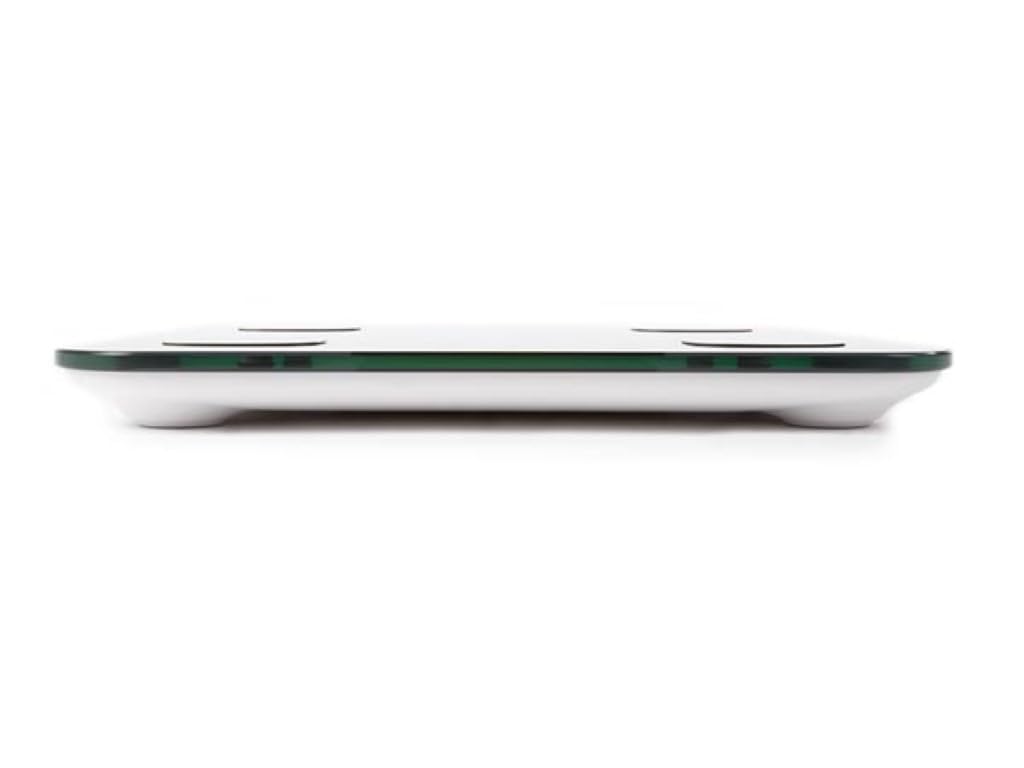
Image: The scale's LED display showing a weight measurement of 49.7 kg.

Delwedd: Manwl view of the Tuya Smart app interface, displaying various body metrics after a measurement.

Image: Further details from the Tuya Smart app, including water content, muscle, calorie, and other health indicators.
Deall Eich Data
The Tuya Smart app provides various metrics to help you understand your body composition:
- Pwysau: Pwysau cyfan eich corff.
- Mynegai Màs y Corff (BMI): Mesur o fraster y corff yn seiliedig ar uchder a phwysau.
- Braster y Corff: Y percentage o fraster yn eich corff.
- Cynnwys Dŵr: Y percentage o ddŵr yn eich corff.
- Màs Cyhyr: Cyfanswm pwysau'r cyhyrau yn eich corff.
- Màs Esgyrn: Cyfanswm pwysau'r asgwrn yn eich corff.
- Braster visceral: Fat stored around your organs.
- Protein: Y percentage o brotein yn eich corff.
- BMR (Cyfradd Metabolig Sylfaenol): The number of calories your body needs at rest.
Consult a healthcare professional for personalized advice based on your body composition data.
Cynnal a chadw
Glanhau
- Sychwch wyneb y raddfa gyda lliain meddal, damp brethyn.
- Peidiwch â defnyddio glanhawyr sgraffiniol na throchi'r raddfa mewn dŵr.
- Gwnewch yn siŵr bod y raddfa'n hollol sych cyn ei storio neu ei defnyddio nesaf.
Storio
Storiwch y glorian mewn lle oer, sych, i ffwrdd o olau haul uniongyrchol a thymheredd eithafol. Osgowch osod gwrthrychau trwm ar y glorian pan nad yw'n cael ei defnyddio.
Datrys problemau
| Problem | Achos Posibl | Ateb |
|---|---|---|
| Nid yw graddfa yn troi ymlaen. | Batris isel neu farw; gosod batris yn anghywir. | Amnewidiwch y batris; gwnewch yn siŵr bod y polaredd yn gywir. |
| Ni all yr ap gysylltu â'r raddfa. | Bluetooth is off; scale not activated; app not open; interference. | Ensure Bluetooth is on; step on scale to activate; open app; try pairing again. Move closer to the scale. |
| Darlleniadau pwysau anghywir. | Scale on uneven surface; scale not calibrated; user movement. | Place scale on a hard, flat surface. Step on and off quickly to calibrate to zero. Stand still during measurement. |
| Body composition data not displayed. | Not standing barefoot; feet not on electrodes; personal info not entered in app. | Ensure bare feet are on all four electrodes. Verify personal information in the Tuya Smart app. |
Manylebau
| Nodwedd | Manylyn |
|---|---|
| Rhif Model | VTBAL206 |
| Brand | Perel |
| Deunydd | Gwydr Tempered |
| Math Arddangos | LED |
| Dimensiynau (L x W x H) | Tua 33 cm x 31 cm x 4.5 cm |
| Cysylltedd | Bluetooth (Tuya Smart App compatible) |
| Unedau Mesur | kg (kilograms) |

Image: The Perel VTBAL206 Smart Body Scale with its physical dimensions indicated.
Gwarant a Chefnogaeth
Perel products are designed for quality and reliability. For warranty information or technical support, please refer to the warranty card included with your purchase or contact your retailer. You can also visit the official Perel websafle am gymorth pellach.
For general inquiries, please contact Perel customer service.