
Ansmann 1260-0006
Llawlyfr Defnyddiwr Switsh Amserydd ANSMANN AES4
Model: 1260-0006
Brand: Ansmann
Cynnyrch Drosview
The ANSMANN AES4 Timer Switch is a digital weekly timer designed to automate the switching of electrical devices. It features a clear LCD display, 10 programmable switching times, a random function for simulating presence, and a summer time adjustment feature. This device helps in managing energy consumption and enhancing home security.

Ffigur 1: Blaen view of the ANSMANN AES4 Timer Switch, showing the LCD display and control buttons.
Gosod a Chyfluniad Cychwynnol
Before first use, ensure the timer switch is fully charged by plugging it into a live socket for at least 30 minutes. This will activate the internal battery for memory retention.
1. Ailosod y Dyfais
To clear all previous settings and ensure a fresh start, locate the small AILOSOD button (usually recessed) and press it with a pointed object (e.g., a pen tip). The display will show all segments, then reset to 00:00.
2. Gosod yr Amser a'r Diwrnod Cyfredol
- Gwasgwch y CLOC button once. The display will show the current time.
- Gwasgwch y WYTHNOS button repeatedly to set the current day (MO, TU, WE, TH, FR, SA, SU).
- Gwasgwch y AWR button repeatedly to set the current hour (0-23).
- Gwasgwch y COFNOD button repeatedly to set the current minute (0-59).
- To exit time setting mode, press any other button or wait approximately 30 seconds for the device to return to normal display.

Ffigur 2: Close-up of the LCD display, illustrating the day and time setting interface. Note the "SUMMER" indicator for summer time function.
3. 12/24 Hour Display Selection
Tra yn y modd cloc arferol, pwyswch y CLOC botwm ac yna y AMSERYDD button simultaneously to toggle between 12-hour (with AM/PM indicator) and 24-hour display formats.
4. Summer Time Function
To activate or deactivate the summer time (Daylight Saving Time) function, press the CLOC botwm ac yna y YMLAEN / AWTO / I FFWRDD button simultaneously. The display will show "SUMMER" when activated, and the time will advance by one hour.
Cyfarwyddiadau Gweithredu
The AES4 Timer Switch allows for up to 10 ON/OFF programs per day or week, along with manual control and a random function.
1. Rhaglennu Amseroedd YMLAEN/DIFFODD
- Gwasgwch y AMSERYDD button. The display will show "1 ON". This is the first ON program.
- Defnydd WYTHNOS, AWR, a COFNOD buttons to set the desired ON time and day(s) for this program. You can select specific days, weekdays, weekends, or all days.
- Gwasgwch y AMSERYDD button again. The display will show "1 OFF". This is the first OFF program.
- Defnydd WYTHNOS, AWR, a COFNOD buttons to set the desired OFF time and day(s) for this program.
- Repeat steps 1-4 for up to 10 ON/OFF programs. Pressing AMSERYDD will cycle through P1 ON, P1 OFF, P2 ON, P2 OFF, ..., P10 ON, P10 OFF.
- I adael y modd rhaglennu, pwyswch y CLOC botwm neu aros am 30 eiliad.

Ffigur 3: Example of the timer switch being used to automate Christmas lighting, turning lights on from 17:00 to 08:00.
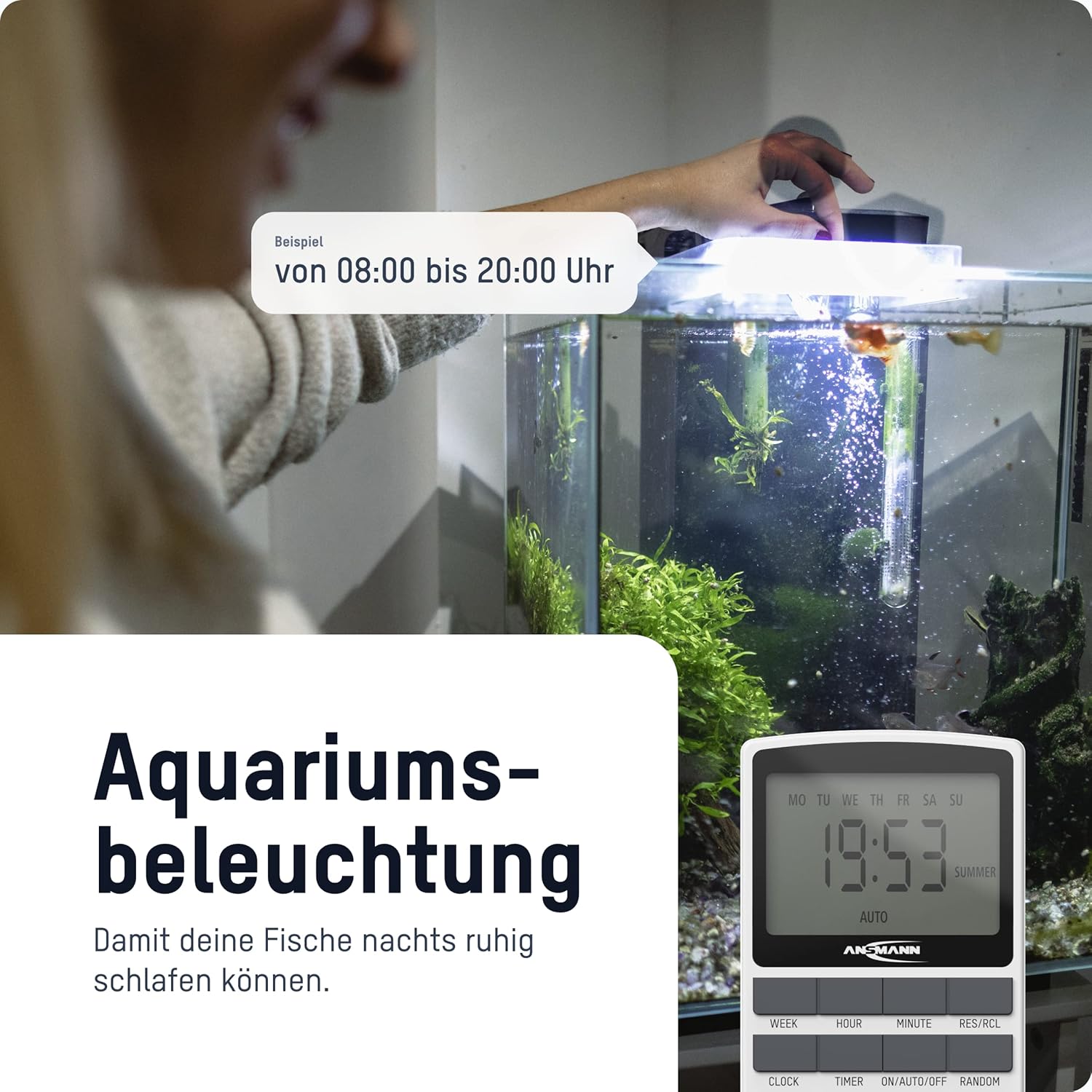
Ffigur 4: The timer switch automating aquarium lighting, ensuring fish have a regular light cycle, for example, o 08:00 i 20:00.
2. Modd YMLAEN/AUTO/DIFFODD â Llaw
Gwasgwch y YMLAEN / AWTO / I FFWRDD botwm i gylchu trwy'r dulliau gweithredu:
- AR: The connected device is continuously ON, overriding all programs.
- CAR: The connected device operates according to the programmed ON/OFF times. This is the standard operating mode for automated control.
- I FFWRDD: The connected device is continuously OFF, overriding all programs.
3. Swyddogaeth ar hap
The random function is designed to simulate presence in your home by randomly switching the connected device ON and OFF within a specific time window (e.g., 18:00 to 06:00). This can deter potential intruders.
To activate the random function, press the AR HYNNY button. "RANDOM" will appear on the display. Press it again to deactivate.
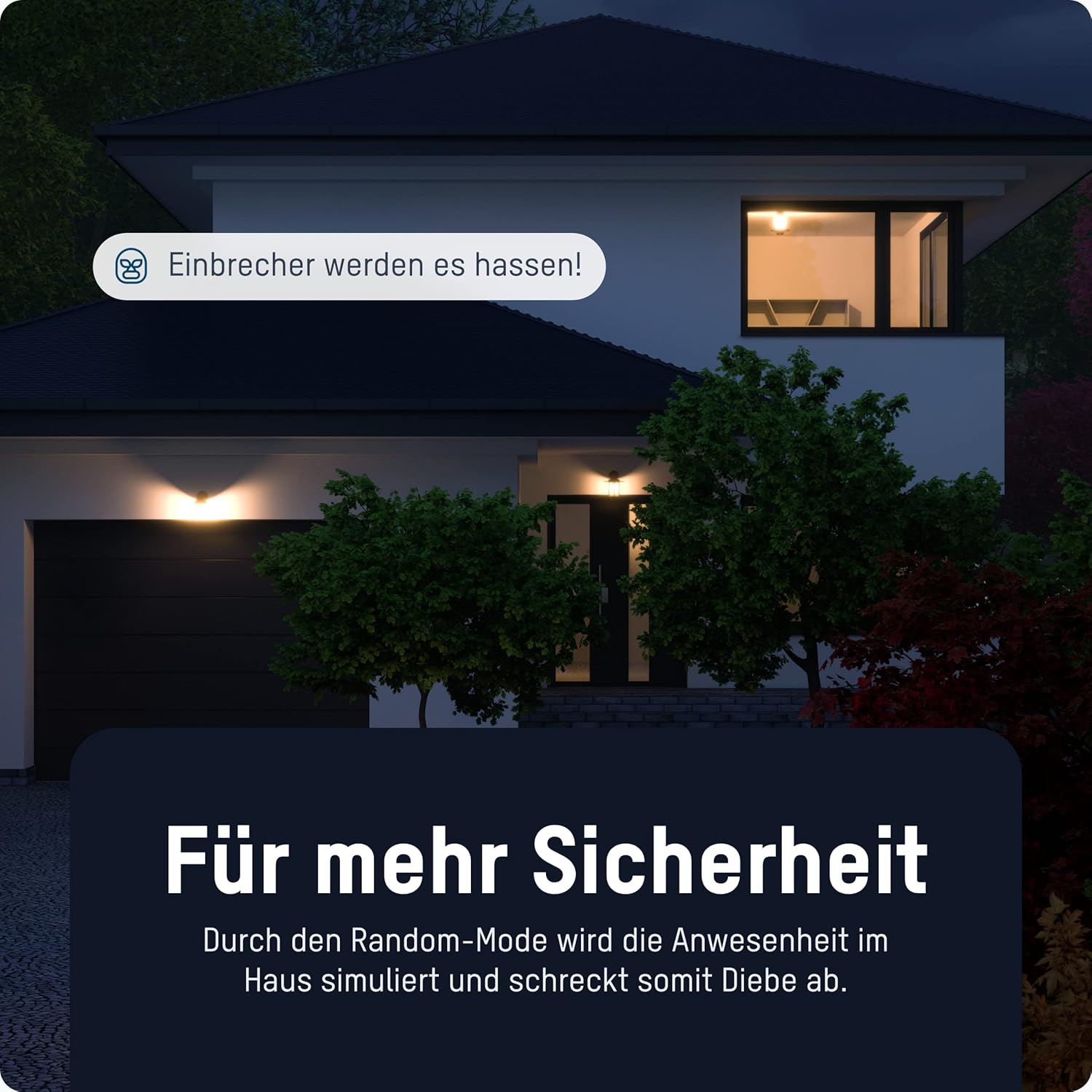
Ffigur 5: The timer switch utilizing its random mode to simulate occupancy, enhancing home security by randomly turning lights on and off.
Cynnal a chadw
The ANSMANN AES4 Timer Switch requires minimal maintenance.
- Glanhau: Wipe the device with a soft, dry cloth. Do not use abrasive cleaners or solvents. Ensure the device is unplugged before cleaning.
- Storio: If storing the device for an extended period, ensure it is unplugged and kept in a dry, cool place.
- Batri: The internal battery is designed for memory retention during power outages. It is not user-replaceable.
Datrys problemau
If you encounter issues with your ANSMANN AES4 Timer Switch, try the following steps:
- Mae'r arddangosfa'n wag neu'n anymatebol: Ensure the timer is plugged into a live power outlet. If it has been unplugged for a long time, the internal battery might be depleted. Plug it in for at least 30 minutes to charge.
- Programs are not running:
- Check if the timer is in "AUTO" mode. If it's in "ON" or "OFF" mode, programs will be overridden.
- Verify that the current time and day are set correctly.
- Review your programmed ON/OFF times to ensure they are set as intended and do not conflict.
- Device connected to timer is not turning ON/OFF:
- Ensure the connected device is properly plugged into the timer switch.
- Check if the connected device itself is working by plugging it directly into a wall socket.
- Ensure the timer switch is receiving power.
- Random function not working: Ensure the "RANDOM" indicator is visible on the display.
- Camweithrediad cyffredinol: Perform a full reset of the device by pressing the recessed AILOSOD button. Note that this will erase all programmed settings.
Manylebau
| Nodwedd | Manylyn |
|---|---|
| Rhif Model | 1260-0006 |
| Dimensiynau Cynnyrch | 2.36 x 2.35 x 5.31 modfedd |
| Pwysau Eitem | 5.4 owns (153 gram) |
| Maint Sgrin | 2.1 modfedd |
| Max. Sgorio Pwer | 3680 W (as per product title/description) |
| Newid Amseroedd | Up to 10 ON/OFF programs per day/week |
| Swyddogaethau | Digital Timer, Random Function, Summer Time, 12/24-hour display |
Gwarant a Chefnogaeth
For detailed warranty information and technical support, please refer to the official Ansmann websafle neu cysylltwch â'u gwasanaeth cwsmeriaid yn uniongyrchol. Cadwch eich derbynneb prynu fel prawf o brynu.
Official Ansmann Websafle: www.ansmann.de
Ask a question about this manual
Ask about setup, troubleshooting, compatibility, parts, safety, or missing instructions. Manuals+ will review the question and use this page’s manual context to help answer it.