
Rhagymadrodd
The Ozeri Pro Digital Kitchen Food Scale is engineered for precise measurement in culinary applications. This manual provides essential information for the proper setup, operation, and maintenance of your scale to ensure optimal performance and longevity.
Nodweddion Cynnyrch
- Graddiadau Cywir: Measures with accuracy of 0.05 oz or 1 gram.
- Wide Capacity Range: Supports weights from 0.05 oz up to 12 lbs (1 gram to 5.4 kg).
- Rhyngwyneb Defnyddiwr-gyfeillgar: Features oversized buttons for easy operation.
- Sgrin LCD fawr: Provides clear weight readings in pounds (lbs), kilograms (kg), grams (g), and ounces (oz).
- Automatic Tare Function: Calculates net weight by subtracting the container's weight.
- Awtomatig diffodd: Conserves battery life with a 3-minute auto turn-off feature.
- Dyluniad Compact: Ysgafn a hawdd i'w storio.
Gosod
Gosod Batri
The Ozeri Pro Digital Kitchen Food Scale requires two (2) AAA batteries for operation. These batteries are included with your purchase.
- Lleolwch y compartment batri ar ochr isaf y raddfa.
- Agorwch y clawr adran batri.
- Mewnosodwch y ddau fatri AAA, gan sicrhau'r polaredd cywir (+/-).
- Caewch y clawr adran batri yn ddiogel.

Video: Demonstrating battery installation on the Ozeri Digital Kitchen Scale.
Nodyn: For optimal performance, use fresh batteries. Remove batteries if the scale will not be used for an extended period.
Cyfarwyddiadau Gweithredu
Troi Ymlaen/Diffodd
- Gwasgwch y AR / I FFWRDD / RHYFEDD button to turn the scale on. The LCD will display '0.00' when ready.
- I ddiffodd, pwyswch a daliwch y AR / I FFWRDD / RHYFEDD button for a few seconds, or allow the automatic 3-minute shut-off feature to activate.
Newid Unedau Mesur
The scale can display measurements in grams (g), ounces (oz), pounds (lb), and kilograms (kg).
- Gyda'r raddfa ymlaen, pwyswch y UNED botwm i feicio drwy'r unedau sydd ar gael.
- Select your desired unit (g, oz, lb, kg) before weighing.
Defnyddio'r Swyddogaeth Tare
The Tare function allows you to subtract the weight of a container or previous ingredients, ensuring you measure only the new item.
- Rhowch gynhwysydd gwag ar y platfform pwyso. Bydd yr arddangosfa'n dangos ei bwysau.
- Gwasgwch y AR / I FFWRDD / RHYFEDD botwm. Bydd yr arddangosfa yn ailosod i '0.00'.
- Add your ingredients to the container. The display will now show only the weight of the added ingredients.
- Repeat the Tare function as needed for multiple ingredients.
Video: Demonstrating the unit and tare functions of the Ozeri Digital Kitchen Scale.
Fideo: Drosoddview of the Ozeri Pro Digital Food Scale, highlighting its features and ease of use.
Eitemau Pwyso
- Ensure the scale is on and displaying '0.00' in your desired unit.
- Carefully place the item(s) to be weighed onto the center of the weighing platform.
- Darllenwch y pwysau a ddangosir ar y sgrin LCD.
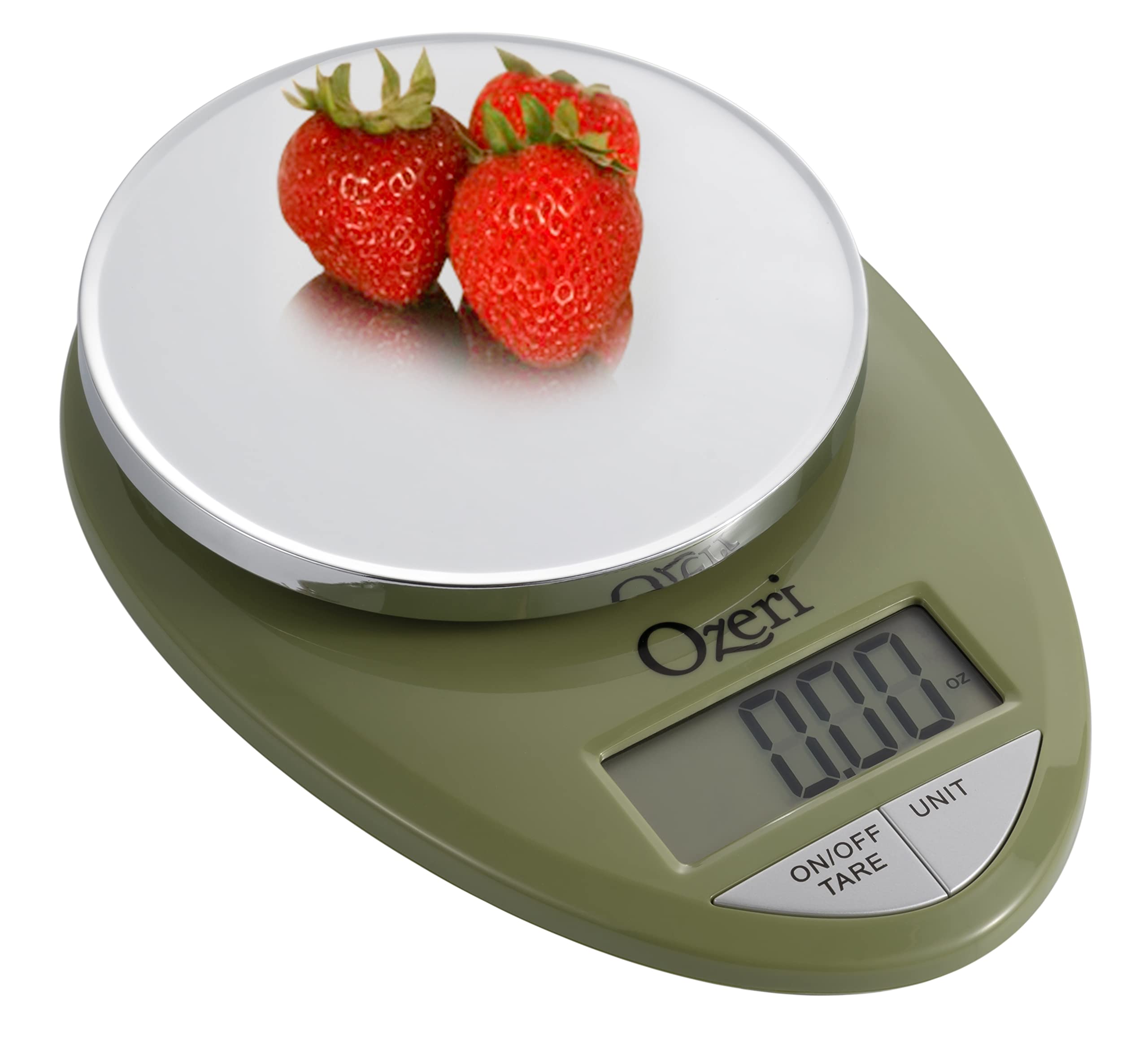
Image: The Ozeri Pro Digital Kitchen Food Scale displaying a weight with a small bowl of herbs on its platform.

Image: The Ozeri Pro Digital Kitchen Food Scale displaying a weight with a small ramekin of blueberries on its platform.
Cynnal a chadw
Glanhau
- Wipe the scale surface clean with a damp cloth. Avoid abrasive cleaners or submerging the unit in water.
- Ensure the scale is dry before storage or next use.
Storio
The compact design of the Ozeri Pro Digital Kitchen Food Scale allows for easy storage in a drawer or cabinet when not in use.

Delwedd: Ochr view of the Ozeri Pro Digital Kitchen Food Scale, demonstrating its slim profile ar gyfer storio cyfleus.
Datrys problemau
- Darlleniadau Anghywir: Ensure the scale is placed on a flat, stable surface. Avoid placing items that exceed the maximum weight capacity.
- Arddangosfa Ddim yn Troi Ymlaen: Gwiriwch a yw'r batris wedi'u gosod yn gywir a bod digon o wefr arnynt. Amnewidiwch y batris os oes angen.
- Dangos Negeseuon Gwall: Refer to the full product manual (if available) or contact Ozeri customer support for specific error code interpretations.
Manylebau
| Nodwedd | Manylyn |
|---|---|
| Brand | Ozeri |
| Rhif Model | ZK12-GN |
| Gallu | 0.05 oz to 12 lbs (1 gram to 5.4 kg) |
| Graddio | 0.05 oz or 1 gram |
| Math Arddangos | LCD |
| Unedau Mesur | grams, ounces, pounds, kilograms |
| Nodweddion Arbennig | Automatic Tare, 3-minute Auto Shut-off, Large Display |
| Ffynhonnell Pwer | 2 batris AAA (wedi'u cynnwys) |
| Deunydd | Pholycarbonad |
| Dimensiynau Cynnyrch | 10 x 7 x 4 modfedd |
| Pwysau Eitem | 9.6 owns |
Gwarant a Chefnogaeth
For information regarding product warranty, returns, or technical support, please refer to the official Ozeri website or contact their customer service directly. Details are typically provided in the packaging or on the manufacturer's official support pages.