
Rhagymadrodd
Diolch am brynuasing the Hoco HC4 5.0 Wireless Bluetooth Sport Speaker. This manual provides detailed instructions for the proper setup, operation, and maintenance of your device. Please read this manual thoroughly before use to ensure optimal performance and to prevent damage.
Cynnyrch Drosview
The Hoco HC4 is a portable wireless speaker designed for outdoor and sport use, featuring Bluetooth 5.0 connectivity, multiple playback options, and a robust design.
Cynnwys y Pecyn:
- Hoco HC4 Wireless Bluetooth Speaker
- Cebl Codi Tâl USB
- Llawlyfr Defnyddiwr
Rheolaethau a Phyrth:
Familiarize yourself with the speaker's buttons and connection ports:

Delwedd: Close-up of the Hoco HC4 speaker showing the AUX port, DC-5V charging port, USB port, TF card slot, and control buttons.
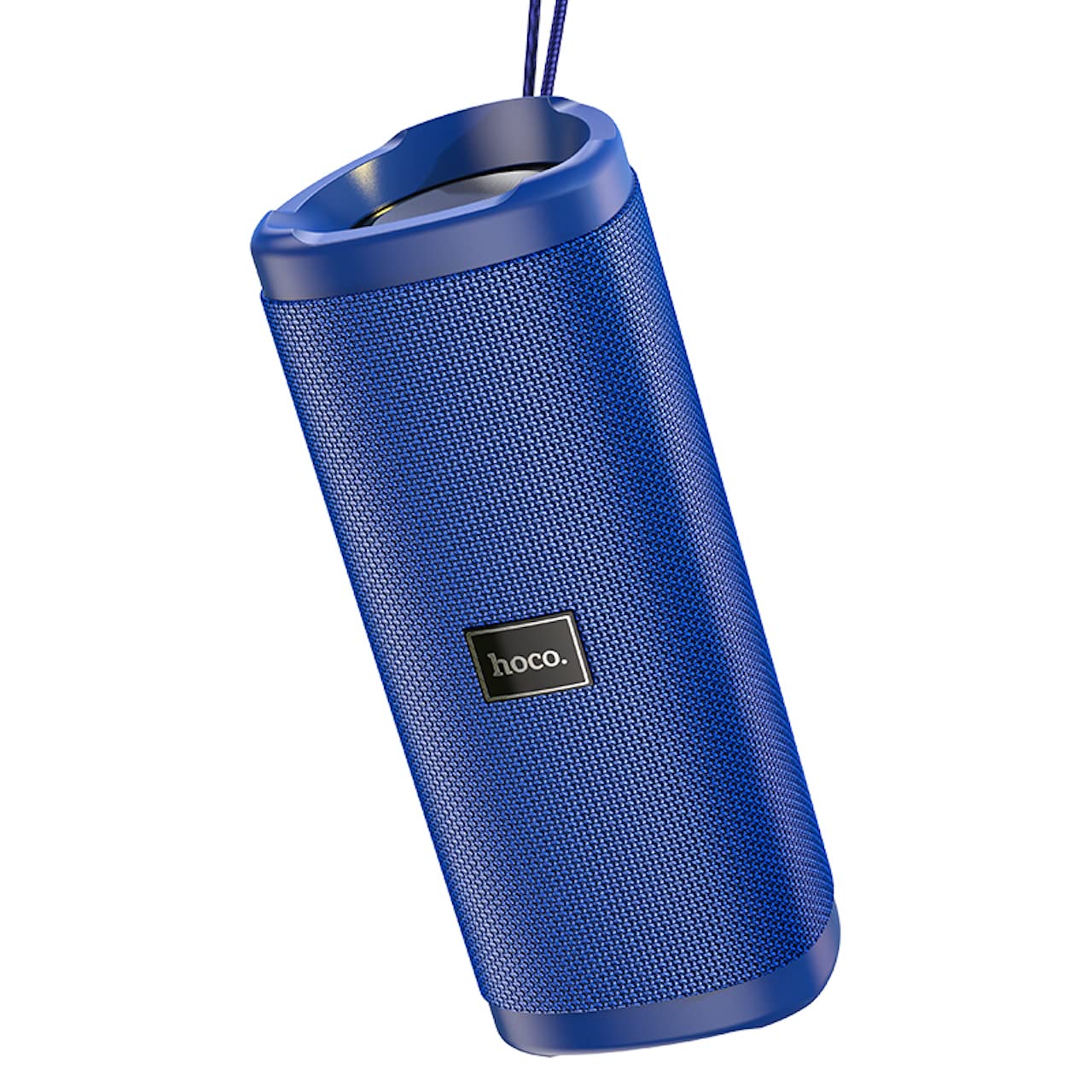
Delwedd: Ongl view of the Hoco HC4 blue wireless speaker, highlighting its cylindrical design and fabric mesh.
- Botwm Pŵer: Pwyswch a daliwch i droi ymlaen/diffodd. Pwyswch yn fyr i chwarae/oedi.
- Botwm Modd (M): Short press to switch between Bluetooth, FM Radio, TF Card, USB, and AUX modes.
- Botwm Cyfaint i Lawr / Trac Blaenorol (-): Pwyswch yn fyr am y trac blaenorol, pwyswch yn hir i ostwng y gyfrol.
- Botwm Cyfaint i Fyny / Trac Nesaf (+): Pwyswch yn fyr am y trac nesaf, pwyswch yn hir i gynyddu'r gyfrol.
- Porthladd AUX: For wired audio connection using a 3.5mm audio cable.
- Porthladd DC-5V: For charging the speaker using the provided USB cable.
- Porth USB: Ar gyfer chwarae sain o yriant fflach USB.
- Slot Cerdyn TF: Ar gyfer chwarae sain o gerdyn TF (MicroSD).
Gosod
Tâl Cychwynnol:
- Cyn ei ddefnyddio gyntaf, gwefrwch y siaradwr yn llawn.
- Connect the small end of the USB charging cable to the DC-5V port on the speaker.
- Connect the larger end of the USB cable to a USB power adapter (5V/1A recommended) or a computer's USB port.
- Bydd y golau dangosydd gwefru yn goleuo yn ystod gwefru ac yn diffodd pan fydd wedi'i wefru'n llawn.
Cyfarwyddiadau Gweithredu
Pŵer ymlaen / i ffwrdd:
- I Bweru Ymlaen: Press and hold the Power button for approximately 3 seconds. You will hear an audible prompt.
- I Bweru i ffwrdd: Press and hold the Power button for approximately 3 seconds. You will hear an audible prompt.
Pâr Bluetooth:
- Ensure the speaker is powered on and in Bluetooth mode (indicated by a flashing blue LED and an audible prompt). If not, short press the 'M' (Mode) button to switch to Bluetooth mode.
- Galluogwch Bluetooth ar eich dyfais symudol (ffôn clyfar, tabled, ac ati).
- Chwiliwch am available Bluetooth devices. Select "HC4" from the list.
- Once paired, the blue LED will stop flashing and remain solid, and you will hear a confirmation sound.
- Gallwch nawr chwarae sain o'ch dyfais drwy'r siaradwr.
Modd Radio FM:
- Short press the 'M' (Mode) button until you hear the FM radio prompt.
- To auto-scan and save available stations, short press the Power button. The speaker will scan and store stations automatically.
- Use the '-' and '+' buttons to navigate between saved stations.
TF Card / USB Playback:
- Insert a TF (MicroSD) card or USB flash drive into the respective slot.
- The speaker will automatically switch to TF card or USB mode and begin playing audio files. If not, short press the 'M' (Mode) button to select the correct mode.
- Use the Power button to play/pause, and the '-' and '+' buttons for track navigation and volume control.
Modd AUX:
- Cysylltwch un pen cebl sain 3.5mm (heb ei gynnwys) â'r porthladd AUX ar y siaradwr.
- Connect the other end to the audio output of your device (e.g., laptop, MP3 player).
- Short press the 'M' (Mode) button to switch to AUX mode.
- Audio will now play through the speaker. Volume can be controlled via the speaker or your connected device.
Swyddogaeth Stereo Di-wifr Gwir (TWS):
The TWS function allows you to pair two Hoco HC4 speakers together for a stereo sound experience.
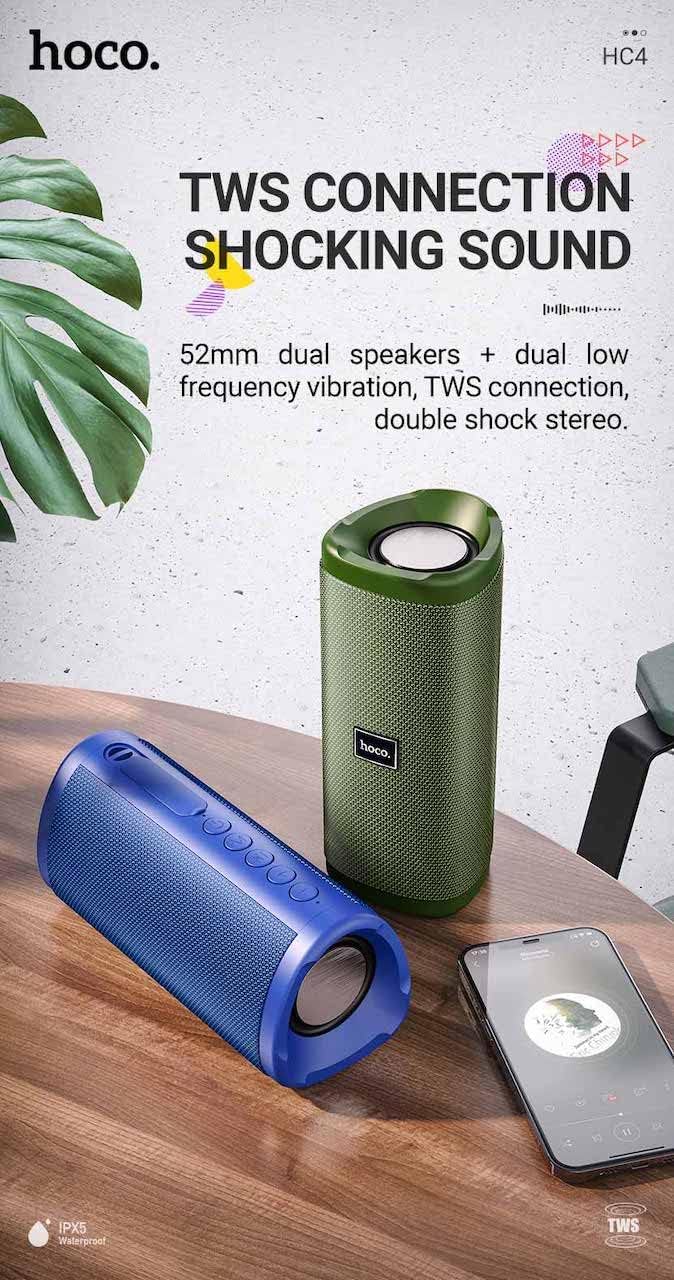
Delwedd: A promotional image showing two Hoco HC4 speakers (blue and green) connected via TWS, with a smartphone playing music. The image also highlights 'IPX5 Waterproof'.
- Ensure both HC4 speakers are powered on and in Bluetooth pairing mode (flashing blue LED).
- On one of the speakers (this will be the primary speaker), double-press the Power button. You will hear a tone indicating it is searching for another speaker.
- The two speakers will automatically connect to each other. Once connected, you will hear a confirmation sound, and the LED on the primary speaker will flash, while the secondary speaker's LED will be solid.
- Now, connect your mobile device to the primary speaker via Bluetooth as described in the "Bluetooth Pairing" section.
- Bydd sain nawr yn chwarae mewn stereo drwy'r ddau siaradwr.
Codi tâl
When the battery is low, the speaker will emit an audible warning. Connect the speaker to a power source using the provided USB cable to recharge. A full charge takes approximately 2-3 hours. The speaker provides up to 3 hours of playtime on a full charge, depending on volume level and usage.
Cynnal a chadw
Glanhau:
Sychwch y siaradwr gyda lliain meddal, sych. Peidiwch â defnyddio glanhawyr sgraffiniol, alcohol, na thoddyddion cemegol eraill, gan y gall y rhain niweidio'r wyneb.
Storio:
Store the speaker in a cool, dry place away from direct sunlight and extreme temperatures. If storing for an extended period, charge the battery at least once every three months to prolong its lifespan.
Gwrthiant Dŵr (IPX5):
The Hoco HC4 speaker features an IPX5 water resistance rating, meaning it is protected against low-pressure water jets from any direction. This makes it suitable for outdoor use and resistant to splashes and light rain. Peidiwch â boddi'r siaradwr mewn dŵr. Ensure the port cover is securely closed to maintain water resistance.
Datrys problemau
| Problem | Achos Posibl | Ateb |
|---|---|---|
| Nid yw'r siaradwr yn troi ymlaen | Batri isel; Botwm pŵer heb ei wasgu'n ddigon hir | Charge the speaker; Press and hold the Power button for 3 seconds |
| Dim sain | Cyfaint yn rhy isel; Modd anghywir; Dyfais heb ei chysylltu | Increase volume; Switch to correct mode (Bluetooth, AUX, etc.); Ensure device is paired/connected |
| Mae paru Bluetooth yn methu | Nid yw'r siaradwr yn y modd paru; Diffoddwch Bluetooth y ddyfais; Rhy bell o'r siaradwr | Ensure speaker is in Bluetooth mode (flashing LED); Turn on device Bluetooth; Move device closer (within 10m) |
| Mae paru TWS yn methu | Speakers not in TWS pairing mode; Too far apart | Ensure both speakers are in Bluetooth mode, then double-press Power button on one; Keep speakers close during TWS pairing |
Manylebau

Delwedd: The Hoco HC4 speaker with its dimensions clearly marked: 20 cm in length, 8.8 cm in height, and 8.1 cm in width.
- Brand: Hoco
- Model: HC4
- Fersiwn Bluetooth: 5.0
- Pŵer Allbwn: 10W
- Maint Siaradwr: 52mm
- Cynhwysedd Batri: 1500mAh
- Amser chwarae: Tua 3 awr (ar gyfaint 80%)
- Amser Codi Tâl: Tua 2-3 awr
- Dimensiynau: 200 x 88 x 81 mm (Length x Height x Width)
- Pwysau: 540 gram
- Opsiynau Cysylltedd: Bluetooth, FM Radio, TF Card, USB, AUX
- Gwrthiant Dŵr: IPX5 (Gwrth-sblasio)
- Math o reolaeth: Botwm
Gwybodaeth Diogelwch
- Peidiwch ag amlygu'r siaradwr i dymheredd eithafol na golau haul uniongyrchol am gyfnodau hir.
- Osgoi gollwng neu orfodi'r siaradwr i effeithiau cryf.
- Keep the speaker away from water and liquids, especially when ports are open.
- Do not attempt to disassemble, repair, or modify the speaker yourself. This will void the warranty and may cause damage.
- Defnyddiwch y gyfaint gwefru penodedig yn unigtage (DC 5V) and the provided charging cable.
- Cadwch allan o gyrraedd plant.
Gwarant a Chefnogaeth
This product is covered by a standard manufacturer's warranty. For specific warranty terms and conditions, please refer to the warranty card included with your purchase or contact your local retailer. For technical support or service inquiries, please contact Hoco customer service or the authorized distributor in your region.


