
Wireless Gear G0679
Wireless Gear Bluetooth 5.0 True Wireless Stereo Earbuds User Manual
Model: G0679
Rhagymadrodd
This manual provides comprehensive instructions for the Wireless Gear Bluetooth 5.0 True Wireless Stereo Earbuds. Please read this manual carefully before using the product to ensure proper operation and to maximize your listening experience. Keep this manual for future reference.
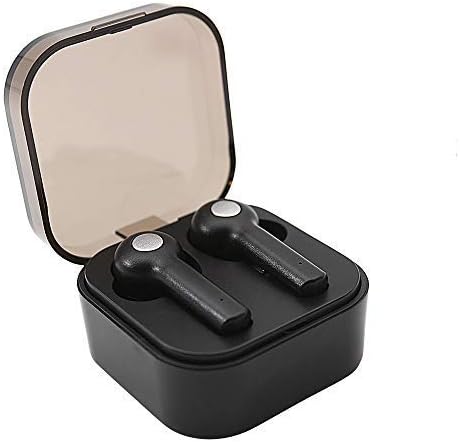
Image: Wireless Gear True Wireless Earbuds in their open charging case, showcasing eu dyluniad cryno.
Cynnwys Pecyn
Sicrhewch fod yr holl eitemau yn bresennol yn y pecyn:
- Wireless Gear True Wireless Earbuds (Left and Right)
- Achos Codi Tâl Cludadwy
- Cebl Codi Tâl USB
- Llawlyfr Defnyddiwr (y ddogfen hon)
- Additional Ear Gels (various sizes)
Nodweddion Cynnyrch
- Technoleg Bluetooth 5.0: Yn darparu cysylltiad diwifr sefydlog ac effeithlon.
- Gwir Stereo Di-wifr (TWS): Delivers rich audio and powerful bass.
- Meicroffon Integredig: Yn galluogi galwadau di-dwylo.
- Rheolaeth Gyffwrdd: Manage music playback, calls, and voice assistant activation directly from the earbuds.
- Auto Pair & Auto Power On: Seamless pairing with previously connected devices.
- Noise-Isolating Ear Gels: Designed for comfort and enhanced sound acoustics.
- Achos Codi Tâl Cludadwy: Extends playtime and protects earbuds.
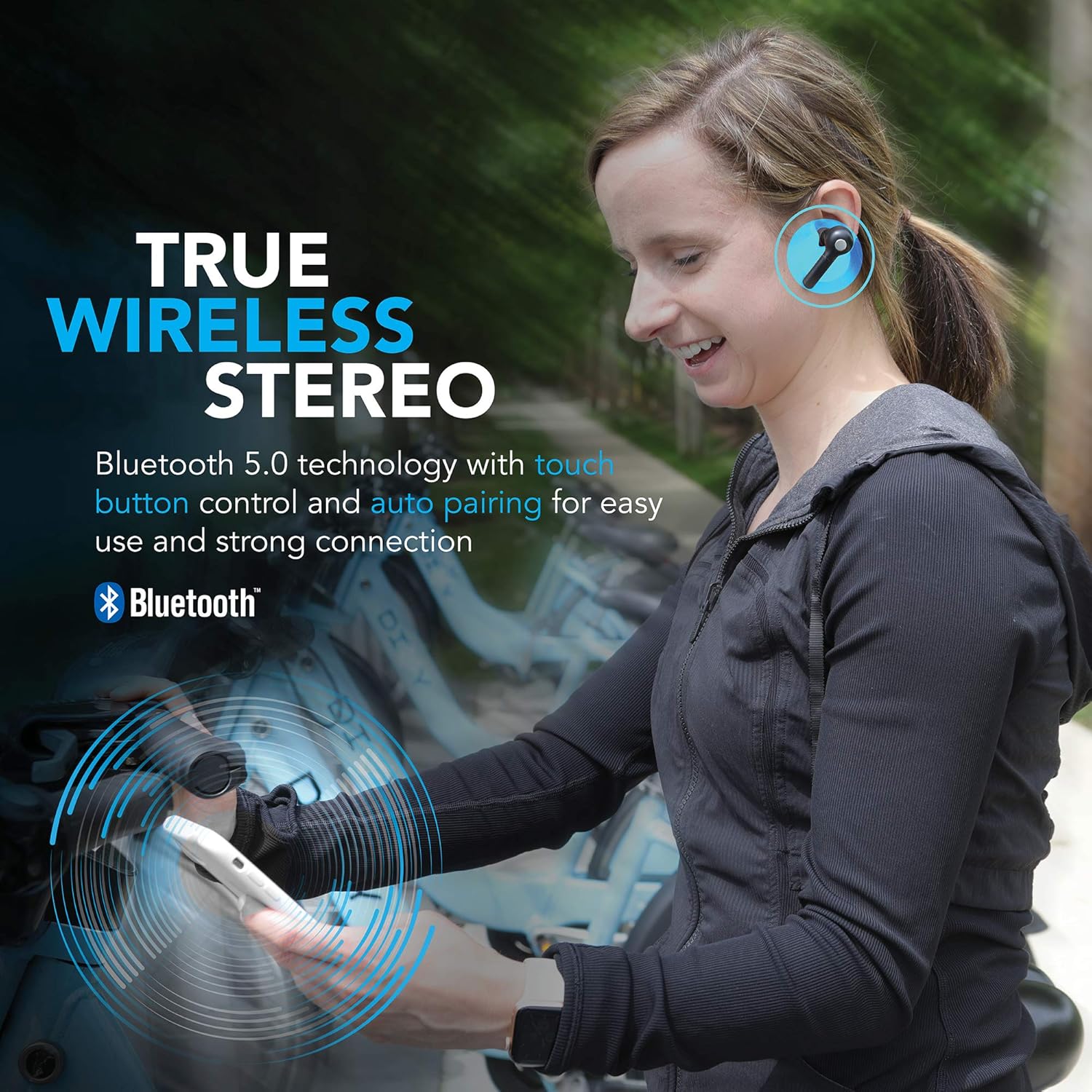
Image: A woman wearing the Wireless Gear earbuds, illustrating the true wireless stereo and Bluetooth 5.0 capabilities.

Image: A woman using the earbuds for hands-free communication, highlighting the built-in microphone feature.
Gosod a Defnydd Cyntaf
1. Gwefru'r Clustffonau a'r Cas
Before first use, fully charge the earbuds and the charging case. Place the earbuds into the charging case. Connect the USB charging cable to the charging port on the case and the other end to a USB power source (e.g., computer, wall adapter).
- The charging indicator lights on the case will show charging status.
- A full charge provides up to 2.5 hours of playtime for the earbuds, and the case can provide 4-5 additional charges, totaling up to 8 hours of playtime.
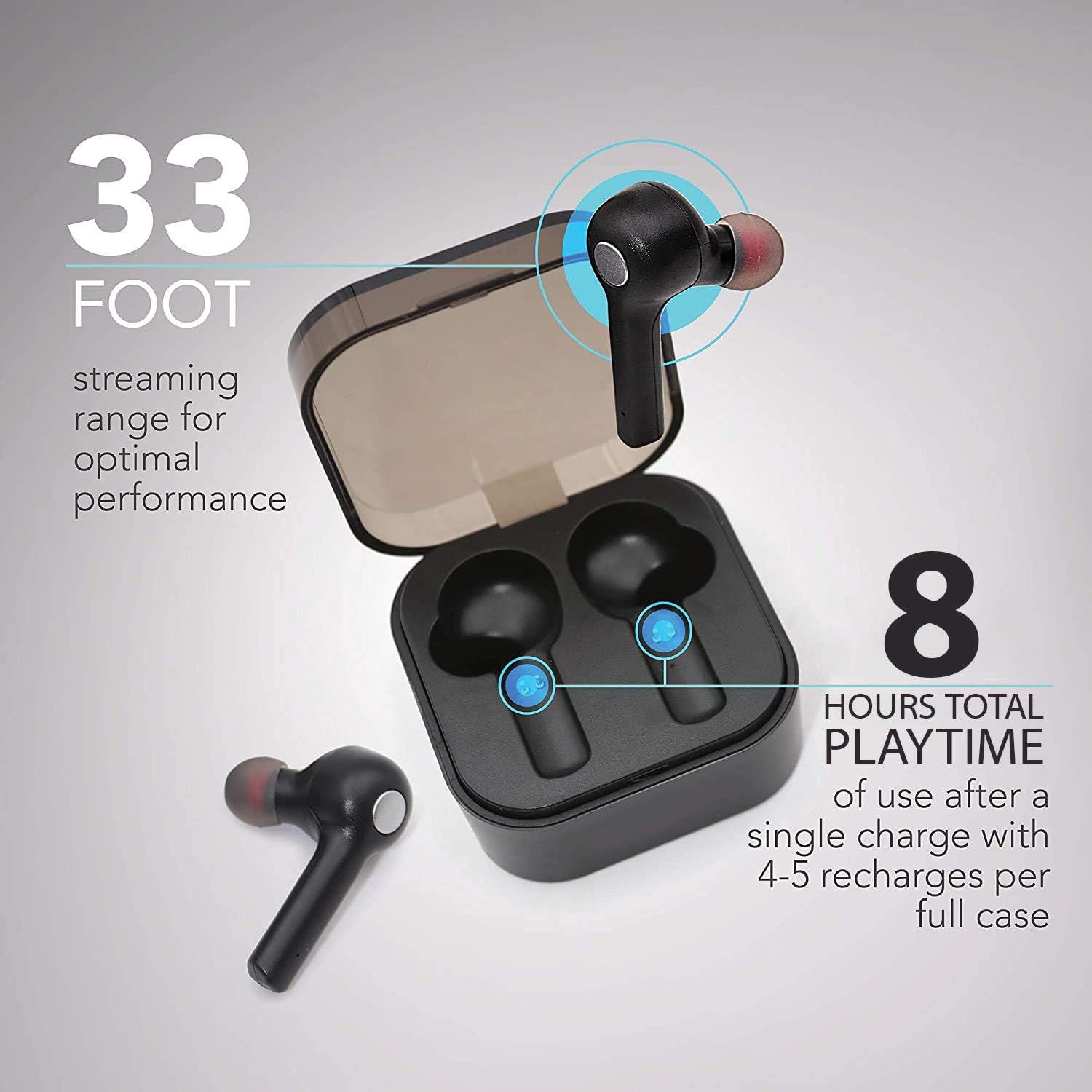
Image: The earbuds in their charging case, illustrating the 33-foot range and 8 hours of total playtime with the case.
2. Paru â Dyfais
- Sicrhewch fod y clustffonau wedi'u gwefru.
- Agorwch y cas gwefru. Bydd y clustffonau'n troi ymlaen yn awtomatig ac yn mynd i mewn i'r modd paru.
- Ar eich dyfais (ffôn clyfar, tabled, gliniadur), galluogwch Bluetooth.
- Chwiliwch am dyfeisiau Bluetooth sydd ar gael.
- Select "Wireless Gear Earbuds" (or similar name) from the list.
- Ar ôl cysylltu, byddwch yn clywed tôn cadarnhau, a bydd goleuadau dangosydd y clustffonau yn newid.
The earbuds feature auto-pair functionality, meaning they will automatically connect to the last paired device when removed from the case, if Bluetooth is enabled on that device.
Cyfarwyddiadau Gweithredu
Gwisgo'r Earbuds
Gently insert the earbuds into your ears. Adjust them for a comfortable and secure fit. The noise-isolating ear gels are designed to provide optimal sound acoustics and comfort.

Image: A man demonstrating the proper fit of the earbud, emphasizing the comfort and sound isolation provided by the ear gels.
Rheolaethau Cyffwrdd
The earbuds feature intuitive touch controls on the side of each earbud. Refer to the table below for common functions:
| Gweithred | Swyddogaeth |
|---|---|
| Tap Sengl (Clustffon Chwith/Dde) | Chwarae/Saib Cerddoriaeth, Ateb/Diweddu Galwad |
| Tap dwbl (Clust i'r Dde) | Can nesaf |
| Tap Dwbl (Clust Chwith) | Caniad Blaenorol |
| Tap Driphlyg (Clustffon Chwith/Dde) | Activate Voice Assistant (Siri for iOS) |
| Pwyswch Hir (Clustffon Chwith/Dde) | Gwrthod Galwad |
Pŵer Ymlaen / Diffodd
- Pŵer Ymlaen: Tynnwch y clustffonau o'r cas gwefru. Byddant yn troi ymlaen yn awtomatig.
- Pwer i ffwrdd: Rhowch y clustffonau yn ôl yn y cas gwefru. Byddant yn diffodd yn awtomatig ac yn dechrau gwefru.
Cynnal a Chadw a Gofal
- Glanhau: Defnyddiwch frethyn meddal, sych i lanhau'r clustffonau a'r cas gwefru. Peidiwch â defnyddio cemegau llym na deunyddiau sgraffiniol.
- Geliau Clust: Periodically remove and clean the ear gels with a damp lliain. Gwnewch yn siŵr eu bod yn hollol sych cyn eu hailgysylltu.
- Storio: Pan nad ydynt yn cael eu defnyddio, storiwch y clustffonau yn eu cas gwefru i'w hamddiffyn a'u cadw'n wefredig.
- Osgoi Dŵr: Nid yw'r clustffonau'n dal dŵr. Osgowch amlygiad i ddŵr, lleithder, neu dymheredd eithafol.
- Gofal Batri: Er mwyn ymestyn oes y batri, osgoi rhyddhau'r clustffonau a'r cas yn llwyr yn aml. Gwefrwch nhw'n rheolaidd.
Datrys problemau
| Problem | Achos Posibl | Ateb |
|---|---|---|
| Clustffonau ddim yn paru | Nid yw'r clustffonau yn y modd paru; Bluetooth i ffwrdd ar y ddyfais; dyfais a barwyd yn flaenorol yn ymyrryd. | Ensure earbuds are out of case and indicator lights are flashing. Turn Bluetooth off and on again on your device. Forget previous pairings on your device and try again. |
| Dim ond un earbud yn gweithio | Earbuds not properly synced; one earbud out of charge. | Rhowch y ddau glustffon yn ôl yn y cas gwefru, caewch y caead, yna agorwch ef eto. Gwnewch yn siŵr bod y ddau glustffon wedi'u gwefru. |
| Dim sain na chyfaint isel | Volume too low on device; earbuds not connected; media source issue. | Increase volume on your connected device. Reconnect earbuds. Check if audio is playing from the correct source on your device. |
| Achos codi tâl nid codi tâl | Cebl neu ffynhonnell bŵer diffygiol. | Try a different USB cable and/or power adapter. Ensure connections are secure. |
| Poor sound quality / Disconnections | Rhy bell o'r ddyfais; ymyrraeth; batri isel. | Move closer to your device (within 33 ft). Avoid strong electromagnetic interference. Charge earbuds and case. |
Manylebau
| Nodwedd | Manylyn |
|---|---|
| Rhif Model | G0679 |
| Fersiwn Bluetooth | 5.0 |
| Di-wifr Range | Hyd at 33 troedfedd (10 metr) |
| Amser Chwarae Earbud | Hyd at 2.5 awr y tâl |
| Cyfanswm Amser Chwarae (gyda chas) | Up to 8 hours (4-5 recharges from case) |
| Math o Reoli | Rheoli Cyffwrdd |
| Meicroffon | Adeiledig |
| Deunydd | Plastig |
| Math Batri | Ion Lithiwm |
| Earbud Dimensions (approx.) | Refer to image for detailed dimensions. |
| Case Dimensions (approx.) | 2.25" x 2.25" x 0.75" (5.7 x 5.7 x 1.9 cm) |

Image: Detailed dimensions of the earbuds and charging case for reference.
Gwybodaeth Gwarant
For warranty details and terms, please refer to the warranty card included with your product or contact Wireless Gear customer support. Keep your purchase receipt as proof of purchase.
Cefnogaeth i Gwsmeriaid
If you encounter any issues or have questions not covered in this manual, please contact Wireless Gear customer support. Visit the official Wireless Gear websafle ar gyfer gwybodaeth gyswllt a chwestiynau cyffredin.
Gwneuthurwr: ESI Wireless Accessories
Ask a question about this manual
Ask about setup, troubleshooting, compatibility, parts, safety, or missing instructions. Manuals+ will review the question and use this page’s manual context to help answer it.