
Wireless Gear G0688
Wireless Gear Secure Fit Wireless Bluetooth Earbuds
Llawlyfr Defnyddiwr
Model: G0688
Rhagymadrodd
Diolch am brynuasing the Wireless Gear Secure Fit Wireless Bluetooth Earbuds. This manual provides essential information for setting up, operating, maintaining, and troubleshooting your new device. Please read it carefully to ensure optimal performance and longevity of your earbuds.
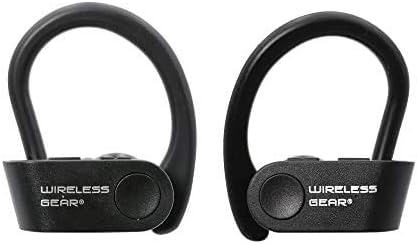
Image: A pair of black Wireless Gear Secure Fit Wireless Bluetooth Earbuds, showing their ergonomic design with ear hooks.
Gosod
Follow these steps to set up your Wireless Gear earbuds for the first time.
1. Codi Tâl y Earbuds
Before first use, ensure the earbuds are fully charged. While specific charging instructions are not provided, these earbuds typically charge via a USB cable. Connect the charging cable to the earbuds and a power source. A full charge usually takes 1-2 hours.
2. Paru â'ch Dyfais
The Wireless Gear earbuds feature automatic pairing for seamless connection.
- Ensure your earbuds are charged and powered on.
- Activate Bluetooth on your smartphone, tablet, laptop, or MP3 player.
- Chwiliwch am available Bluetooth devices. The earbuds should appear as "Wireless Gear Earbuds" or a similar name.
- Select the earbuds from the list to connect. Once connected, you will hear an audio confirmation.
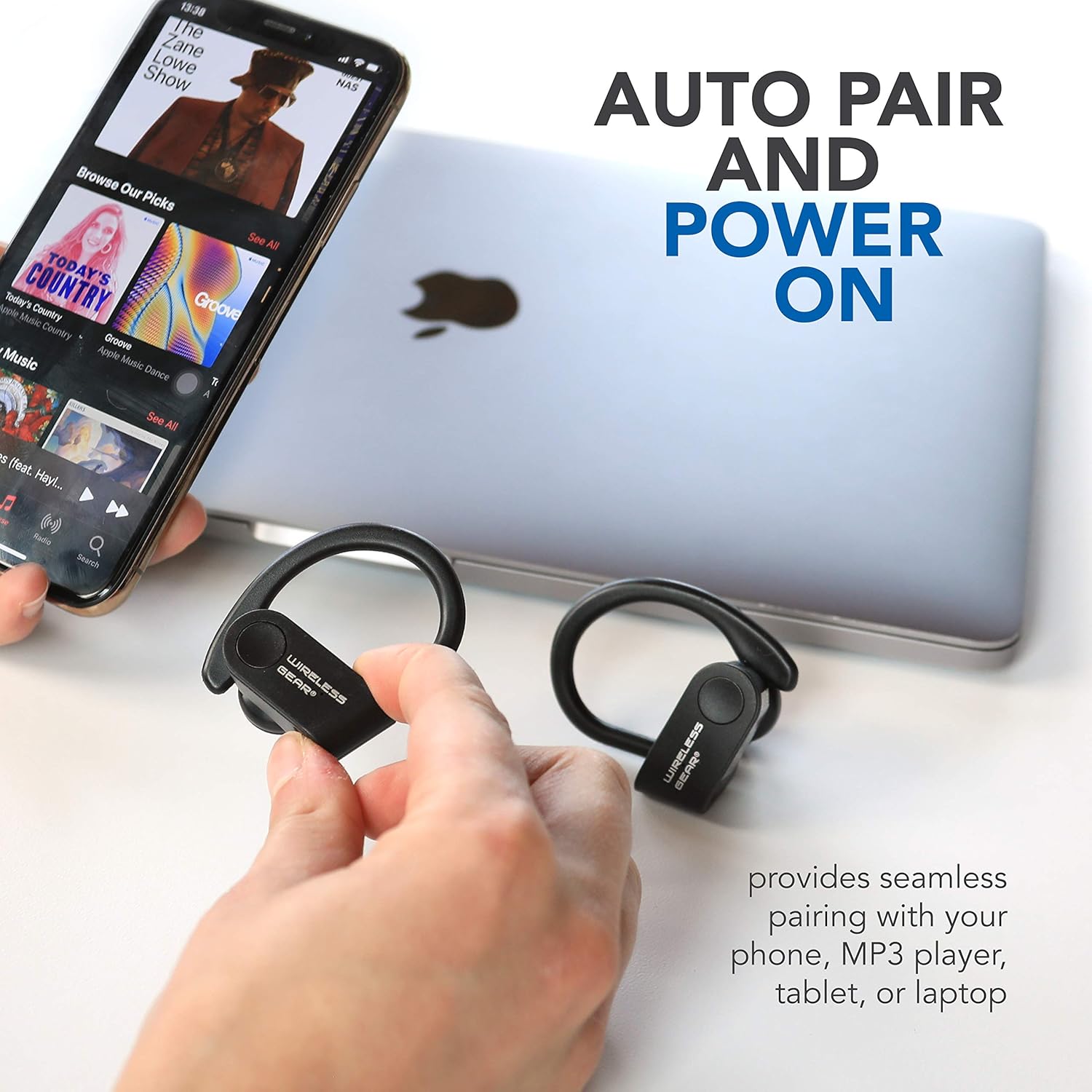
Image: The earbuds shown next to a smartphone and laptop, illustrating the automatic pairing and power-on feature for seamless connection with various devices.
3. Sicrhau Ffit Diogel
The earbuds are designed with secure behind-the-ear hooks and ear gels for comfortable all-day wear, especially during activities like sports.
- Gently place the earbud into your ear canal.
- Position the ear hook over the back of your ear, ensuring it rests comfortably and securely.
- Adjust the earbud and hook until you achieve a snug fit that feels stable without causing discomfort.

Image: A person wearing the Wireless Gear earbuds, demonstrating the secure behind-the-ear fit provided by the contoured shape and ear hooks.
Cyfarwyddiadau Gweithredu
The Wireless Gear earbuds feature convenient one-touch controls for easy operation.
Rheoli Chwarae Cerdd
- Chwarae/Seibiant: Single tap the touch button on either earbud.
- Trac Nesaf: Double tap the touch button on the right earbud.
- Trac Blaenorol: Double tap the touch button on the left earbud.
Rheoli Galwadau
With the built-in microphone, you can manage calls hands-free.
- Ateb / Diwedd Galwad: Single tap the touch button on either earbud during an incoming call.
- Gwrthod Galwad: Press and hold the touch button for 2 seconds during an incoming call.
Actifadu Cynorthwyydd Llais
For iOS devices, you can activate Siri using the earbuds.
- Ysgogi Siri: Triple tap the touch button on either earbud.
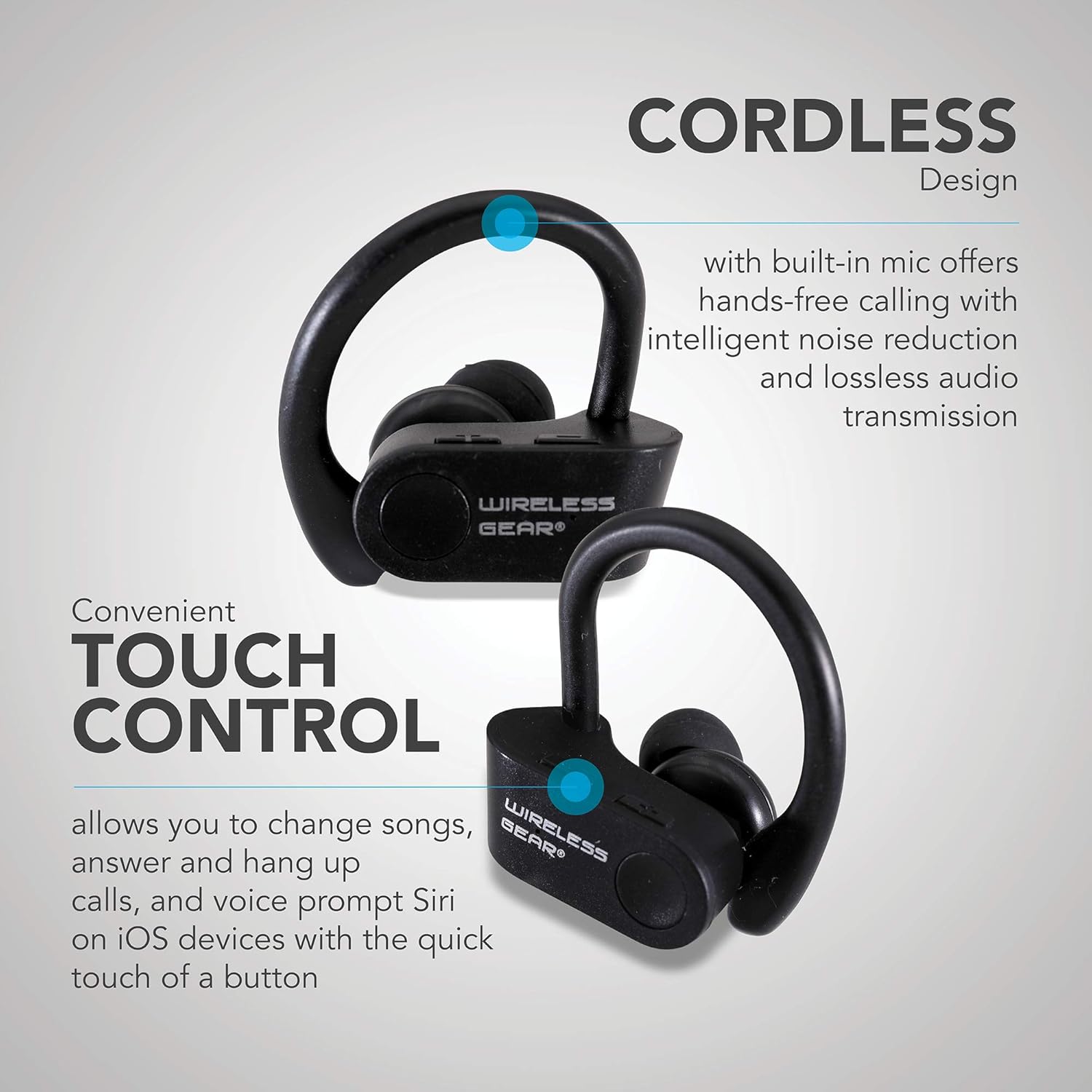
Delwedd: Llun agos view of the earbuds highlighting the touch control area and indicating features like hands-free calling with noise reduction.
Bywyd Batri
The earbuds provide up to 8 hours of playtime on a single charge, depending on usage volume and conditions.

Image: A person wearing the earbuds, with text indicating "True Wireless Bluetooth Sport Earhooks," "up to 8 HOURS of playtime," and "Advanced Bluetooth 5.0."
Cynnal a chadw
Bydd gofal priodol yn ymestyn oes eich clustffonau.
- Glanhau: Use a soft, dry, lint-free cloth to clean the earbuds. Do not use harsh chemicals or abrasive materials.
- Storio: Pan nad ydynt yn cael eu defnyddio, storiwch y clustffonau mewn lle oer, sych, i ffwrdd o olau haul uniongyrchol a thymheredd eithafol.
- Amlygiad Dŵr: Avoid exposing the earbuds to excessive moisture or submerging them in water. While designed for sports, they are not fully waterproof unless specified.
Datrys problemau
Os byddwch chi'n cael problemau gyda'ch clustffonau, rhowch gynnig ar yr atebion canlynol:
| Problem | Achos Posibl | Ateb |
|---|---|---|
| Earbuds won't turn on. | Batri isel. | Charge the earbuds fully. |
| Methu paru â dyfais. | Bluetooth is off on device; earbuds not in pairing mode; too far from device. | Ensure Bluetooth is enabled. Make sure earbuds are powered on and discoverable. Move earbuds closer to the device (within 10 meters). Try forgetting the device on your phone and re-pairing. |
| Dim sain neu ansawdd sain gwael. | Volume too low; earbuds not properly connected; interference. | Increase volume on both earbuds and connected device. Reconnect the earbuds. Move away from sources of strong electromagnetic interference. |
| Earbuds frequently disconnect. | Allan o gyrraedd; batri isel; ymyrraeth. | Stay within Bluetooth range. Charge the earbuds. Avoid strong Wi-Fi signals or other Bluetooth devices nearby. |
Manylebau
| Nodwedd | Manylyn |
|---|---|
| Enw Model | Wireless Gear True Wireless Bluetooth Secure Fit Earbuds, Black |
| Rhif Model | G0688 |
| Brand | Gêr Di-wifr |
| Technoleg Cysylltedd | Di-wifr (Bluetooth 5.0) |
| Lleoliad Clust | In-Ear with Secure Ear Hooks |
| Dull Rheoli | Cyffwrdd |
| Lliw | Du |
| Dyfeisiau Cydnaws | Laptops, MP3 Players, Tablets, Mobile Phones |
| Nodweddion Arbennig | Designed for Sports, Hands-free Calling, Noise Reduction |
| Math Batri | 2 Ion Lithiwm (wedi'i gynnwys) |
| Estimated Playtime | Hyd at 8 awr |
| Dimensiynau Cynnyrch | Approx. 5.7 cm x 5.7 cm x 1.9 cm (2.25" x 2.25" x 0.75" each earbud) |
| Dimensiynau Pecyn | 13.97 x 7.62 x 3.81 cm |
| Pwysau Cynnyrch | 227 g (pwysau pecyn) |

Image: Diagram showing the approximate dimensions of the Wireless Gear earbuds, indicating their compact size.
Gwarant a Chefnogaeth
For detailed warranty information and customer support, please refer to the documentation included with your purchase or visit the official Wireless Gear websafle. Cadwch eich prawf prynu ar gyfer unrhyw hawliadau gwarant.
Cymorth Ar-lein: www.wirelessgear.com/support (exampy ddolen, cyfeiriwch at ddogfennaeth y cynnyrch gwirioneddol am y manylion cywir URL)
Ask a question about this manual
Ask about setup, troubleshooting, compatibility, parts, safety, or missing instructions. Manuals+ will review the question and use this page’s manual context to help answer it.