
KOOTION TF-128 Go
KOOTION 128GB Micro SD Card User Manual
Model: TF-128 Go
Rhagymadrodd
This manual provides detailed instructions for the proper use and maintenance of your KOOTION 128GB Micro SDXC Memory Card. Designed for high-speed data transfer and reliable storage, this card is ideal for a wide range of devices including smartphones, tablets, cameras, and drones. Please read this manual thoroughly to ensure optimal performance and longevity of your memory card.

Image: The KOOTION 128GB Micro SDXC card, featuring the brand logo, capacity, and speed class markings.
Gosod a Gosod
The KOOTION Micro SD card is designed for easy installation in compatible devices. Ensure your device supports Micro SDXC cards and the specified capacity.
Mewnosod y Cerdyn Micro SD
- Identify the Card Slot: Locate the Micro SD card slot on your device (e.g., smartphone, tablet, camera, drone). This slot is often found on the side, under the battery cover, or within a dedicated compartment.
- Cyfeiriadu'r Cerdyn: Hold the Micro SD card with the gold contacts facing down or as indicated by the device's slot diagram. The card should slide in smoothly.
- Insert Fully: Gwthiwch y cerdyn yn ysgafn i'r slot nes iddo glicio i'w le. Peidiwch â gorfodi'r cerdyn, gan y gallai hyn niweidio'r cerdyn neu'r ddyfais.
- Gan ddefnyddio'r Addasydd SD: For devices with a standard SD card slot (e.g., some cameras, laptops), insert the Micro SD card into the provided SD adapter first, then insert the adapter into the device's SD card slot.
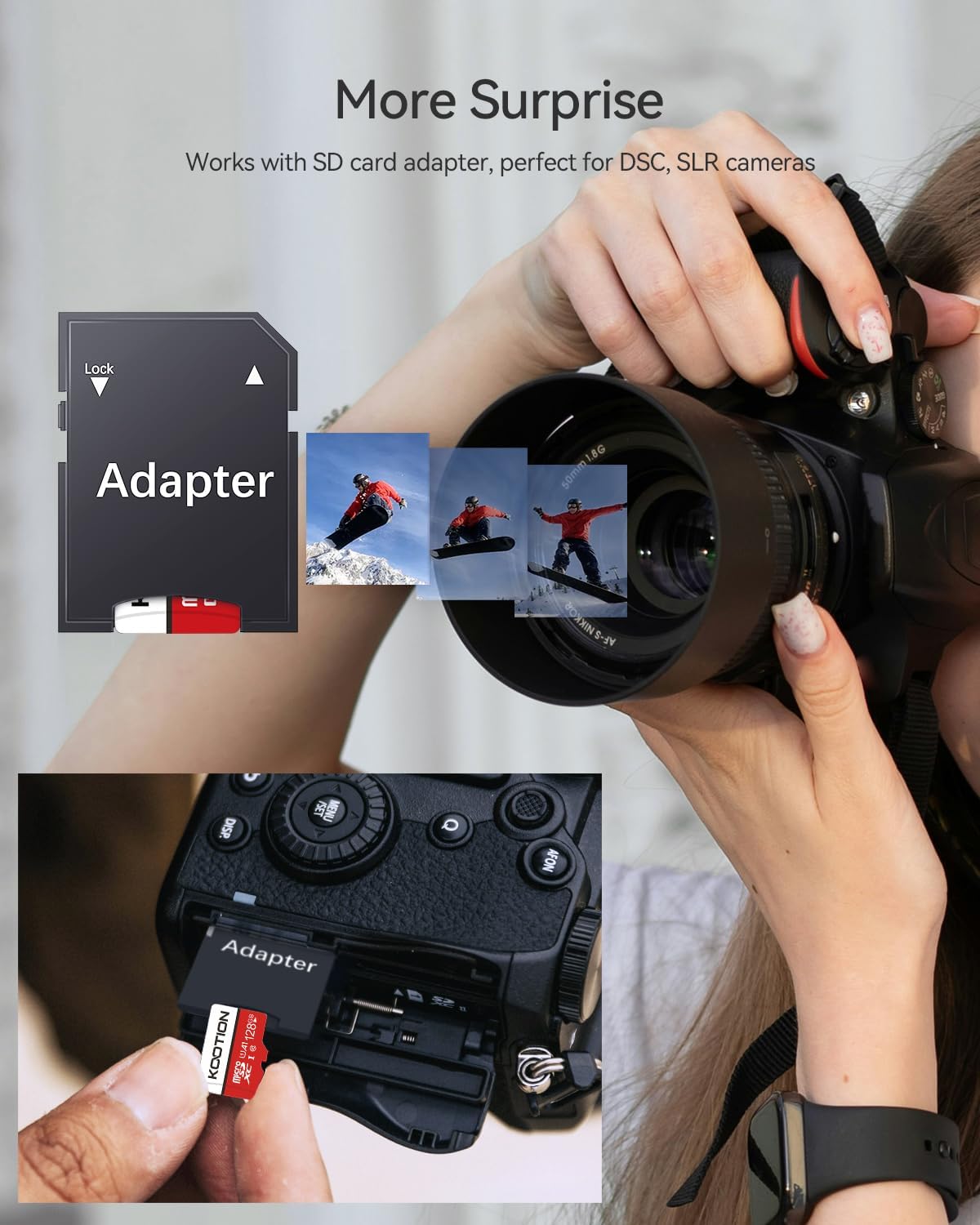
Image: A hand inserting the KOOTION Micro SD card, placed within an SD adapter, into a camera's memory card slot.
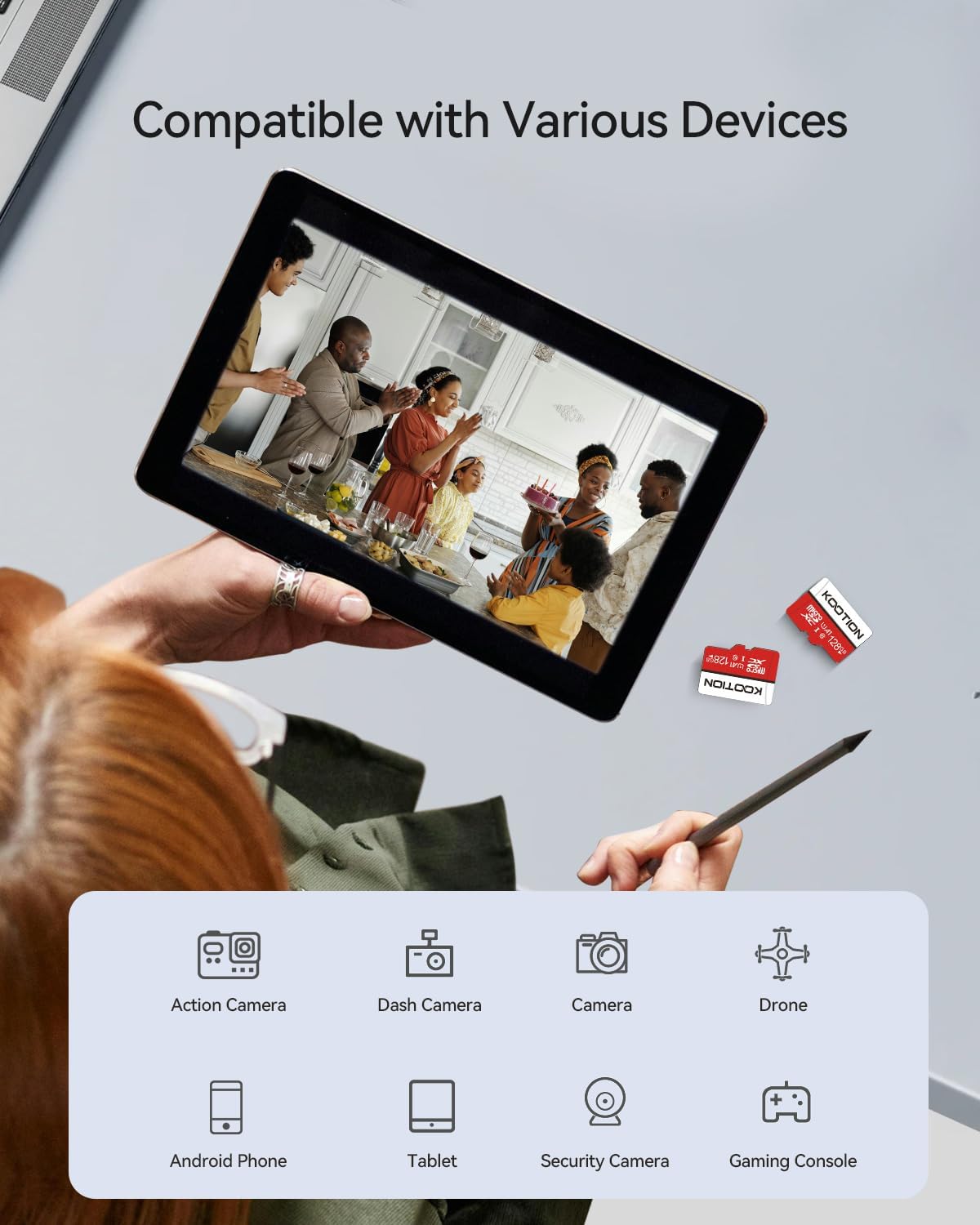
Image: The KOOTION Micro SD card shown next to a surveillance camera, indicating its use for capturing smooth Full HD video.
Formatting the Card (Optional but Recommended)
While many devices can use the card immediately, formatting it within your device is recommended for optimal compatibility and performance. This will erase all data on the card, so back up any important files cyntaf.
- Access your device's settings or menu.
- Navigate to storage or memory card options.
- Select the option to "Format" or "Erase" the SD card.
- Cadarnhewch y weithred.
Operating the Micro SD Card
Once installed, your KOOTION Micro SD card functions as an extended storage medium for your device. Its high-speed capabilities ensure efficient data handling.
Data Transfer and Storage
- Perfformiad Cyflymder Uchel: The card offers read speeds up to 100 MB/s and write speeds up to 30 MB/s, enabling quick transfer of large files and smooth recording.
- Full HD and 4K Video: With UHS Speed Class U1 and Speed Class 10 ratings, the card supports seamless Full HD and 4K video recording and playback.
- Perfformiad y Cais: The A1 rating ensures faster app loading and performance on compatible Android smartphones and tablets.

Image: A visual representation highlighting the Micro SD card's read speed of up to 90 MB/s and its Class 10 speed rating.
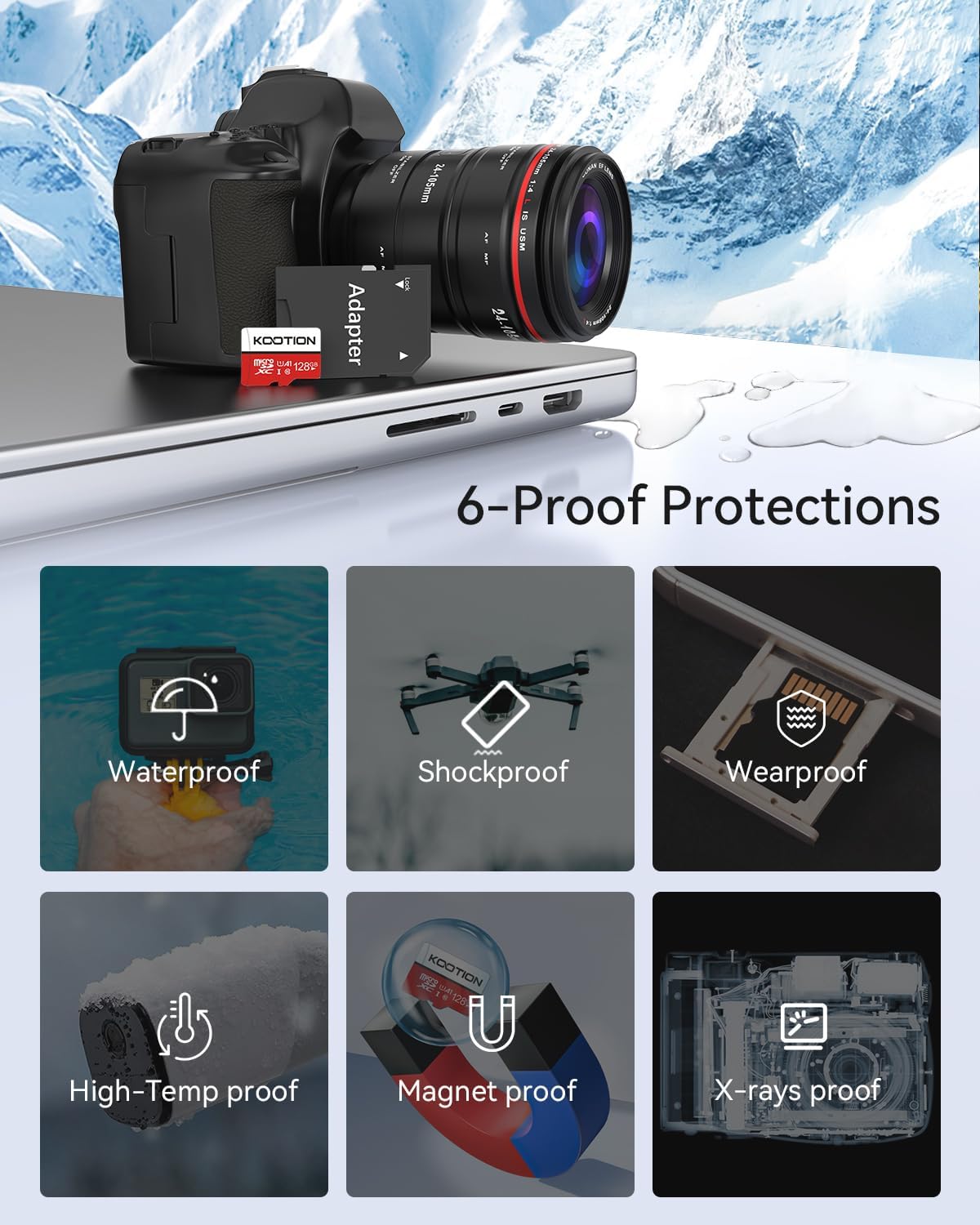
Image: An illustration demonstrating the storage capacity of the 128GB card, showing it can hold approximately 43,200 photos, 32 hours of HD video, or 32,000 songs.

Image: A scene depicting a person surfing, emphasizing the card's ability to capture moments in 4K with high transfer speed and application performance.
Dyfeisiau Cydnaws
The KOOTION Micro SD card is widely compatible with various devices, including:
- Ffonau clyfar Android
- Tabledi
- Digital Cameras (DSLRs, Mirrorless)
- GoPro / Action Cameras
- Laptops and Desktop Computers (with adapter)
- Dronau
- Camau Dash
- Consolau Hapchwarae
- Systemau Gwyliadwriaeth

Image: A visual showing the Micro SD card's compatibility with a tablet, smartphone, action camera, dash camera, camera, drone, and gaming console.

Image: A collection of devices including a drone, laptop, smartphone, gaming console, camera, and surveillance camera, all compatible with the KOOTION Micro SD card.
Cynnal a Chadw a Gwydnwch
The KOOTION Micro SD card is built to withstand various environmental challenges, ensuring your data remains safe.
- Dal dwr: Rated IPX6, resistant to water splashes and spills.
- Gwrth-sioc: Designed to withstand impacts and drops.
- Yn gwrthsefyll tymheredd: Operates reliably in extreme temperatures from 0°C to 70°C.
- Prawf Pelydr-X: Wedi'i amddiffyn rhag sganwyr pelydr-X meysydd awyr.
- Prawf Magnet: Resistant to magnetic fields.
- Wearproof: Durable design for long-term use.

Image: An illustration detailing the six protective features of the KOOTION Micro SD card: waterproof, shockproof, wearproof, high-temp proof, magnet proof, and X-rays proof.

Image: A graphic showing the operating temperature range (0°C to 70°C) and icons representing waterproof, dust-proof, shock-proof, temperature-proof, and anti-magnetic properties.
Glanhau a Thrin
To maintain optimal performance, handle the card by its edges and avoid touching the gold contacts. If necessary, gently clean the contacts with a soft, lint-free cloth. Do not use abrasive materials or harsh chemicals.
Datrys problemau
If you encounter issues with your KOOTION Micro SD card, consider the following common solutions:
| Problem | Achos Posibl | Ateb |
|---|---|---|
| Card not recognized by device | Incorrect insertion, incompatible format, dirty contacts, device issue. | Reinsert the card correctly. Try the card in another compatible device. Clean the gold contacts. Format the card (if data is backed up). Update device firmware. |
| Slow read/write speeds | Card fragmentation, device limitations, too many small files. | Format the card regularly (after backing up data). Ensure your device supports high-speed cards. |
| Cannot write to card | Card is write-protected, card is full, card error. | If using an SD adapter, check if the lock switch is engaged. Delete unnecessary files to free space. Try formatting the card. |
| Llygredd data | Improper removal, power loss during write, faulty card. | Always safely eject the card from your device. Try data recovery software. If issues persist, the card may be faulty. |
If these steps do not resolve the issue, please contact KOOTION customer support for further assistance.
Manylebau
Detailed technical specifications for the KOOTION 128GB Micro SD Card (Model: TF-128 Go).
| Nodwedd | Manylyn |
|---|---|
| Brand | KOOTION |
| Rhif Model | TF-128 Go |
| Math Cof Fflach | Micro SDXC |
| Cynhwysedd Storio | 128 GB |
| Darllen Cyflymder | Hyd at 100 MB/s |
| Ysgrifennu Cyflymder | Hyd at 30 MB/s |
| Dosbarth Cyflymder | Dosbarth 10, UHS-I (U1) |
| Application Performance Class | A1 |
| Dimensiynau Cynnyrch | 11L x 15B Millimeter |
| Pwysau Eitem | 2 gram |
| Nodweddion Gwydnwch | Waterproof (IPX6), Shockproof, Temperature Resistant (0°C to 70°C), X-ray Proof, Magnet Proof, Wearproof |
| Dyfeisiau Cydnaws | Cameras, Tablets, Smartphones, Mobile Phones, Drones, Dash Cams, Gaming Consoles |

Image: A table illustrating the approximate storage capacity for different card sizes (16GB, 32GB, 64GB, 128GB, 256GB) in terms of 1080p/720p video minutes, photos, and music tracks.
Gwarant a Chefnogaeth
KOOTION products are manufactured to high quality standards. For information regarding warranty coverage and customer support, please refer to the product packaging or visit the official KOOTION websafle.
For technical assistance or inquiries, please contact KOOTION customer service through the contact information provided with your purchase or on the brand's official channels.
Cymorth Ar-lein: Visit the KOOTION Store on Amazon
Ask a question about this manual
Ask about setup, troubleshooting, compatibility, parts, safety, or missing instructions. Manuals+ will review the question and use this page’s manual context to help answer it.