
UNICOO KT1001
UNICOO Electric Height Adjustable Standing Desk
Model: KT1001
Brand: UNICOO
Rhagymadrodd
This manual provides comprehensive instructions for the assembly, operation, maintenance, and troubleshooting of your UNICOO Electric Height Adjustable Standing Desk, Model KT1001. Please read this manual thoroughly before use to ensure safe and efficient operation.
Gwybodaeth Diogelwch
- Cadwch allan o gyrraedd plant.
- Do not touch the moving parts while the desk is in operation.
- To avoid accidents, ensure the desk is at least 2 degrees from horizontal when loading.
- Overheat protection will activate if the motor runs continuously for more than 2 minutes.
- Always unplug the desk when not in use or during cleaning.
Gosod a Chynulliad
The UNICOO Electric Height Adjustable Standing Desk is designed for easy assembly, with most parts pre-assembled. Most users can complete installation in under 30 minutes. All necessary assembly tools are included.
Camau'r Cynulliad Drosoddview:
- Insert the motor bar into the column.
- Attach the crossbar to the columns using the provided screws (M6*12). Ensure screws are loose initially to facilitate alignment.
- Insert the drive rod into the column without the motor, ensuring the O-rings are fully inserted into the gearbox.
- Connect the drive rod to the motor, ensuring the hexagonal rod is properly inserted. Tighten the plastic cap on both sides.
- Mount the control box to the underside of the desktop using M4*12 screws.
- Cysylltwch gebl y panel rheoli â'r blwch rheoli.
- Secure the power cable and other wires using cable ties (ST4*16), being careful to avoid the transmission rod.
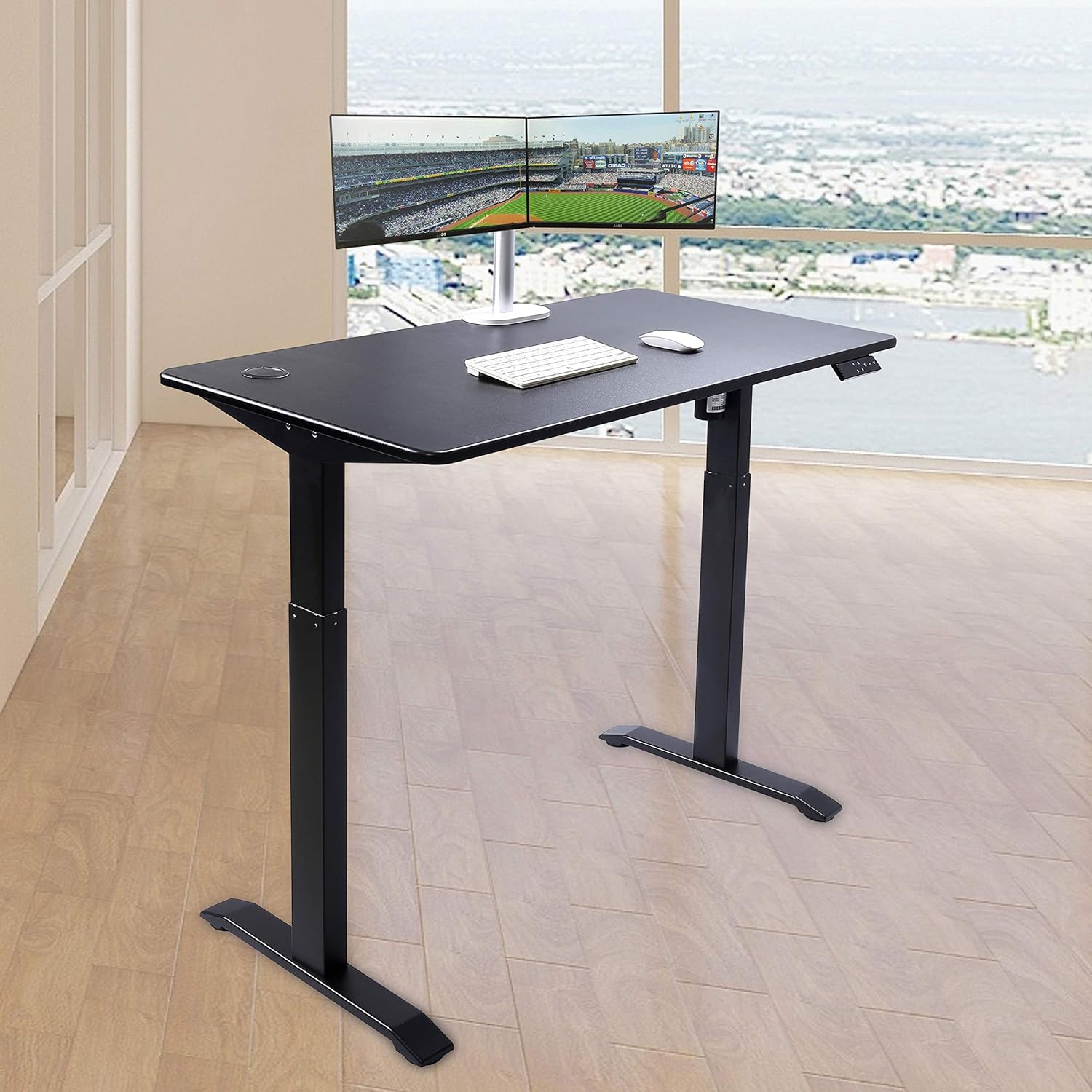
Cyfarwyddiadau Gweithredu
The desk features an elegant 7-button programmable controller for easy height adjustment and memory settings.
Addasiad Uchder:
- Defnyddiwch y I fyny (^) a I lawr (v) arrow buttons to manually adjust the desk height. The current height is displayed on the LED screen.
- The desk can be adjusted between a minimum height of 30 inches and a maximum height of 48 inches.
Rhagosodiadau Cof:
The controller has four customizable presets (1, 2, 3, 4) to save your preferred sitting and standing heights.
- Addaswch y ddesg i'r uchder a ddymunir gan ddefnyddio'r saethau i Fyny/I Lawr.
- Gwasgwch y 'S' button (Set).
- Pwyswch un o'r botymau rhif ar unwaith (1, 2, 3, neu 4) i gadw'r uchder cyfredol i'r rhagosodiad hwnnw.
- To recall a saved height, simply press the corresponding number button. The desk will automatically move to the stored position.

Cynnal a chadw
Regular maintenance ensures the longevity and optimal performance of your standing desk.
Glanhau:
- The desktop is made of MDF with a scratch-resistant laminate finish. Wipe the surface with a soft, damp brethyn. Osgowch lanhawyr sgraffiniol neu gemegau llym.
- For the metal legs, use a mild cleaner and a soft cloth.
Gofal Cyffredinol:
- Always unplug the desk from the power outlet when not in use or before performing any cleaning or maintenance.
- Ensure cables are neatly managed to prevent entanglement with moving parts.
Datrys problemau
If you encounter any issues with your UNICOO standing desk, refer to the following common solutions:
Ailosod y ddesg:
- If the desk is not responding or displays an error code, press the I lawr (v) botwm i ddod â'r bwrdd i'w uchder isaf.
- Then, hold the I lawr (v) button for 5 seconds until the display shows 'RST' or a similar reset indicator. The desk will then reset to its lowest position.
Datgloi'r Desg:
- If the desk is locked, press the 'S' botwm a'r I lawr (v) botwm ar yr un pryd am 5 eiliad.
Motor Overheat Protection:
- If the motor runs continuously for more than 2 minutes, the overheat protection will activate, and the desk will temporarily stop operating. Allow the motor to cool down for a few minutes before resuming use.
For persistent issues not covered here, please refer to the warranty and support section.
Manylebau
| Nodwedd | Manylyn |
|---|---|
| Brand | UNICOO |
| Rhif Model | KT1001 |
| Dimensiynau Cynnyrch | 23.6"D x 46.5"W x 30.5"H |
| Dimensiynau pen bwrdd | 23.6" x 46.5" |
| Trwch Pen Bwrdd | 0.75 modfedd |
| Isafswm Uchder | 30 modfedd |
| Uchder Uchaf | 48 modfedd |
| Argymhelliad Pwysau Uchaf | 225 Bunt |
| Math o Ddeunydd Gorau | Engineered Wood (MDF with scratch-resistant laminate) |
| Deunydd Sylfaenol | Dur aloi |
| Nodwedd Arbennig | Adjustable Height, Electric |
| Nifer y Swyddi Uchder | 4 (programmable presets) |
| Cynulliad Angenrheidiol | Oes |
| Yn cynnwys Holl Offer Cynulliad | Oes |

Gwarant a Chefnogaeth
The UNICOO Electric Height Adjustable Standing Desk is covered by a 1-year limited warranty.
For warranty claims, technical support, or any questions regarding your product, please contact UNICOO customer service through the retailer's platform or the official UNICOO website. Please have your model number (KT1001) and purchase information ready when contacting support.
Ask a question about this manual
Ask about setup, troubleshooting, compatibility, parts, safety, or missing instructions. Manuals+ will review the question and use this page’s manual context to help answer it.