
LEICKE 5V 10A 50W Power Adapter User Manual
Model: 5V 10A 50W
1. Cynnyrch Drosview
This manual provides instructions for the LEICKE 5V 10A 50W power adapter. This adapter is designed to provide stable 5V power for various electronic devices.

Figure 1: LEICKE 5V 10A 50W Power Adapter with connected EU power cable.
Nodweddion Allweddol:
- 5V 10A output, 50W total power.
- Ideal for LED strips (WS2811, WS2812, WS2812B, WS2801, SK6812, APA102, SK9822, LED8806), NAS systems, routers, CCTV cameras, and other wireless devices.
- Features LEICKE Ultra-Long-Life-Technology (ULL) and SolidPower II (SP2) for stable voltage (100-240V) even with power fluctuations.
- Built-in protection against short circuit, overvoltage, gorlwytho, a gorboethi.
- Includes EU plug power cable and carrying case.
2. Cyfarwyddiadau Diogelwch
Please read these safety instructions carefully before using the power adapter to prevent damage or injury.
- Sicrhau bod y mewnbwn cyftage of the adapter matches your local power supply (100-240V AC).
- Peidiwch ag amlygu'r addasydd i ddŵr, lleithder, na thymheredd eithafol.
- Do not disassemble or attempt to repair the adapter. Refer to qualified service personnel.
- Sicrhewch awyru priodol o amgylch yr addasydd i atal gorboethi.
- Connect the adapter to devices that require 5V DC input and do not exceed the 10A current rating.
- Cadwch allan o gyrraedd plant.
3. Gosod
Follow these steps to set up your LEICKE power adapter:
- Dadbacio'r addasydd: Carefully remove the power adapter, EU power cable, and carrying case from the packaging.
- Connect the AC Power Cable: Insert the EU power cable into the AC input port of the power adapter.
- Verify DC Connector: Ensure the DC output connector (5.5mm outer diameter, 2.5mm inner diameter) is compatible with your device's power input.
- Cysylltu â Dyfais: Plug the DC output connector of the adapter into the power input port of your electronic device (e.g., LED strip controller, router, CCTV camera).
- Cysylltu â Power Outlet: Insert the EU power cable plug into a suitable wall power outlet.
- Pŵer Ymlaen: The adapter will automatically power on. A small LED indicator on the adapter typically illuminates when power is supplied.
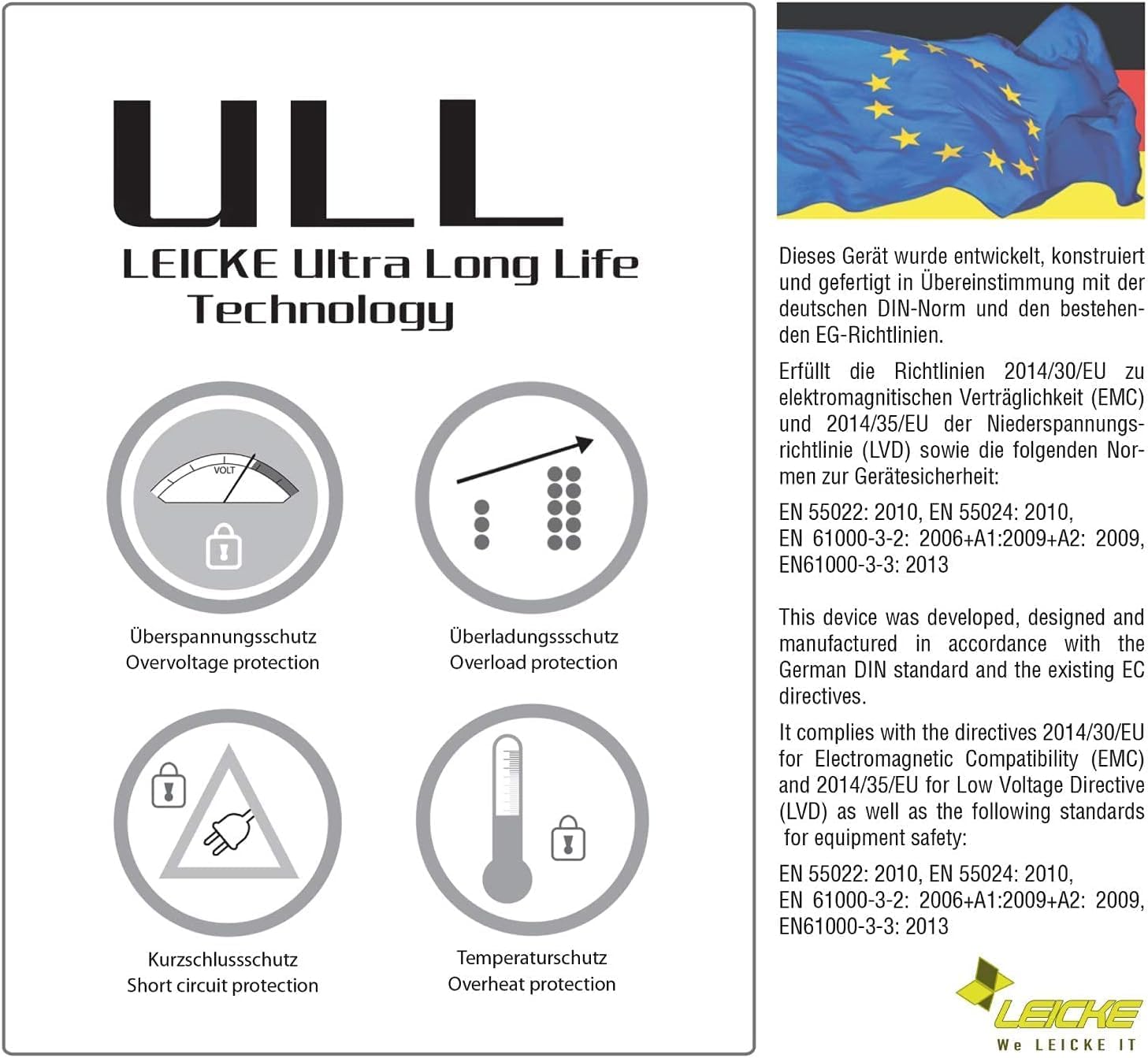
Figure 2: The included EU power cable for connecting to a wall outlet.

Figure 3: Diagram showing the DC connector dimensions: 5.5mm outer diameter, 2.5mm inner diameter.
4. Cyfarwyddiadau Gweithredu
The LEICKE 5V 10A 50W power adapter is designed for continuous operation. Once connected, it provides a stable 5V DC output to your device.
- Pŵer Parhaus: The adapter delivers constant power as long as it is connected to a power outlet and the connected device is drawing power.
- Dangosydd LED: A small LED light on the adapter indicates that it is receiving power and functioning correctly.
- Datgysylltu: To power off your device, either unplug the adapter from the wall outlet or disconnect the DC connector from your device.
5. cynnal
Proper maintenance ensures the longevity and safe operation of your power adapter.
- Glanhau: Disconnect the adapter from the power outlet and your device before cleaning. Use a soft, dry cloth to wipe the surface. Do not use liquid cleaners.
- Storio: When not in use, store the adapter in a cool, dry place, away from direct sunlight and moisture. The included carrying case can be used for protection.
- Archwiliad cebl: Regularly inspect the power cables for any signs of damage, fraying, or exposed wires. If damage is found, discontinue use immediately and replace the cable.
- Awyru: Ensure the adapter's ventilation openings are not blocked during operation.
6. Datrys Problemau
If you encounter issues with your LEICKE power adapter, refer to the following common problems and solutions:
| Problem | Achos Posibl | Ateb |
|---|---|---|
| No power output / Device not turning on. |
|
|
| Adapter is hot to the touch. |
|
|
| Pŵer ysbeidiol. |
|
|
7. manylebau
| Nodwedd | Manylyn |
|---|---|
| Brand | LEICKE |
| Model | 5V 10A 50W Power Adapter |
| Mewnbwn Voltage | 100-240V AC |
| Allbwn Voltage | 5V DC |
| Allbwn Cyfredol | 10A |
| Pŵer Allbwn | 50W |
| DC Connector Dimensions | 5.5mm (Outer Diameter) / 2.5mm (Inner Diameter) |
| Nodweddion Arbennig | Amddiffyniad cylched byr, Overvoltage protection, Overload protection, Overheat protection |
| Dyfeisiau Cydnaws | LED strips (WS2811, WS2812, WS2812B, WS2801, SK6812, APA102, SK9822, LED8806), Routers, Wireless devices, CCTV cameras, Monitors, etc. |
| Cydrannau wedi'u Cynnwys | LEICKE 5V 10A Power Adapter, EU Power Cable, Carrying Case |
8. Gwarant a Chefnogaeth
LEICKE products are designed for reliability and performance. This product comes with a 24-month warranty.
- Cyfnod Gwarant: 24 mis o'r dyddiad prynu.
- Ardystiad: All LEICKE products are CE certified for safety.
- Cefnogaeth i Gwsmeriaid: For technical assistance, warranty claims, or further inquiries, please visit the official LEICKE websafle neu cysylltwch â'ch adwerthwr.
- Adnoddau Ar-lein: Am ragor o wybodaeth a chymorth, ewch i www.leicke.com.


