
1. Rhagymadrodd
Thank you for choosing the ORICO 5-Port USB Charging Station. This device is designed to efficiently charge multiple electronic devices simultaneously while keeping your space organized. Please read this manual carefully before use to ensure proper operation and to maximize the lifespan of your product.
2. Nodweddion Cynnyrch
- 5 Borthladd USB: Equipped with five smart USB ports for charging multiple devices.
- Codi Tâl Cyflym: Each port can deliver up to 2.4A, with a total output of 40W, ensuring faster charging speeds.
- Smart Identification Chip: Automatically recognizes connected devices and adjusts output for optimal charging speed.
- Fixed Dividers: Features thick, all-in-one undetachable partitions to keep devices upright and stable during charging.
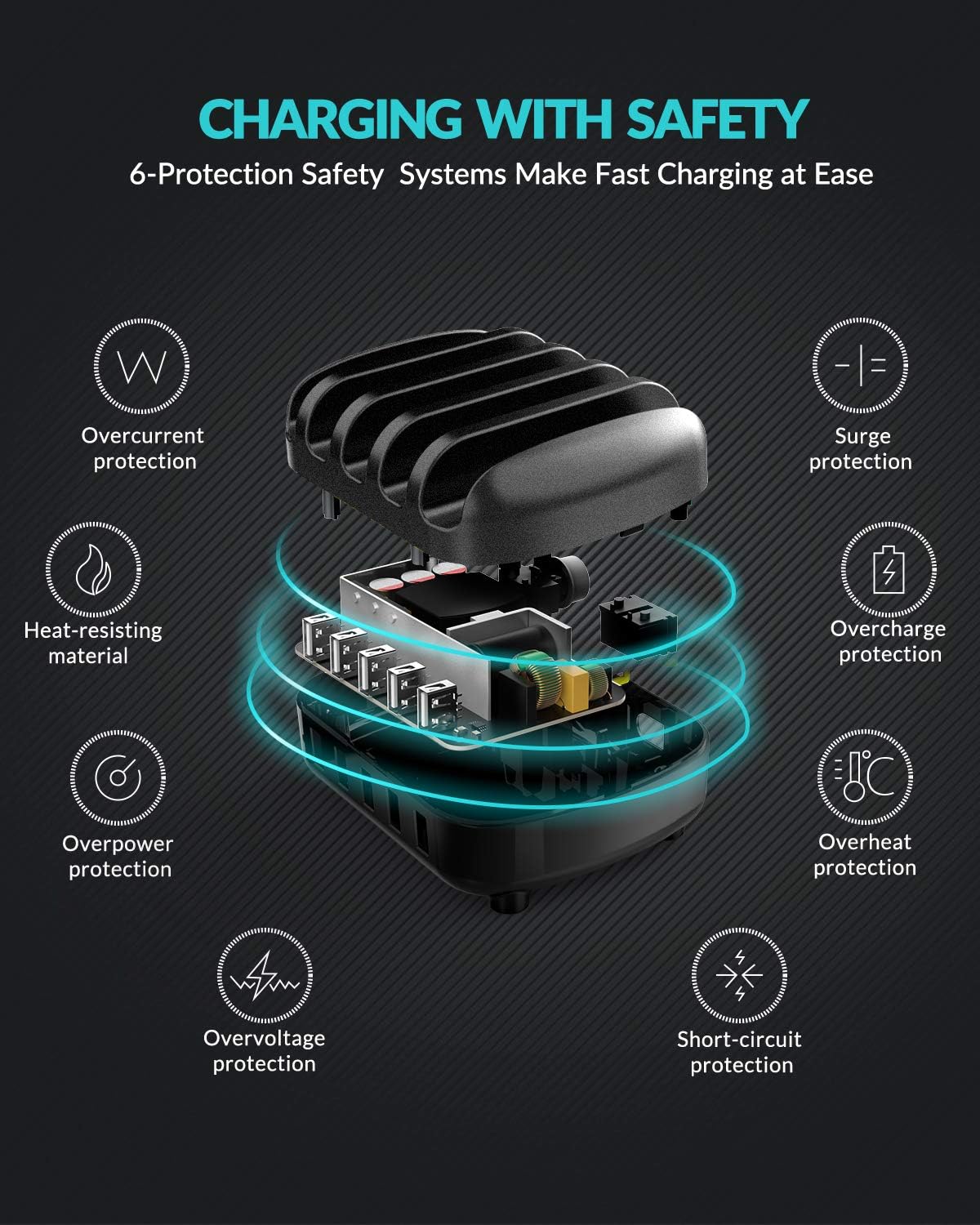
- Amddiffyniadau Diogelwch Cynhwysfawr: Built-in safeguards against overcharge, surges, overheating, short circuits, and overload.
- Deunydd Gwydn: Constructed from industrial fireproof PC material, resistant to temperatures up to 750℃.
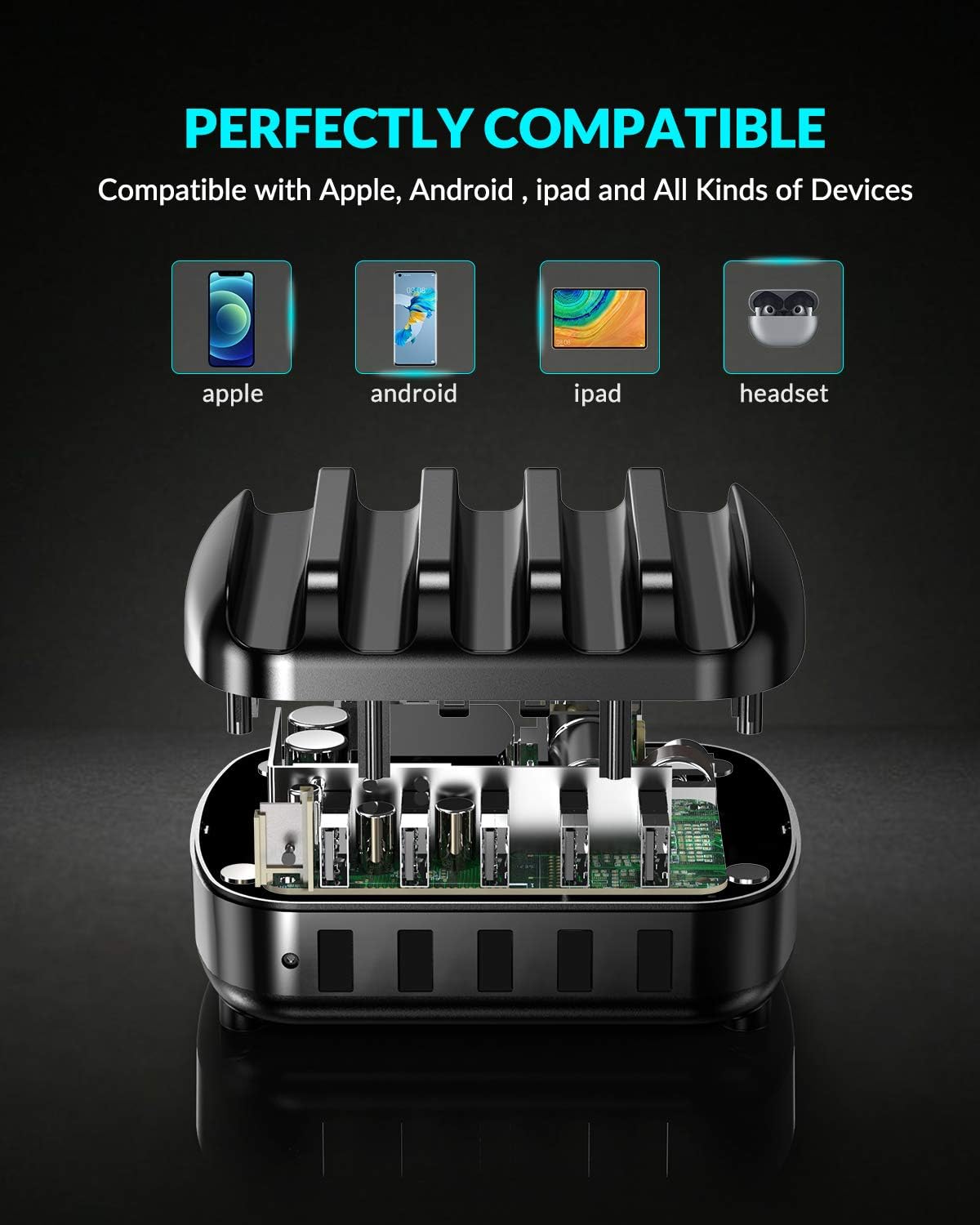
- Cydnawsedd Cyffredinol: Supports a wide range of devices including iPhones, iPads, Android smartphones, tablets, power banks, cameras, and more.
3. Cynnwys Pecyn
Gwiriwch y pecyn am yr eitemau canlynol:
- 1 x ORICO 5-Port USB Charging Station
- 1 x 5ft Power Cable
- 1 x Llawlyfr Defnyddiwr
- 5 x Short Charger Cables (for various devices)
4. Cyfarwyddiadau Gosod
- Pwer Cysylltu: Insert the provided 5ft power cable into the power input port on the back of the charging station. Plug the other end into a standard wall outlet.
- Place Devices: Place your smartphones, tablets, or other compatible devices into the designated slots between the fixed dividers.
- Connect Charging Cables: Use the included short charging cables or your own USB charging cables to connect your devices to the USB output ports on the front of the charging station.
- Dechrau Codi Tâl: The charging station will automatically detect your devices and begin charging.

5. Cyfarwyddiadau Gweithredu
The ORICO 5-Port USB Charging Station is designed for simple plug-and-play operation.
- Codi Tâl Clyfar: Each USB port features an intelligent chip that automatically identifies the connected device and delivers the optimal charging current (up to 2.4A per port, 40W total). This ensures efficient and safe charging for all your devices.
- Cydnawsedd Dyfais: The charging station is compatible with a wide range of USB-powered devices.

6. Gwybodaeth Diogelwch
Er mwyn sicrhau gweithrediad diogel ac atal difrod i'r ddyfais neu anaf, dilynwch y canllawiau diogelwch canlynol:
- Do not expose the charging station to water or excessive moisture.
- Osgoi gollwng neu orfodi'r ddyfais i effeithiau cryf.
- Do not disassemble, modify, or attempt to repair the device yourself. Contact qualified service personnel if needed.
- Cadwch y ddyfais i ffwrdd o dymheredd eithafol a golau haul uniongyrchol.
- Ensure proper ventilation around the charging station during use.
- The charging station is equipped with multiple safety protections including overcurrent, surge, heat-resisting material, overcharge, overpower, overvoltage, ac amddiffyn cylched byr.
7. cynnal
To maintain the performance and appearance of your charging station:
- Glanhewch y ddyfais gyda lliain meddal, sych. Peidiwch â defnyddio glanhawyr hylif na aerosolau.
- Gwnewch yn siŵr bod y porthladdoedd gwefru yn rhydd o lwch a malurion.
- Storiwch y ddyfais mewn lle oer, sych pan nad yw'n cael ei defnyddio am gyfnodau hir.
8. Datrys Problemau
Dyfais Ddim yn Codi Tâl:
- Ensure the power cable is securely connected to both the charging station and the wall outlet.
- Gwiriwch fod yr allfa wal yn gweithio'n gywir trwy blygio dyfais arall i mewn.
- Check if the USB charging cable is properly connected to both the charging station and your device. Try a different cable if necessary.
- Confirm that your device is compatible with USB charging.
Codi Tâl Araf:
- Ensure you are using a high-quality USB charging cable.
- Some devices may have specific charging requirements. Refer to your device's manual.
- The charging station provides up to 2.4A per port. If your device requires higher amperage for its fastest charging, it will charge at the maximum supported by the station.
9. manylebau
| Brand | ORICO |
| Model | Gorsaf Codi Tâl USB 5-Port |
| Math o Gysylltydd | USB Math A |
| Cyfanswm Porthladdoedd USB | 5 |
| Mewnbwn Voltage | 5 folt |
| Amperage (Per Port) | 2.4 Amps (Uchafswm) |
| Cyfanswm Pŵer Allbwn | 40W |
| Nodwedd Arbennig | Fast Charging, Smart Identification, Multi-Protection |
| Dyfeisiau Cydnaws | iPhone, Samsung Galaxy, iPad, Android smartphones, tablets, power banks, cameras, speakers, headsets, and other USB-powered devices. |
10. Gwarant a Chefnogaeth
This ORICO 5-Port USB Charging Station comes with a 12-month warranty from the date of purchase. If you encounter any issues or have questions regarding the product, please contact ORICO customer service for assistance. Please retain your proof of purchase for warranty claims.
11. Organize Your Space
The ORICO 5-Port USB Charging Station is designed not only for efficient charging but also to help declutter your desk or nightstand, providing a neat and organized charging solution for all your devices.

