
Gwybodaeth Ddiogelwch Bwysig
Please read these instructions carefully before using the shredder. Keep this manual for future reference.
- Cadwch blant ac anifeiliaid anwes i ffwrdd o'r peiriant rhwygo.
- Keep loose clothing, jewelry, hair, and other foreign objects away from the shredder opening.
- Do not insert fingers or hands into the shredder opening.
- Unplug the shredder when not in use or before cleaning.
- Do not shred metal objects, large paper clips, or hard plastic (except credit cards as specified).
- Do not use aerosol products, petroleum-based lubricants, or other flammable products on or near the shredder.
- Peidiwch â gweithredu'r peiriant rhwygo os yw'r llinyn pŵer wedi'i ddifrodi.
- The shredder is equipped with overheat protection. If it overheats, it will automatically shut off. Allow it to cool down before resuming operation.
Cynnwys Pecyn
Sicrhewch fod yr holl eitemau yn bresennol:
- Amazon Basics AS665C Paper Shredder Unit
- Bin Gwastraff
- Llawlyfr Cyfarwyddiadau (y ddogfen hon)
Gosod
- Dadbacio'r Rhwygwr: Tynnwch yr holl gydrannau o'r pecyn yn ofalus.
-
Position the Waste Bin: Place the shredder head securely on top of the provided waste bin. Ensure it is properly seated.
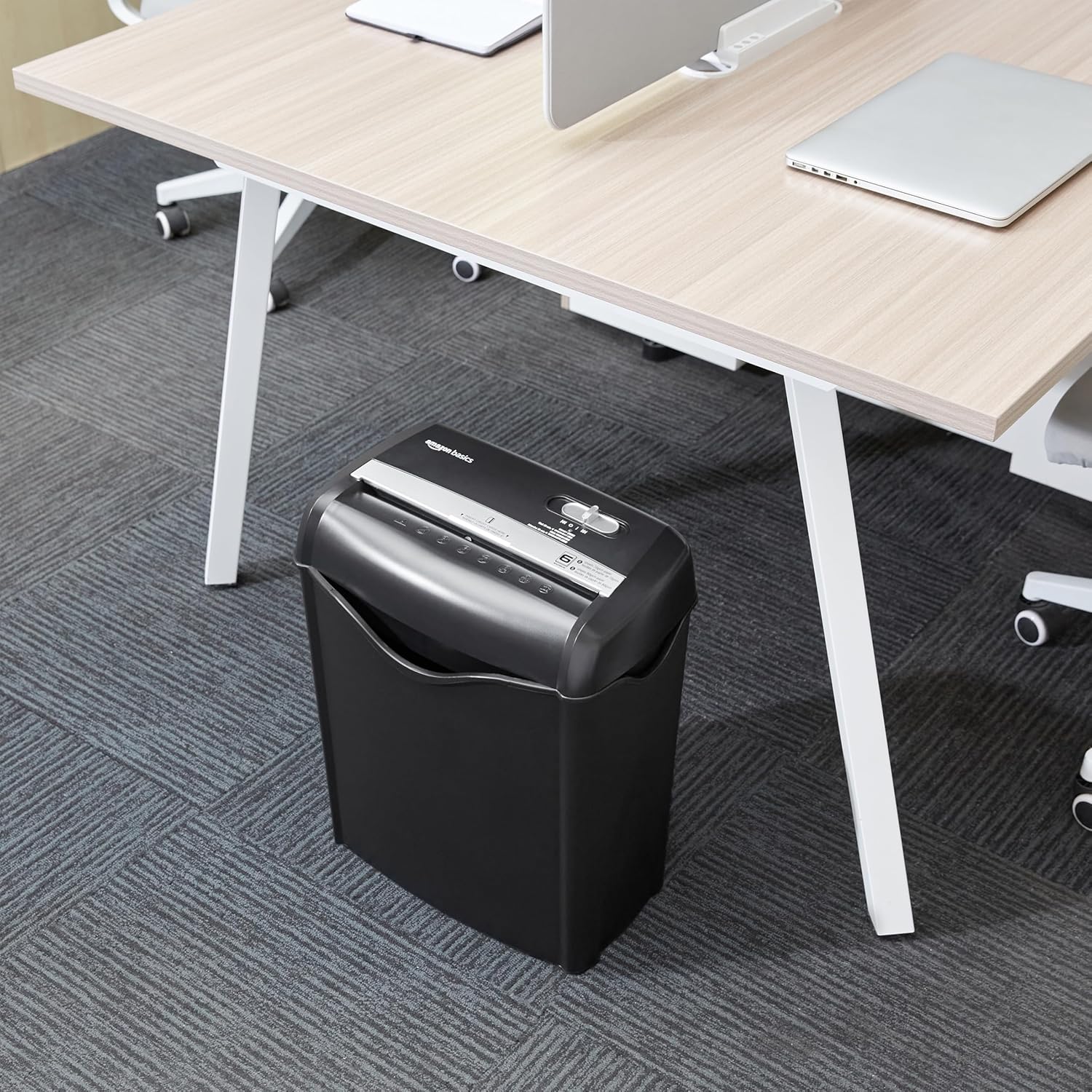
Image: The Amazon Basics AS665C Paper Shredder positioned under a desk, demonstrating its compact size and ease of placement in an office or home environment.
- Pwer Cysylltu: Plygiwch y llinyn pŵer i mewn i allfa drydanol safonol.
Cyfarwyddiadau Gweithredu
Switsh Rheoli
The shredder features a slide switch with three positions:
- AUTO (I): The shredder will automatically start when paper is inserted and stop when shredding is complete.
- OFF (O): Mae'r peiriant rhwygo wedi'i ddiffodd.
- REV (<<): Activates the reverse function to clear paper jams.

Delwedd: Manwl view of the shredder's control switch, showing the "AUTO", "OFF", and "REV" settings, along with the "READY" (green) and "OVERHEAT" (red) indicator lights.
Dogfennau Rhwygo
- Dewis Modd: Gosodwch y switsh rheoli i'r AUTO (I) position. The "READY" indicator light (green) will illuminate.
-
Mewnosod Papur: Insert up to 6 sheets of 70gsm paper (or 5 sheets of 80gsm paper) straight into the paper entry slot. The shredder will automatically start and stop.
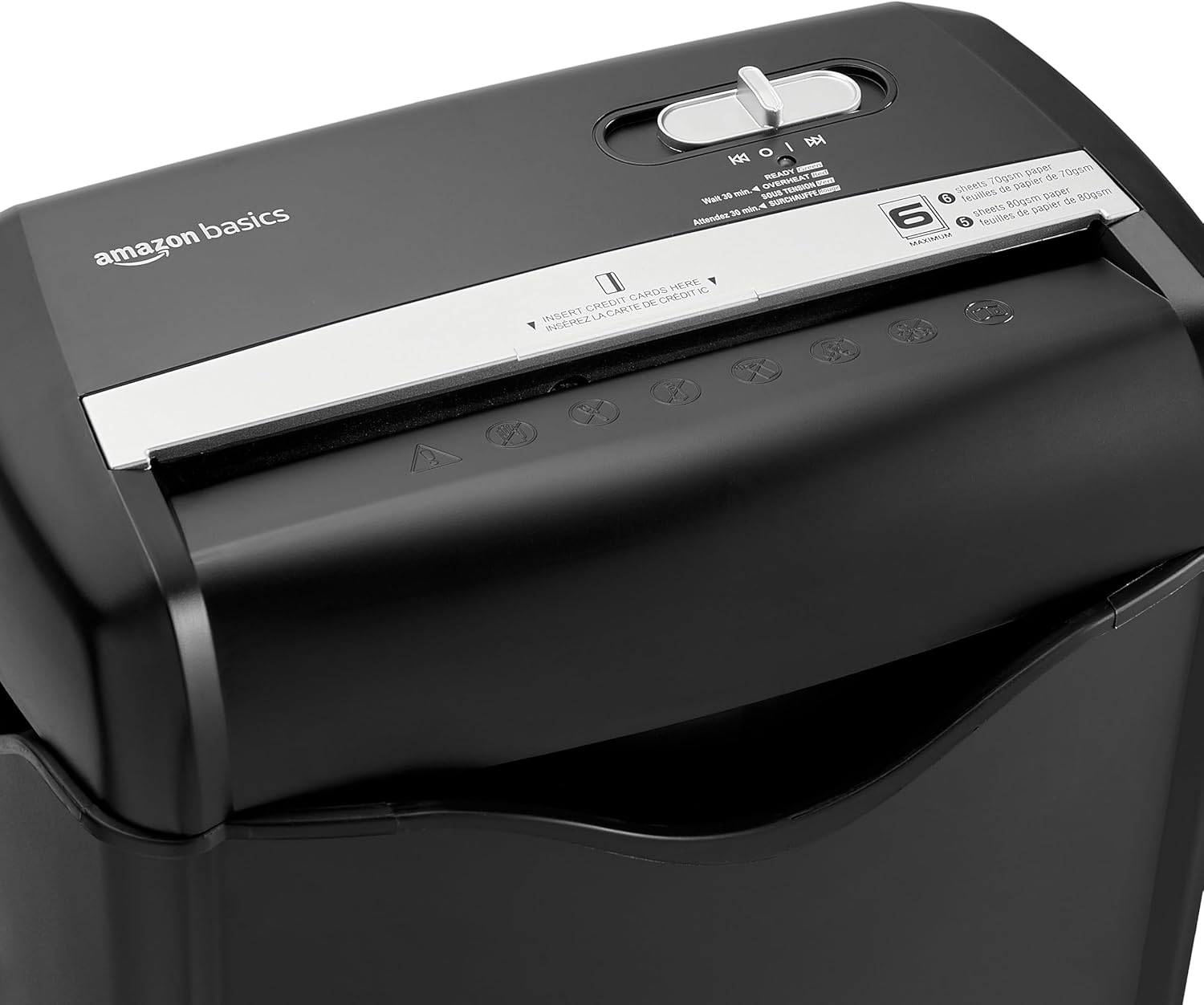
Delwedd: Top view of the shredder, highlighting the paper entry slot, the control switch, and the "MAXIMUM" sheet capacity label.

Image: A close-up of the shredder's label indicating the maximum sheet capacity: 6 sheets of 70gsm paper or 5 sheets of 80gsm paper.
-
Rhwygo Cardiau Credyd: Insert one credit card at a time into the dedicated credit card slot.

Delwedd: Llun agos view of the shredder's dedicated slot for inserting credit cards, clearly labeled "INSERT CREDIT CARDS HERE".
- Diogelu gorboethi: The shredder will automatically shut off if it runs continuously for too long or if the motor overheats. The "OVERHEAT" indicator light (red) will illuminate. Allow the shredder to cool down for approximately 30 minutes before resuming operation.

Image: A pile of cross-cut shredded paper, demonstrating the small particle size for enhanced security. A quarter coin is placed next to it for scale.
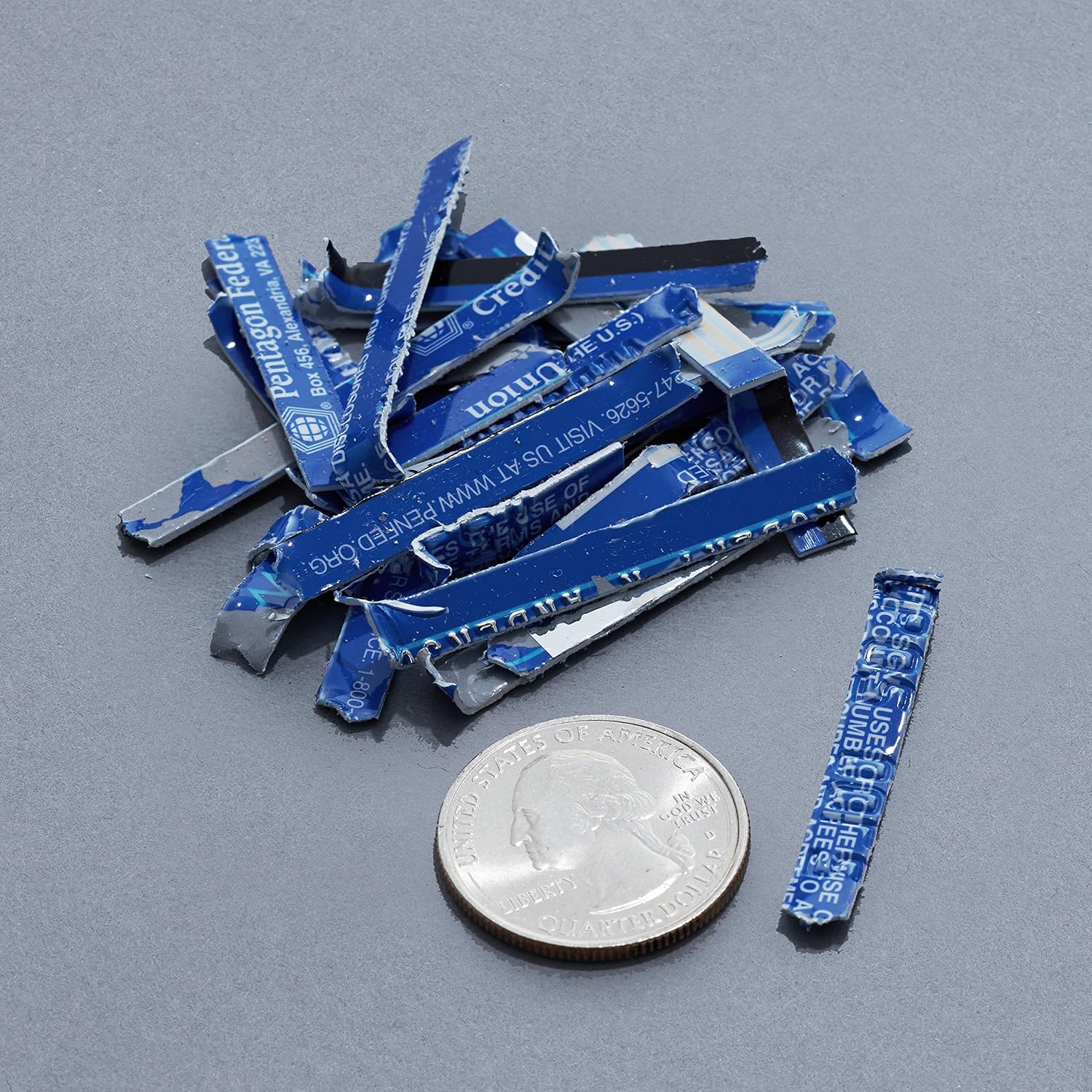
Image: A collection of shredded credit card pieces, illustrating the secure destruction of plastic cards. A quarter coin is included for size reference.
Cynnal a chadw
Gwagio'r Bin Gwastraff
Regularly empty the waste bin to prevent paper jams and ensure optimal performance. Unplug the shredder before removing the head to empty the bin.
Glanhau
- Unplug the shredder before cleaning.
- Wipe the exterior of the shredder with a soft, dry cloth.
- Peidiwch â defnyddio glanhawyr neu doddyddion sgraffiniol.
- For optimal performance, periodically oil the shredder blades with shredder oil sheets or liquid shredder oil. Follow the oil product's instructions.
Datrys problemau
| Problem | Achos Posibl | Ateb |
|---|---|---|
| Nid yw'r rhwygwr yn cychwyn. |
|
|
| Jam papur. |
|
|
| Mae'r peiriant rhwygo yn stopio yn ystod y llawdriniaeth. |
|
|
Manylebau
| Nodwedd | Manylyn |
|---|---|
| Brand | Hanfodion Amazon |
| Rhif Model | AS665C (Manufacturer Model: AS662C-EU) |
| Math o rwygiad | Trawsdoriad |
| Gallu Taflen | 6 sheets (70gsm paper) / 5 sheets (80gsm paper) |
| Rhwygiadau | Papur, Cardiau Credyd |
| Ffynhonnell Pwer | Trydan Corded |
| Nodweddion Arbennig | Portable, Overheat Protection, Manual Reverse |
| Dimensiynau Cynnyrch (L x W x H) | 30.7 x 19.6 x 38.1 cm (12.1 x 7.7 x 15 modfedd) |
| Pwysau Cynnyrch | 3.72 kg (8.2 pwys) |
| Deunydd | Plastig a Metel |
Gwarant a Chefnogaeth
For warranty information and customer support, please refer to the Amazon Basics websafle neu cysylltwch â gwasanaeth cwsmeriaid Amazon yn uniongyrchol. Cadwch eich derbynneb prynu ar gyfer hawliadau gwarant.