
Rhagymadrodd
Thank you for choosing the Hama LED Safety Lights. This manual provides essential information for the proper setup, operation, and maintenance of your safety lights. These lights are designed to enhance your visibility in low-light conditions, making them ideal for activities such as running, cycling, or walking, and for increasing the safety of children and pets.
Darllenwch y cyfarwyddiadau hyn yn ofalus cyn defnyddio'r cynnyrch a'u cadw i gyfeirio atynt yn y dyfodol.
Gosod
1. Dadbacio a Chynnwys
Tynnwch yr holl gydrannau o'r pecynnu yn ofalus. Gwiriwch fod yr holl eitemau yn bresennol:
- 2 x Hama LED Safety Lights
- 4 x CR2032 Button Cell Batteries (pre-installed or separate)
- 1 x Sgriwdreifer Bach
2. Battery Installation / Replacement
The safety lights operate on CR2032 button cell batteries. If the lights are dim or do not turn on, the batteries may need to be installed or replaced.
- Locate the small screw on the back of the light unit.
- Use the provided screwdriver to carefully loosen the screw and open the battery compartment.
- Insert two CR2032 batteries into each light unit, ensuring the correct polarity (+/-) as indicated inside the compartment.
- Close the battery compartment and tighten the screw securely. Do not overtighten.

Image: Hama LED Safety Light with its clip open, revealing the internal battery compartment where two CR2032 batteries are inserted.
3. Attaching the Safety Light
The Hama LED Safety Lights feature a robust clip for easy attachment to various items.
- Identify a suitable attachment point such as clothing (shirt, jacket), a belt, a backpack strap, or a pet collar.
- Open the clip by pressing the top and bottom parts together.
- Securely attach the light to your chosen item, ensuring it is firmly gripped by the clip and faces the desired direction for maximum visibility.

Image: A backpack with two Hama LED Safety Lights clipped onto its straps, demonstrating a typical attachment method for enhanced visibility.
Operating the Safety Light
Each Hama LED Safety Light has a single button for controlling its functions.
- Pŵer Ymlaen: Press the button once to turn the light on. It will typically start in the constant light mode.
- Newid Dulliau: Press the button repeatedly to cycle through the available light modes:
- Golau Cyson: Yn darparu goleuo cyson.
- Fflachio Cyflym: Rapid blinking for increased attention.
- Fflachio Araf: Slower blinking pattern.
- Pwer i ffwrdd: After cycling through all modes, pressing the button one more time will turn the light off.

Image: Two Hama LED Safety Lights shown illuminated with a red glow, demonstrating their operational state.
For optimal visibility, position the lights where they are clearly visible to others, especially from the rear or front depending on your activity.
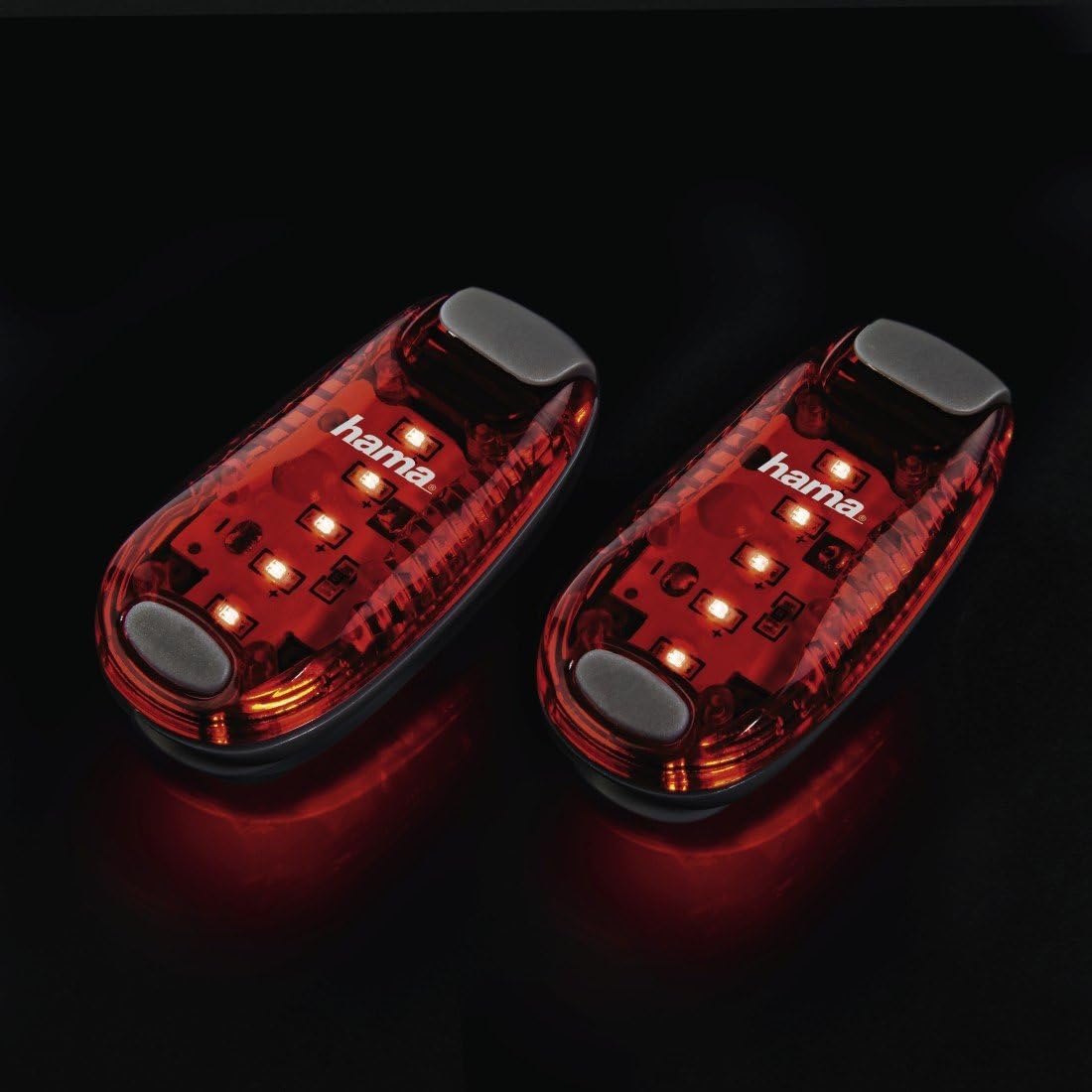
Image: A person running outdoors during sunset, wearing a Hama LED Safety Light clipped to their shorts, illustrating practical use for visibility.
Cynnal a chadw
Amnewid Batri
When the light becomes dim or stops working, it is time to replace the batteries. Refer to the "Battery Installation / Replacement" section under Setup for detailed instructions. Always use two fresh CR2032 button cell batteries for each light.
Glanhau
To clean the safety lights, wipe them with a soft, damp cloth. Do not use abrasive cleaners or solvents, as these can damage the plastic housing or electronic components. Ensure the lights are completely dry before storage or next use.
Storio
Store the safety lights in a cool, dry place when not in use. If storing for an extended period, it is recommended to remove the batteries to prevent leakage and potential damage to the device.
Datrys problemau
- Nid yw golau yn troi ymlaen:
- Gwiriwch a yw'r batris wedi'u gosod yn gywir gyda'r polaredd cywir (+/-).
- Replace the batteries with new CR2032 button cells.
- Mae'r golau'n pylu:
- The batteries are likely low. Replace them with new CR2032 button cells.
Manylebau
| Rhif Model | 00106998 |
| Brand | Hama |
| Lliw | Coch |
| Deunydd | Plastig |
| Ffynhonnell Pwer | Battery Powered (2 x CR2032 per light) |
| Lefel Gwrthsefyll Dŵr | Not Waterproof (IP20) |
| Pwysau Cynnyrch | 18 Grams (per light) |
| Math Mowntio | Clip-ymlaen |
| Dimensiynau Cynnyrch (L x W x H) | 5.5 x 2.8 x 1.8 cm |
| Number of Light Settings | 3 (Constant, Fast Flashing, Slow Flashing) |
| Cydrannau wedi'u Cynnwys | 2 clip lights, 4 CR2032 button cells, 1 screwdriver |
Gwarant
Specific warranty terms and conditions for the Hama LED Safety Lights may vary by region and retailer. Please refer to the warranty information provided with your purchase documentation or visit the official Hama website for details regarding your product's warranty coverage.
Cefnogaeth
For further assistance, technical support, or to inquire about replacement parts, please visit the official Hama website or contact Hama customer service directly. You can find more information at Hama's Amazon Store or their global websafle.