
1. Rhagymadrodd
This manual provides essential information for the safe and efficient operation of your Sony FWD50PX2/S 50-Inch Plasma TV. Please read these instructions thoroughly before using the television and retain them for future reference.
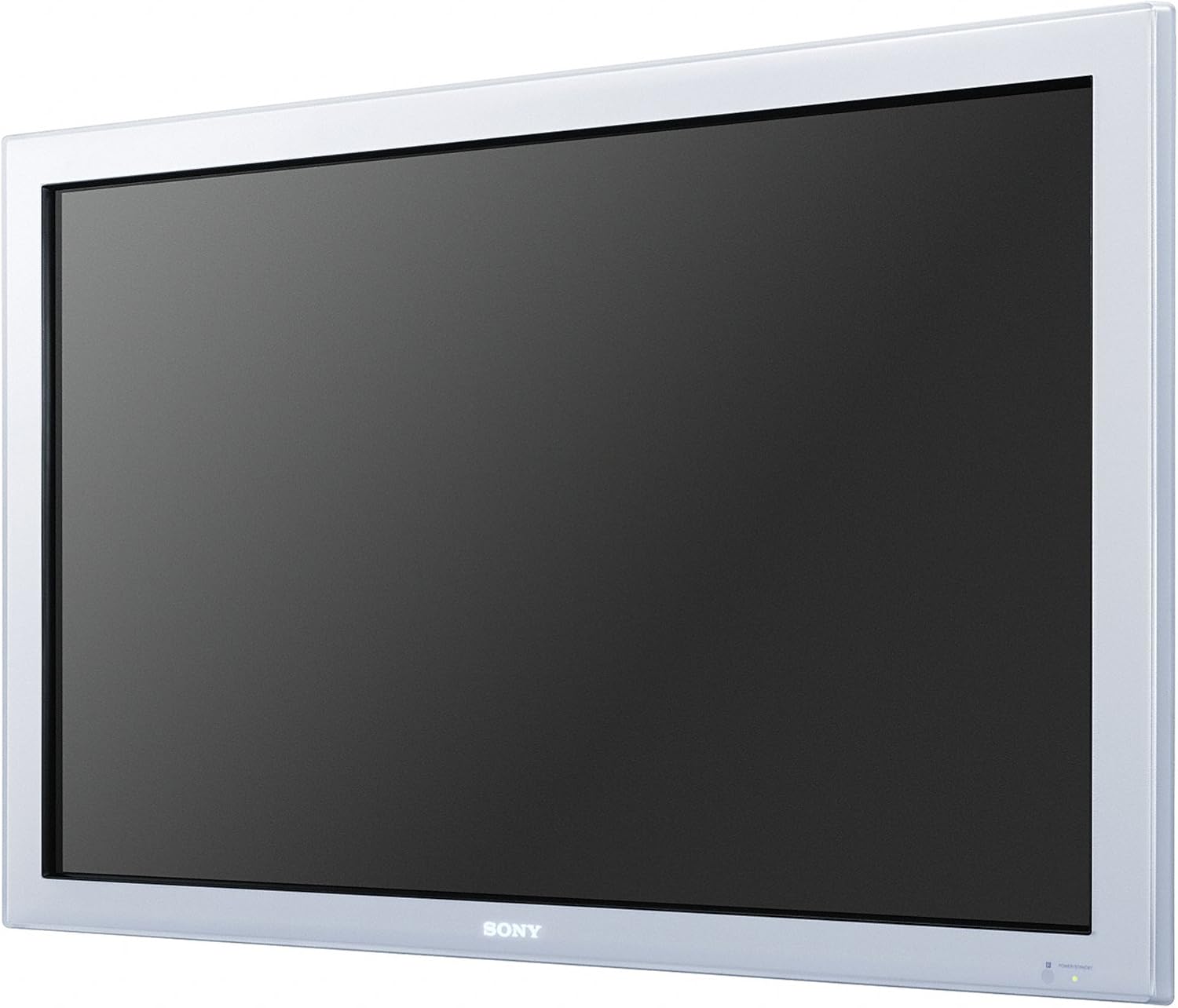
Image 1.1: The Sony FWD50PX2/S 50-Inch Plasma TV. This image displays the television unit with its silver frame and large black screen, indicating its sleek design and primary function as a display device.
2. Gwybodaeth Diogelwch
To prevent fire, electric shock, or damage to the unit, observe the following safety precautions:
- Ffynhonnell Pwer: Connect the TV only to the type of power source indicated on the label.
- Awyru: Sicrhewch awyru digonol. Peidiwch â rhwystro agoriadau awyru.
- Dŵr a lleithder: Peidiwch â gadael y teledu yn agored i law na lleithder. Peidiwch â gosod gwrthrychau sy'n llawn hylifau, fel fasys, ar y teledu.
- Glanhau: Datgysylltwch y teledu o'r soced wal cyn ei lanhau. Defnyddiwch frethyn meddal, sych.
- Gwasanaethu: Peidiwch â cheisio cynnal a chadw'r teledu eich hun. Cyfeiriwch bob gwaith cynnal a chadw at bersonél gwasanaeth cymwys.
- Lleoliad: Place the TV on a stable, level surface or mount it securely to a wall according to installation instructions.
3. Beth sydd yn y Bocs
Carefully unpack your Sony FWD50PX2/S Plasma TV and ensure all components are present:
- Sony FWD50PX2/S 50-Inch Plasma TV Unit
- Stondin Deledu
- Rheolydd o Bell (heb ei restru'n benodol ond yn safonol ar gyfer setiau teledu)
- Cord Pŵer (heb ei restru'n benodol ond yn safonol ar gyfer setiau teledu)
- Llawlyfr Defnyddiwr (y ddogfen hon)
4. Gosod
4.1. Gosod Stondin
If you are using the included TV stand, carefully attach it to the bottom of the television unit. Refer to the separate stand assembly guide for detailed instructions and ensure all screws are securely fastened. The TV unit weighs approximately 67 pounds, so two people may be required for safe handling during stand attachment.
4.2. Gosod Wal (Dewisol)
The Sony FWD50PX2/S can be wall-mounted. If you choose this option, use a compatible VESA-compliant wall mount kit (sold separately) and follow the instructions provided with the wall mount. Professional installation is recommended due to the weight and size of the television.
4.3. Cysylltiadau
Before making any connections, ensure the TV and all external devices are powered off and unplugged from the wall outlet.
- Cysylltiad Pwer: Connect the power cord to the AC input on the back of the TV, then plug the other end into a wall outlet.
- Mewnbwn Fideo:
- Mewnbwn DVI: Connect a DVI cable from your source device (e.g., computer, media player) to the DVI input on the TV. For HDMI compatibility, a DVI-to-HDMI adapter or cable may be used.
- Mewnbwn Fideo Cydran: Use component (YPbPr) cables for high-quality analog video connections.
- Mewnbwn Fideo Cyfansawdd: Use a composite (yellow RCA) cable for standard definition video.
- Mewnbwn S-Fideo: Use an S-Video cable for improved analog video quality over composite.
- Mewnbwn VGA: Connect a VGA cable for computer monitor functionality.
- Mewnbynnau Sain: Connect corresponding audio cables (red/white RCA) for analog audio, or digital audio cables if available on your source device and TV.
- Network Connection (Wi-Fi): This model supports Wi-Fi connectivity. Refer to the on-screen menu for network setup to connect to your wireless router.
5. Cyfarwyddiadau Gweithredu
5.1. Pŵer Ymlaen / I ffwrdd
Gwasgwch y GRYM button on the remote control or on the TV unit to turn the television on or off.
5.2. Dewis Mewnbwn
Gwasgwch y MEWNBWN or FFYNHONNELL button on the remote control to cycle through available input sources (e.g., DVI, Component, Composite, S-Video, VGA).
5.3. Llywio Dewislen
Defnyddiwch y botymau saeth (UP, I LAWR, CHWITH, DDE) a'r ENWCH button on the remote control to navigate the on-screen display (OSD) menu. Press BWYDLEN i gael mynediad i'r brif ddewislen.
5.4. Gosodiadau Llun
Within the OSD menu, navigate to the 'Picture' or 'Display' settings to adjust:
- Disgleirdeb: Yn addasu goleuni neu dywyllwch cyffredinol y ddelwedd.
- Cyferbyniad: Controls the difference between the brightest and darkest parts of the image.
- Lliw: Yn addasu dwyster y lliwiau.
- Awgrym: Fine-tunes the color balance (primarily for NTSC signals).
- Sharpness: Yn gwella neu'n meddalu ymylon gwrthrychau yn y ddelwedd.
- Cymhareb Agwedd: Selects the display format (e.g., 16:9, 4:3).
5.5. Gosodiadau Sain
Within the OSD menu, navigate to the 'Sound' or 'Audio' settings to adjust:
- Cyfrol: Controls the overall sound level.
- Bas: Yn addasu synau amledd isel.
- Trebl: Yn addasu synau amledd uchel.
- Balans: Adjusts the sound output between left and right speakers.
5.6. Internet Services
This TV supports certain internet services, including Netflix, via its Wi-Fi connectivity. Access these services through the dedicated menu option on the TV's interface. An active internet connection is required.
6. cynnal
6.1. Glanhau'r Sgrin
Sychwch y sgrin yn ysgafn gyda lliain meddal, di-flwff. Ar gyfer marciau ystyfnig, sychwch yn ysgafnampen the cloth with water or a specialized screen cleaner. Do not use abrasive cleaners, alcohol, benzene, or thinners, as these can damage the screen surface.
6.2. Glanhau'r Cabinet
Wipe the TV cabinet with a soft, dry cloth. If necessary, use a slightly damp cloth. Avoid spraying liquids directly onto the TV.
7. Datrys Problemau
Os byddwch chi'n dod ar draws problemau gyda'ch teledu, cyfeiriwch at yr atebion cyffredin canlynol:
- Dim pŵer: Gwnewch yn siŵr bod y llinyn pŵer wedi'i blygio'n ddiogel i'r teledu a'r soced wal. Gwiriwch a yw'r soced yn gweithio'n iawn.
- Dim Llun/Sain: Verify that the correct input source is selected. Check all cable connections between the TV and external devices. Ensure external devices are powered on.
- Rheolaeth Anghysbell Ddim yn Gweithio: Check the batteries in the remote control. Ensure there are no obstructions between the remote and the TV's IR sensor.
- Ansawdd Llun Gwael: Adjust picture settings (brightness, contrast, sharpness). Ensure the source signal is of good quality.
- Screen Went Black (after extended use): If the screen goes black and the TV stops working after a period of use, this may indicate an internal component failure. Contact Sony customer support for assistance.
8. manylebau
| Nodwedd | Manyleb |
|---|---|
| Brand | Sony |
| Rhif Model | FWD50PX2/S |
| Technoleg Arddangos | Plasma |
| Maint Sgrin | 50 modfedd |
| Datrysiad | 1080p |
| Cymhareb Agwedd | 16:9 |
| Cyfradd Adnewyddu | 60 Hz |
| Lliw | Arian |
| Pwysau Eitem | 67 Bunt |
| Dimensiynau Cynnyrch (L x W x H) | 55 x 38 x 15 modfedd |
| Nodwedd Arbennig | Sgrin Fflat |
| Technoleg Cysylltedd | Wi-Fi |
| Gwasanaethau Rhyngrwyd â Chymorth | Netflix |
9. Gwarant a Chefnogaeth
For warranty information and customer support, please refer to the warranty card included with your product or visit the official Sony support website. You may also contact Sony customer service directly for technical assistance or service inquiries.
Cymorth Ar-lein: www.sony.com/electronics/support